

Key takeaways
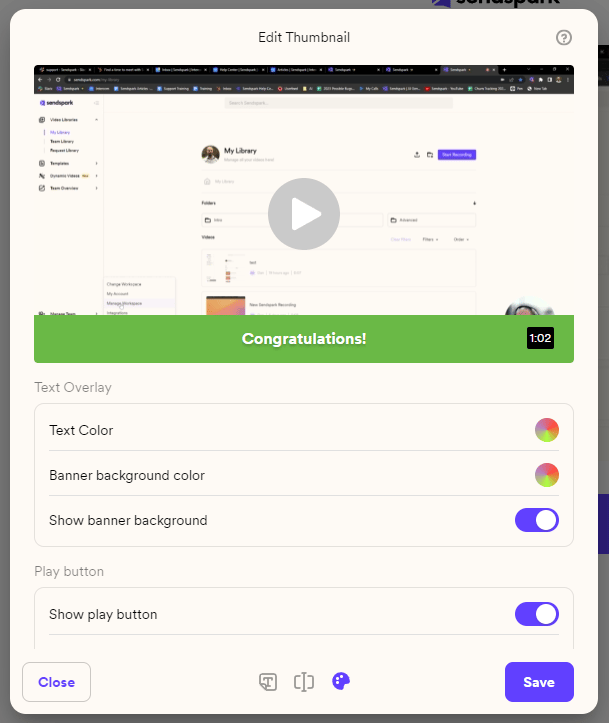
- You can customize both the caption’s Text Color and its Banner Background Color on a thumbnail.
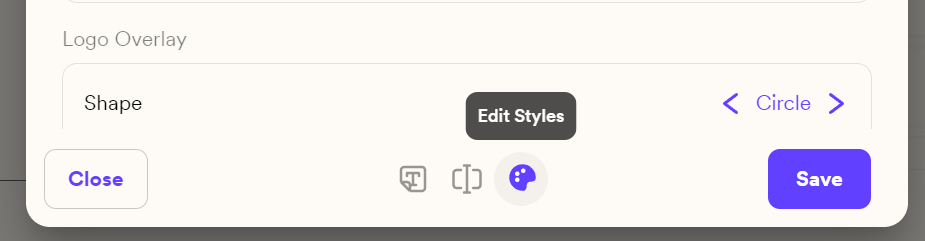
- Open these options by clicking Edit Styles at the bottom, then looking under Text Overlay.
- Mix any colors you like (such as a green banner with white text), or remove the banner and leave the text directly over your video.
- Thumbnail style edits affect only that specific video, not your workspace’s global styles.
Frequently asked questions
Do these color changes affect my other videos?
Do these color changes affect my other videos?
No. Editing your thumbnail styles affects only that specific video. This is different from editing your global styles, which apply to all videos in the workspace.