

Key takeaways
- A missing email thumbnail or emails going to spam is usually a signal to review your domain’s reputation.
- Domain reputation reflects how trustworthy your domain appears to email providers and impacts email deliverability, SEO, and overall credibility.
- Three free tools can check it: MXToolbox, EasyDMARC, and MultiRBL.
- These tools show whether SPF, DMARC, or DKIM records are missing, confirm your SSL certificate status, and reveal whether your domain is on any anti-spam blacklist.

Frequently asked questions
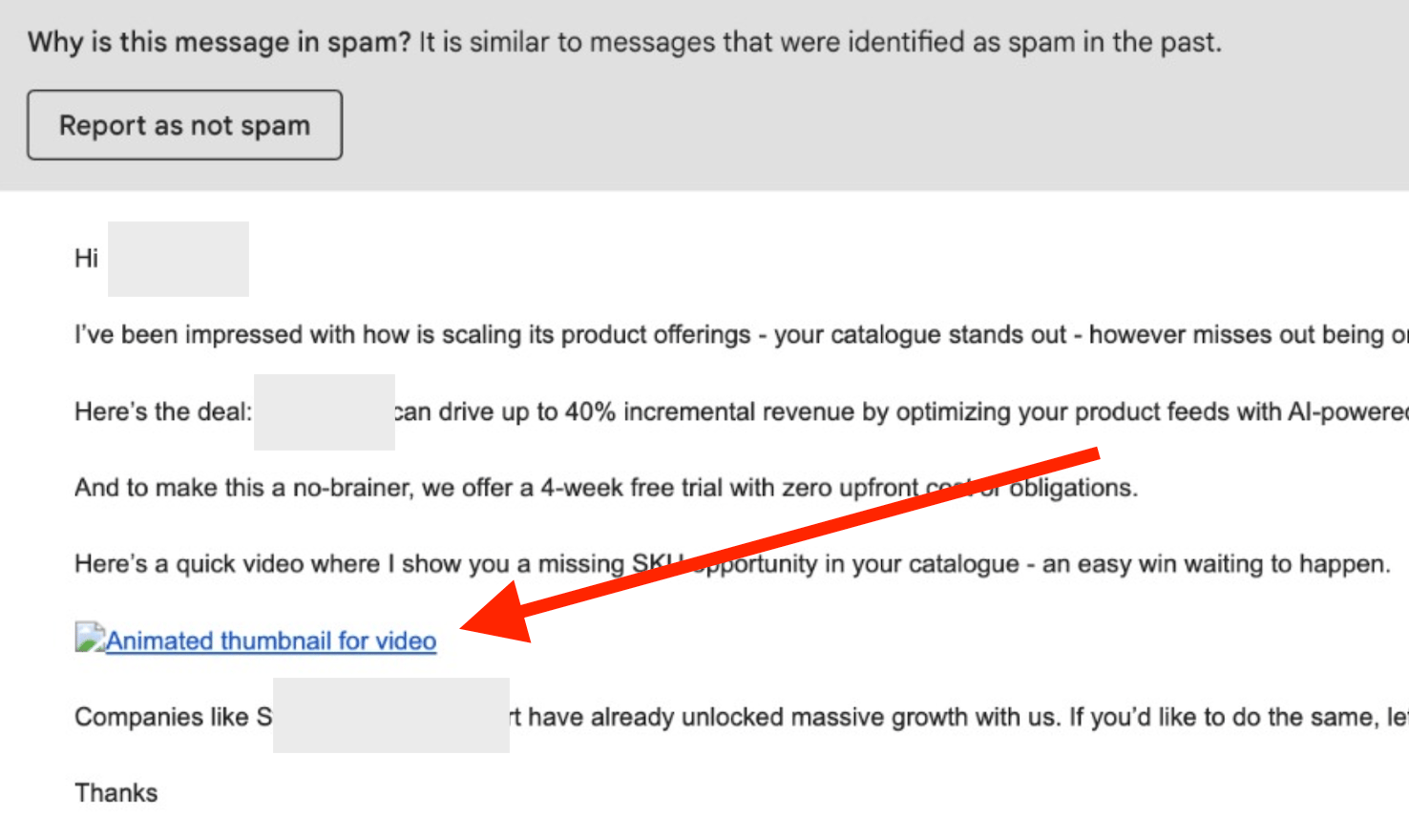
Why is my email thumbnail not showing or landing in spam?
Why is my email thumbnail not showing or landing in spam?
A broken thumbnail or spam placement is typically a domain reputation issue. It’s a signal to review how trustworthy your domain looks to email providers, since that directly affects deliverability.
What is domain reputation?
What is domain reputation?
Domain reputation is a measure of how trustworthy and credible your domain appears to email providers, search engines, and other platforms. It impacts email deliverability, SEO rankings, and overall digital credibility.
Which free tools can I use to check my domain?
Which free tools can I use to check my domain?
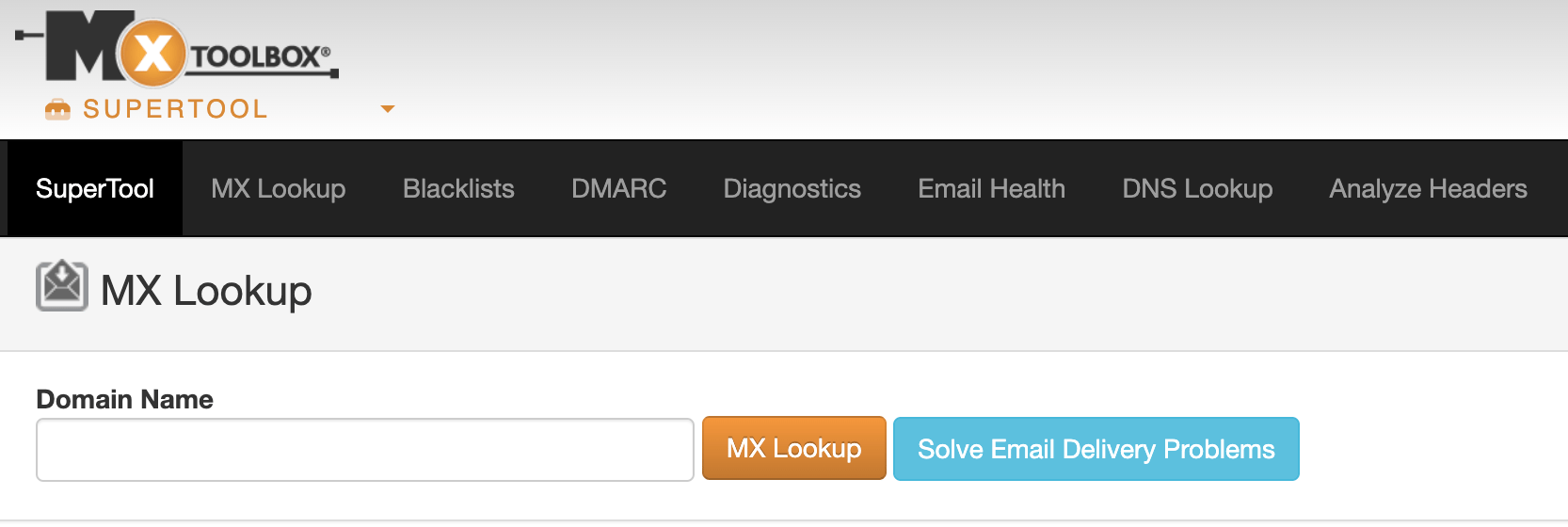
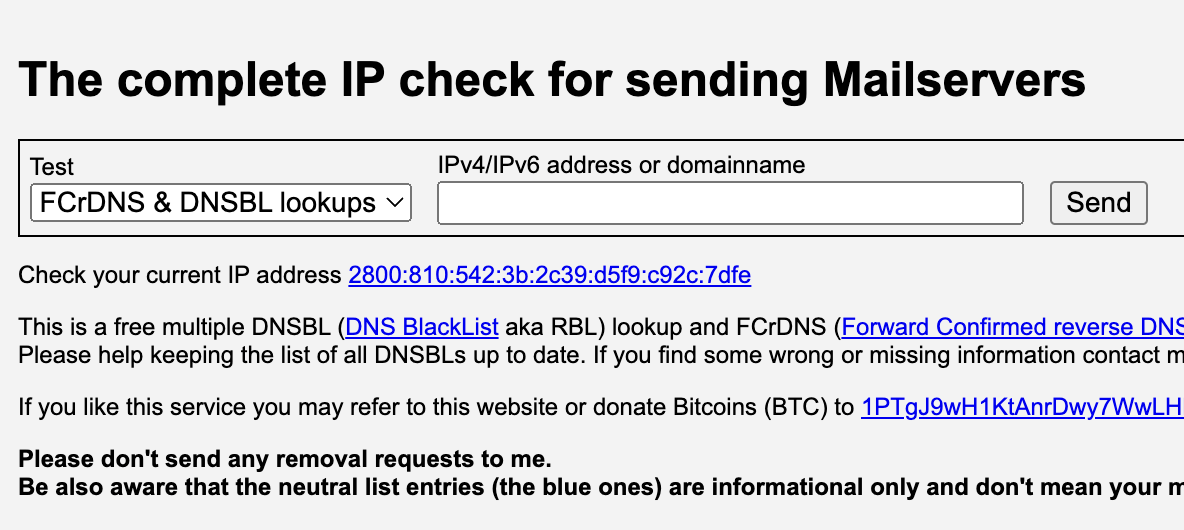
You can use MXToolbox (mxtoolbox.com), EasyDMARC (easydmarc.com), and MultiRBL (multirbl.valli.org). Together they give you valuable information about your domain’s reputation.
What should I look for in the results?
What should I look for in the results?
Check whether any of your SPF, DMARC, or DKIM keys are missing, confirm the status of your SSL certificate, and see whether your domain has been added to any anti-spam blacklist.