

Key takeaways
- Save two links in your Account Settings: a Video Meeting Link (Zoom, Google Meet, Undock, Whereby, etc.) and a Calendar Link (HubSpot, Calendly, Undock, SavvyCal, etc.).
- Use the Video Meeting Link to ask customers to meet now; use the Calendar Link to let them schedule a meeting on your calendar.
- Access your saved links from Intercom, HubSpot, and LinkedIn.
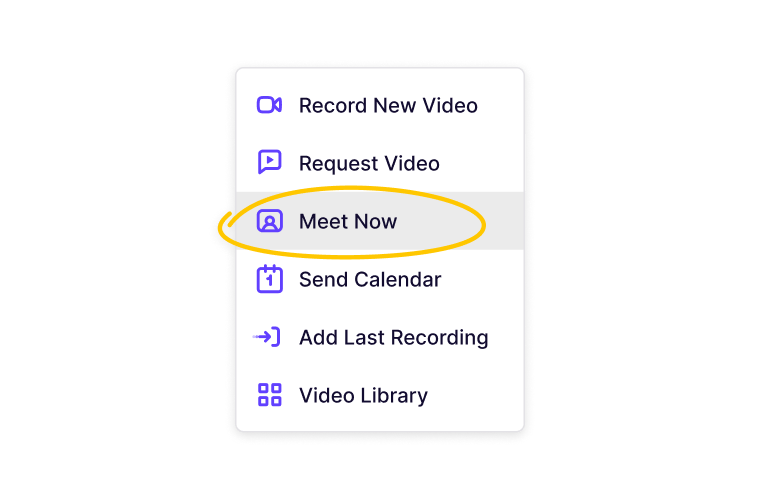
- “Send Calendar” inserts your calendar link and “Meet Now” inserts your video meeting link into the draft window.
Why Set Default Meeting Links?
Sendspark lets you save default meeting links, so you can quickly access them from Intercom, HubSpot, and LinkedInHow to Set Default Meeting Links
Go to your Account Settings. Here, you can add a Video Meeting Link and a Calendar Link.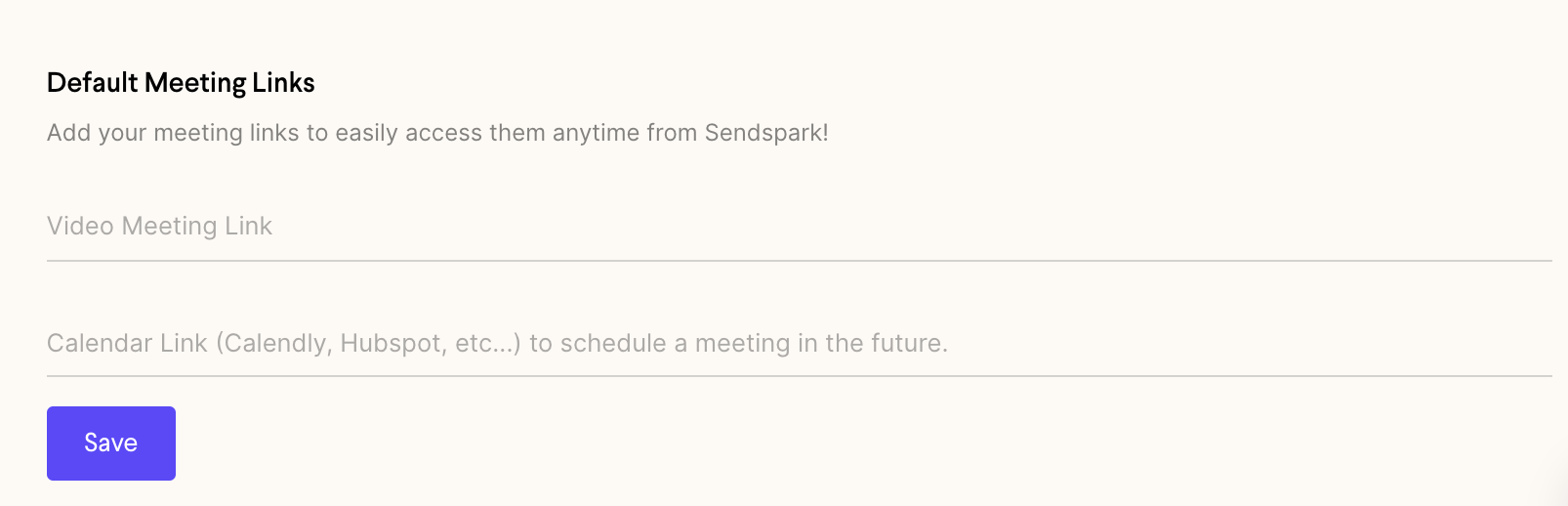
- For the Video Meeting Linkuse your personal link for your preferred video conferencing software (Zoom, Google Meet, Undock, Whereby, etc). You’ll use this to ask customers to meet now.
- For the Calendar Link, use a link where a customer can schedule a meeting on your calendar (HubSpot, Calendly, Undock, Calendar Hero, SavvyCal, etc).
When to Use Your Meeting Links
After you’ve saved your meeting links, you’ll be able to access them from Intercom chat to send to customers. (We plan to build more integrations soon — let us know what you’d like to see next!) ClickingSend Calendar will insert your calendar link into your draft window in Intercom, HubSpot, and LinkedIn.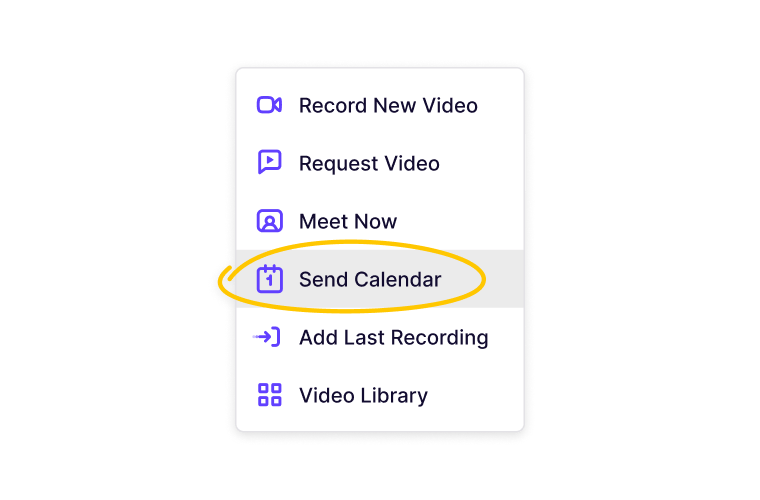
Frequently asked questions
Where do I save my default meeting links?
Where do I save my default meeting links?
In your Account Settings. There you can add both a Video Meeting Link and a Calendar Link.
What's the difference between the Video Meeting Link and the Calendar Link?
What's the difference between the Video Meeting Link and the Calendar Link?
The Video Meeting Link is your personal link for your preferred video conferencing software (Zoom, Google Meet, Undock, Whereby, etc.) and is used to ask customers to meet now. The Calendar Link is where a customer can schedule a meeting on your calendar (HubSpot, Calendly, Undock, SavvyCal, etc.).
Which tools can I insert my meeting links from?
Which tools can I insert my meeting links from?
Once saved, you can access and insert your links from Intercom, HubSpot, and LinkedIn. More integrations are planned.