

Key takeaways
- The Creator filter lives in the Team Library: open it, then pick the team members you want under Creator.
- You can only see videos other members have placed in the Team Library; personal-library videos are private.
- Team members can move videos between their personal and team libraries at any time.
Note: you can only see videos made by other team members if they are in the Team Library.
Videos created in someone’s personal library are private, and will not show up here. If a team member wishes, they can easily move videos between their personal and team video library.How to Filter Videos by Creator
- Navigate to your Team Library
- Under Creator, select the team members you would like to see videos from.
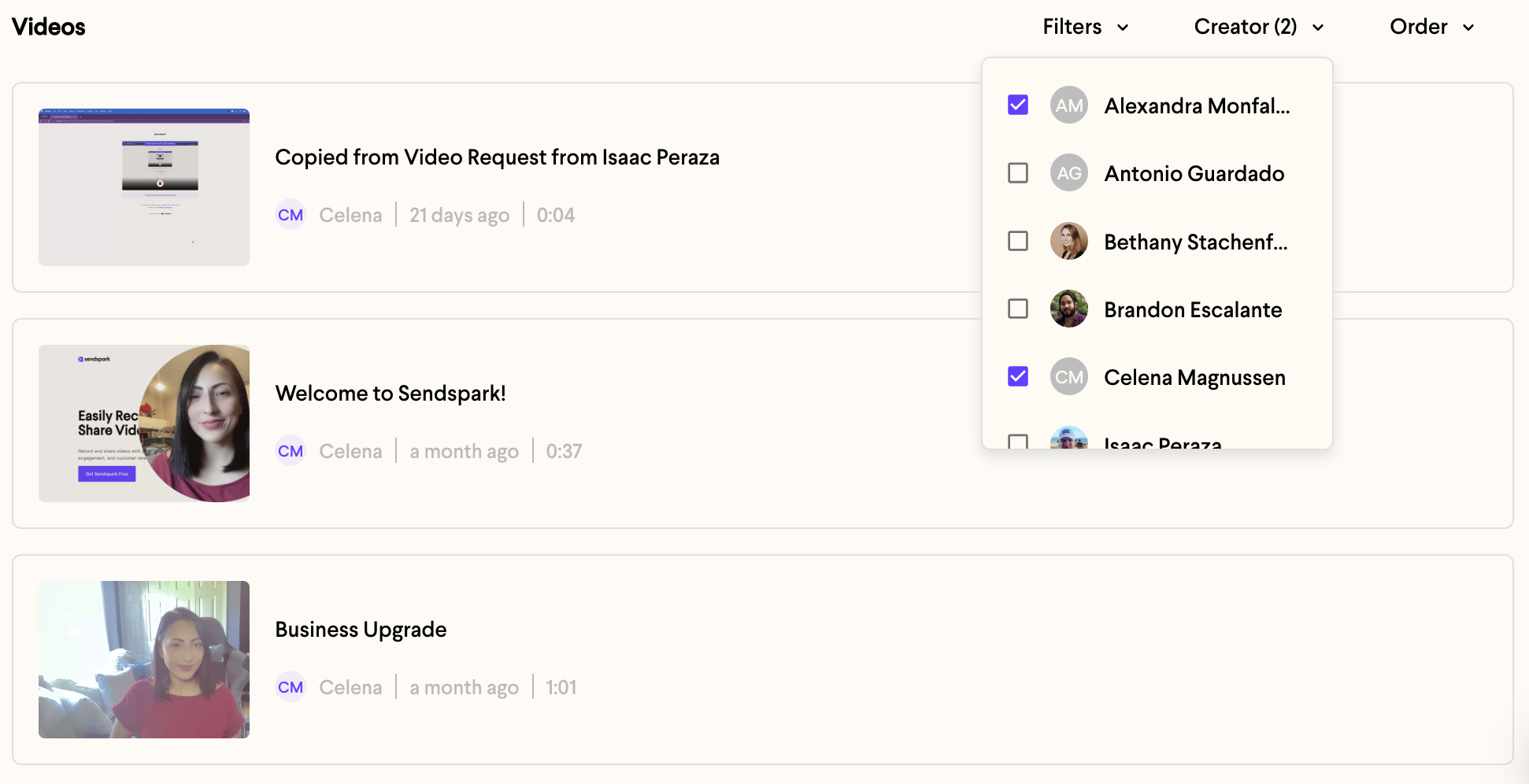
- Now, only their videos will show up below.
Frequently asked questions
Why can't I see a teammate's video?
Why can't I see a teammate's video?
It’s likely still in their personal library, which is private. Ask them to move the video into the Team Library so it appears when you filter by creator.
Where do I filter videos by creator?
Where do I filter videos by creator?
In your Team Library, use the Creator filter to select the team members whose videos you want to see.
Can I filter by more than one creator at a time?
Can I filter by more than one creator at a time?
Yes. Under Creator, select each team member you want to include, and videos from all of them will show below.