

Key takeaways
- The dashboard shows your newest videos on top by default.
- Use the Order control and select Newest or Oldest to change which videos appear first.
- Refreshing the page resets the order back to the default (Newest first).
How to Reorder Videos
- Under Order, select either Newest or Oldest to select whether you see Newest or Oldest videos on top
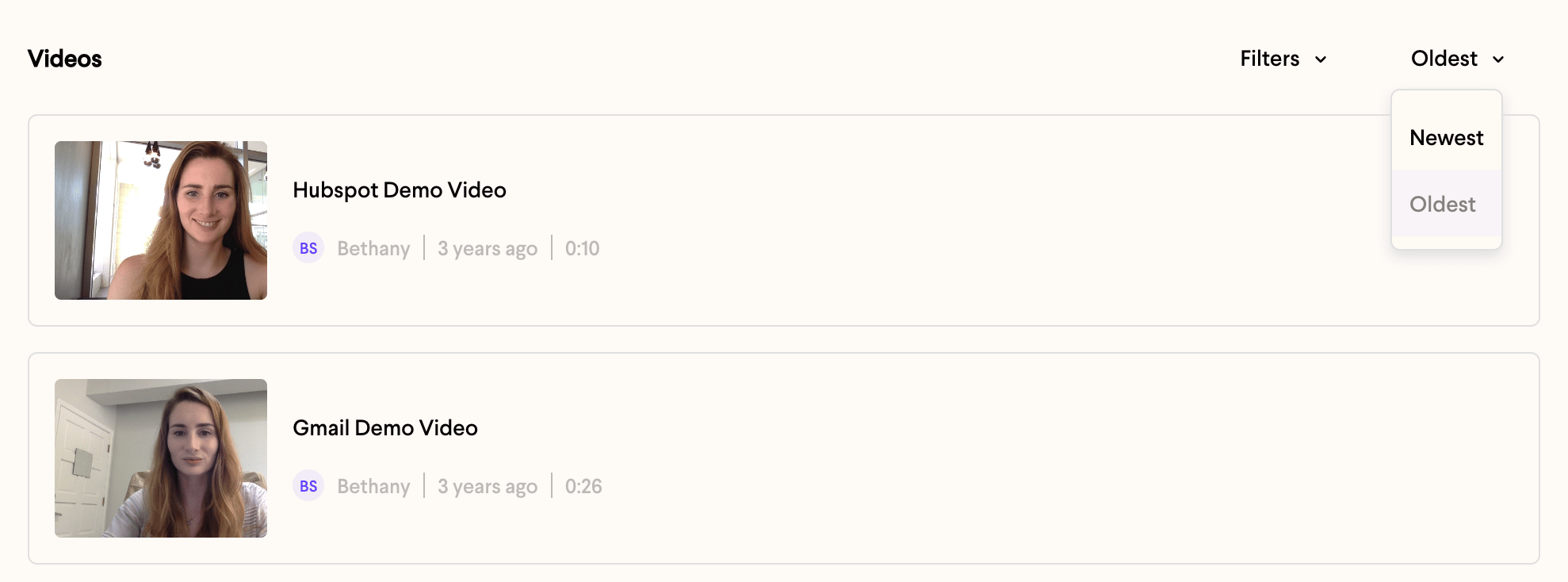
- Refresh the page to reset to the default
Frequently asked questions
What order are my videos shown in by default?
What order are my videos shown in by default?
By default your newest videos appear on top in the Sendspark dashboard.
How do I show my oldest videos first?
How do I show my oldest videos first?
Under the Order control, select Oldest to put your oldest videos on top.
How do I go back to the default order?
How do I go back to the default order?
Refresh the page. This resets the order back to the default, with newest videos on top.