

Key takeaways
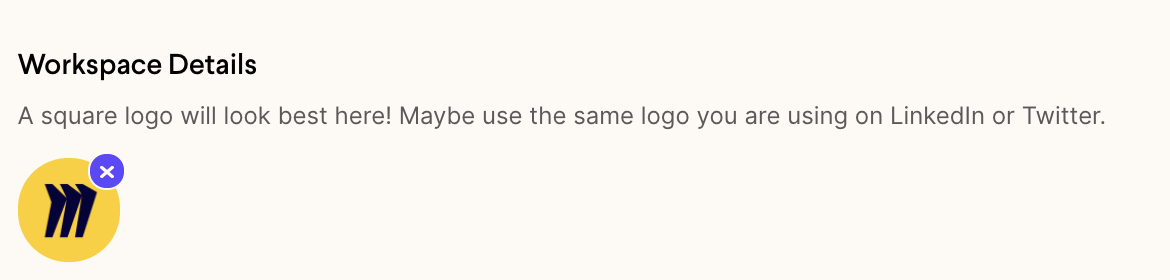
- Add your headshot under Profile Information and your company logo under Workspace Details — two separate places.
- The whole process takes about five minutes.
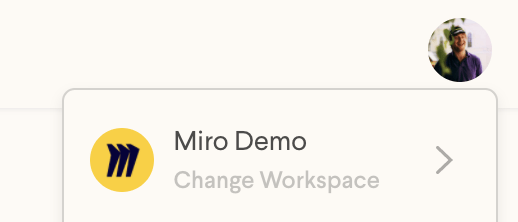
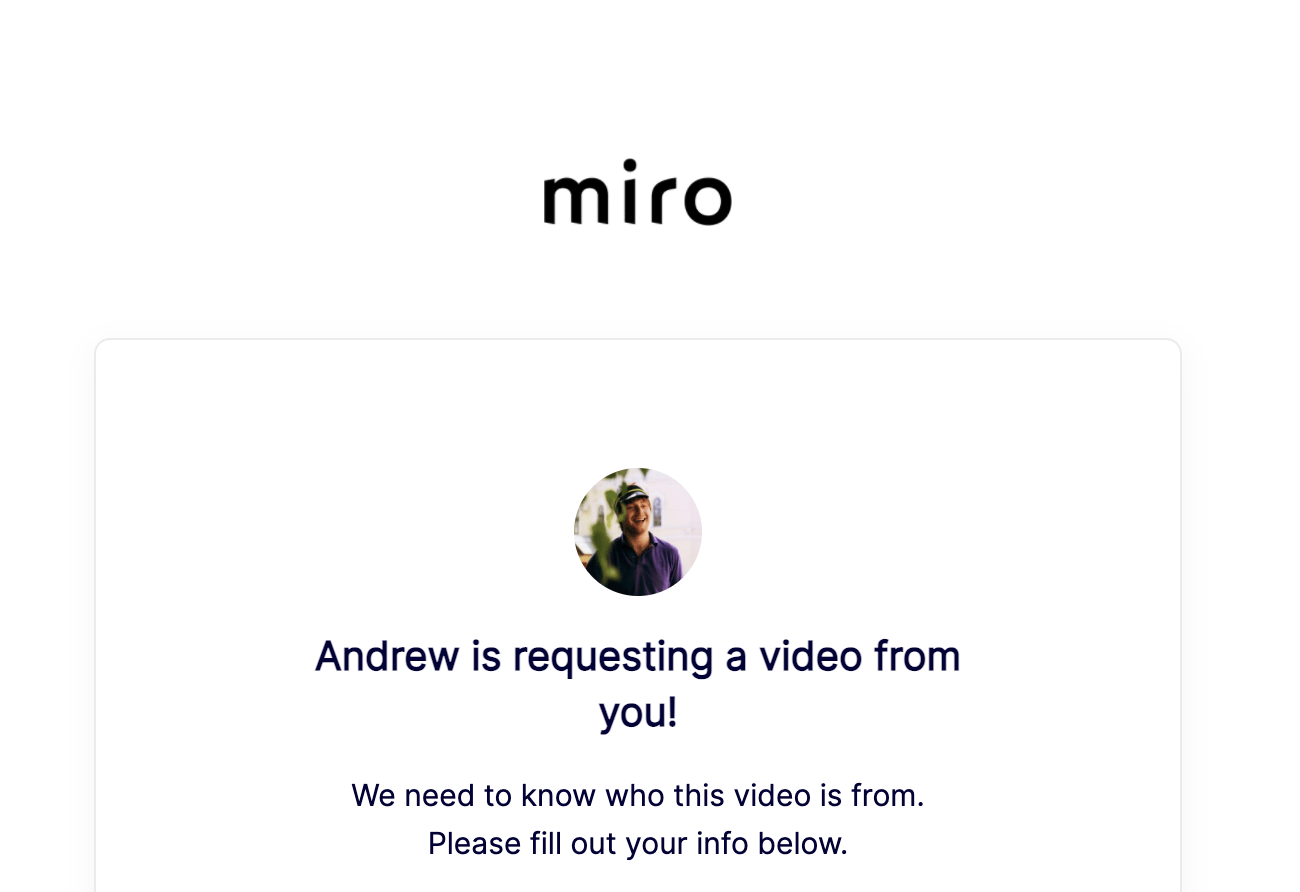
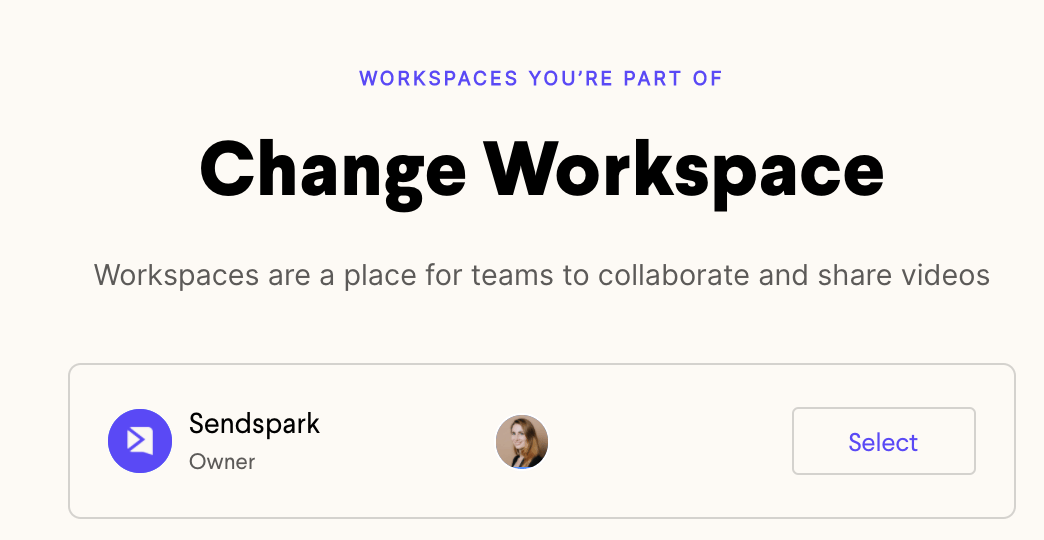
- Uploaded avatars appear in the Sendspark dropdown menu, on your video request pages, and when you toggle between workspaces.
- Add your headshot in your account settings

- Add your company logo to your workspace settings
You’ll see these avatars in a few places once they’ve been uploaded:
- In the Sendspark dropdown menu
- On your video request pages
- When you toggle between workspaces
Frequently asked questions
Where do I upload my headshot and my company logo?
Where do I upload my headshot and my company logo?
They go in two different places. Add your personal headshot in your account settings, and add your company logo in your workspace settings.
Where will my uploaded avatars appear?
Where will my uploaded avatars appear?
Once uploaded, you’ll see them in the Sendspark dropdown menu, on your video request pages, and when you toggle between workspaces.
How long does it take to upload avatars?
How long does it take to upload avatars?
About five minutes for both the headshot and the company logo.
Do the headshot and company logo go in the same place?
Do the headshot and company logo go in the same place?
No. The headshot is uploaded in your account settings, while the company logo is uploaded separately in your workspace settings.