

Key takeaways
- Sending videos in email can increase engagement and click-through rates up to 400%, whether it’s a personal video, product demo, or customer testimonial.
- The video plays in-email for recipients whose email clients support embedded video; if it’s not supported, Sendspark automatically generates a GIF preview they can click to open the video in their browser.
- Embed it by copying the email embed code from Sendspark (Share Video then Embed Video), then dragging an HTML block into your ActiveCampaign email and pasting the code before you preview and send.
Why Embed Videos in ActiveCampaign Emails
Sending videos in email can increase engagement and click-through-rates up to 400%. Whether you’re embedding a personal video, product demo, or customer testimonial, follow the steps below to send videos in your ActiveCampaign emails.Will Embedded Videos from ActiveCampaign Play In Email?
When you use Sendspark email embed code, the video will play in email for recipients IF their email clients support embedded videos. You can see the complete list of which email clients support embedded video here.What if Embedded Video is Not Supported?
If embedded video is not supported for your recipients — no worries! Sendspark will automatically generate a GIF preview for your video, and your recipients can just click on the video preview to open the video in their browsers.How To Embed Videos in ActiveCampaign Emails
Read on, or watch the video!- Record or upload your video in Sendspark

- Click Share Video

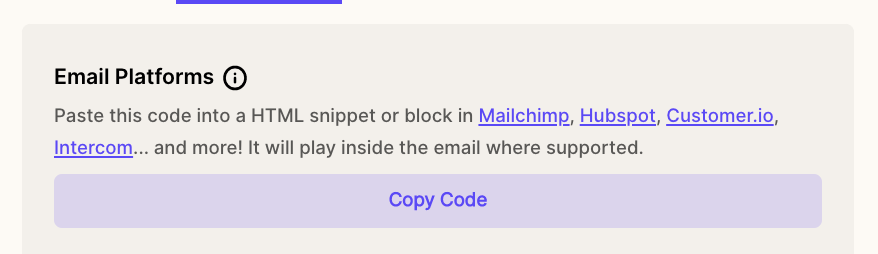
- Click the Embed video tab

- Click Copy Code under Email Platforms
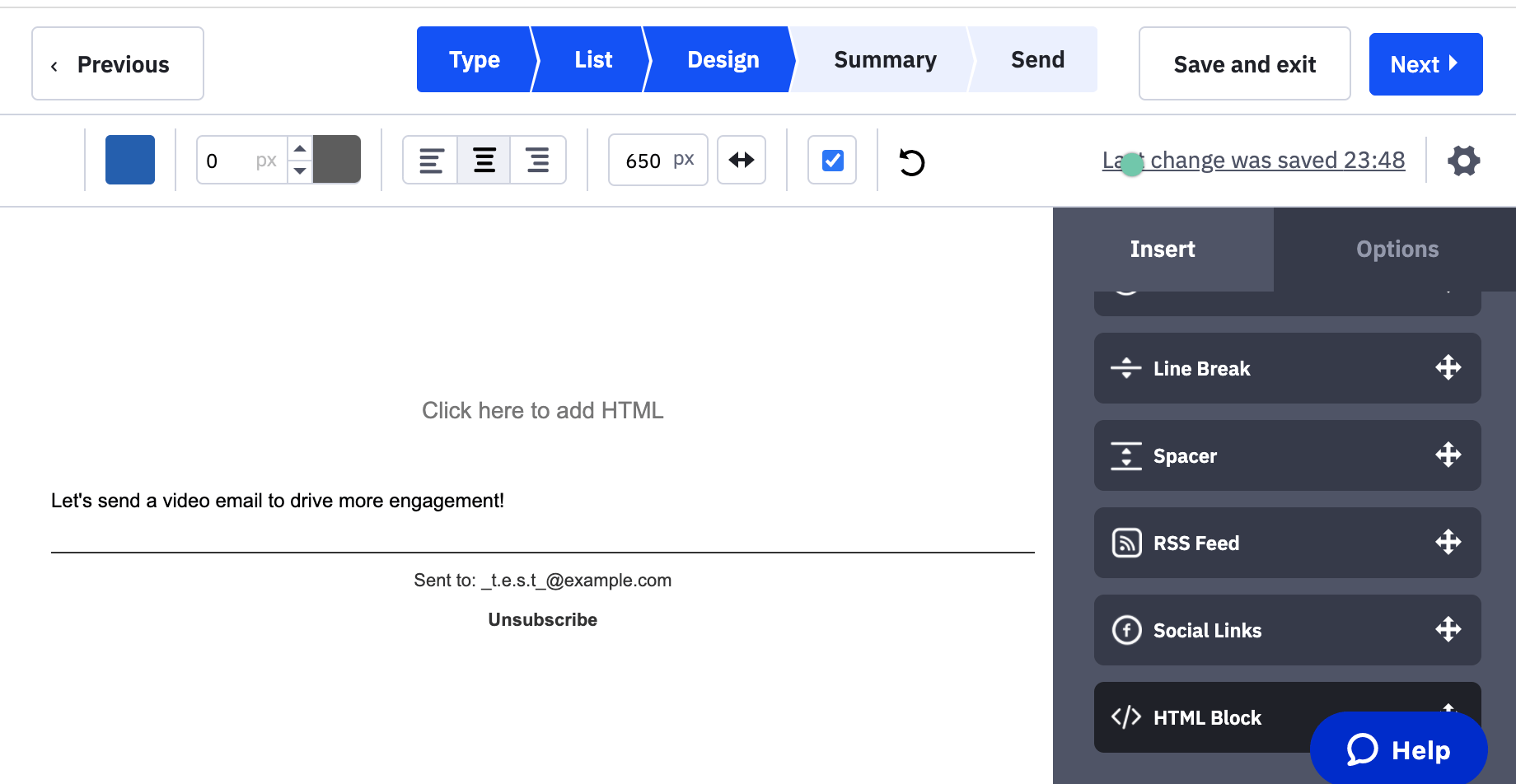
- Go to your email in ActiveCampaign
- Drag an HTML blockinto your email
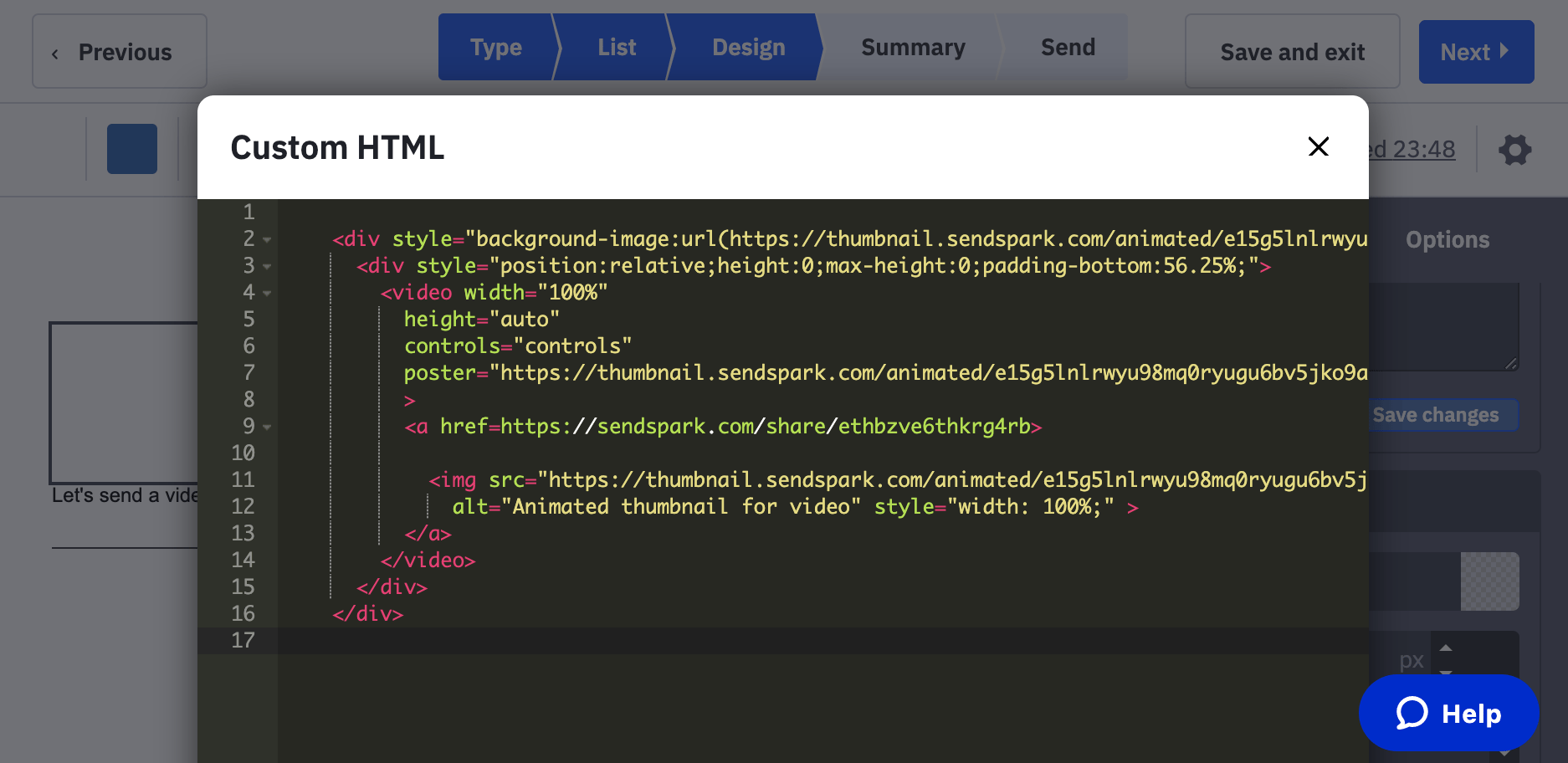
- Paste the embed code into the HMTL block
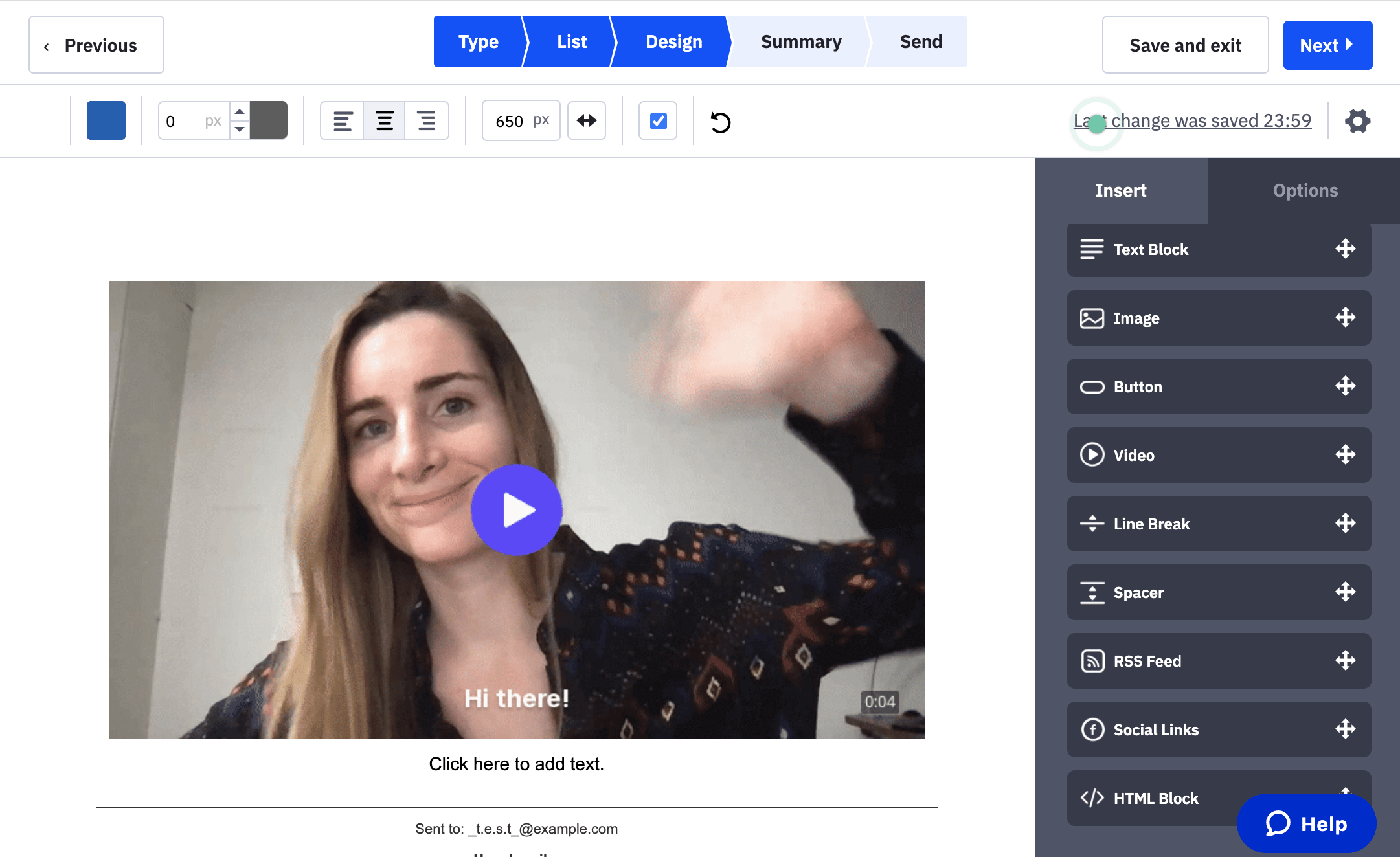
- Preview and send!
Any Questions About Embedding Videos in ActiveCampaign?
Please just shoot us a message or a video and we’ll be happy to assist you.Frequently asked questions
Will embedded videos play inside ActiveCampaign emails?
Will embedded videos play inside ActiveCampaign emails?
When you use Sendspark’s email embed code, the video will play in email for recipients if their email clients support embedded video. You can check the complete list of which email clients support embedded video to confirm.
What happens if a recipient's email client doesn't support video?
What happens if a recipient's email client doesn't support video?
No worries. Sendspark automatically generates a GIF preview for your video, and recipients can just click on the video preview to open the video in their browser.
How much can video increase email engagement?
How much can video increase email engagement?
Sending videos in email can increase engagement and click-through rates up to 400%.
How do I add the video to an ActiveCampaign email?
How do I add the video to an ActiveCampaign email?
In Sendspark, click Share Video, click Embed Video, and copy the email embed code. Then in ActiveCampaign, drag an HTML block into your email, paste the embed code into the block, and preview and send.