

Key takeaways
- Build one Dynamic Video campaign in Sendspark; every recipient automatically gets a video personalized with their own name and website.
- Import contacts by typing them in manually, uploading a CSV, or generating videos via automation (Zapier, API, etc.).
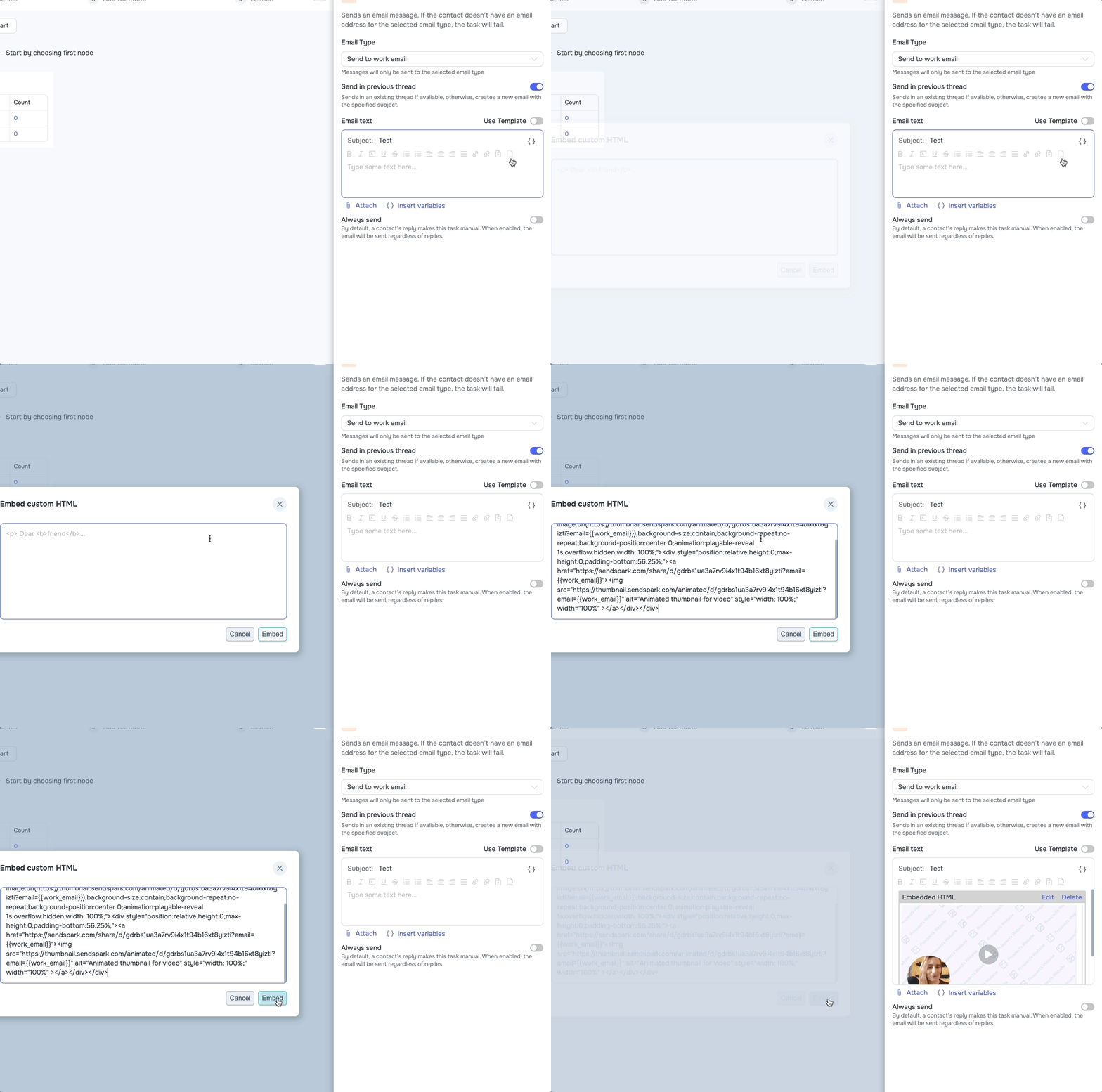
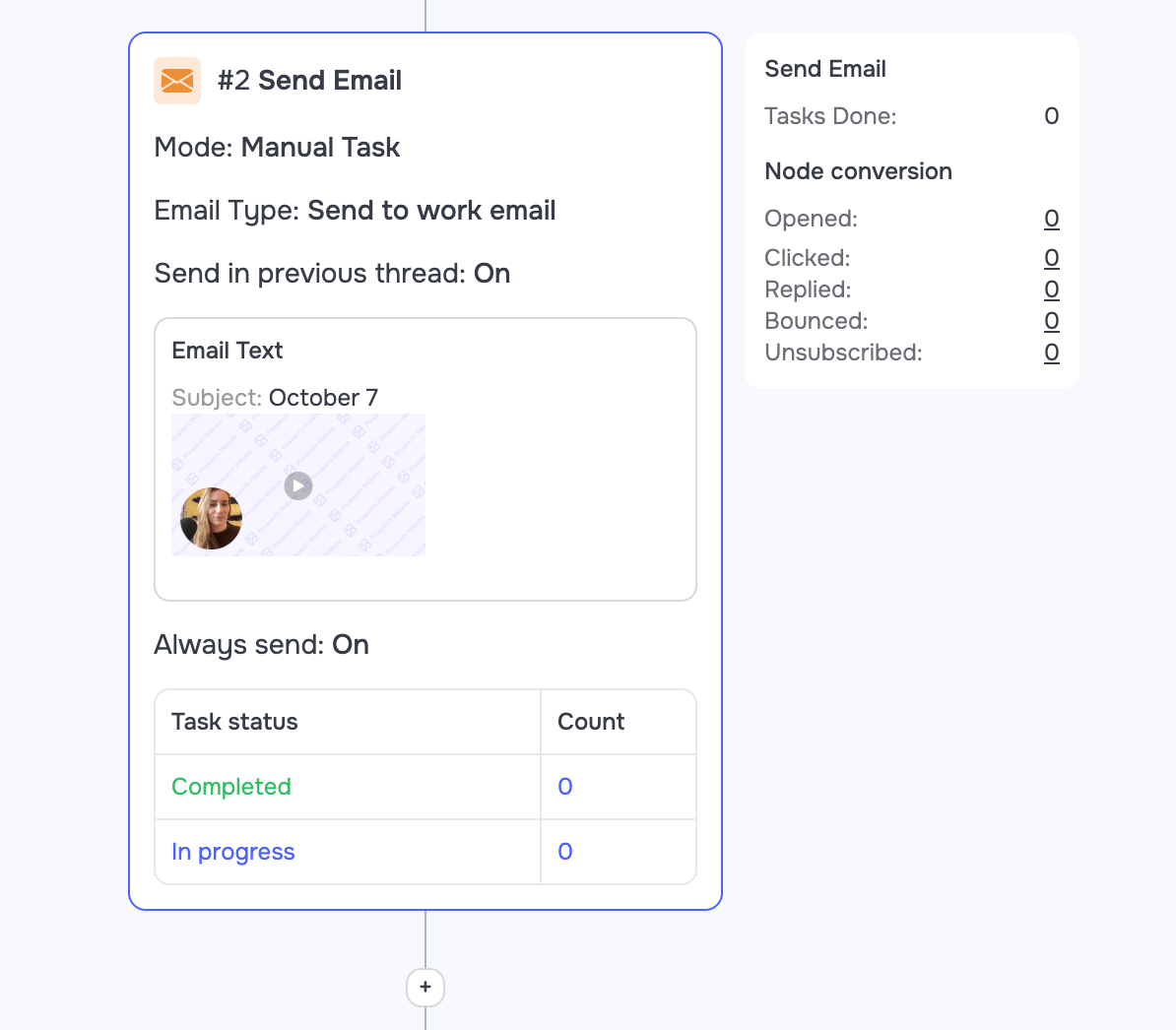
- Share to Grinfi with Share Campaign → Grinfi, then paste the snippet into a Grinfi email through the Embed custom HTML dialog.
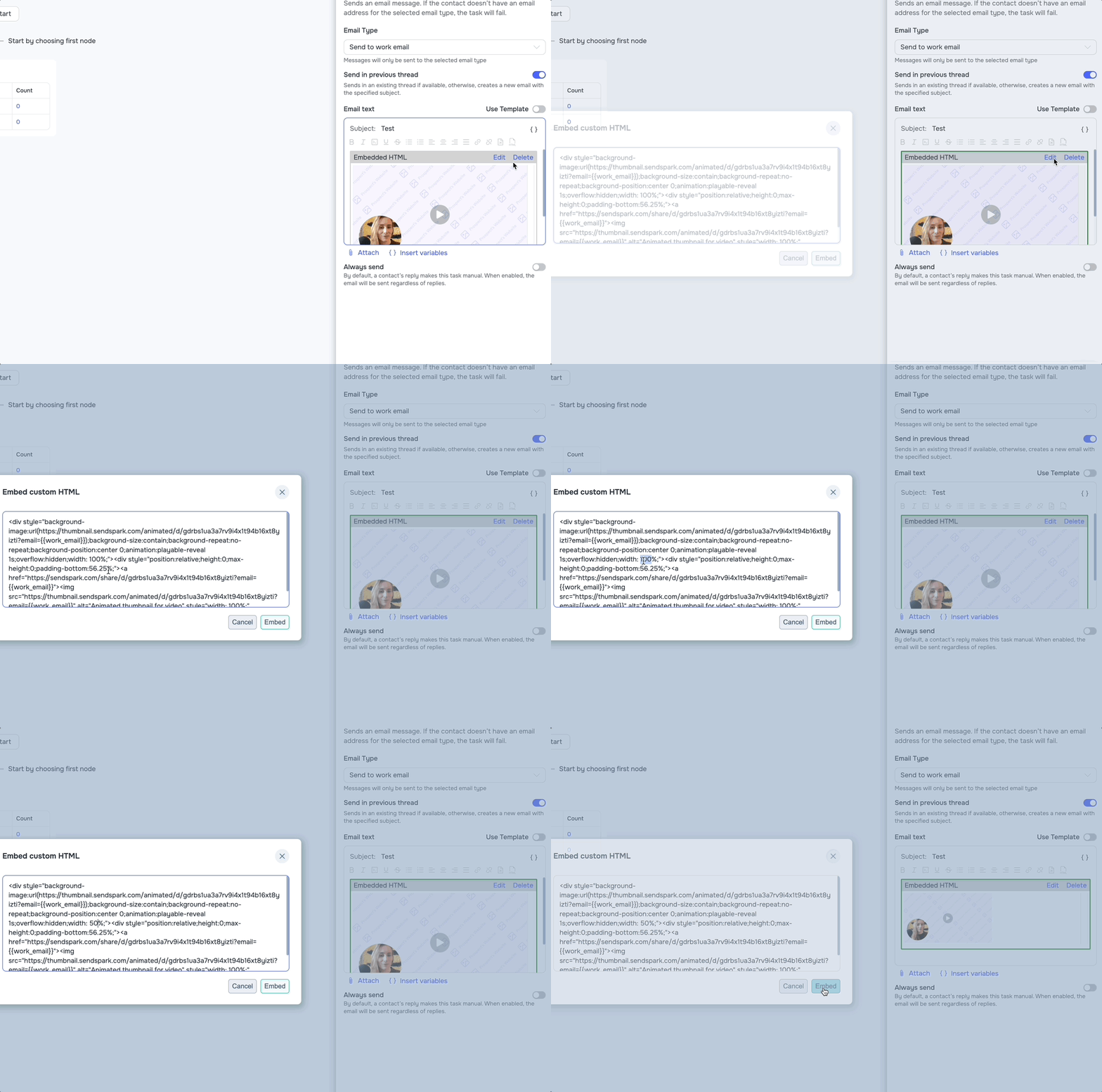
- Adjust the video preview size by editing the width value in the snippet.
How to Send AI-Personalized Videos in Grinfi
1. Create a Dynamic Video Campaign in Sendspark
Go to the dynamic video section of Sendspark. Click Create dynamic video to create a new campaign: https://sendspark.com/dynamic-videos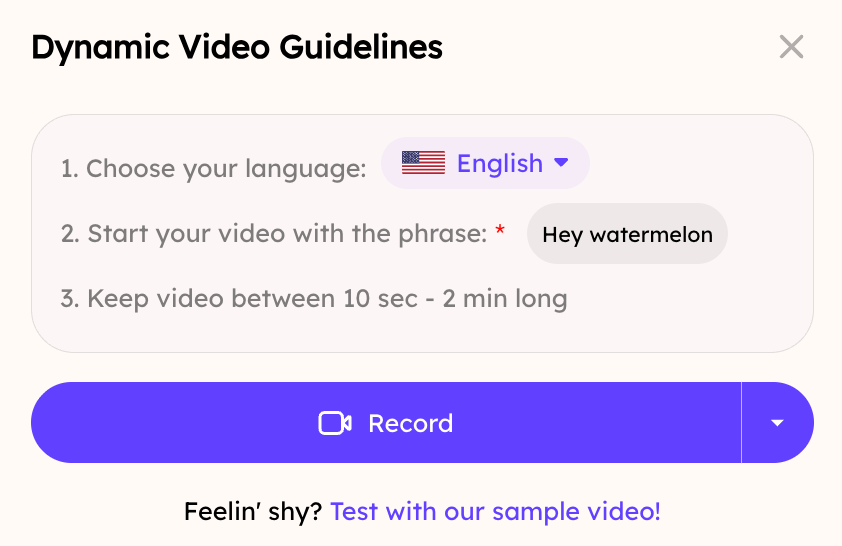
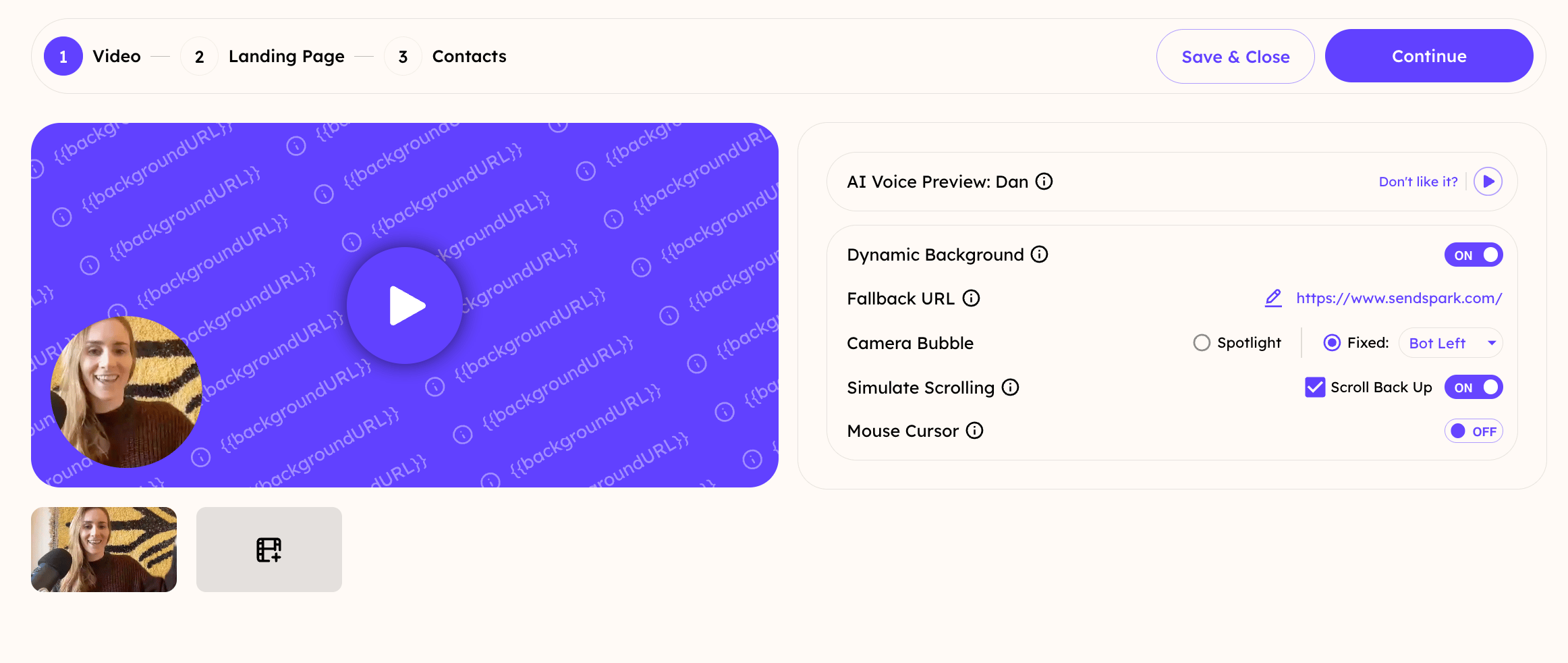
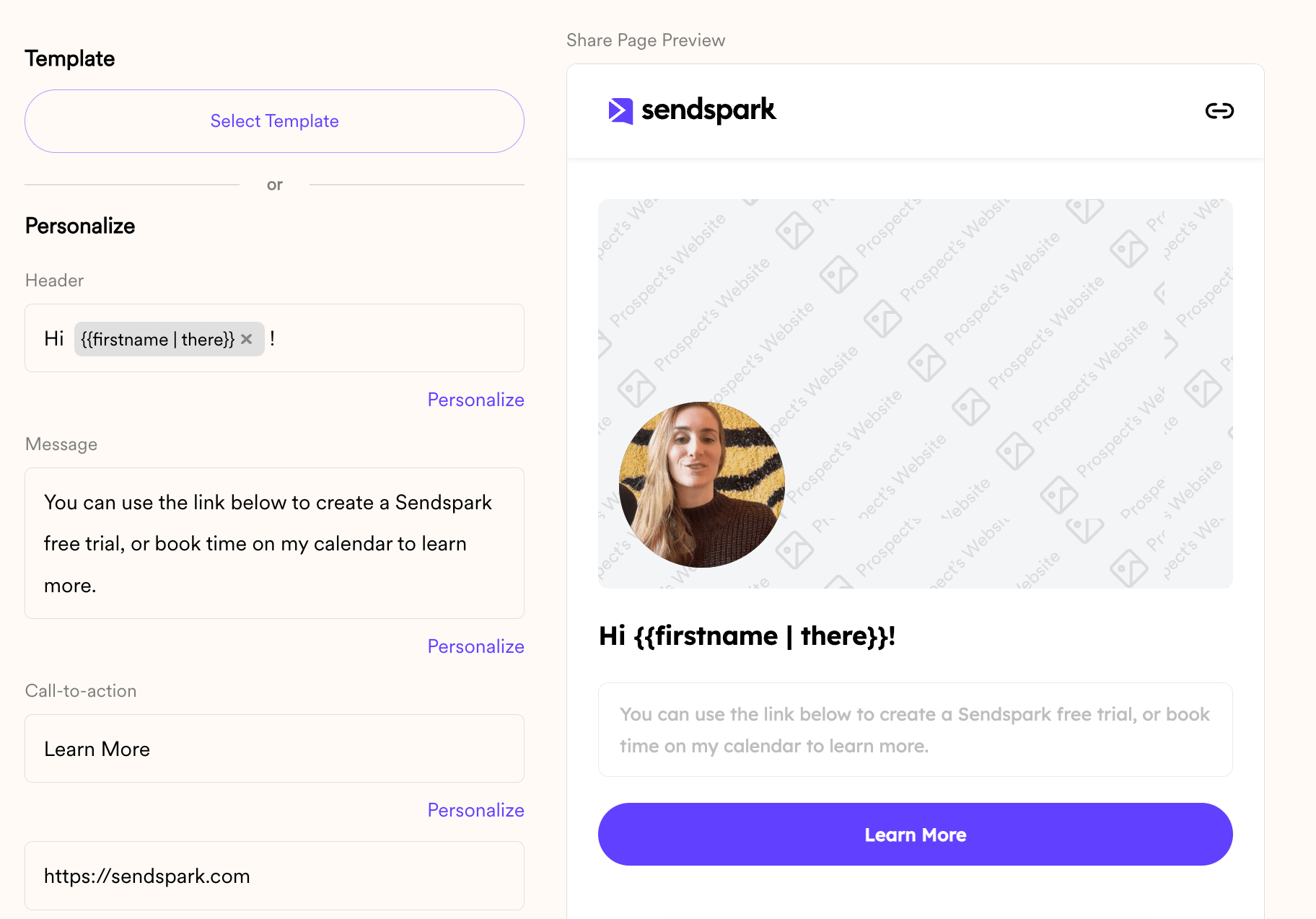
- Use AI to clone your voice, so you can automatically greet each viewer by name
- Simulate scrolling through different website pages
- and more!
2. Import Contacts
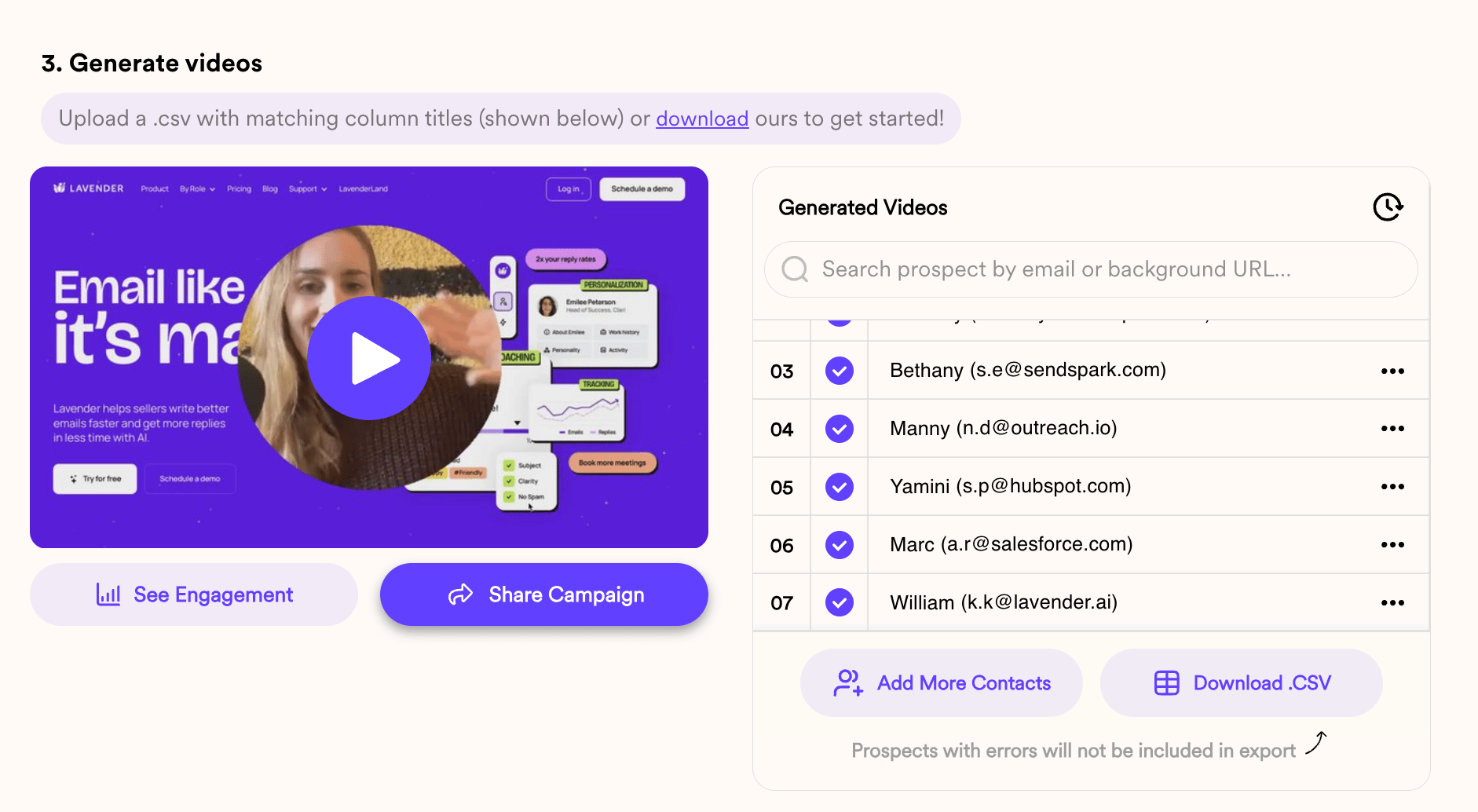
You can create dynamic videos for contacts in a few ways:- Manually type contact data
- Import a CSV
- Generate videos via automation (Zapier, API, etc)
3. Share in Grinfi
To share videos in Grinfi, simply click “Share Campaign.” Then, select “Grinfi” to copy the snippet code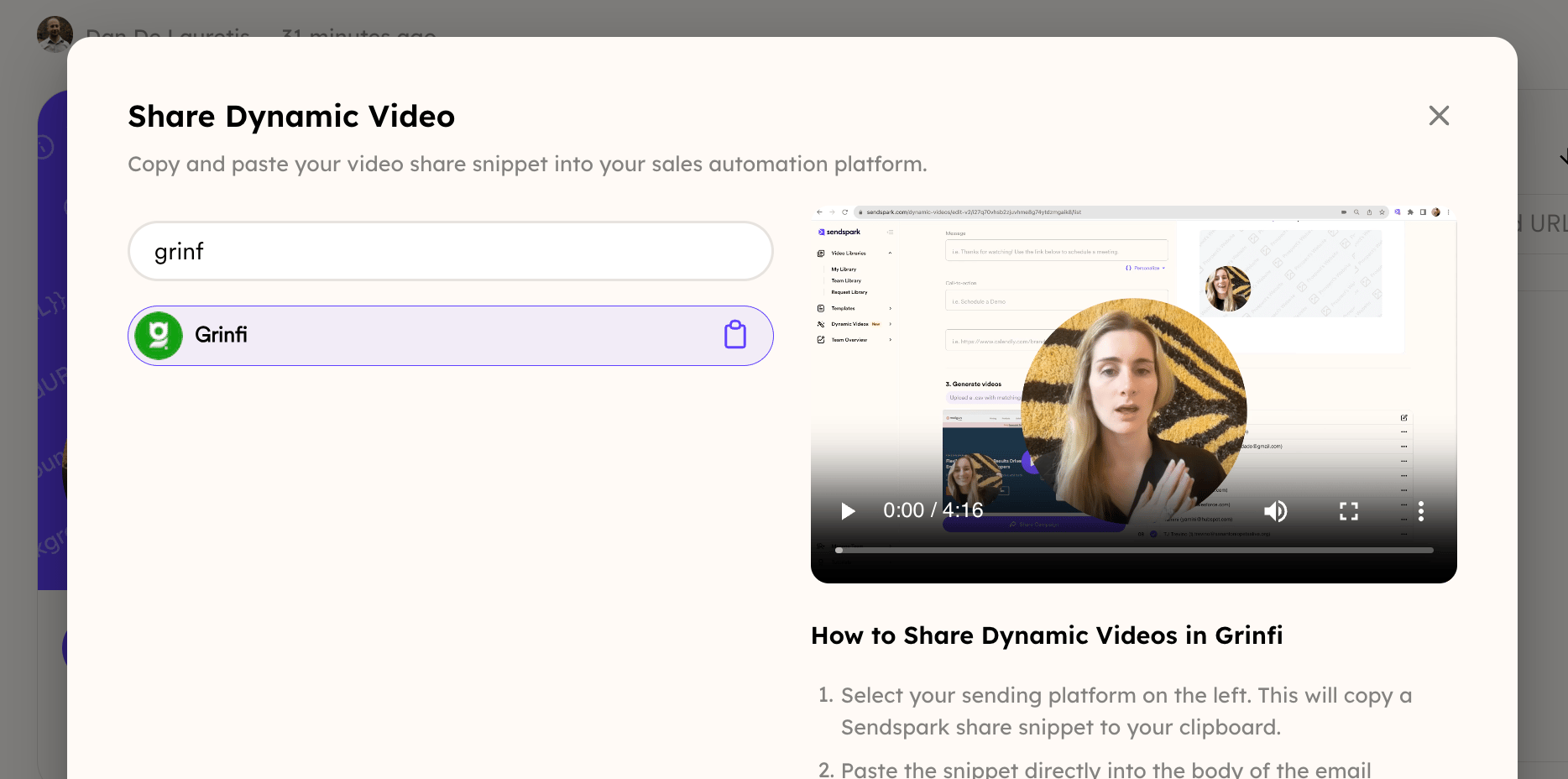
Frequently asked questions
Do I need to record a separate video for each recipient?
Do I need to record a separate video for each recipient?
No. You create just one placeholder video in Sendspark. When it’s sent through Grinfi, every recipient receives a video personalized with their own name and website.
How do I paste the Sendspark snippet into Grinfi?
How do I paste the Sendspark snippet into Grinfi?
Copy the snippet from Share Campaign → Grinfi, then paste it into a Grinfi email using the editor’s HTML mode.
Can I change the size of the video preview?
Can I change the size of the video preview?
Yes. Edit the width value in the snippet to adjust the size of the video preview.
How do I add contacts to a dynamic video campaign?
How do I add contacts to a dynamic video campaign?
You can add contacts three ways: type contact data in manually, import a CSV, or generate videos via automation such as Zapier or the API.