

Key takeaways
- Sendspark supports five sharing methods: paste in email, embed in email, share a direct link, post on social, and embed on a website.
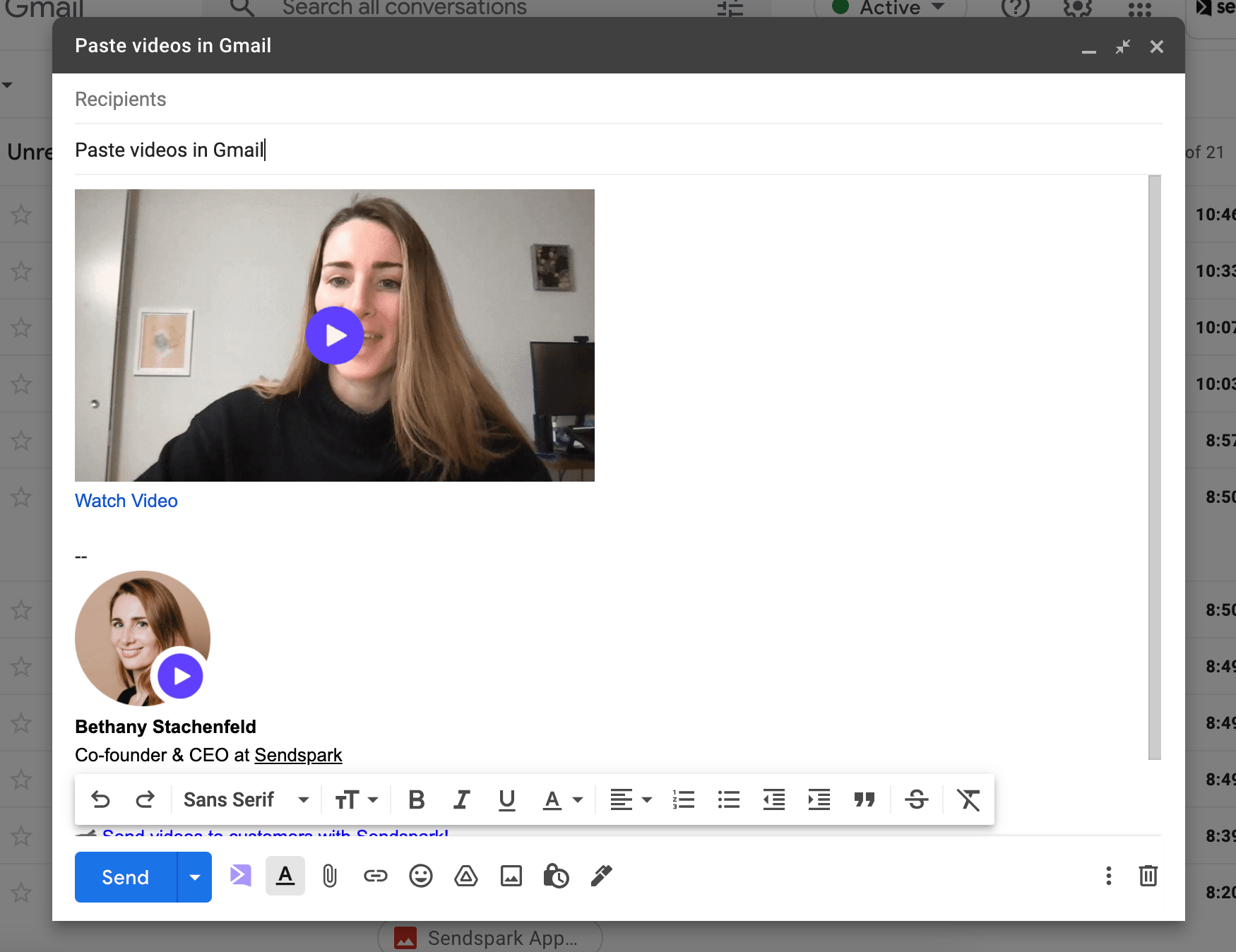
- For 1x1 email and sales automation platforms, copy an animated (GIF) or static thumbnail and paste it into your email draft.
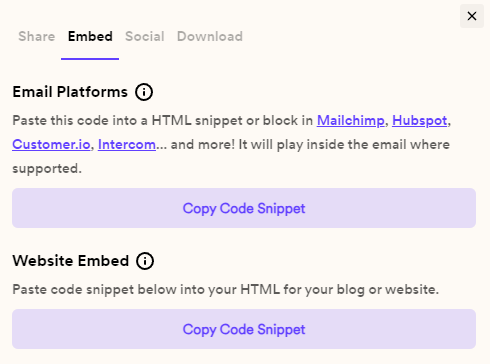
- Embedding a video so it plays in-email requires an email marketing platform that lets you edit the HTML of your email.
- There are no limits to the number of website embeds you can do.
- Paste in email
- Embed in email
- Share in a direct message
- Post on social
- Embed on website
How do you paste videos in emails?
Note: Use static thumbnails for Outlook, please.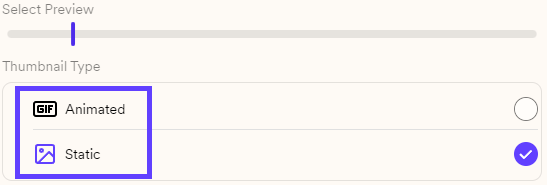
Use for:
- **1x1 email platforms:**Gmail, Outlook, Apple Mail, Superhuman, etc. To put a video in every message you send rather than pasting it each time, see how to create a video email signature.
- Sales automation platforms: SalesLoft, Outreach, HubSpot Sales, etc.
How do you embed videos in email?
Use for:
- Marketing email platforms: Mailchimp, HubSpot, ActiveCampaign, etc.

How do you share a video link?
Use for


How do you share videos on social media?
Use for:
- Posting: Facebook, LinkedIn, Twitter, YouTube, etc.
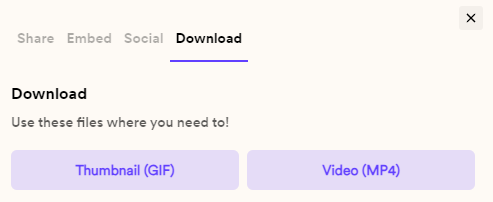
How do you embed a video on your website?
Use for:
- **Webpages:**websites, blog posts, landing pages, etc.
Frequently asked questions
Which thumbnail type should I use for Outlook?
Which thumbnail type should I use for Outlook?
Use static thumbnails for Outlook. The still thumbnail is recommended when sending videos to email clients that do not support GIFs, like some versions of Outlook.
What's the difference between an animated and a static thumbnail?
What's the difference between an animated and a static thumbnail?
Copy Animated Thumbnail pastes a GIF preview of your video plus a link in the body of your email, while Copy Static Thumbnail pastes a static image plus a link. In both cases recipients click to watch the full video in their browser.
What do I need to embed a video so it plays in-email?
What do I need to embed a video so it plays in-email?
You must use an email marketing platform that lets you edit the HTML of your email. Sendspark gives you the email embed code, which you paste directly into the email HTML. Even then, the recipient’s email client must support video, or they will see the GIF preview instead.
Is there a limit to how many times I can embed a video on a website?
Is there a limit to how many times I can embed a video on a website?
No. There are no limits to the number of embeds you can do. Copy the website embed code and paste it into any HTML editor.