

Key takeaways
- Connect your accounts first (see How to Connect Sendspark and Salesforge).
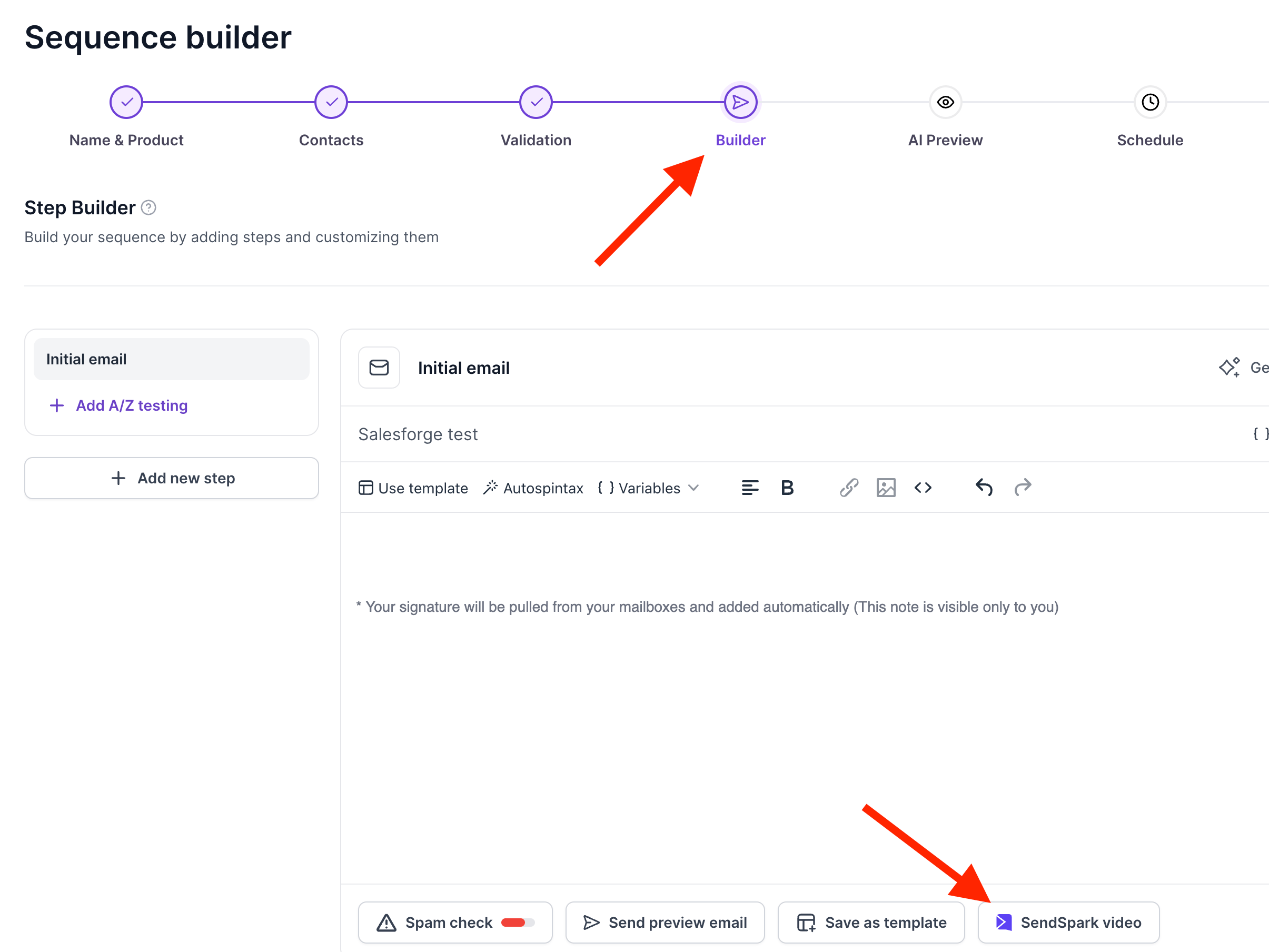
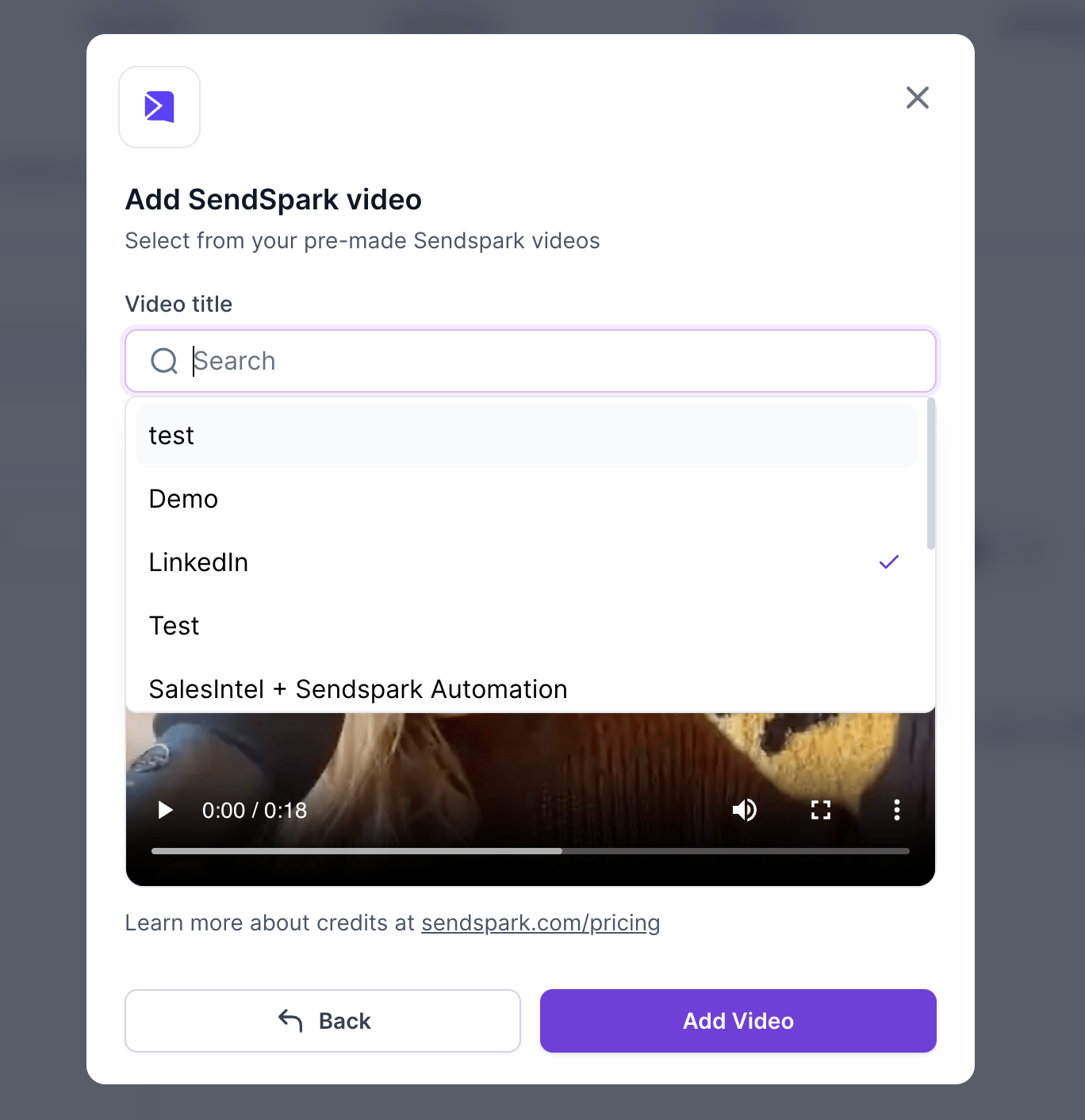
- In the sequence Builder step, click the SendSpark video button and select your dynamic video campaign by name.
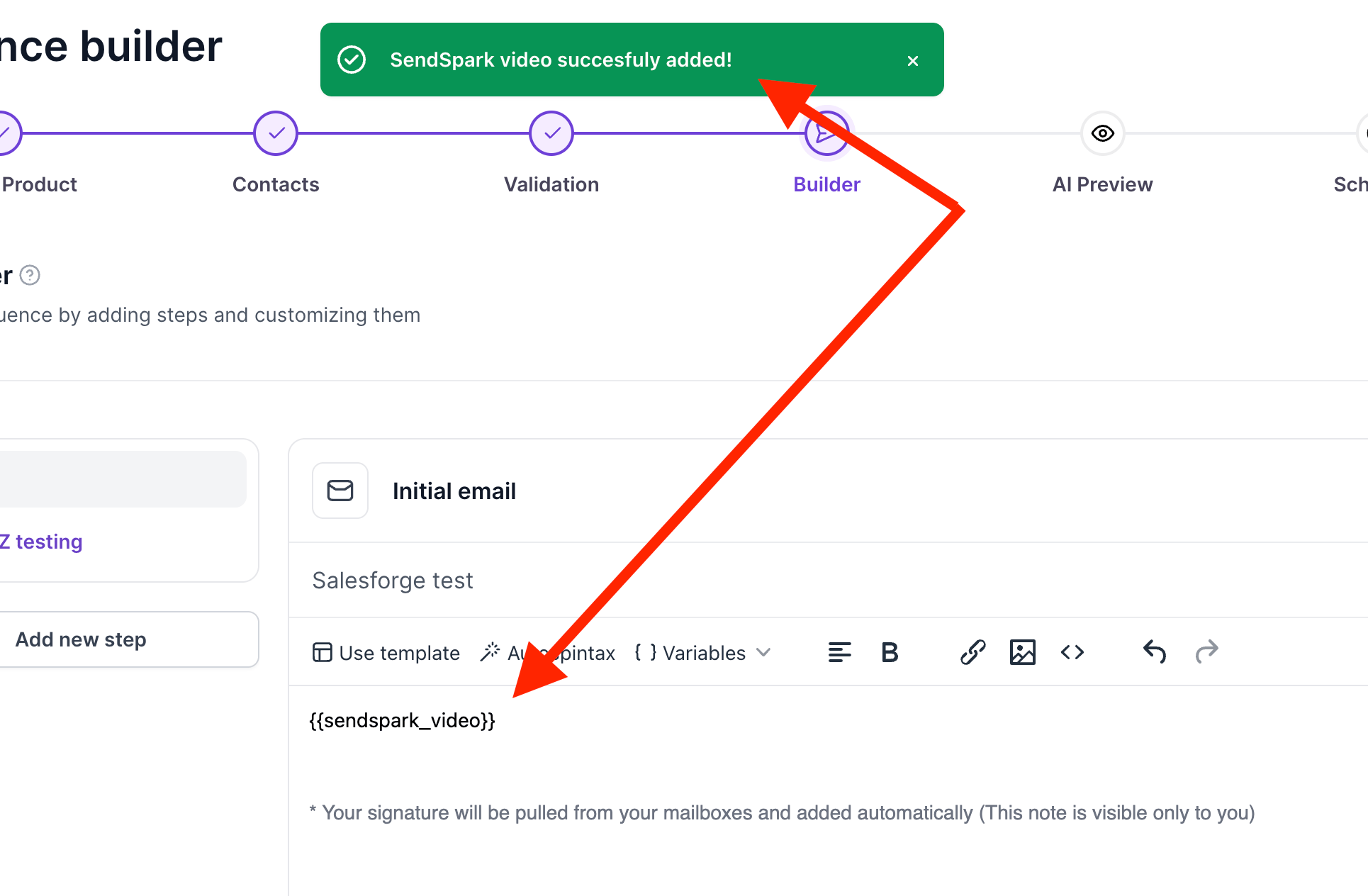
- Adding the video automatically applies a sendspark_video variable.
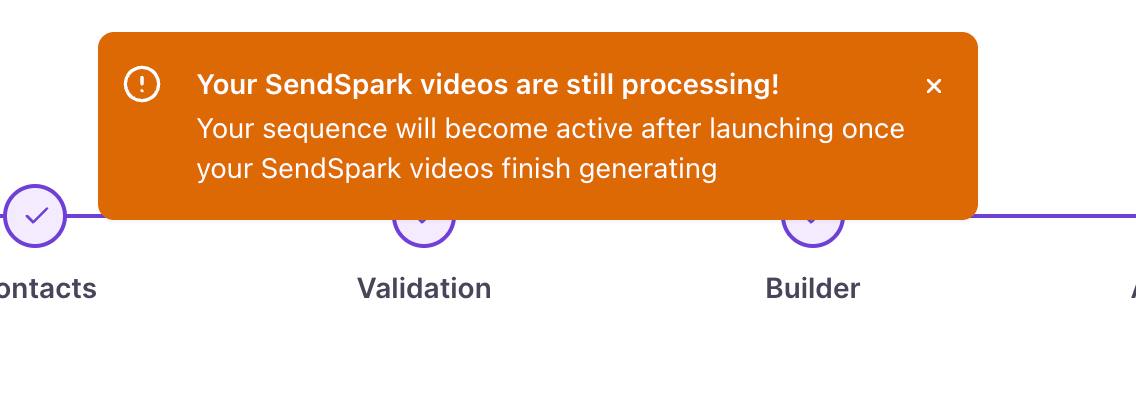
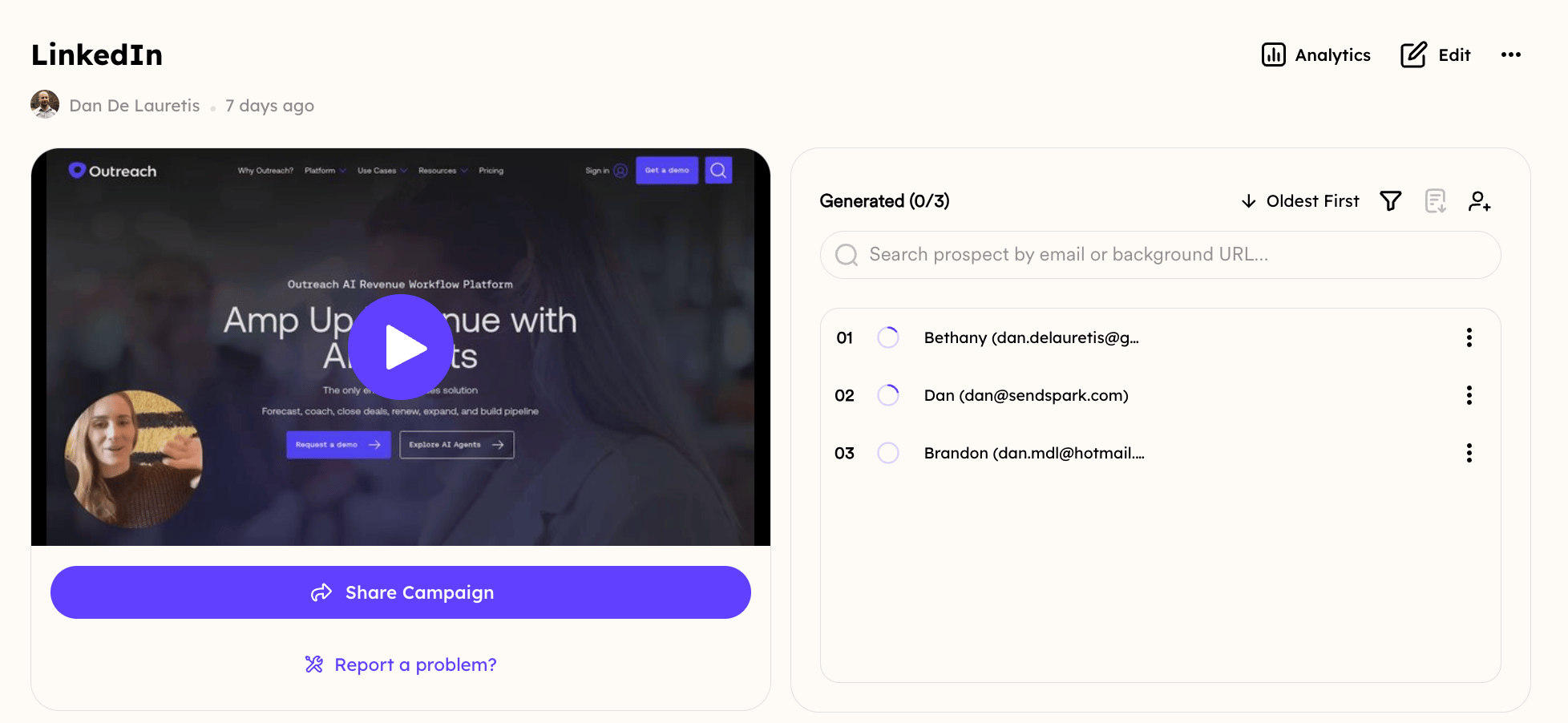
- Launching the sequence triggers video generation in your Sendspark Dynamic Video Campaign.
When you create a sequence and you get to the step called “Builder”, you will be able to see the SendSpark video button at the bottom of the page.
Frequently asked questions
Do I need to connect my accounts first?
Do I need to connect my accounts first?
Yes. Connect your Sendspark and Salesforge accounts before generating videos. See How to Connect Sendspark and Salesforge.
What is the sendspark_video variable?
What is the sendspark_video variable?
It’s a variable Salesforge automatically applies when you add your dynamic video, representing the video that will be inserted for each recipient in the sequence.
When do the videos actually generate?
When do the videos actually generate?
The videos start generating in your Sendspark Dynamic Video Campaign the moment you click launch sequence.