

Key takeaways
- Send AI-personalized videos in QuickMail by pasting a Sendspark Share Campaign snippet into a QuickMail email campaign.
- Generate videos for your contacts in Sendspark before sharing, so each recipient has a personalized video ready.
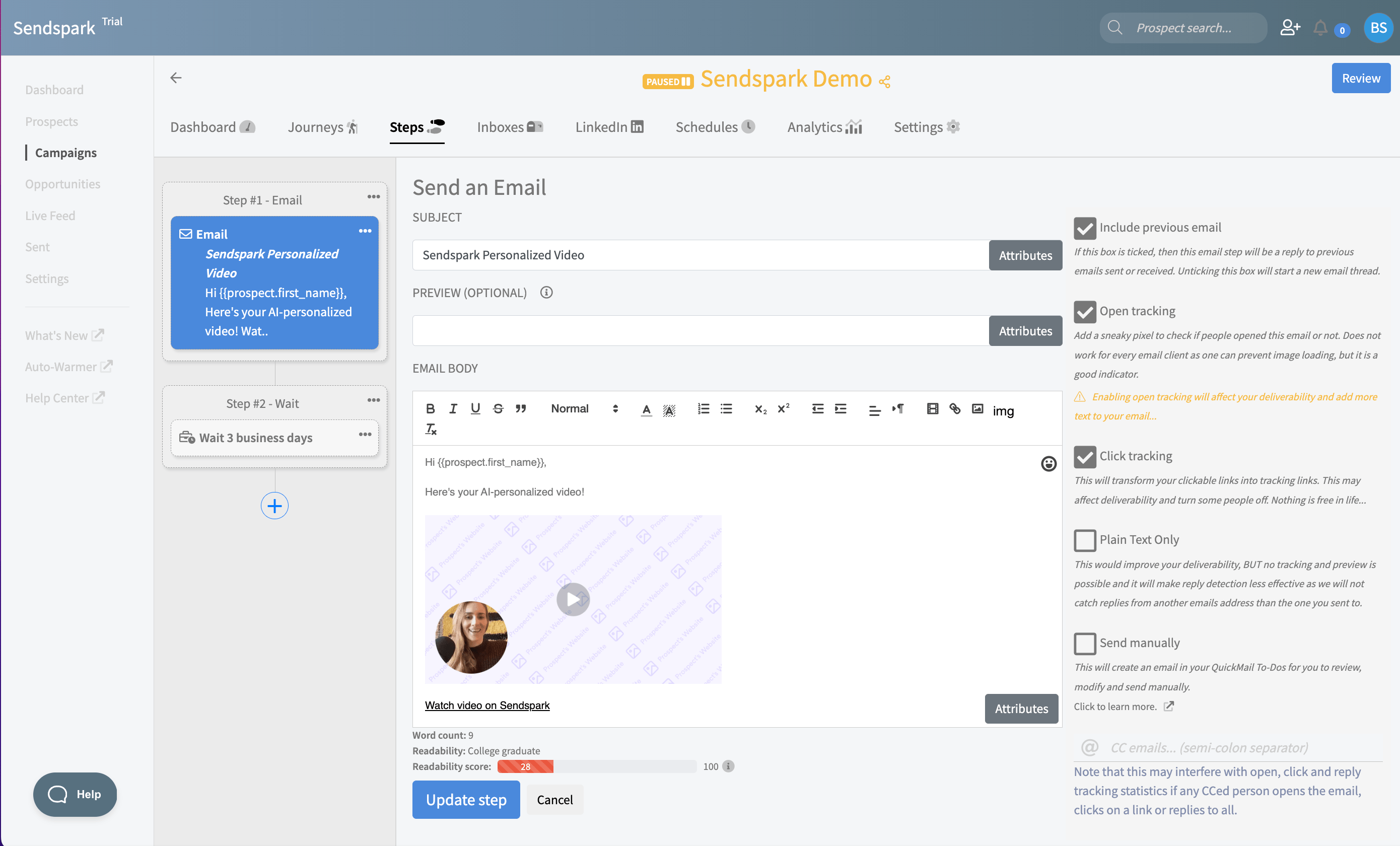
- The pasted snippet shows as a Sendspark placeholder in QuickMail and resolves to the right video per recipient when the campaign runs.
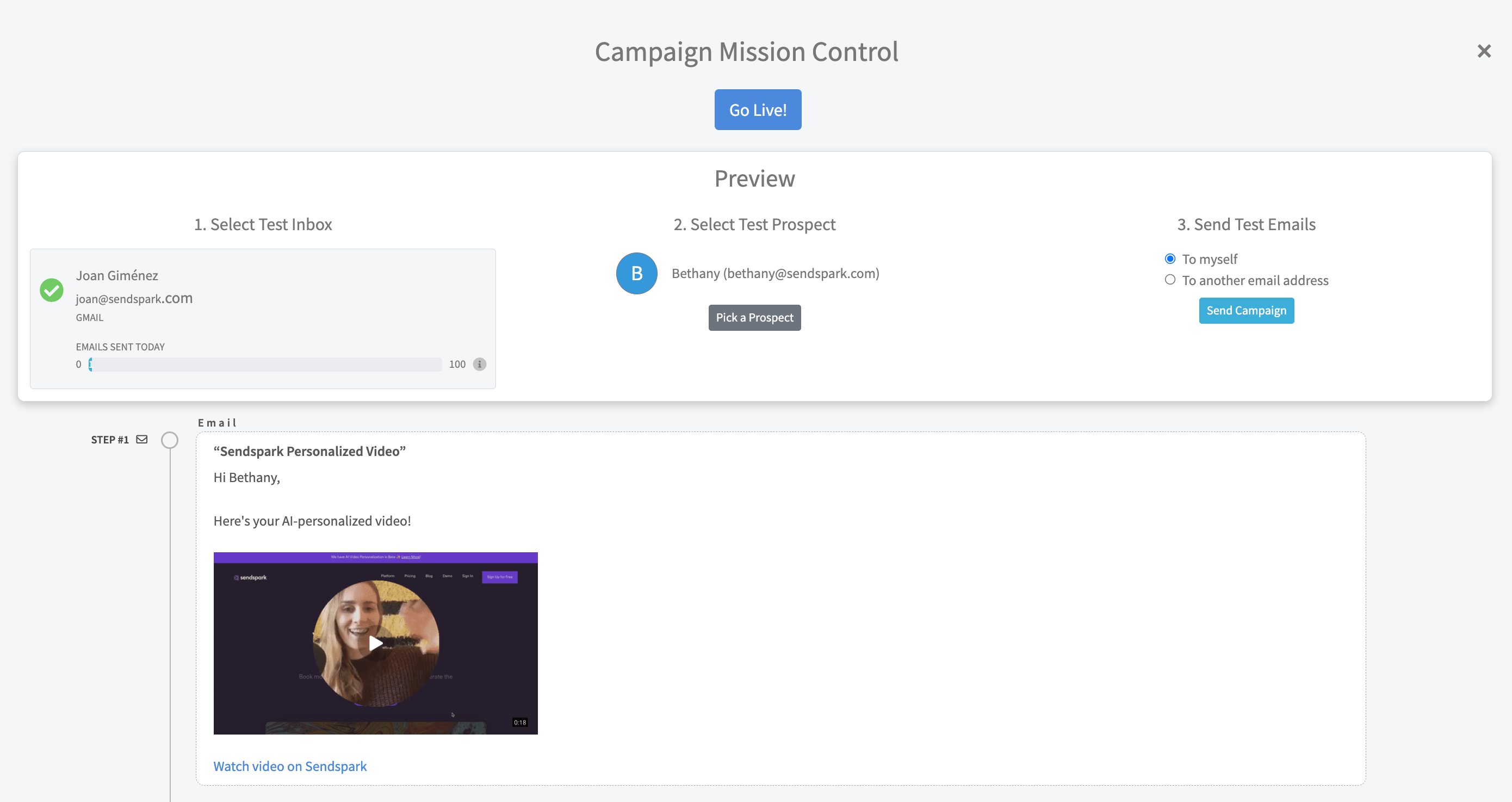
- Use QuickMail’s preview to confirm contacts will receive their dynamic videos before turning the campaign on.
How to Send AI Personalized Videos in QuickMail
Sendspark makes it easy to send AI-personalized videos in QuickMail. Simply follow these steps.
- Create your dynamic video campaignin Sendspark
- After adding contacts and generating videos, click “Share Campaign”
- Select the option for QuickMail
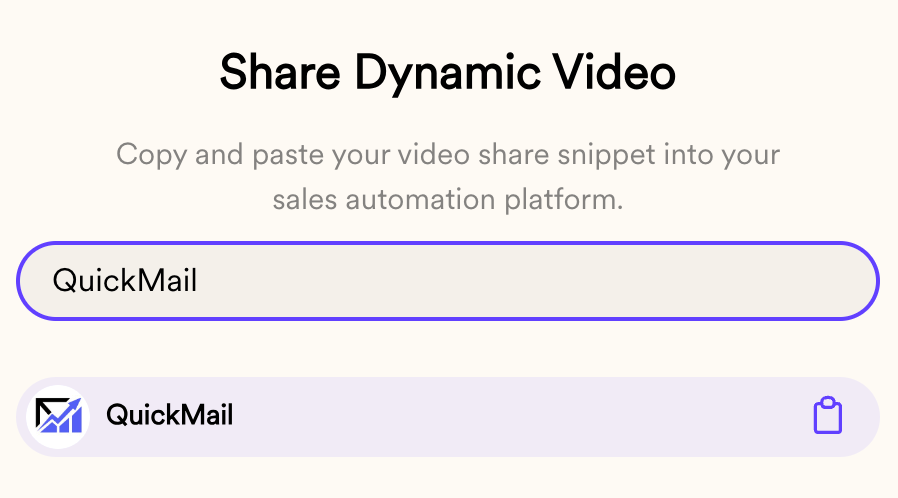
- Paste directly in a QuickMail email campaign. You should see the Sendspark placeholder now.
- You can preview this campaign for your contacts to make sure they will be receiving the dynamic videos
Frequently asked questions
How do I send AI personalized videos in QuickMail?
How do I send AI personalized videos in QuickMail?
Create a dynamic video campaign in Sendspark, add contacts and generate their videos, then click Share Campaign and select QuickMail. Paste the snippet into a QuickMail email campaign, preview it to confirm contacts will receive their videos, and turn the campaign on.
Where do I paste the Sendspark snippet in QuickMail?
Where do I paste the Sendspark snippet in QuickMail?
Paste it directly into your QuickMail email campaign. Once pasted, you’ll see the Sendspark placeholder, which resolves to each recipient’s personalized video when the campaign sends.
Do I need to generate the videos before sharing to QuickMail?
Do I need to generate the videos before sharing to QuickMail?
Yes. Add your contacts and generate their videos in Sendspark first, then click Share Campaign. That way each recipient has a personalized video ready when the QuickMail campaign runs.
Can I preview the dynamic videos before sending in QuickMail?
Can I preview the dynamic videos before sending in QuickMail?
Yes. Use QuickMail’s preview to check the campaign for your contacts and make sure they will receive the dynamic videos before you turn the campaign on.