

Key takeaways
- You create one Dynamic Video that acts as the template, saying “watermelon” where each viewer’s first name should go.
- Download the CSV from your Sendspark campaign and import it into LGM to create an audience.
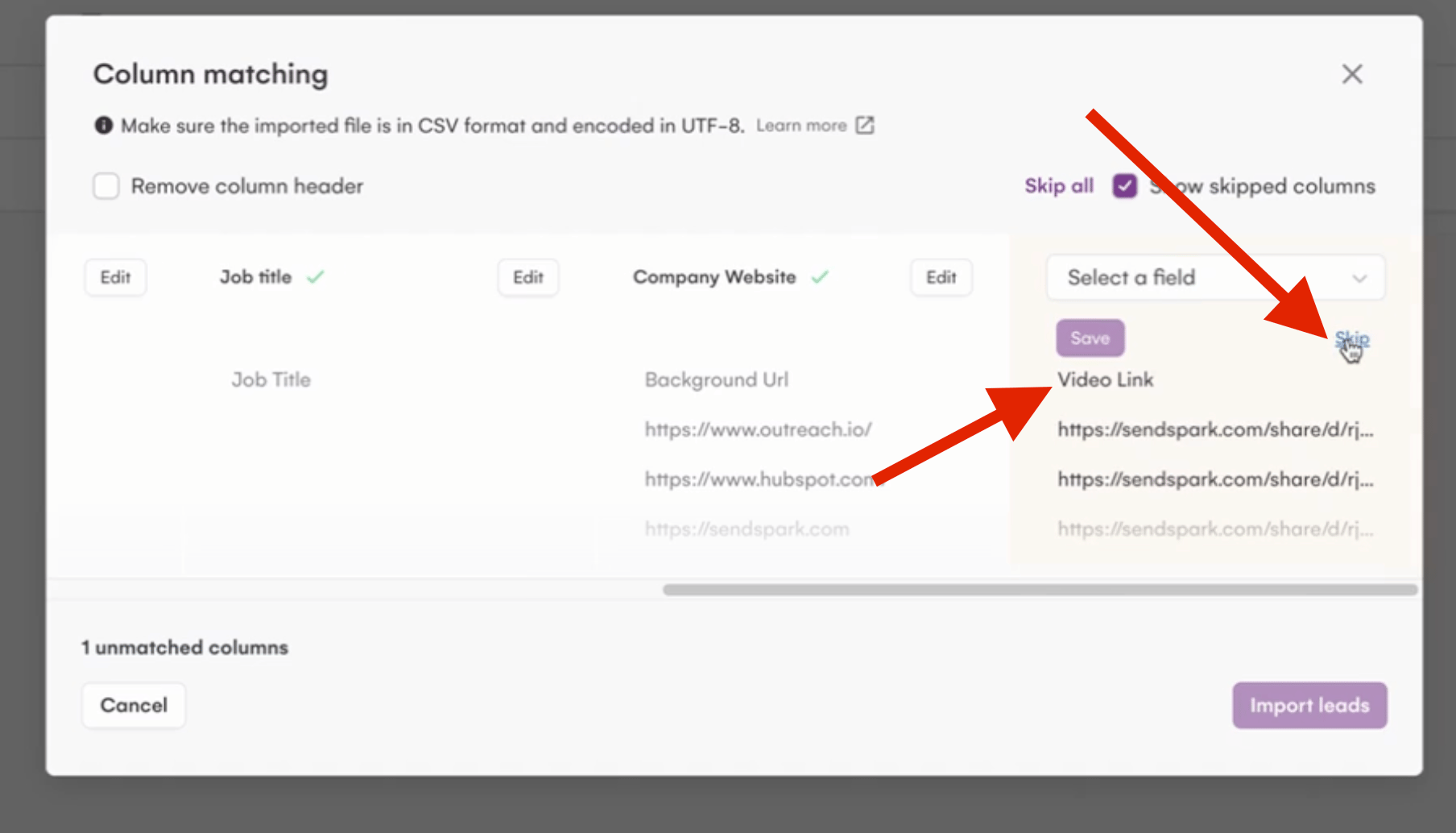
- When mapping columns on import, either skip the VIDEO LINK column or assign it to a field, then import the leads.
- Get the LGM snippet from Share Campaign in Sendspark and paste it directly into the email step body, add a subject, and attach the audience you created.
How to Send AI-Personalized Videos in LGM
Record one video in Sendspark. Make sure to say “watermelon” where you want your viewer’s first name to go, like this:
If you are creating a Dynamic Video campaign for the first time be sure to check this article for more in-depth information:
Let’s break down the steps to share your video
- Download the CSV file by clicking on the given button:
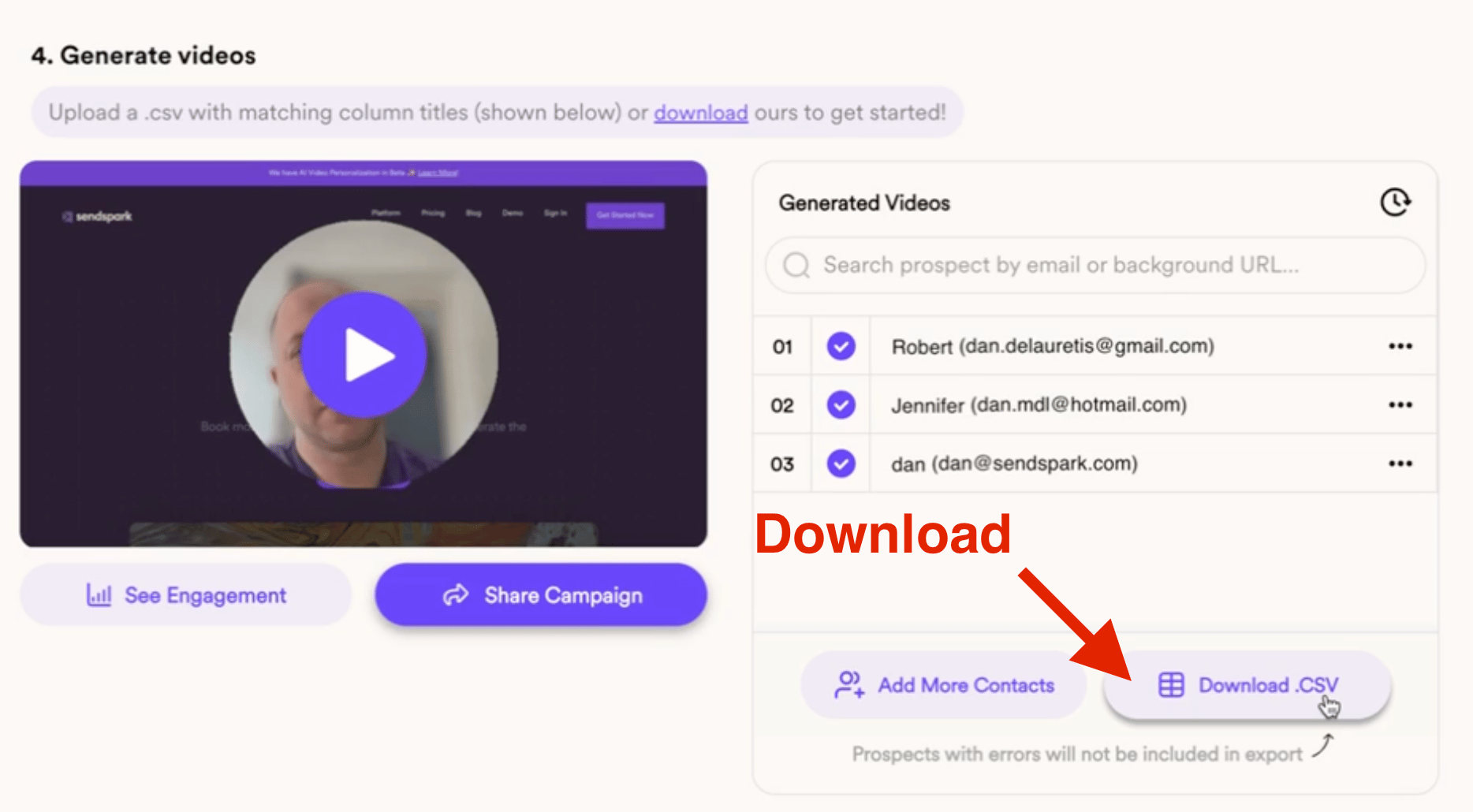
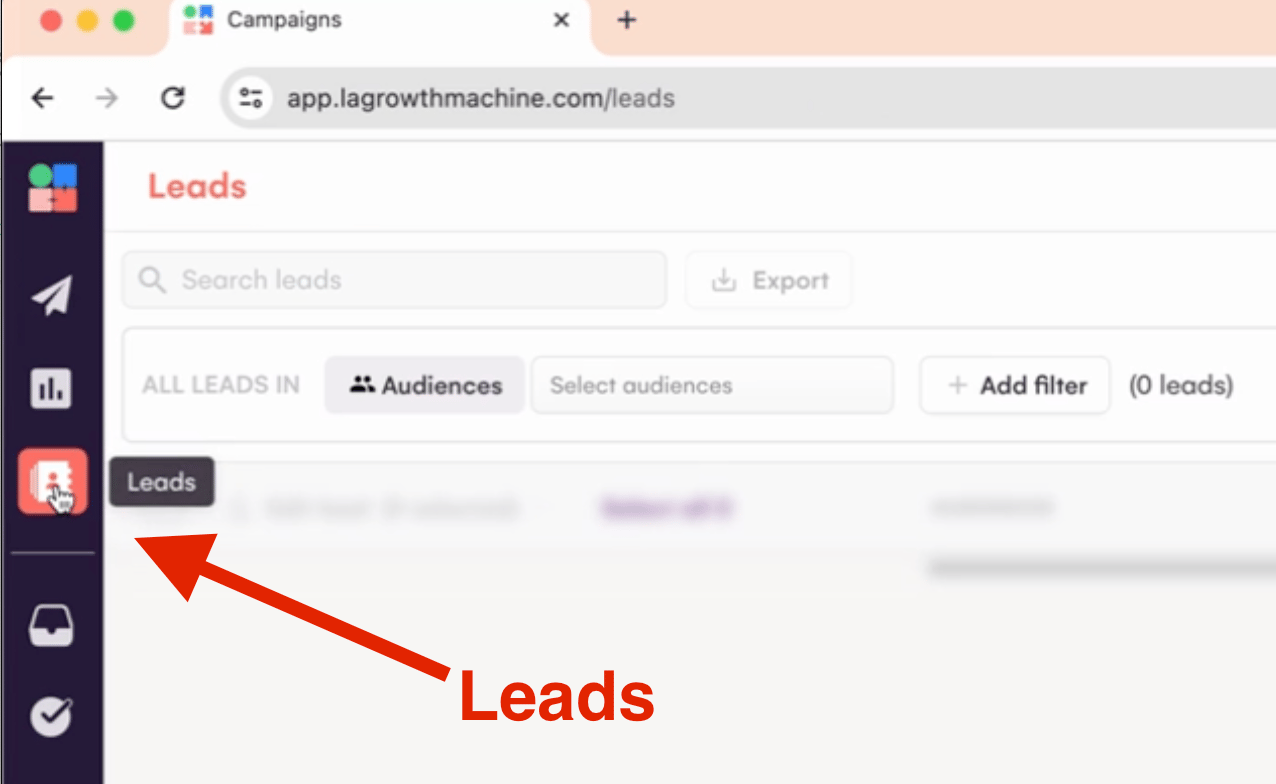
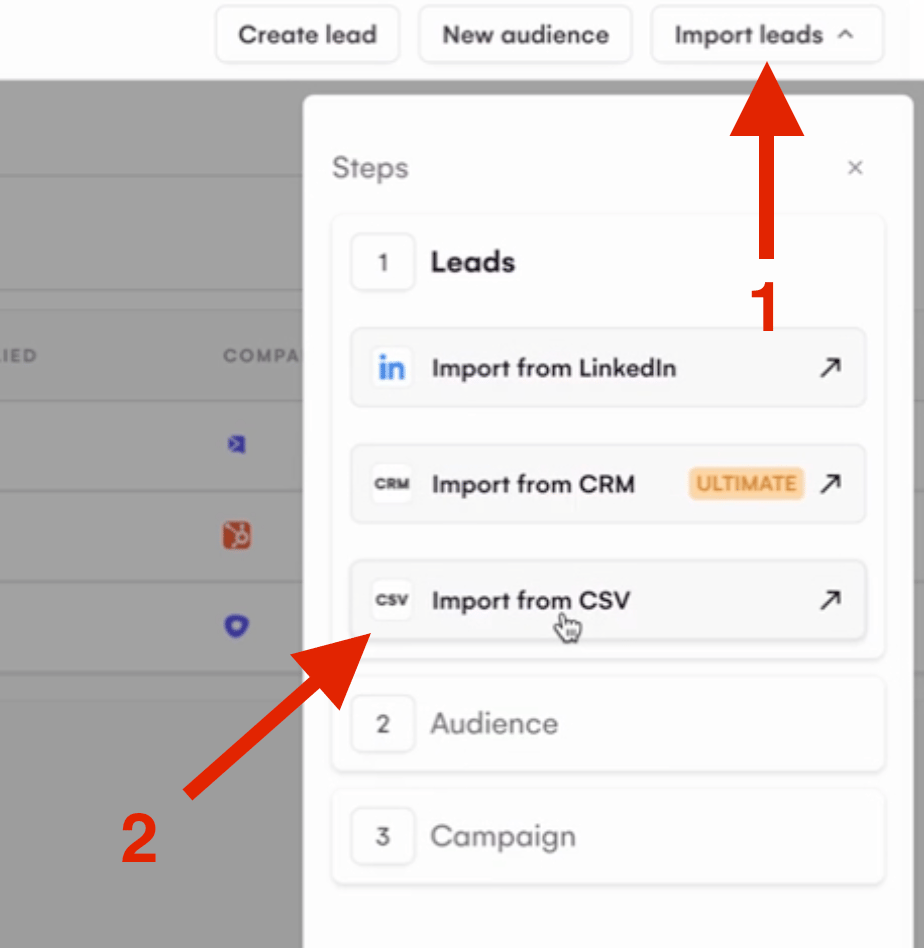
- Head to LGM platform and create an audience by importing that CSV file
- When asked to map the elements be sure to either skip the VIDEO LINK column or assign it to a field and then hit on IMPORT LEADS
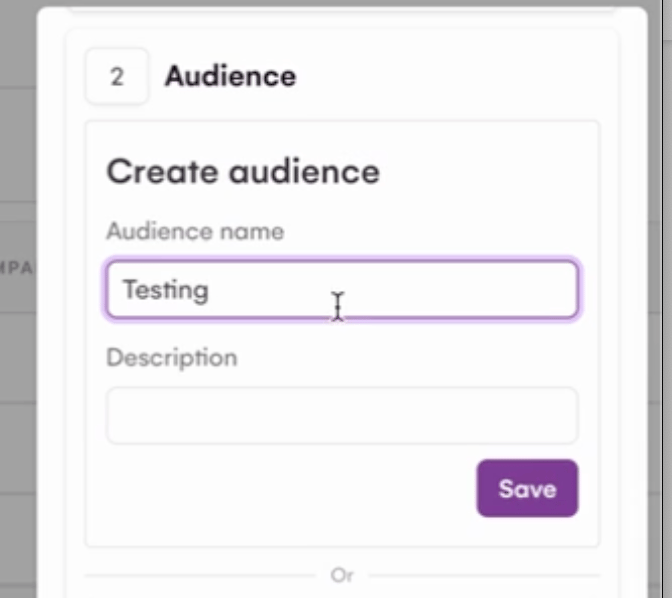
- Name the Audience and save it:
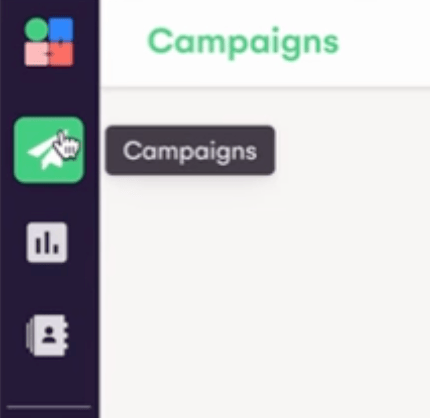
- Head back to Campaigns:
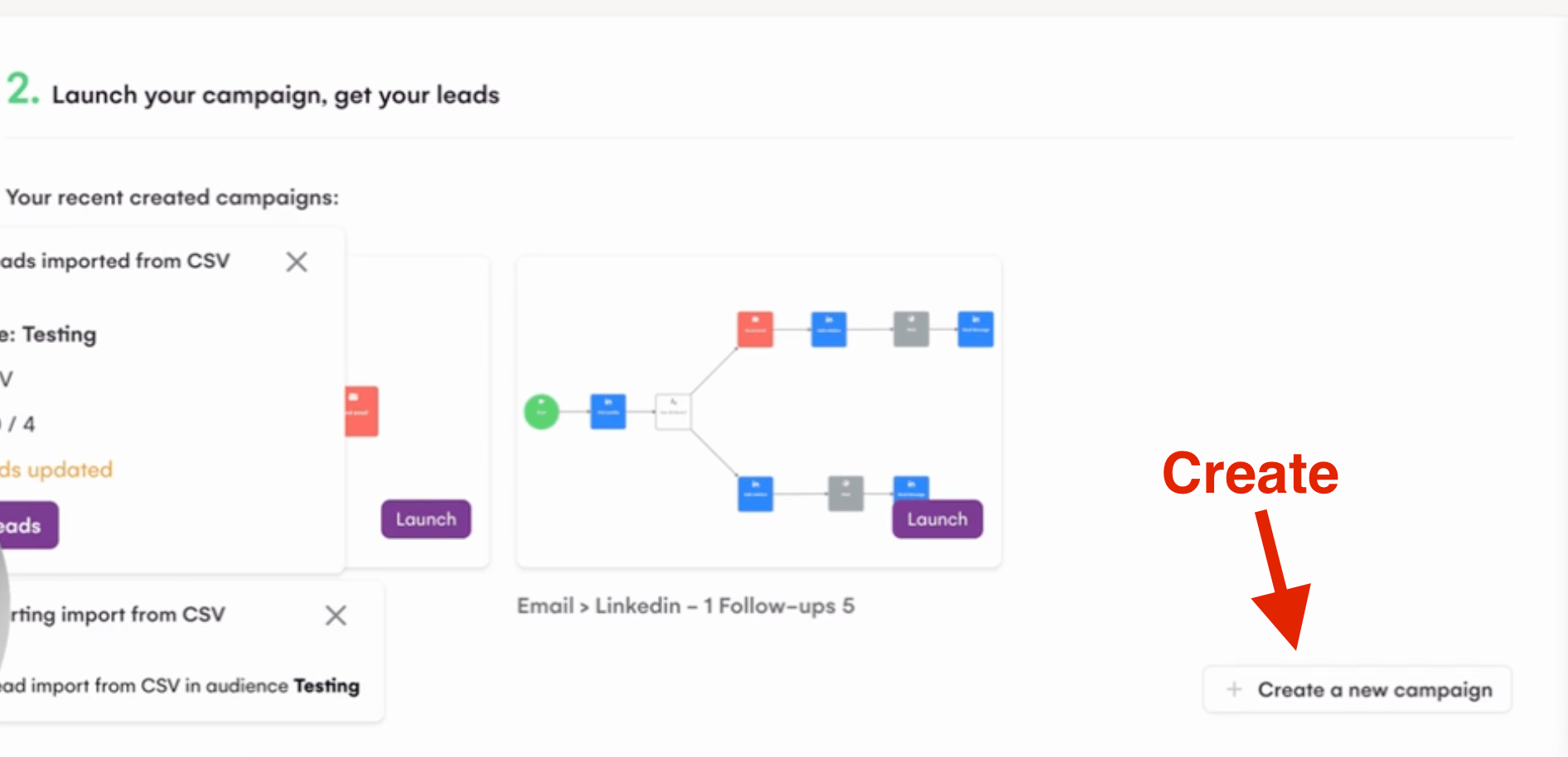
- Create a new campaign:
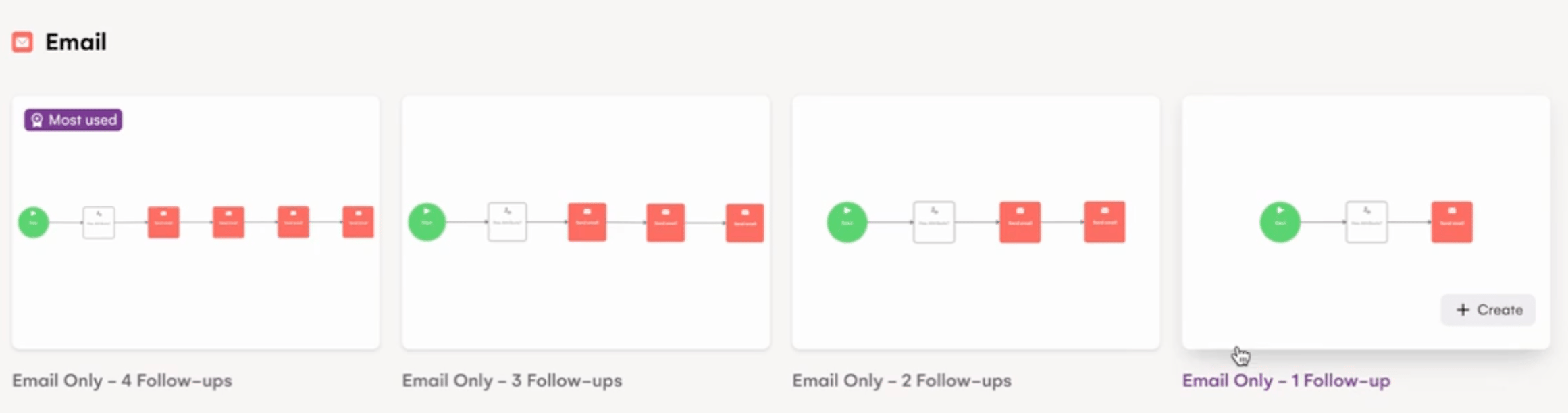
- Select the sequence option that better fits your needs:
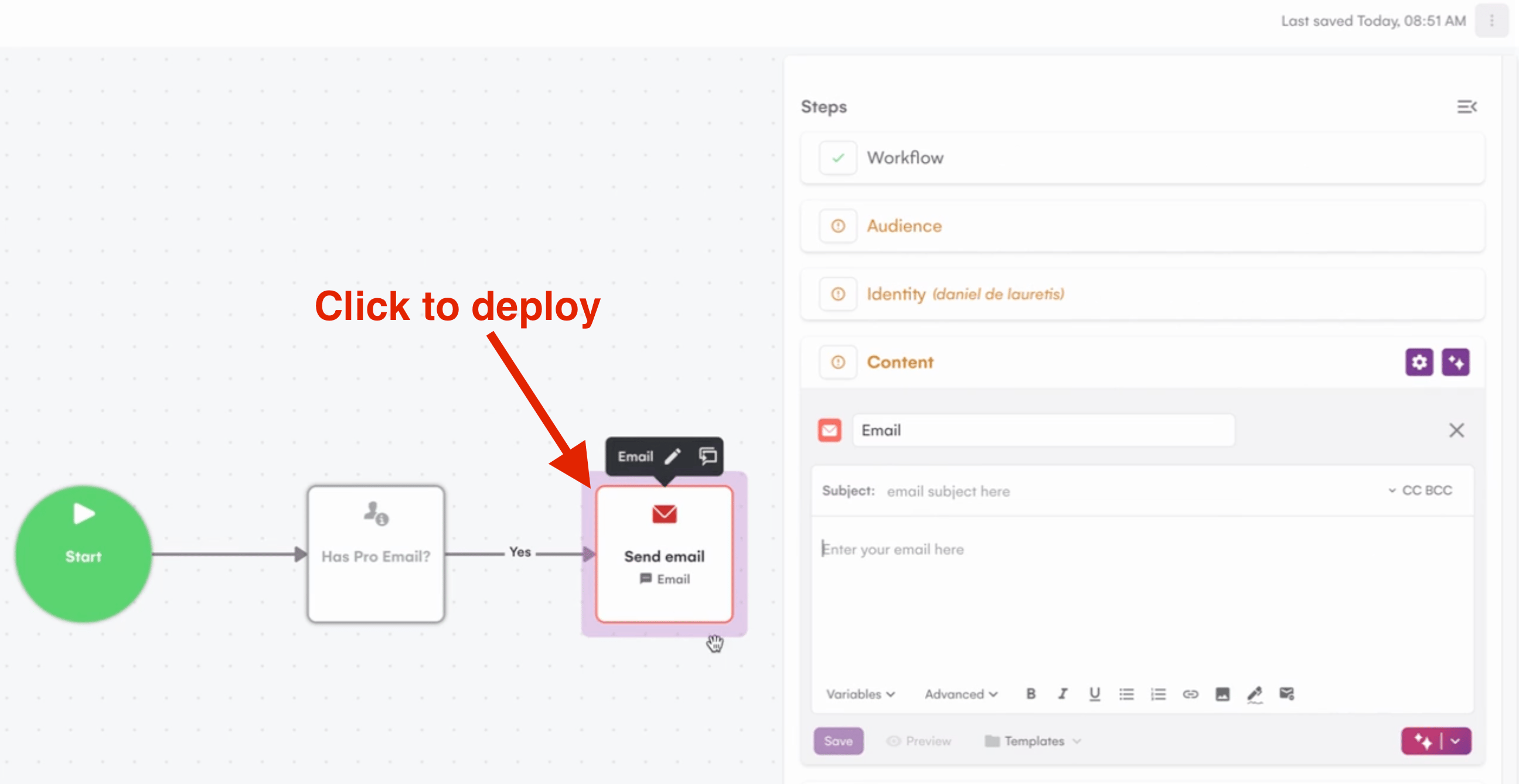
- Once in the steps page, click on the email option to deploy the side panel:
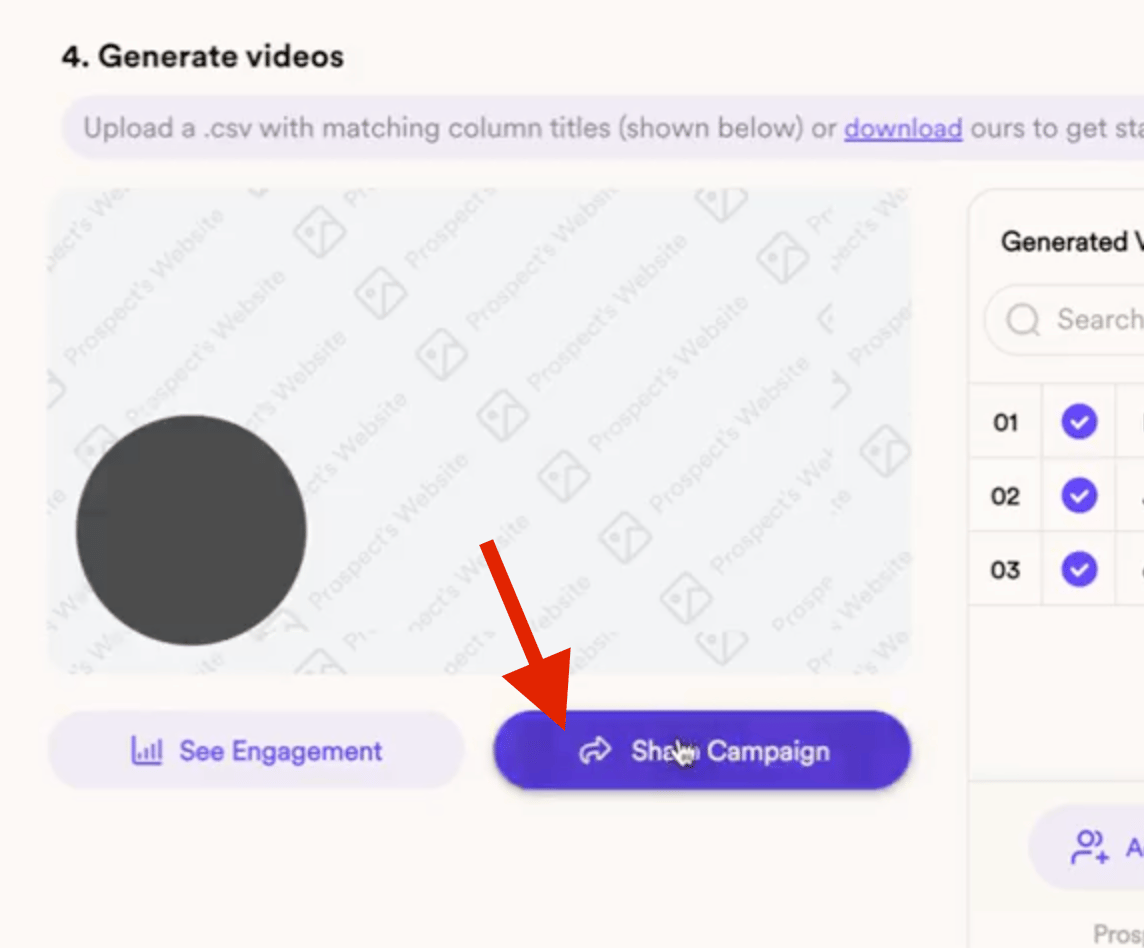
- Head back to your Dynamic Video campaign and click on Share Campaign to find the snippet code for LGM:
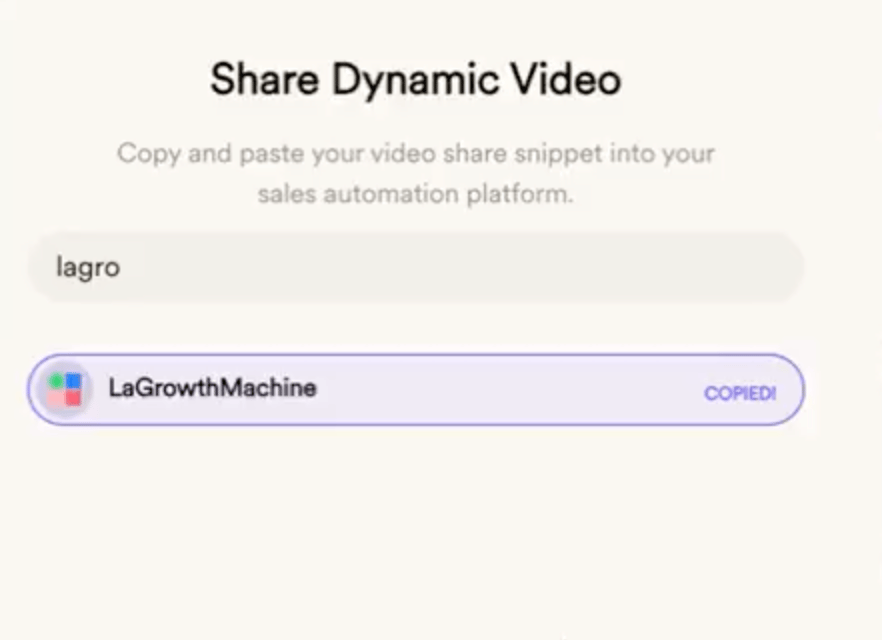
- Copy the snippet code:
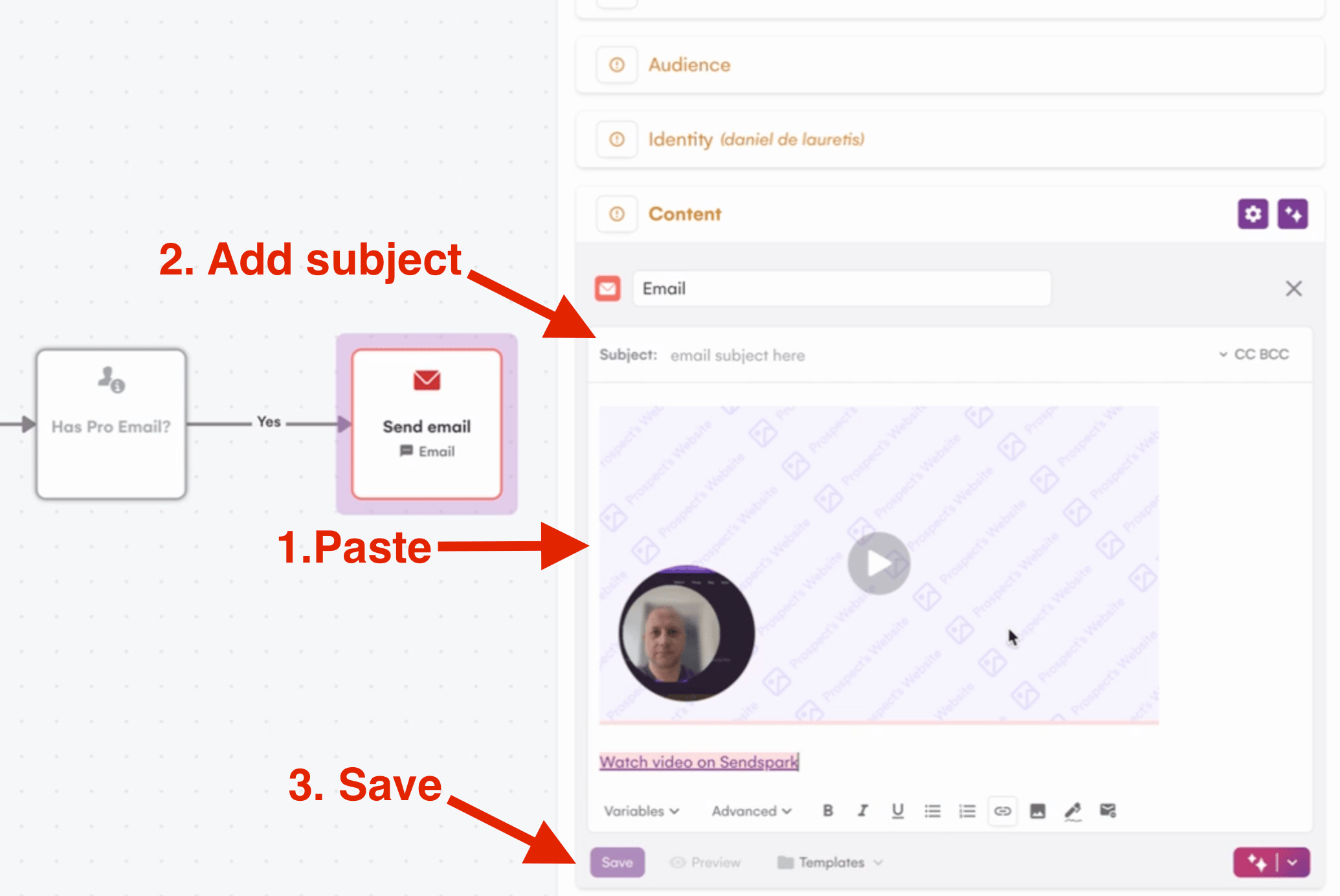
- Add a Subject, Paste the snippet code straight into the body and save it:
- Finally, add the audience you created:
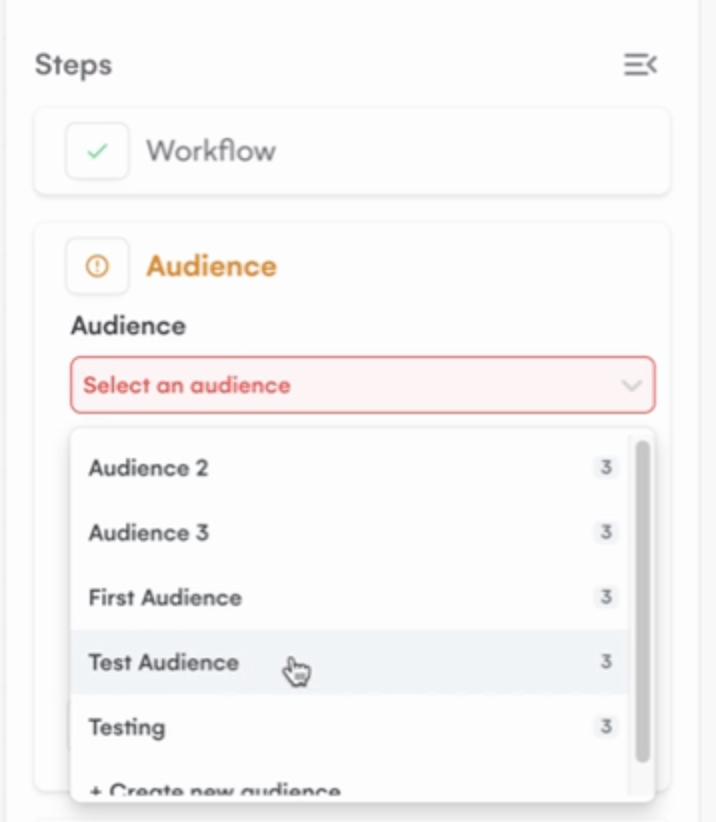
- You are good to go!
Frequently asked questions
How do I personalize the video for each contact?
How do I personalize the video for each contact?
Record one video in Sendspark and say “watermelon” where you want each viewer’s first name to go. Sendspark uses AI to personalize the video with each contact’s name and website.
Do I paste the snippet into a template or the email body?
Do I paste the snippet into a template or the email body?
In La Growth Machine you paste the snippet straight into the email body. In your campaign steps, click the email option to open the side panel, add a subject, and paste the LGM snippet code (copied from Share Campaign in Sendspark) directly into the body, then save.
Which CSV do I import into LGM?
Which CSV do I import into LGM?
Import the CSV you download from your Sendspark Dynamic Video campaign. Use it to create your LGM audience.
What do I do with the VIDEO LINK column when mapping fields?
What do I do with the VIDEO LINK column when mapping fields?
When LGM asks you to map the imported columns, either skip the VIDEO LINK column or assign it to a field, then click Import Leads.