

Key takeaways
- A dynamic video campaign is a Sendspark campaign that generates a unique personalized video for each contact in your list, so you can send them at scale through Brevo.
- Generate the videos in Sendspark first, then click Share Campaign and copy the Brevo snippet.
- Paste the snippet into an HTML snippet block in your Brevo email template — it renders each contact’s own personalized video thumbnail.
- Always preview for a contact before sending to confirm the correct personalized video loads.
At a glance
How to Create and Share AI Personalized Videos in Brevo
- Create a dynamic video campaign in Sendspark & generate videos for your list of contacts
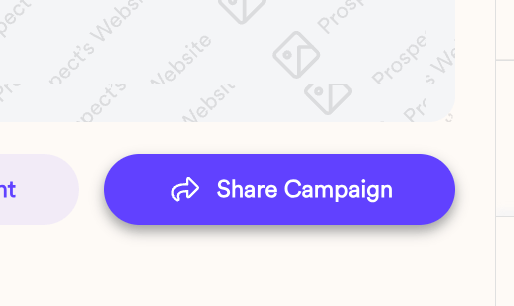
- Click “Share Campaign”
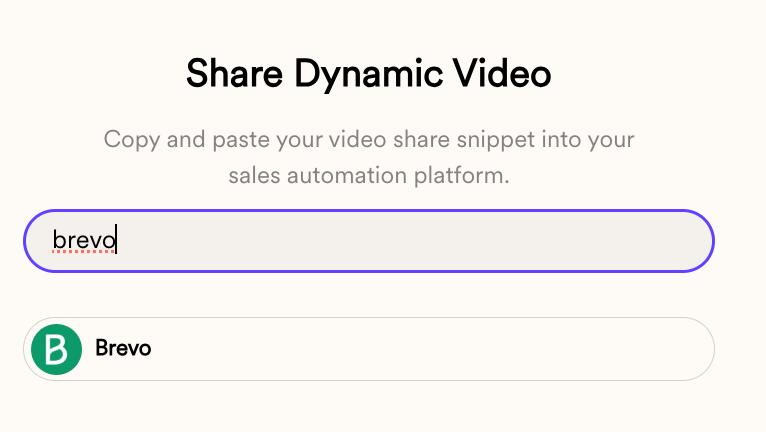
- Copy the snippet for Brevo
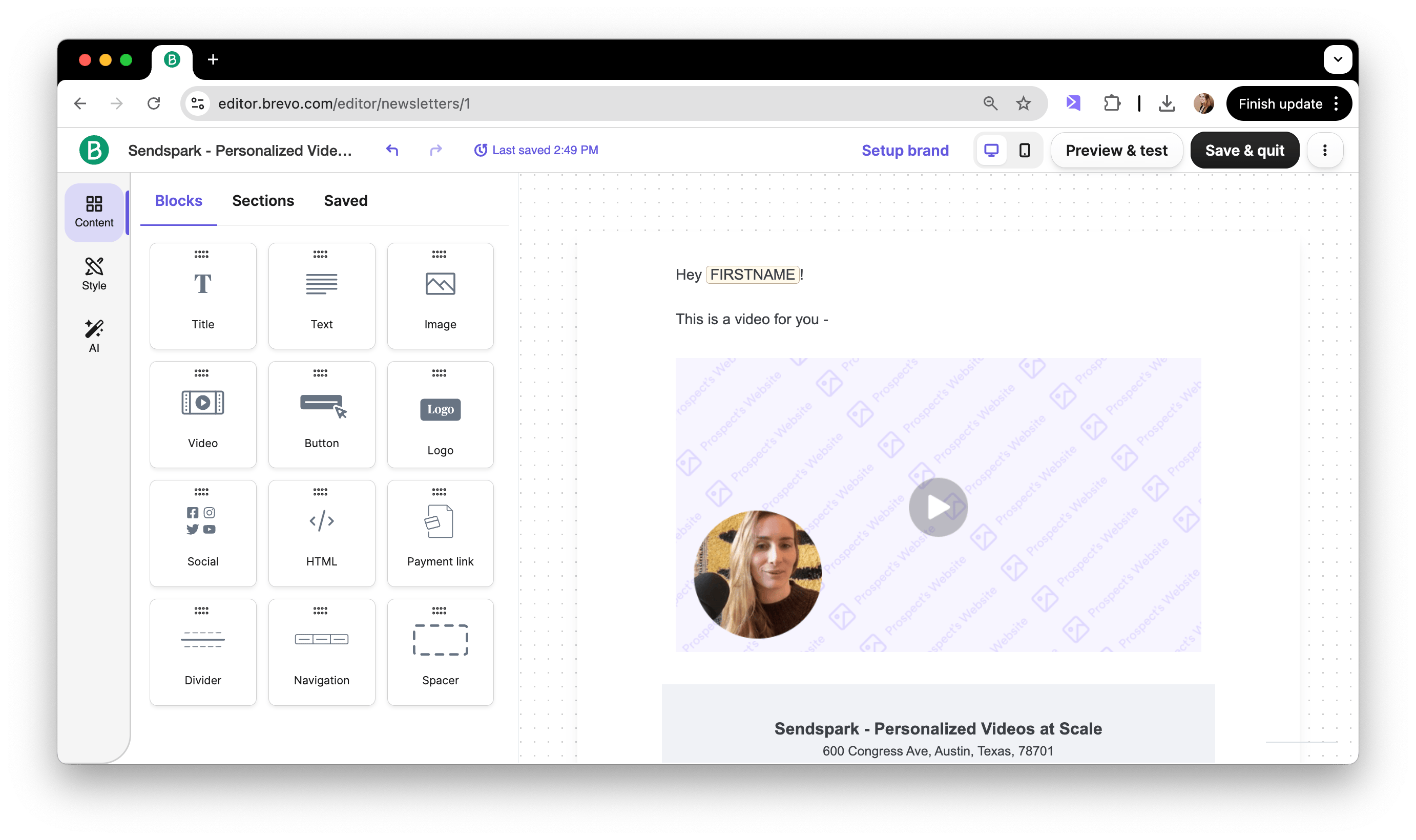
- Paste into an HTML snippet in your Brevo email template
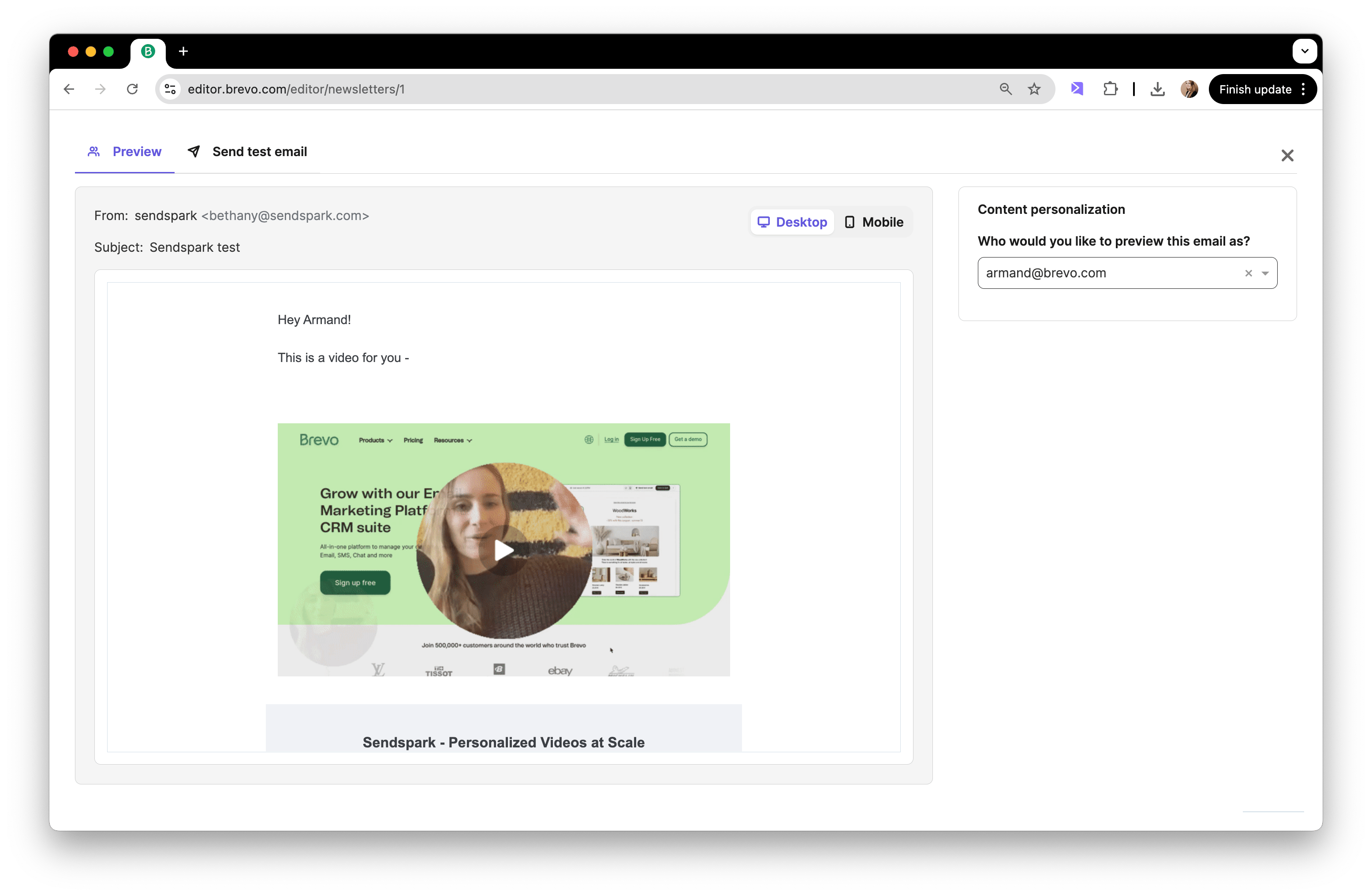
- Preview for a contact to make sure everything is working
Frequently asked questions
How do I send personalized videos at scale in Brevo?
How do I send personalized videos at scale in Brevo?
Create a dynamic video campaign in Sendspark and generate videos for your contact list, click Share Campaign and copy the Brevo snippet, paste it into an HTML snippet in your Brevo email template, preview for a contact, and send.
Where do I get the Brevo snippet in Sendspark?
Where do I get the Brevo snippet in Sendspark?
In your dynamic video campaign, click Share Campaign and copy the snippet listed for Brevo.
How do I add the video to a Brevo email?
How do I add the video to a Brevo email?
Paste the Brevo snippet into an HTML snippet block inside your Brevo email template. It renders as a personalized video thumbnail for each contact.
How do I check the personalization is working before I send?
How do I check the personalization is working before I send?
Use Brevo’s preview to view the email as a specific contact and confirm that their personalized video loads correctly.