

Key takeaways
- Copy the video snippet from Sendspark via Share Campaign → Lemlist.
- In Lemlist, paste the snippet inside Code View (found under the ”…” More Rich options), then switch back to the visual editor.
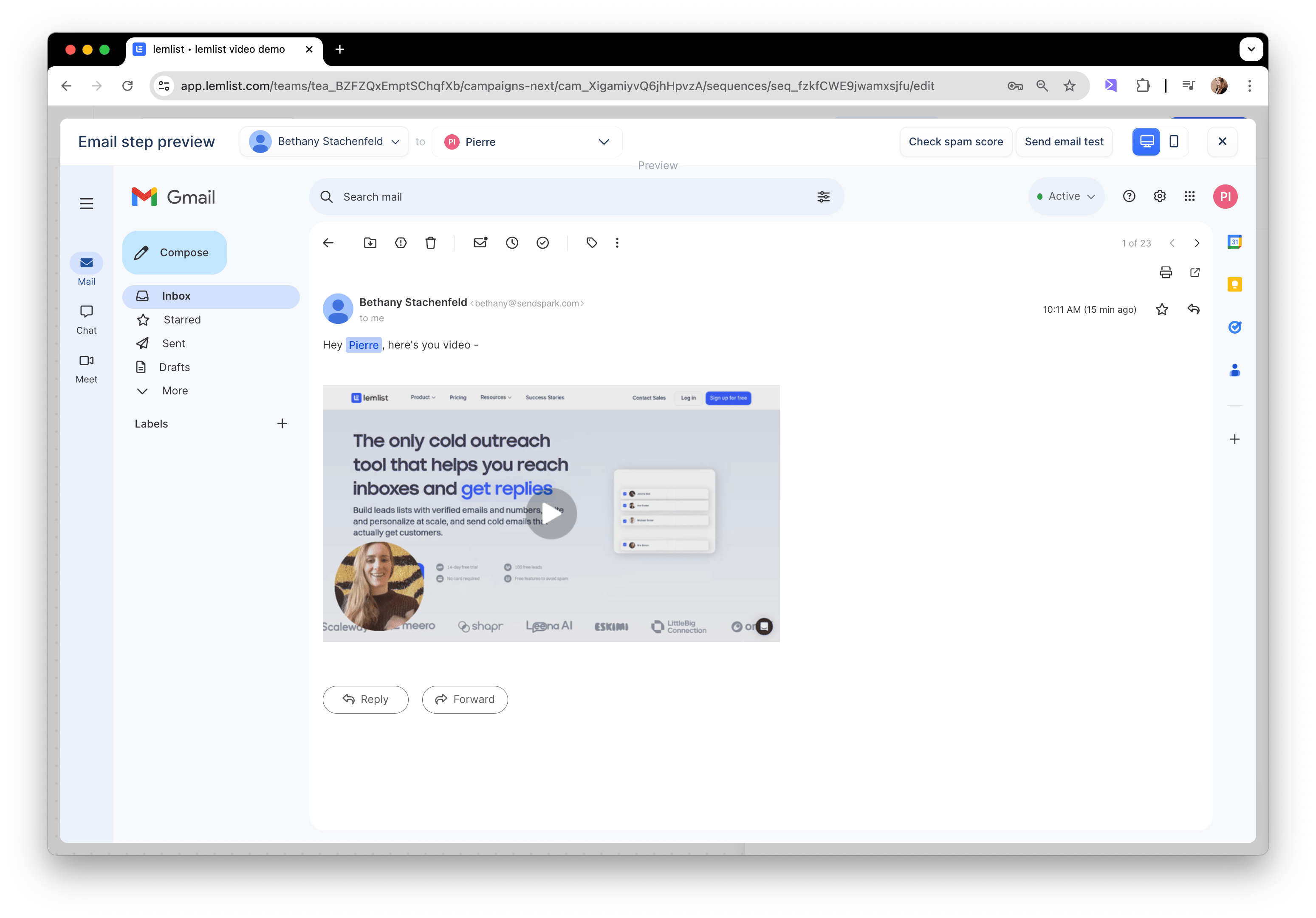
- Use Preview in the bottom right to confirm the personalized video loads for a given contact before sending.
- Videos are matched by email address, so each contact must have the same email in both Sendspark and Lemlist — otherwise they see the fallback video.
1. Create your dynamic video campaign in Sendspark
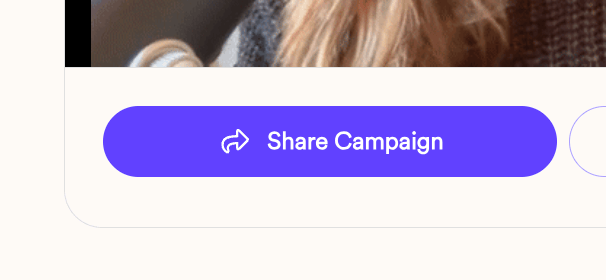
If you have not done that yet, please start with this article!2. Select “Share Campaign”
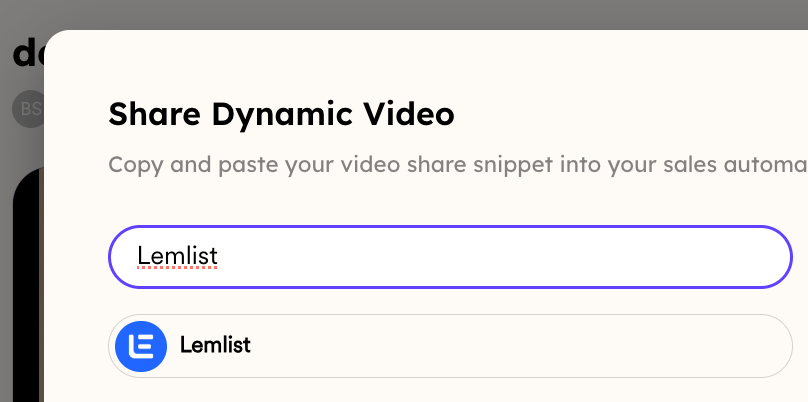
3. Select “Lemlist”
4. Go to your email campaign in Lemlist
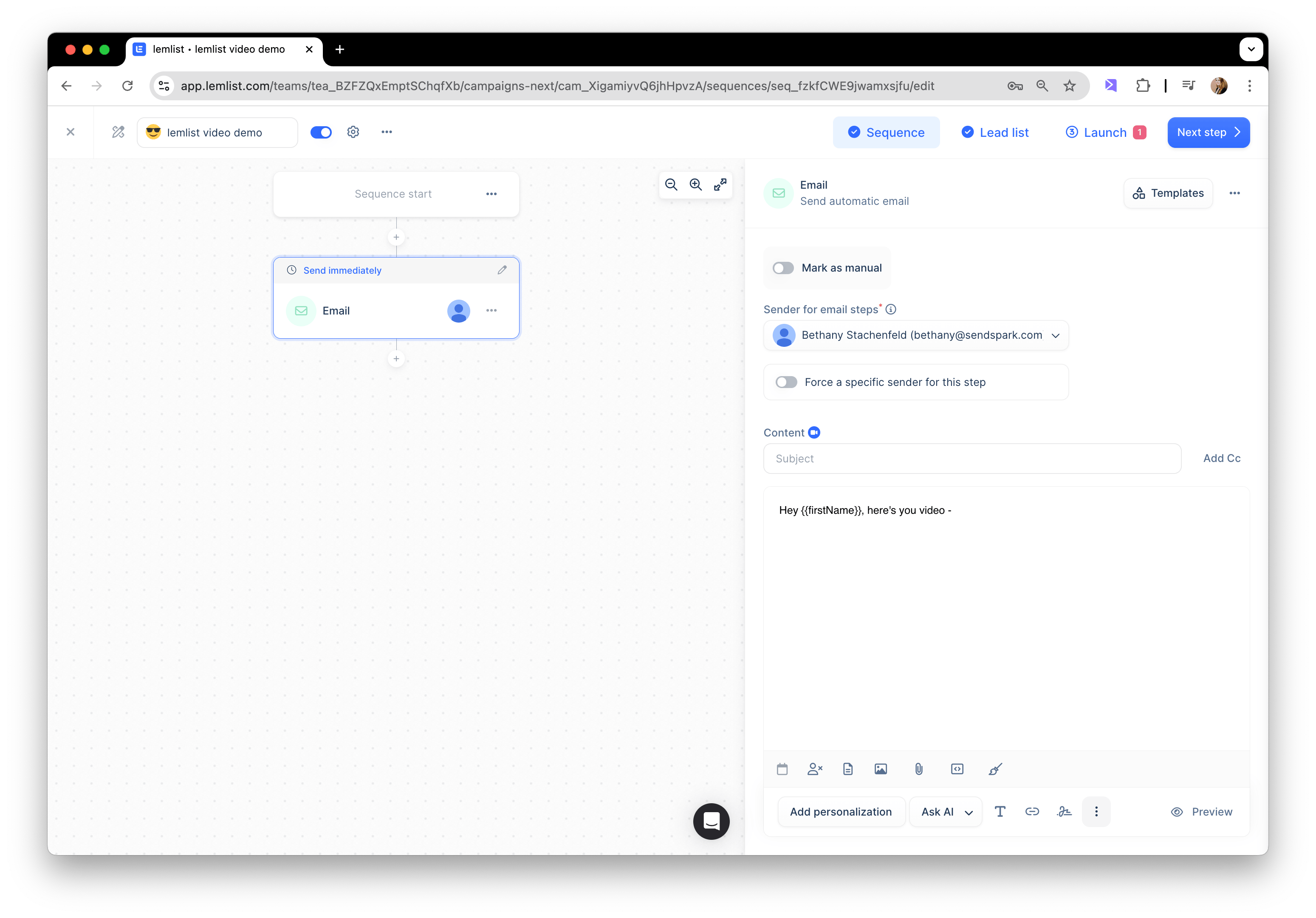
5. Select the ”…” on the bottom of your editor to get “More Rich” options

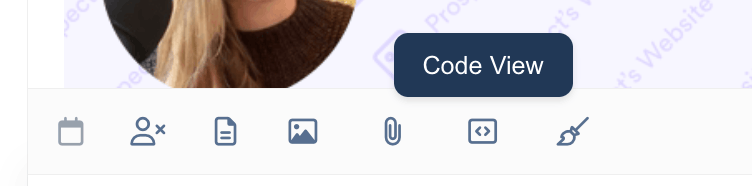
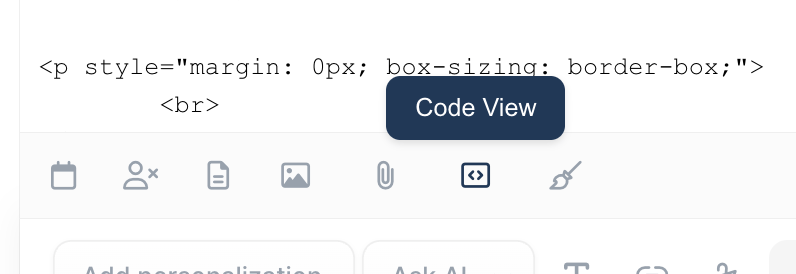
6. Select “Code View”
7. Paste the snippet from Sendspark
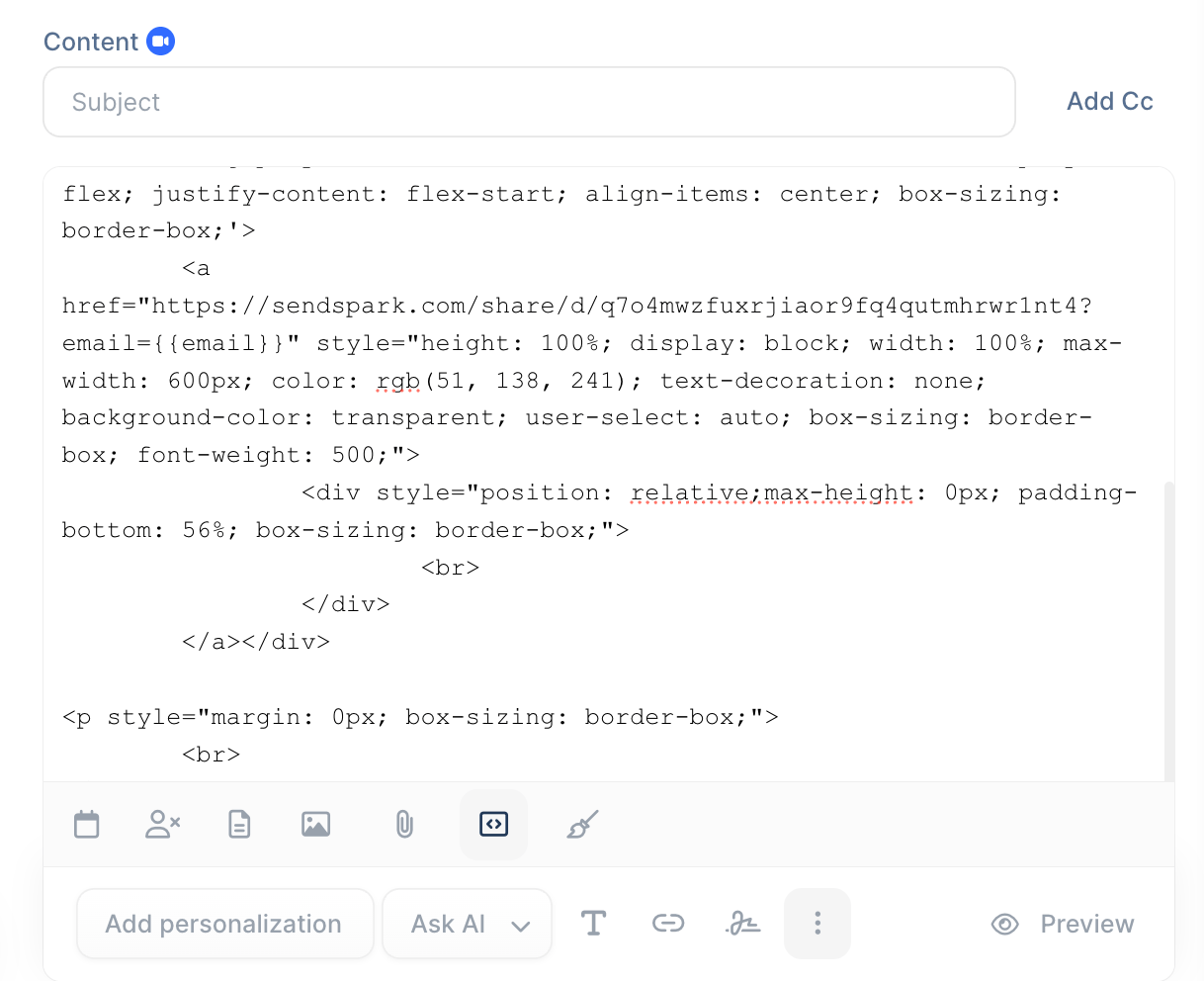
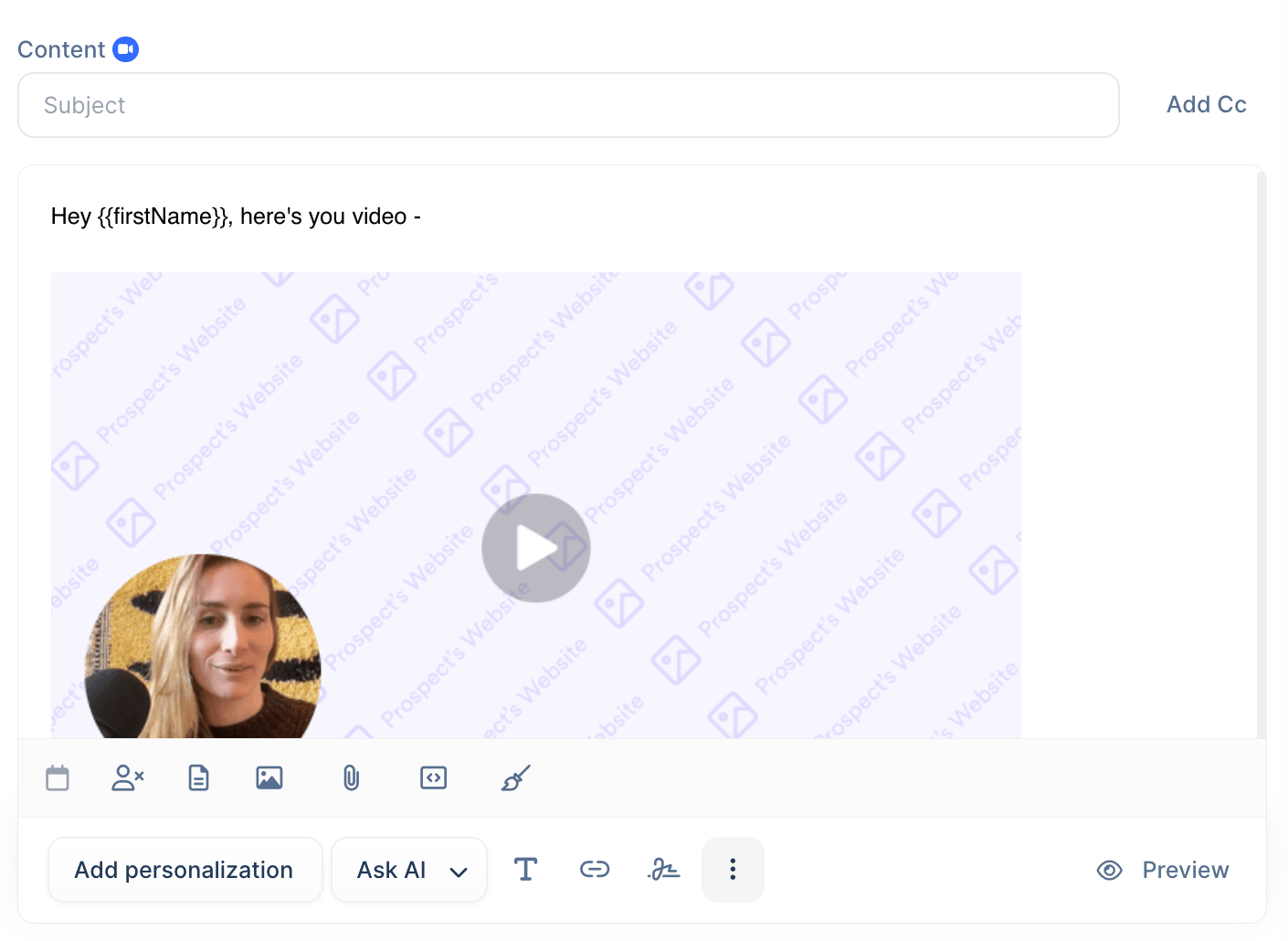
8. Switch back out of Code View
9. You should see your dynamic video preview in email
Frequently asked questions
Why do I have to paste the snippet in Code View?
Why do I have to paste the snippet in Code View?
The Sendspark snippet is HTML, so it needs to go into Lemlist’s Code View (opened from the ”…” More Rich options at the bottom of the editor). Once pasted, switch back to the visual editor and the dynamic video preview appears in the email.
Why do I see the fallback video instead of a personalized one?
Why do I see the fallback video instead of a personalized one?
Videos are matched by email address. If a contact’s email in Lemlist doesn’t match the email you generated a video for in Sendspark — or the contact has no email in Sendspark — Lemlist shows the fallback video instead of the personalized one.
How can I check the setup before sending?
How can I check the setup before sending?
Click Preview in the bottom right of the Lemlist editor. When you preview for a contact you’ve generated a video for, their AI video fills the preview area, confirming everything is wired up correctly.
Do I need to create the dynamic video first?
Do I need to create the dynamic video first?
Yes. Build your dynamic video campaign in Sendspark first — see how to make dynamic videos — then come back to copy the Lemlist snippet.