

Key takeaways
- Gmail is one of the few email clients that does not support embedded video, so Sendspark uses an animated GIF preview that links to the full video.
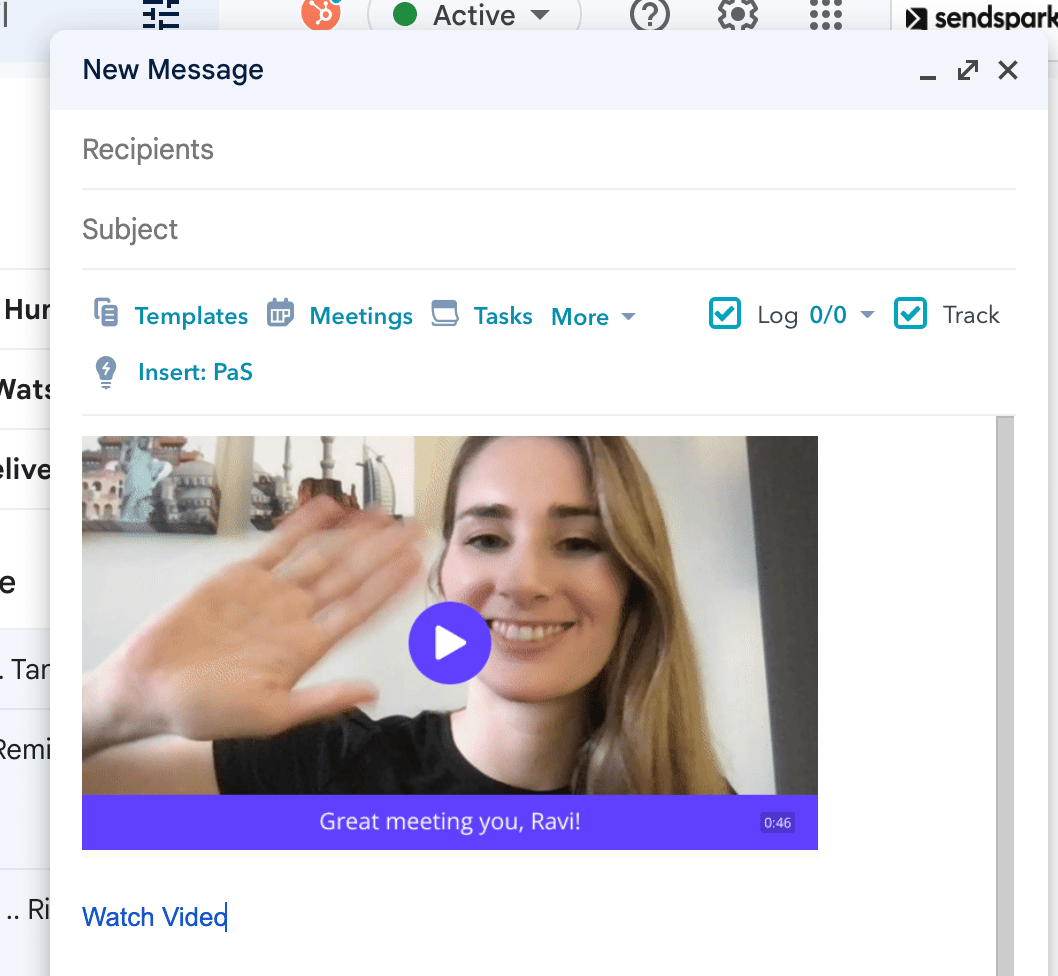
- You can send a video in Gmail in three steps: click Share Video, click Copy Linked GIF, then paste into your Gmail draft.
- Gmail’s attachment size limit is 25 MB, while a single 1-minute HD video is around 88 MB, which is why a hosted link is needed.
- Sending via a GIF preview link also gives you more detailed viewer analytics than embedding a video in the email client would.
How do I send videos in Gmail?
- Once your recording is complete, click Share Video

- ClickCopy Linked GIF to copy the video share snippet to your clipboard
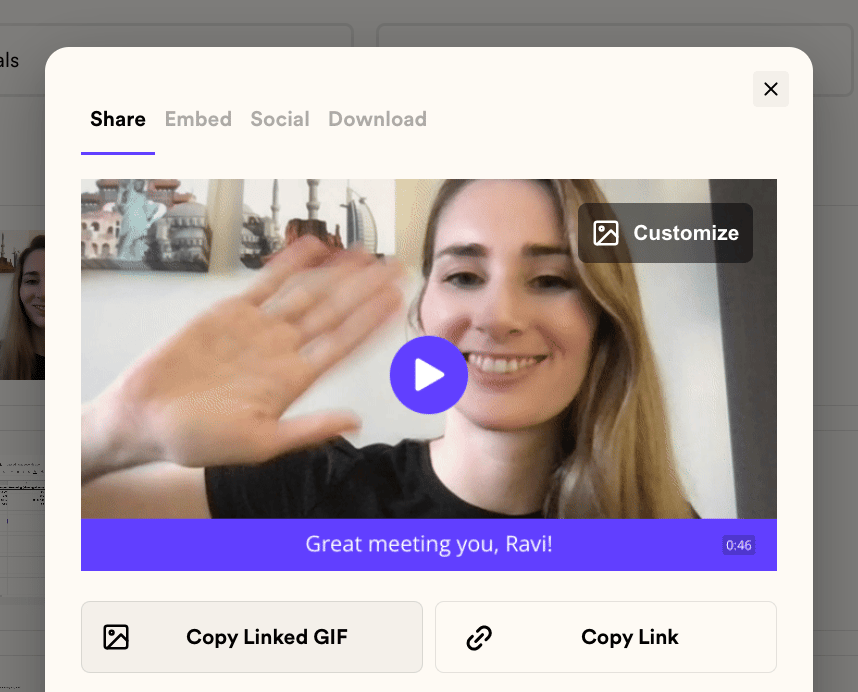
- Paste in your Gmail draft, and send!
Frequently asked questions
Can videos play directly inside a Gmail email?
Can videos play directly inside a Gmail email?
No. Gmail is one of the few email clients that does not support embedded video, so you cannot embed a video directly in a Gmail message. Instead, Sendspark sends a GIF preview that links to the full video.
What's the best way to send a video in Gmail?
What's the best way to send a video in Gmail?
Send it as an animated GIF preview. The moving thumbnail stands out and captures attention, and when viewers click it they can watch the whole video in their browser.
Why not just compress the video and attach it?
Why not just compress the video and attach it?
Compressing requires downloading extra software, the recipient has to be able to unpack the file, and you lose quality so the video looks grainy. Sendspark videos are HD by default and shared as a link in seconds.
What is Gmail's attachment size limit?
What is Gmail's attachment size limit?
Gmail has a 25 MB limit for email attachments, while a single 1-minute HD video is around 88 MB, so you’ll generally need a third-party tool like Sendspark to send video.
What if I really want my video to play in-email?
What if I really want my video to play in-email?
Sendspark can embed videos that play in-email as long as neither you nor your recipients are using Gmail. Send your video through any supported email automation platform; recipients on a platform that supports video will see it play inline, while anyone on Gmail sees the animated GIF and opens the video in their browser.
What are the benefits of sending a video in Gmail?
What are the benefits of sending a video in Gmail?
Video boosts engagement (using a video thumbnail can lift engagement by over 42%), matches how people prefer to buy and learn (around 75% of people decide to buy after watching a video and over 90% of consumers prefer to learn about a product through video), and saves time for you and your recipient since there’s no extra software or compression to deal with.