

Key takeaways
- The flow is: create AI personalized videos in Sendspark → download the CSV → upload to HeyReach → map Video Link → use it in your LinkedIn outreach.
- HeyReach is a LinkedIn automation tool, so the personalized video goes into connection requests or LinkedIn messages, not email.
- The key field to map is Video Link, the unique link to each prospect’s generated video, mapped to a HeyReach custom variable.
- When the video link is sent in a LinkedIn message, it unfurls into an animated preview that recipients can click to watch.
How to Send AI Personalized Videos in HeyReach
- Create AI Personalized Videos in Sendspark
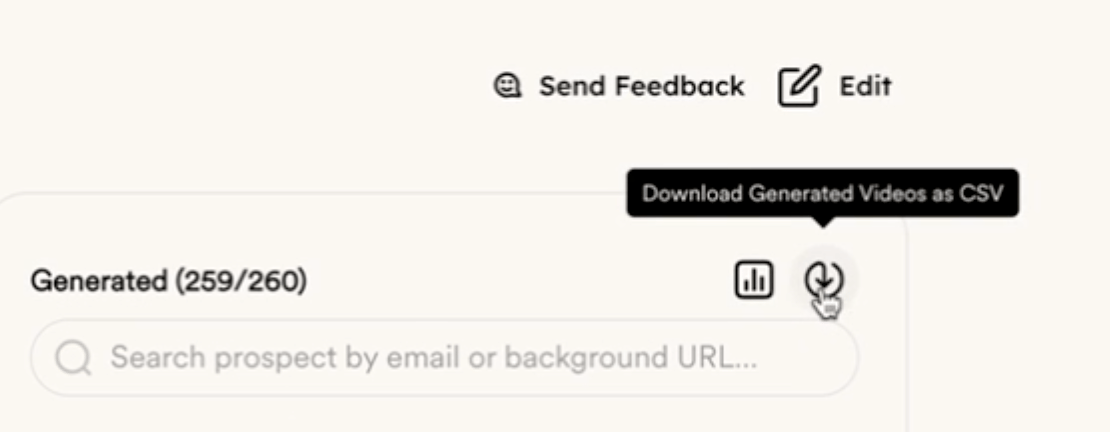
- the download icon in Sendspark (its tooltip names the CSV export)
- Upload CSV to HeyReach
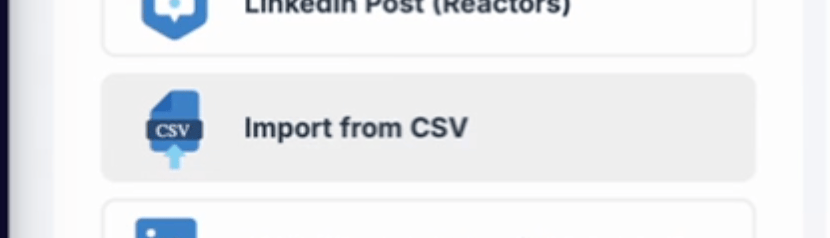
- Map “Video Link” variable from Sendspark to a Custom Variable in HeyReach

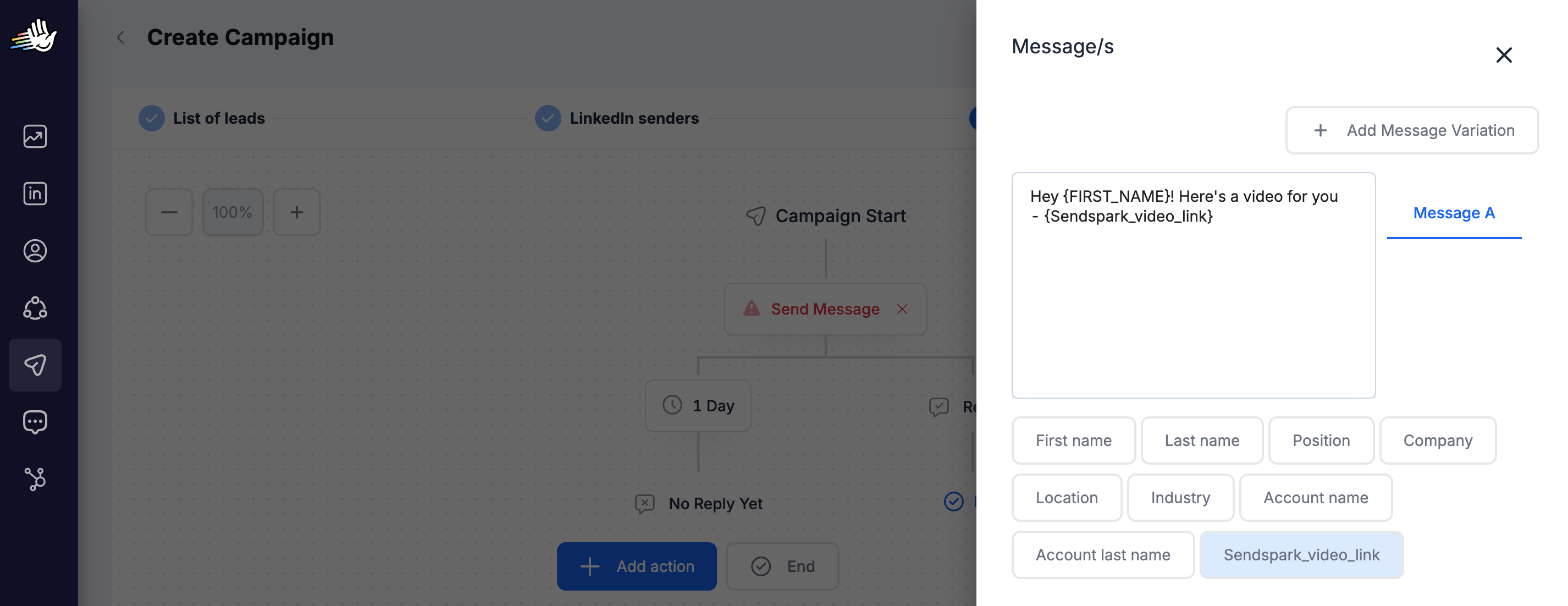
- Use the “Video Link” variable where you want your personalized video to appear in LinkedIn Connection Requests or LinkedIn Messages
Frequently asked questions
Which Sendspark field do I map in HeyReach?
Which Sendspark field do I map in HeyReach?
Map the Video Link column from Sendspark’s CSV to a custom variable in HeyReach. Video Link is the unique link to the dynamic video generated for each contact, and it’s what you insert into your LinkedIn outreach.
Where do I put the video in HeyReach?
Where do I put the video in HeyReach?
Use the mapped Video Link variable wherever you want the personalized video to appear in your LinkedIn connection requests or LinkedIn messages. HeyReach is a LinkedIn automation platform, so videos go into LinkedIn outreach rather than email.
How do I create the videos before uploading to HeyReach?
How do I create the videos before uploading to HeyReach?
Create an AI personalized (dynamic) video campaign in Sendspark first, generate a video for each contact, then download the CSV. That CSV includes the Video Link column you’ll upload and map in HeyReach.
How does the video appear in a LinkedIn message?
How does the video appear in a LinkedIn message?
When you send the video link in a LinkedIn message, it unfurls into an animated preview that the recipient can click to watch the full personalized video.