

Key takeaways
- Expandi has a native Sendspark integration for sending AI-personalized videos in LinkedIn outreach.
- First-time users must install the Sendspark integration in Expandi before starting.
- Create your dynamic video campaign in Sendspark up to (but not including) adding contacts — you enroll contacts in Expandi instead.
- Selecting your Sendspark campaign in Expandi auto-adds a {sendspark_video} placeholder; reposition it, hit Save messages, and each enrolled contact gets a personalized video.
How to Send Sendspark Videos in Expandi LinkedIn Automation
Prepare: Connect Sendspark and Expandi
If this is your first time using Sendspark and Expandi together, please install the Sendspark integration in Expandi. Once you have that setup, you can follow the steps below!1. Create dynamic video campaign in Sendspark
Head over to the dynamic video section in Sendspark, and click Create Campaign. Give you campaign a name, and go through the steps to create a dynamic video campaign, all up to the last step where you add contacts (you will do this part in Expandi).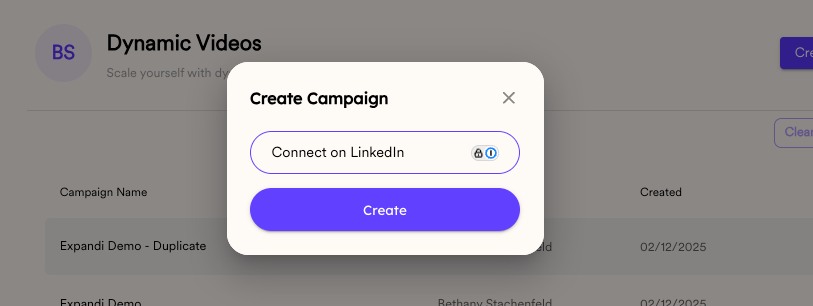
2. Create LinkedIn automation campaign in Expandi
Log into your Expandi account, go to the Campaigns section, and select + Add new campaign.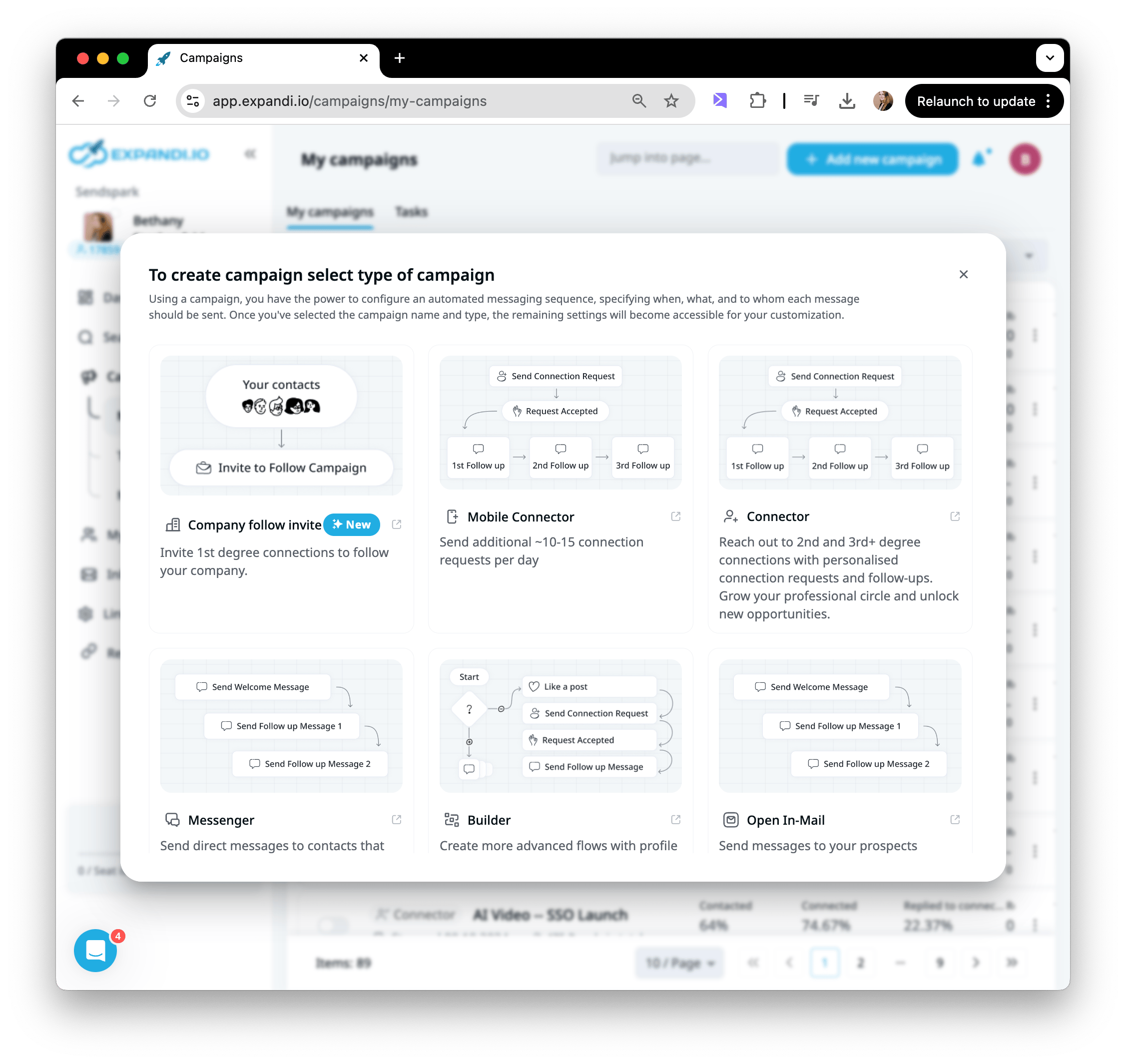
3. Select Sendspark Campaign in Expandi
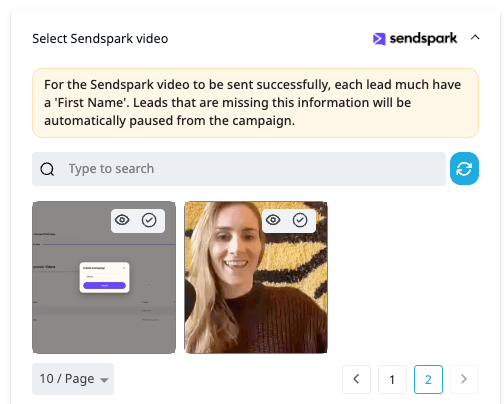
Right below where you edit your message in Expandi, you will see the option to select a Sendspark video.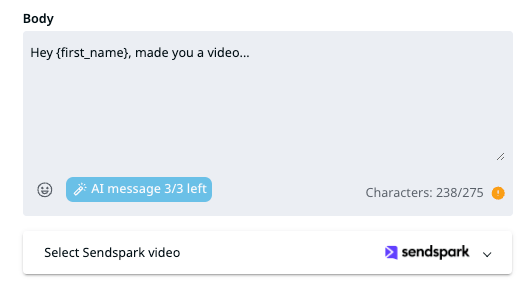
Every lead must have a First Name. Leads missing it are automatically paused from the campaign, so check that field is populated before you launch.
4. Position the {sendspark_video} placeholder correctly
When you select you Sendspark video, you’ll see a {sendspark_video} placeholder variable get automatically added to your message.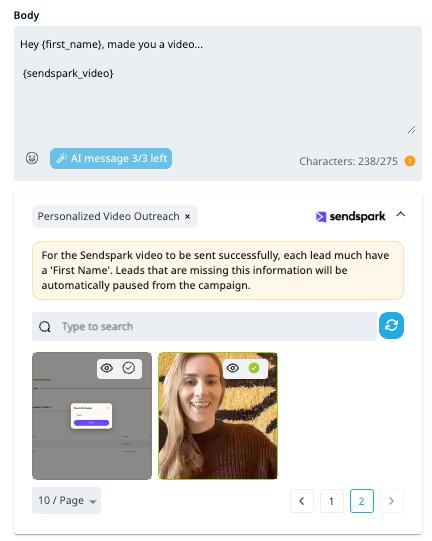
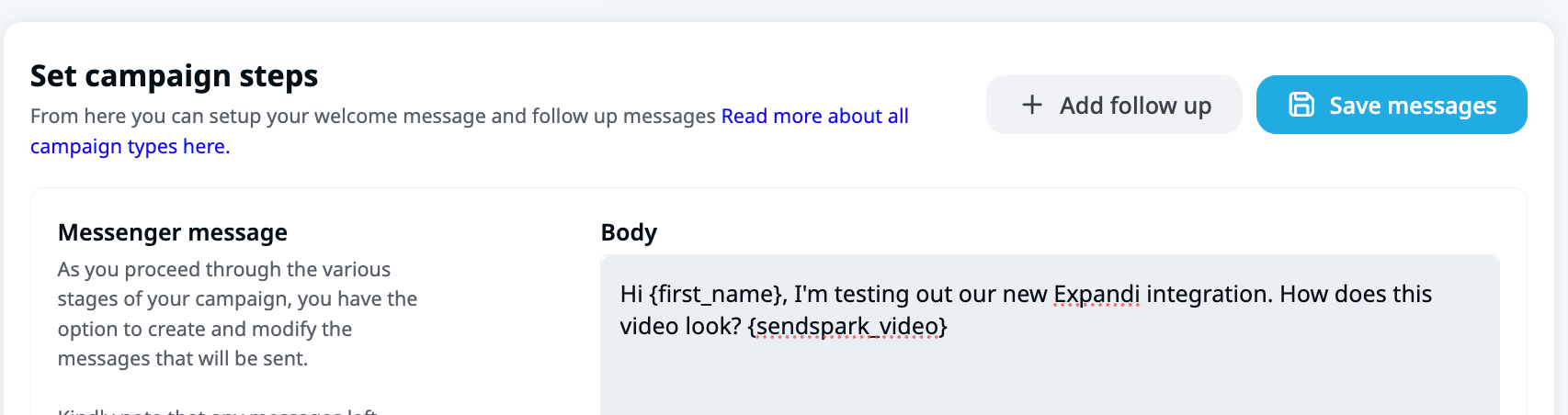
5. Enroll contacts and turn on campaign!
Now, when you enroll contacts to this campaign, each one will automatically get an AI personalized video created for them. It will look like this when it sends out: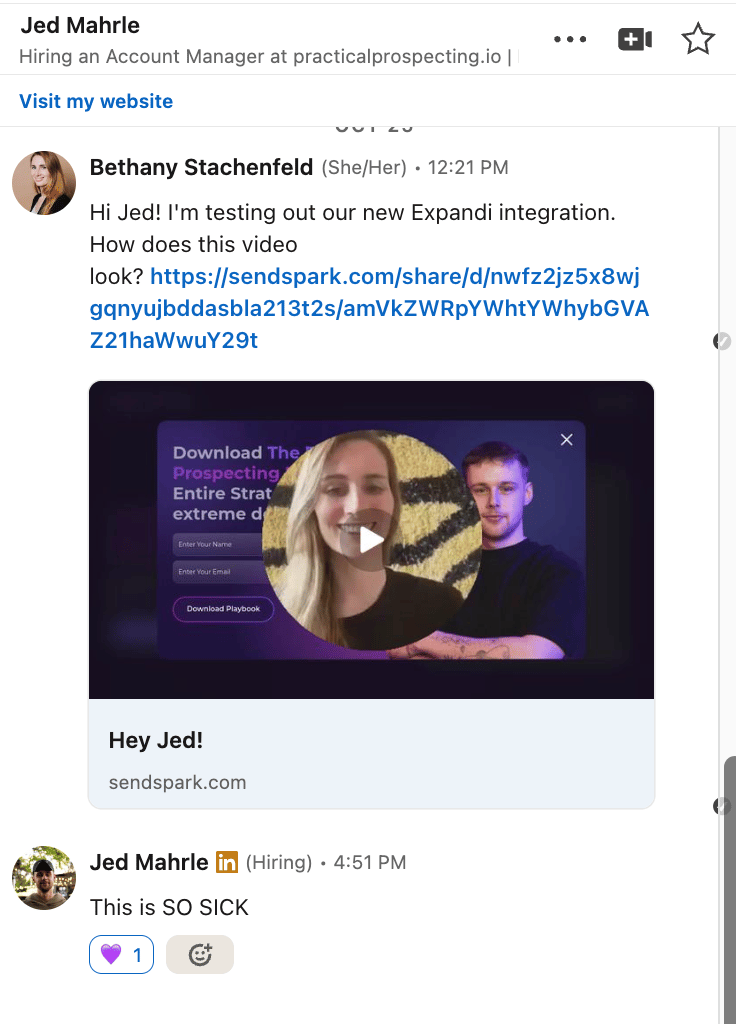
Frequently asked questions
Do I need to set anything up before my first campaign?
Do I need to set anything up before my first campaign?
Yes. If this is your first time using Sendspark and Expandi together, install the Sendspark integration in Expandi first. After that’s set up, you can follow the campaign steps.
Where do I add my contacts — Sendspark or Expandi?
Where do I add my contacts — Sendspark or Expandi?
You build the dynamic video campaign in Sendspark up to the last step, but you add and enroll contacts in Expandi. When you enroll contacts to the Expandi campaign, each one automatically gets an AI-personalized video created for them.
What is the {sendspark_video} placeholder?
What is the {sendspark_video} placeholder?
When you select your Sendspark video in Expandi, a {sendspark_video} placeholder variable is automatically added to your message. You can move it around so the video link appears exactly where you want it, then hit “Save messages.”
Which types of Expandi campaigns work with this integration?
Which types of Expandi campaigns work with this integration?
The integration works with any type of Expandi campaign. Just add a new campaign, and you’ll see the option to select a Sendspark video right below where you edit your message.