

Key takeaways
- Create one Dynamic Video Campaign using the placeholder word “watermelon” where the viewer’s first name should go.
- Map the LinkedIn Profile URL when importing your CSV so the right video matches the right person later.
- After generating in bulk, export Sendspark’s CSV — it adds a “Video Links” column of unique, AI-personalized video URLs.
- In your LinkedIn automation platform, map both LinkedIn URL and Video Link, then use the Video Link placeholder in your message.
- Sendspark has a native Expandi integration if you don’t already use a LinkedIn automation tool you love.
How to Sendspark AI-Personalized Videos in LinkedIn Automation
- Create **“Dynamic Video Campaign”**in Sendspark using the placeholder word **“watermelon”**where you want your viewer’s first name to go
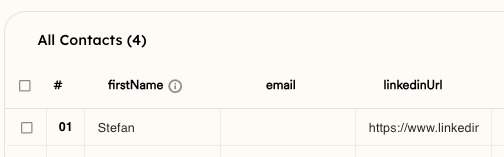
- Import your CSV of contacts for whom you’d like to create videos.
- Click “Generate” to generate the personalized videos in bulk.
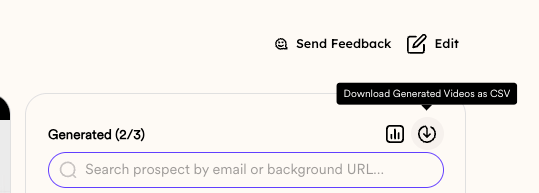
- Import the CSV into Your LinkedIn Automation
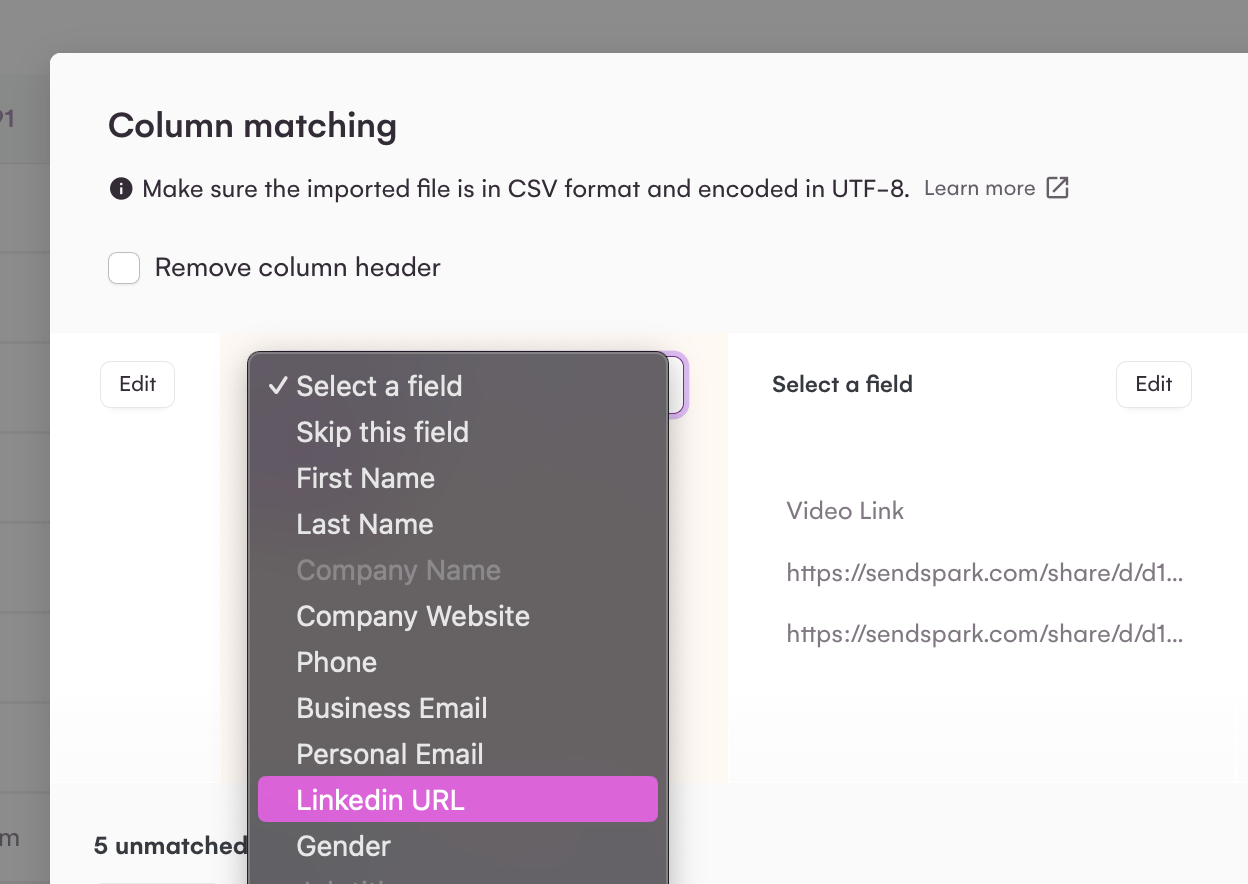
- “LinkedIn Url” from Sendspark to the LinkedIn profile of the platform you’re using (to make sure the right person gets the right video)
- “Video Link” from Sendspark into a field in your platform, so you can use this variable where you want to send the video in your message.
- When setting up your LinkedIn automation, use the **“Video Link”**dynamic placeholder for where you want to include your personalized video.
- Turn on your workflowto start sending!
Frequently asked questions
Do I have to record a separate video for each person?
Do I have to record a separate video for each person?
No. You record one Dynamic Video Campaign using the “watermelon” placeholder, and Sendspark generates a unique AI-personalized video for every contact in bulk.
Why do I map the LinkedIn Profile URL?
Why do I map the LinkedIn Profile URL?
The LinkedIn Profile URL is what matches the right video to the right person. Map it on import into Sendspark and again when importing the exported CSV into your LinkedIn automation platform.
Which LinkedIn automation platforms can I use?
Which LinkedIn automation platforms can I use?
Nearly any LinkedIn automation platform works, since you send the video through a “Video Link” field. Sendspark also has a native Expandi integration, which we recommend if you don’t already have a platform you love.
What is the 'watermelon' placeholder for?
What is the 'watermelon' placeholder for?
“Watermelon” is the placeholder word you say where the viewer’s first name should go. Sendspark replaces it with each contact’s real first name when it generates their personalized video.