

Key takeaways
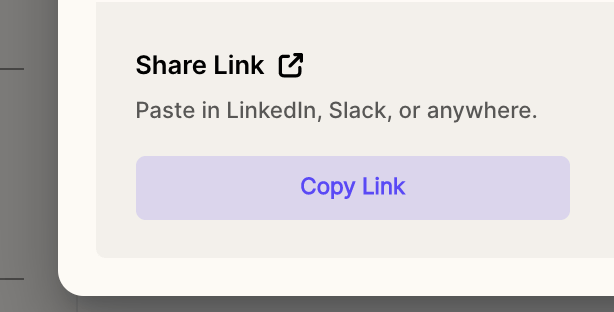
- Launch the Share modal from your video edit page or dashboard and click Copy Link.
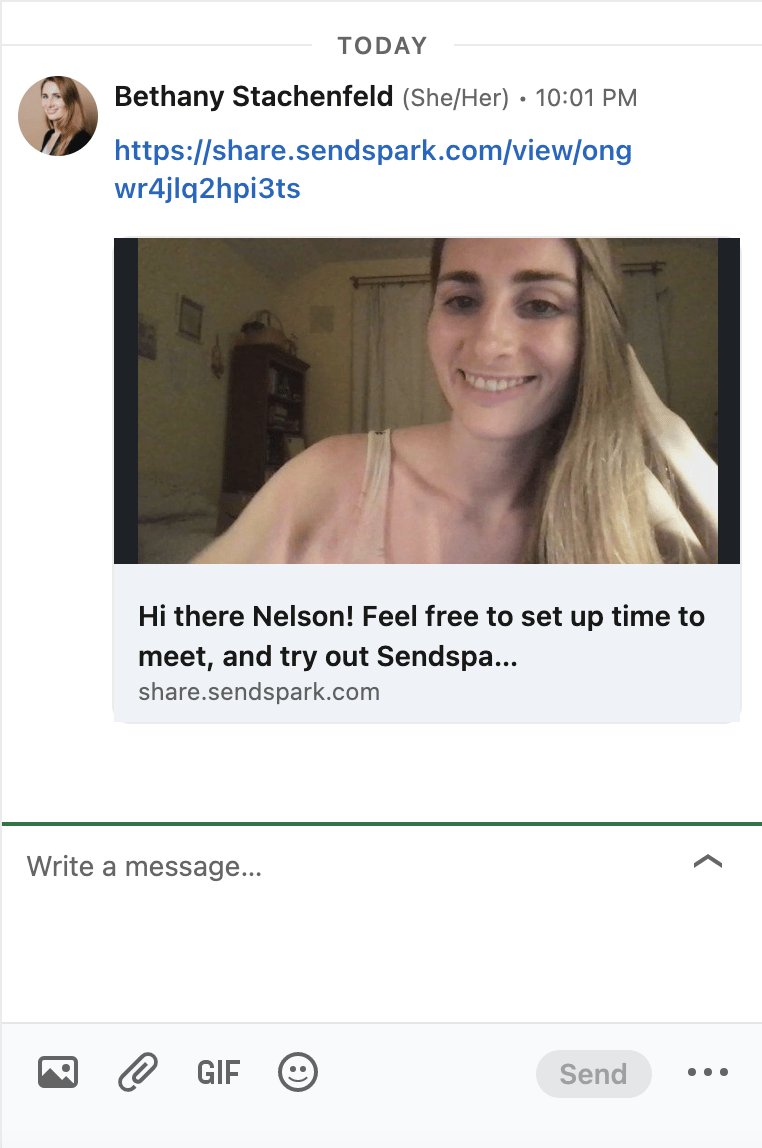
- Paste the link into a LinkedIn message and it automatically unfurls into a video preview.
- Sendspark also offers a LinkedIn Video Integration to record and share videos entirely on LinkedIn.
To copy and paste your video in LinkedIn…
- From your video edit page or dashboard, launch the Share modal
- Click Copy Link
- Paste the link in your LinkedIn message. The link will automatically unfurl to provide a preview of your video.
Frequently asked questions
Will the link show a video preview on LinkedIn?
Will the link show a video preview on LinkedIn?
Yes. When you paste the link into a LinkedIn message, it automatically unfurls to provide a preview of your video.
Where do I find the Copy Link option?
Where do I find the Copy Link option?
Open the Share modal from your video edit page or dashboard, and you’ll find Copy Link there.