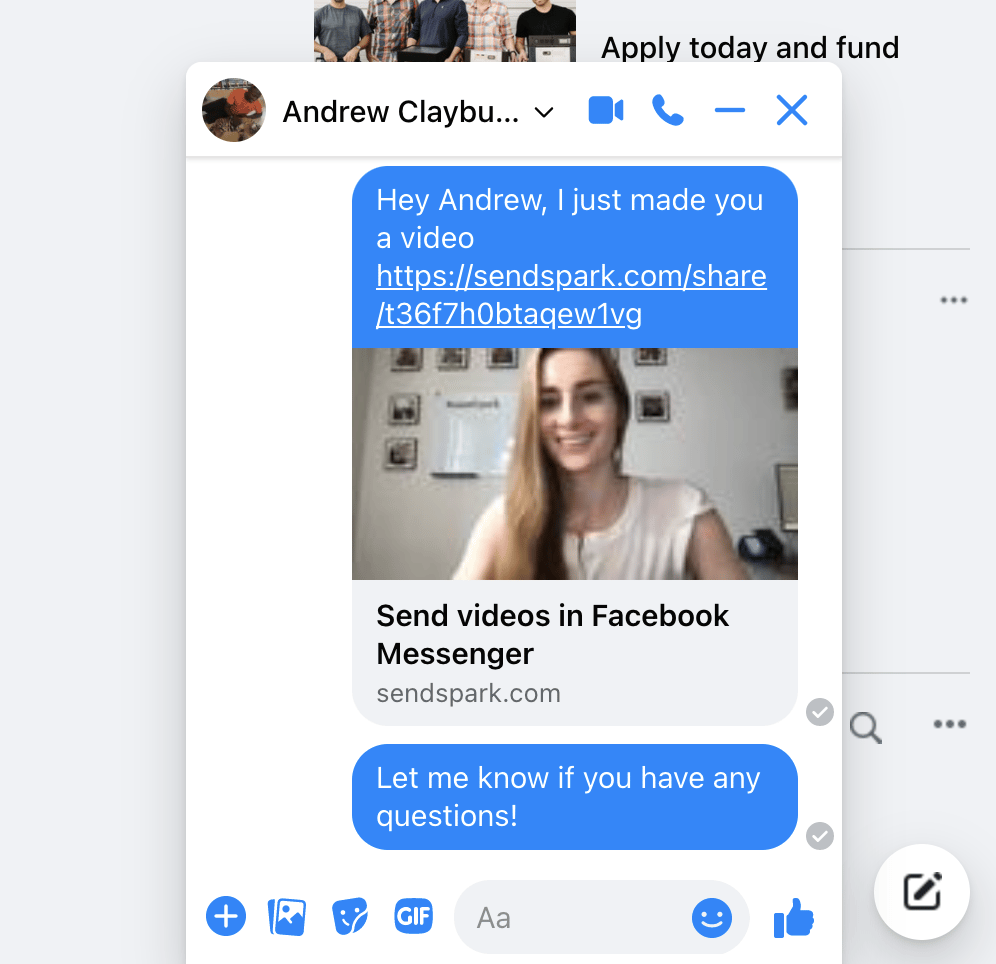
- Record or upload your video
- Click Share Video
- Under Share Link, click Copy Link
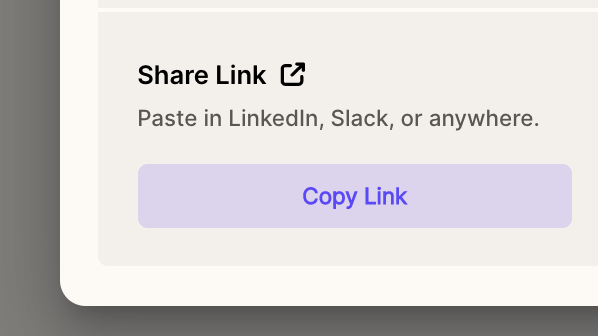
- Paste this link into your Facebook Messenger chat
- Once the link is sent, you will see a preview of your video unfurl, and recipients can click to play your video. Note that the preview won’t display until it is sent through the chat.