

Key takeaways
- Connect the HubSpot app from your Sendspark Integrations tab to sync engagement data between the two.
- Always send using a HubSpot share option (from the normal or dynamic share modal) so videos carry HubSpot tracking parameters.
- Confirm it’s working by checking the contact Timeline for Sendspark events, with “Sendspark” selected in the Activity list.
- Use the synced data to build lists, workflows, and reports — for example, follow up with contacts who watched more than 80% but haven’t booked a meeting.
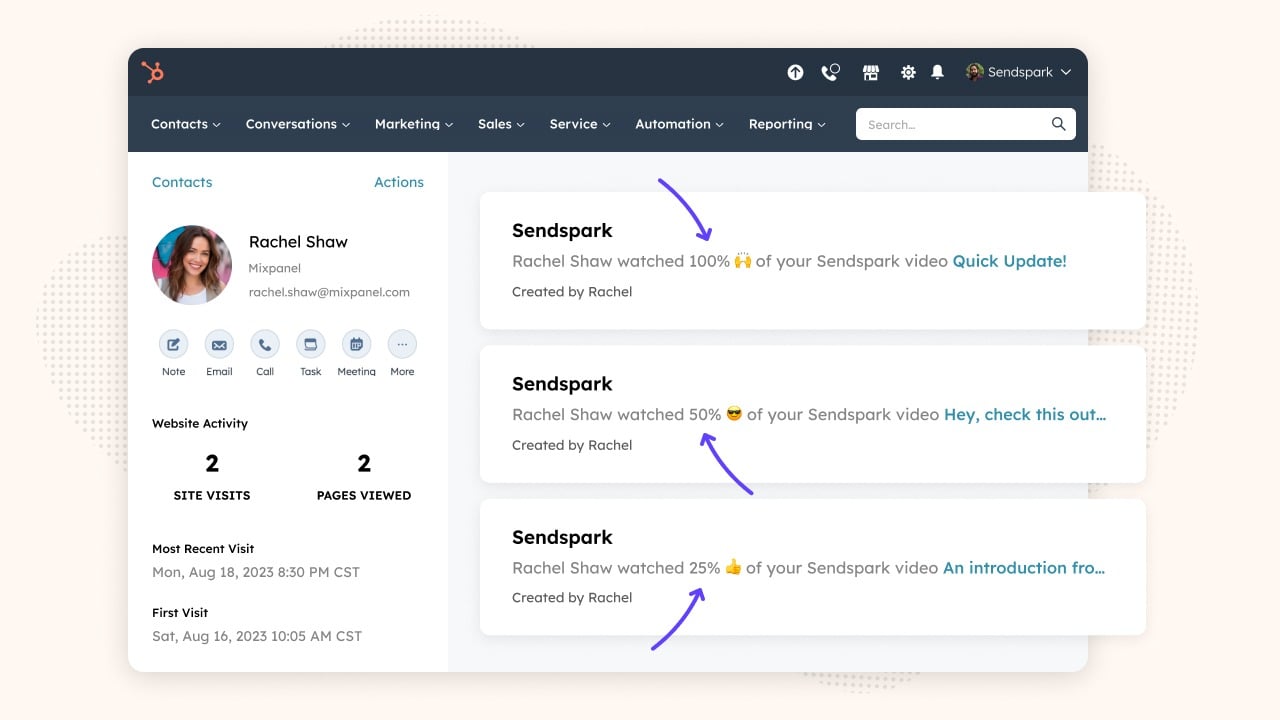
- See how HubSpot contacts are engaging with Sendspark videos
- Create workflows & sales automation based on Sendspark engagement (ex: reach out to contacts who watched more than 80% of a video, but don’t click the video call-to-action)
- Build reports to see how Sendspark videos are impacting pipeline & revenue.
**Note:**Sendspark has a few ways to send videos in HubSpot, too! Check out the articles below to learn more about those features:
- Record & Send Videos Directly from HubSpot Emails
- Send Dynamic Videos in HubSpot Sales Sequences
- Send Dynamic Videos in HubSpot Marketing Hub
- Embed Videos in HubSpot Emails So They Play In Email (Sometimes)
How to Use the Sendspark + HubSpot App
1. Install the HubSpot Integration
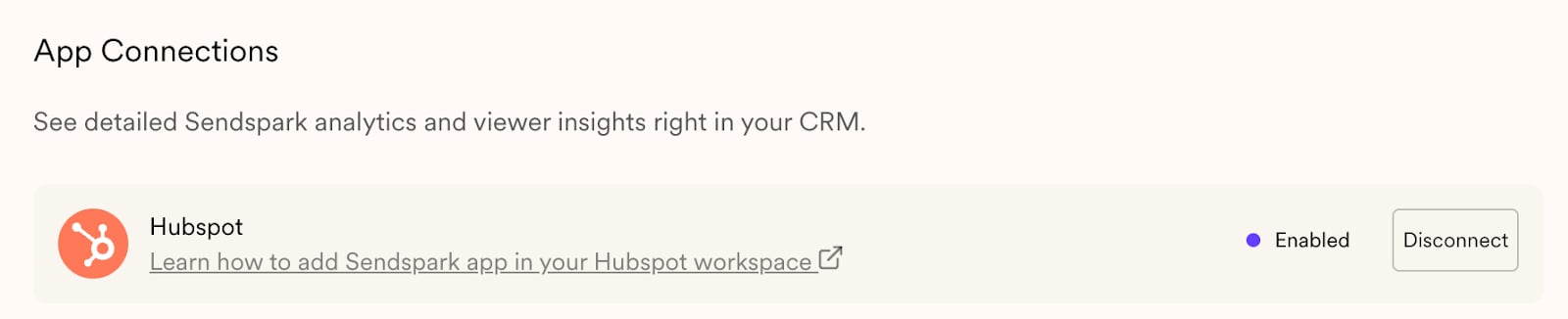
- Connect the HubSpot App in your Sendspark Integrations Tab
2. Test It Out
- Send Sendspark videos to HubSpot contacts!
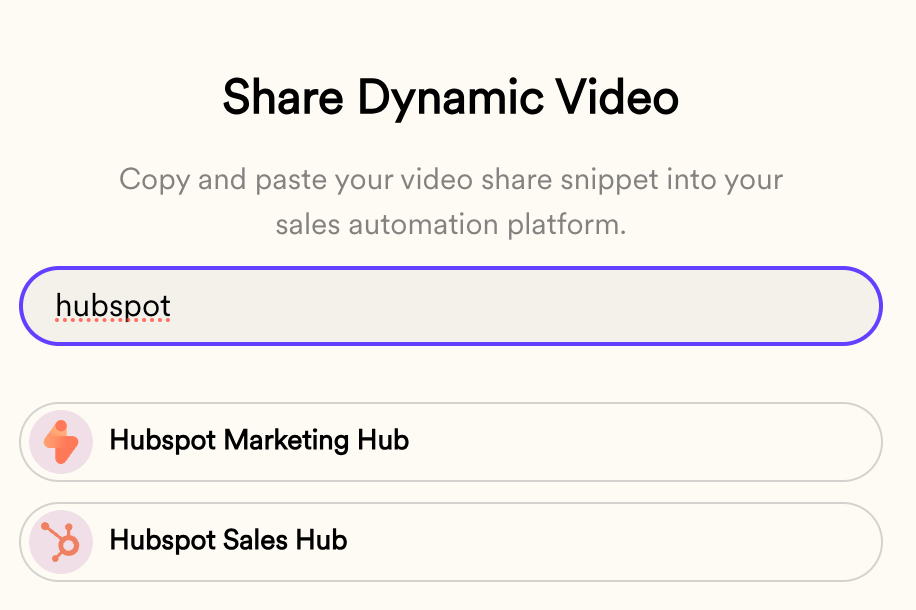
- Make sure to use one of the “HubSpot” share options from either our normal share modal or dynamic video share modal so we have the HubSpot tracking parameters on the videos
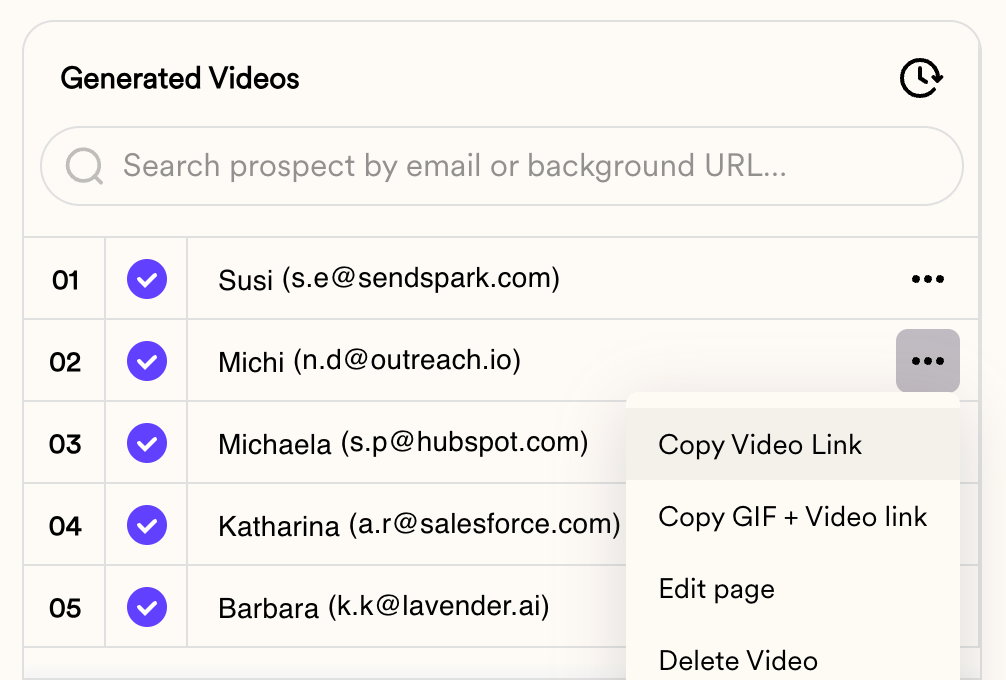
- Note: if you don’t want to send real videos to real contacts, you can just view dynamically generated videos in an incognito browser to trigger the analytics
3. Make Sure It’s Working
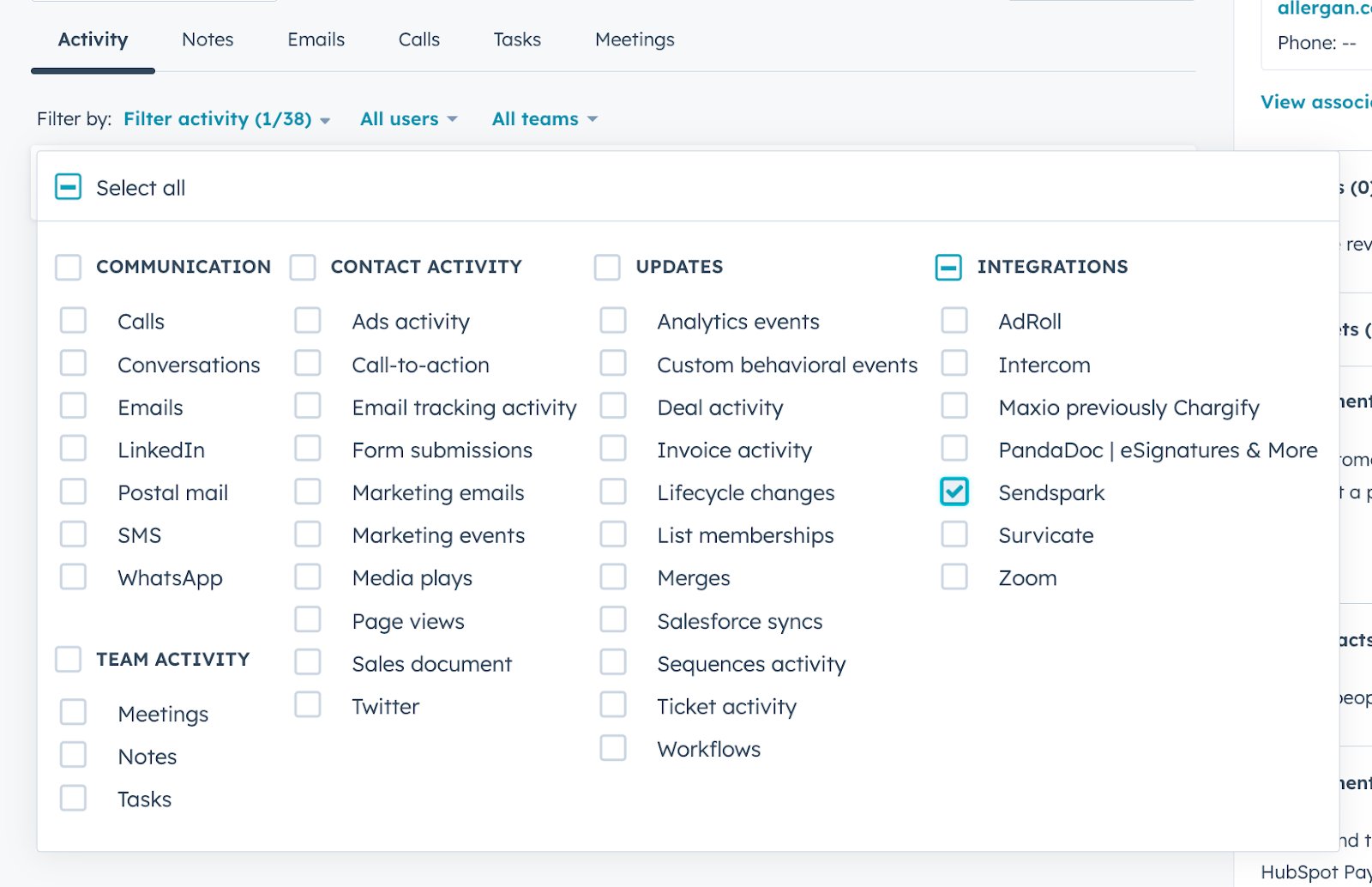
- Go into the Timeline for contacts for whom you’ve sent videos , and make sure you see events for Sendspark:
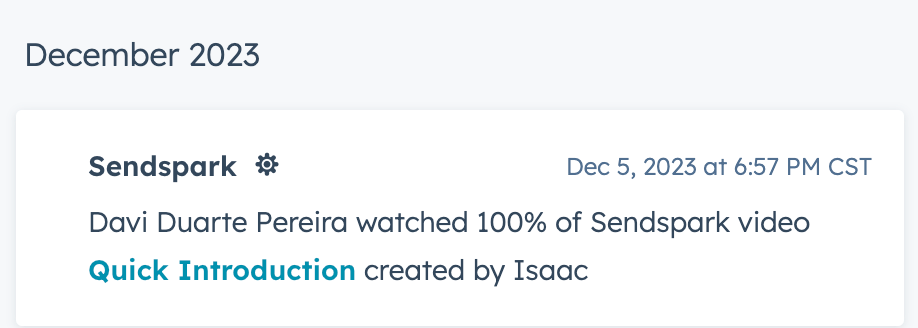
- (Make sure that “Sendspark” is selected on your Activity list)
4. Set Up Automations!
Here are some ways the Sendspark + HubSpot integration might be really helpful to you:- Track Contacts Who View Sendspark Videos
- Make a list of all Contacts who’ve watched a Sendspark video
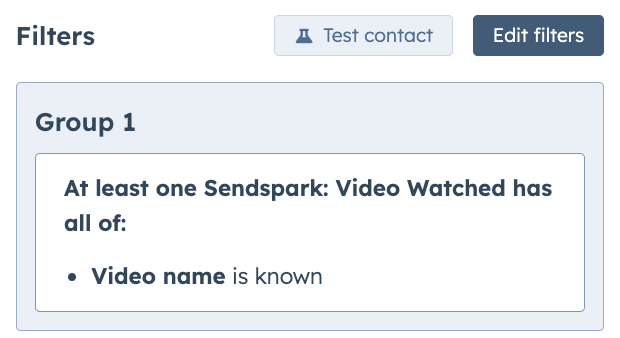
- Send Automated Emails for High Intent Leads
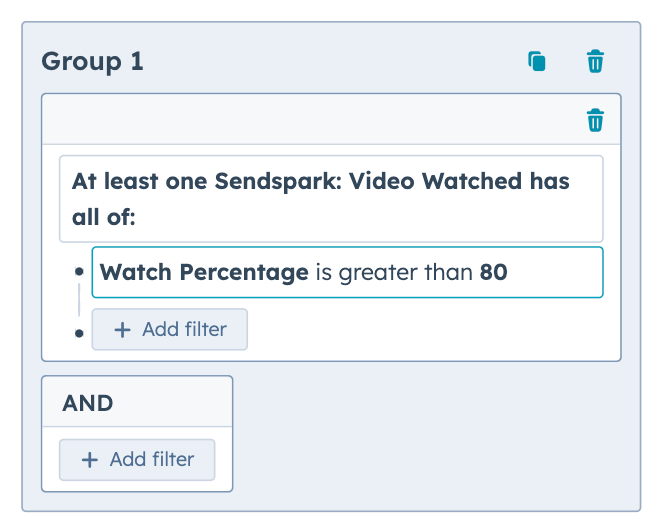
- Create an workflow for Contacts for who’ve watched more than 80% of a Sendspark video but have not book a meeting yet
5. Share Feedback
We would love to know how the Sendspark + HubSpot integration is working for you! Please share feedback with us through the chatbot on our website. Thanks!Frequently asked questions
Do I need to send videos from inside HubSpot to see analytics in HubSpot?
Do I need to send videos from inside HubSpot to see analytics in HubSpot?
No. You don’t need to send emails in HubSpot to see the analytics there, but you do need Sendspark tracking code on your video. If you just “copy the link” or “copy GIF,” there’s no tracking code and no analytics.
How do I make sure my video carries HubSpot tracking?
How do I make sure my video carries HubSpot tracking?
Use one of the “HubSpot” share options from either the normal share modal or the dynamic video share modal, so the HubSpot tracking parameters are attached to the video.
How can I test the integration without emailing real contacts?
How can I test the integration without emailing real contacts?
You can view dynamically generated videos in an incognito browser to trigger the analytics, instead of sending real videos to real contacts.
Where do I confirm engagement is syncing into HubSpot?
Where do I confirm engagement is syncing into HubSpot?
Open the Timeline for a contact you’ve sent a video to and look for Sendspark events. Make sure “Sendspark” is selected on your Activity list so the events show.
What automations can I build with the integration?
What automations can I build with the integration?
You can make a list of all contacts who watched a Sendspark video, and create workflows for high-intent leads — for example, contacts who watched more than 80% of a video but haven’t booked a meeting yet.
What other ways add tracking so engagement shows in HubSpot?
What other ways add tracking so engagement shows in HubSpot?
Besides the HubSpot share options, sharing through any of Sendspark’s personalization at scale integrations (Apollo, Outreach, Instantly, and others) or sending dynamic videos (which include tracking automatically) will let you see the engagement data in HubSpot.