

Key takeaways
- White-label features require a Sendspark Solo plan or higher.
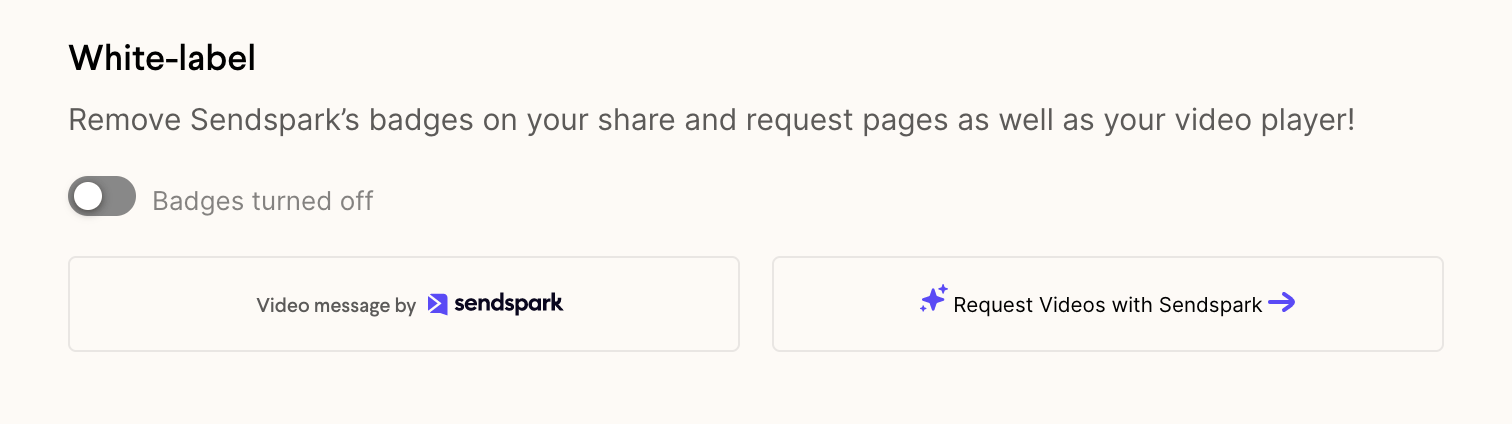
- The white-label toggle in workspace settings turns off most Sendspark badges around your videos.
- Global Styles lets you replace the default Sendspark logo and brand colors with your own.
- A custom domain is needed to remove the Sendspark domain from share links, and you can edit the “Watch video on Sendspark” share snippet text separately.
How to Remove Branding from Videos
There are a few places you have to remove Sendspark branding from videos to completely obfuscate our brand. Follow the steps below to get started. Note: you must be on a Sendspark Solo plan on higher to use all of our white-label features. Let us know if you have questions about your plan!1. Use the White-label toggle
- Navigate to your workspace settings
- Search for the white-labelsection
- Switch the toggle to the left side, so it says “Badges turned off”
2. Set Global Styles
By default, the Sendspark logo and brand colors will appear around the video. You can replace this branding with your own in your Global Styles. From the same workspace settings page, simply click Set Global Styles. From here, you can upload your logo and change the default colors.
3. Add a Custom Domain
Sendspark supports custom domains, so you can share videos with your own branded URLs (like sub.yourdomain.com/xyz). Learn more about adding a custom domain here. Until you add your own domain, recipients will see the Sendspark domain when you share videos, even if you have whitelabel enabled.4. Change share snippet default text
By default, when you share videos, we will paste a link below your video that says “Watch video on Sendspark.” If you want to remove “Sendspark” from this snippet — or change the text completely— you can do in your workspace settings. Simply click into the default text area to edit.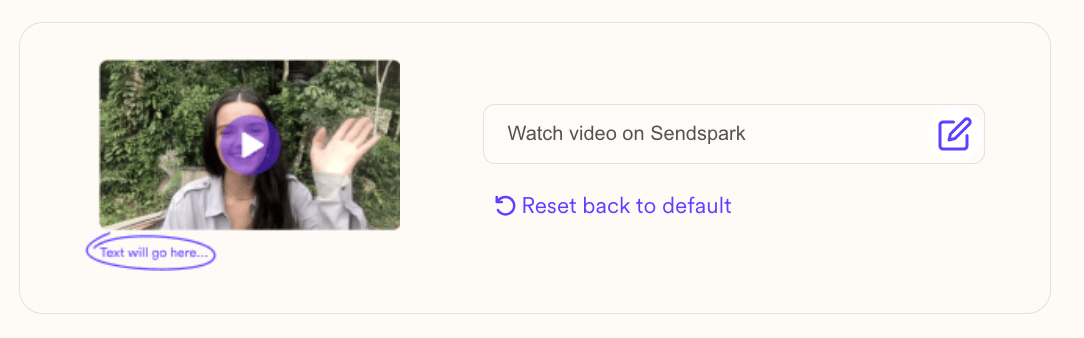
Frequently asked questions
Which plan do I need to white-label videos?
Which plan do I need to white-label videos?
White-label features are available on the Sendspark Solo plan or higher. Reach out if you have questions about which plan covers what you need.
Does the white-label toggle remove all Sendspark branding?
Does the white-label toggle remove all Sendspark branding?
The toggle removes most branding by turning badges off, which puts you in a great spot for clean, polished videos. To deliver a fully white-labeled experience you’ll also want to set your own Global Styles, add a custom domain, and update the share snippet text.
Why do recipients still see the Sendspark domain after enabling white-label?
Why do recipients still see the Sendspark domain after enabling white-label?
Until you add your own custom domain, share links use the Sendspark domain even with white-label enabled. Add a custom domain to share videos on your own branded URL, like sub.yourdomain.com/xyz.