

Key takeaways
- Admin Dashboard (sendspark.com/admin) shows total videos, plays, likes, and CTA clicks, videos per team member, and your top 10 best-performing videos. For period-based team reporting, see the newer Team Insights dashboard, which takes the place of Team Overview in the sidebar while it’s in beta.
- White-label your videos by toggling off Sendspark badges in workspace settings, removing the “video message by Sendspark” and “Request videos with Sendspark” badges and other references.
- Custom domain lets viewers enjoy a 100% branded experience; set it up in workspace settings (see setting up a custom domain).
- Templates let you standardize sales outreach, welcome videos, and other communication for your team in the templates library.
1. Reference the Admin Dashboard
Use your Admin Dashboard to gain insight into team usage and best performing videos.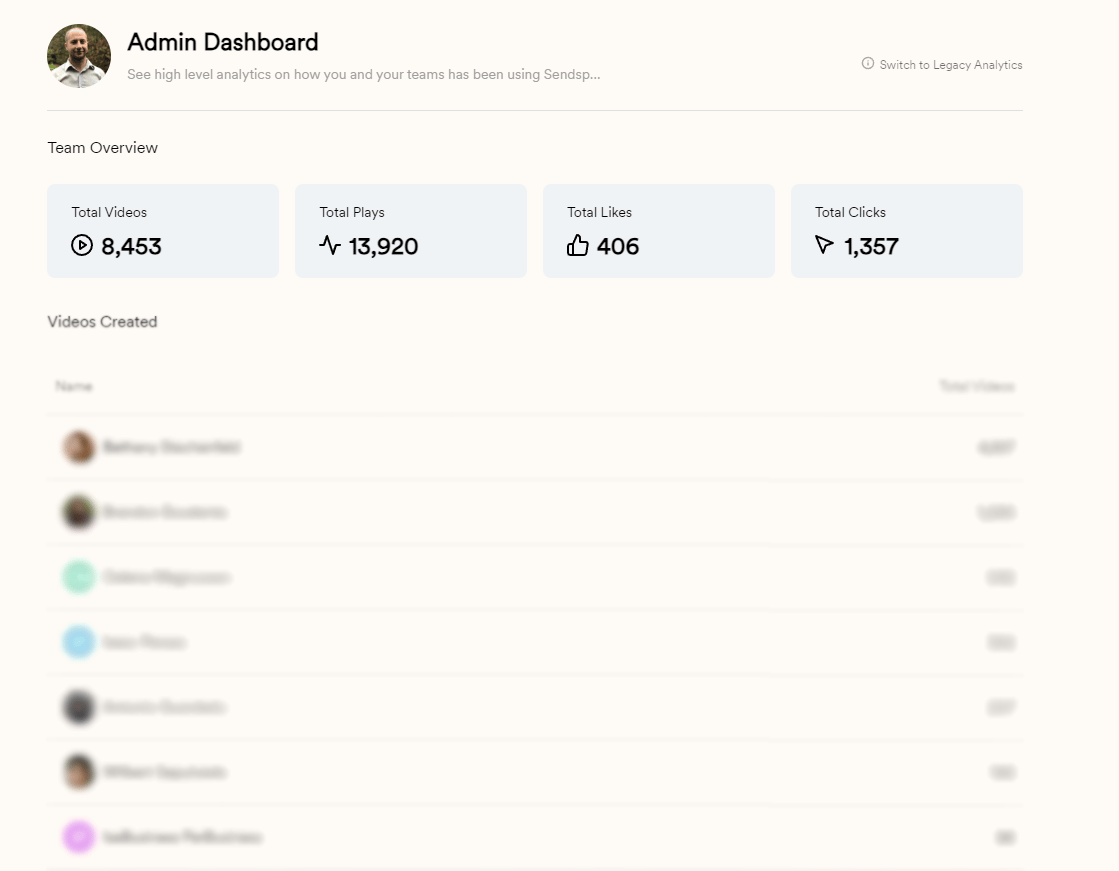
- Total videos created, video plays, video likes, and call-to-action clicks for all time
- Total videos created by team member
- Top 10 best performing videos
Team analytics have moved on since this screenshot was taken. Team Insights is the newer workspace dashboard, with a member leaderboard, top performers, saved reports, and PDF export, and while it’s in beta it takes the place of Team Overview in the sidebar. The one thing it doesn’t cover yet is all-time totals: Team Insights reports on a period reaching back at most 180 days.
2. Turn Off Sendspark Badges (White-label Videos)
From your workspace settings, you can toggle off Sendspark badges to white-label Sendspark.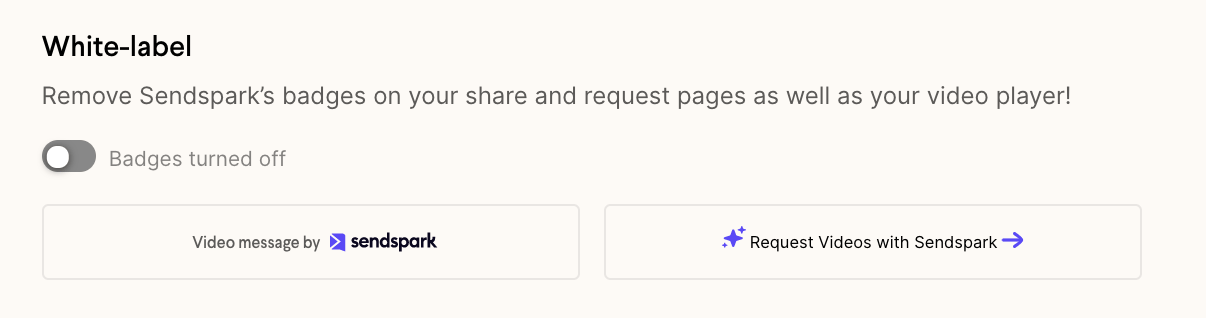
3. Setup a Custom Domain
Use your own domain with Sendspark, so your viewers can enjoy a 100% branded experience.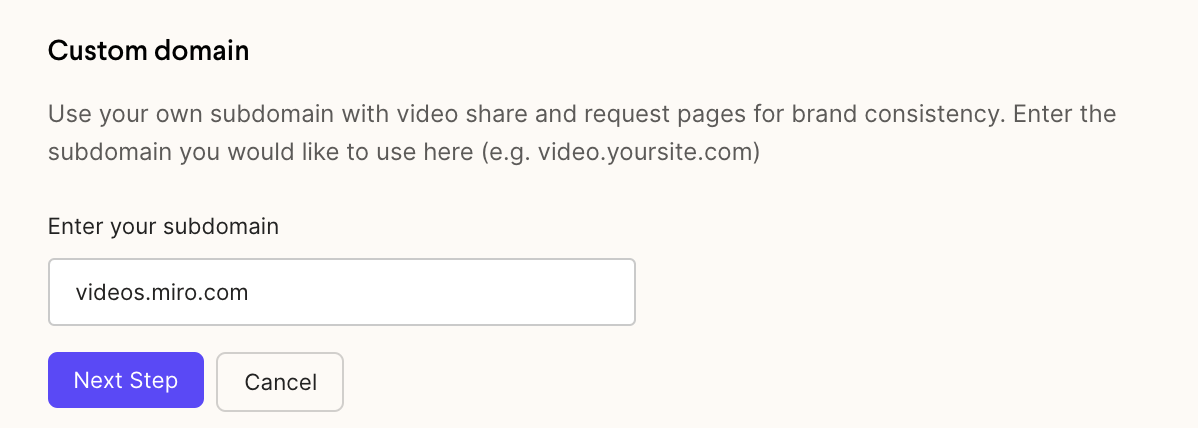
4. Create Templates
Want to create a template for sales outreach, welcome videos, or other customer communication? Customize the templates that your team members see in you team’s templates library.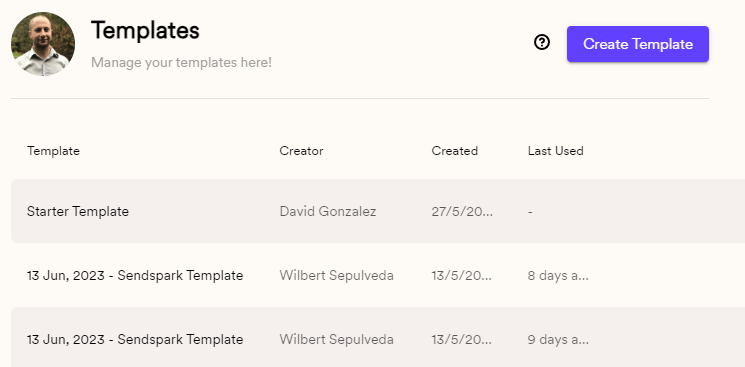
Frequently asked questions
What does the Admin Dashboard show me?
What does the Admin Dashboard show me?
Your Admin Dashboard gives insight into team usage and best-performing videos: total videos created, plays, likes, and call-to-action clicks for all time, totals by team member, and your top 10 best-performing videos. For reporting on a chosen date range, with a member leaderboard and saved reports, use Team Insights instead.
How do I white-label my videos?
How do I white-label my videos?
From your workspace settings, toggle off Sendspark badges. This removes the “video message by Sendspark” and “Request videos with Sendspark” badges and hides other references to Sendspark on your video share and request pages.
Can I use my own domain for videos?
Can I use my own domain for videos?
Yes. Set up a custom domain from your workspace settings so viewers get a 100% branded experience. See the detailed guide on setting up a custom domain.
What are templates for?
What are templates for?
Templates let you create reusable formats for sales outreach, welcome videos, or other customer communication. Customize the ones your team members see in your templates library.