

Key takeaways
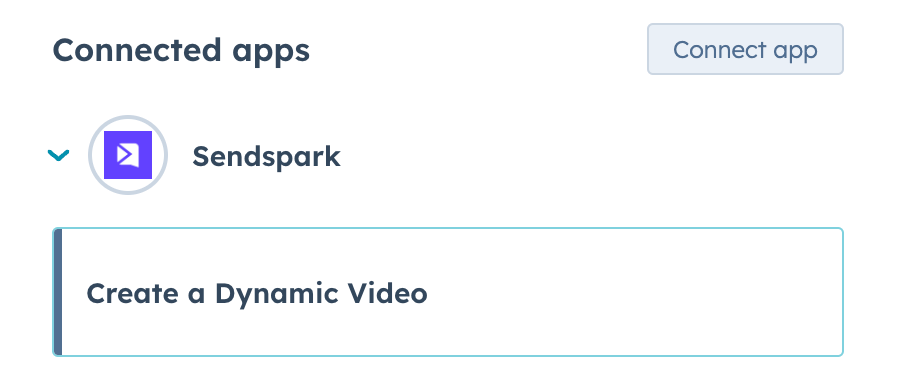
- Part 1: add the “Create a Dynamic Video” workflow action (under Connected Apps → Sendspark) to generate AI-personalized videos on any HubSpot trigger.
- The action needs your Workspace ID, Dynamic Campaign ID, contact fields, website URL, API key, and API secret — all found on your Sendspark API credentials page.
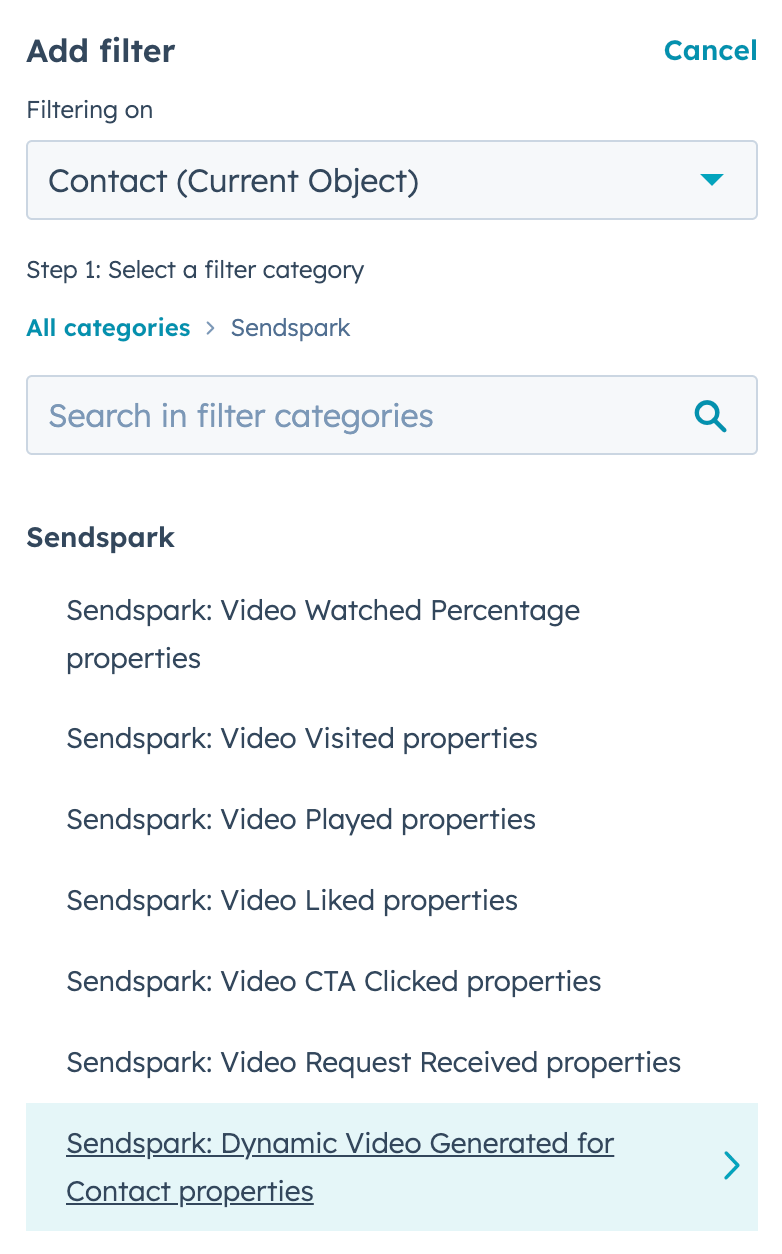
- Part 2: build a second workflow triggered by the “Dynamic Video Generated for Contact” property to automatically email the video once it’s ready.
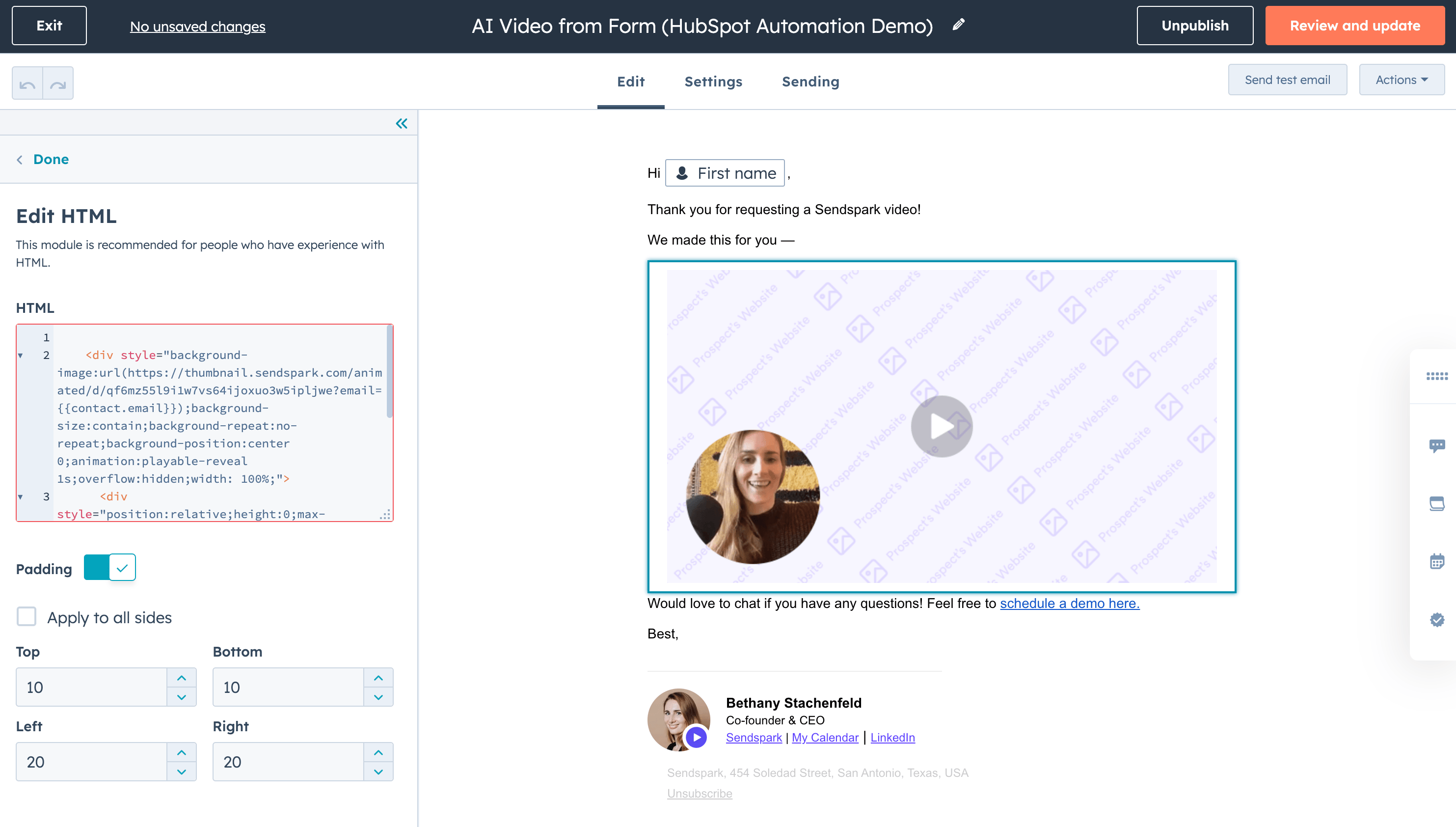
- In that email, paste your HubSpot Marketing Hub share snippet (from Share Campaign at the bottom of the campaign builder) into an HTML block.
- New contacts are added to HubSpot
- Leads fill out forms
- Prospects schedule Sales Meetings
- Contacts take any action tracked in HubSpot
Part 1: Make AI-Personalized Videos from HubSpot Workflows
Sendspark lets you easily generate AI-personalized videos using HubSpot Workflow Actions.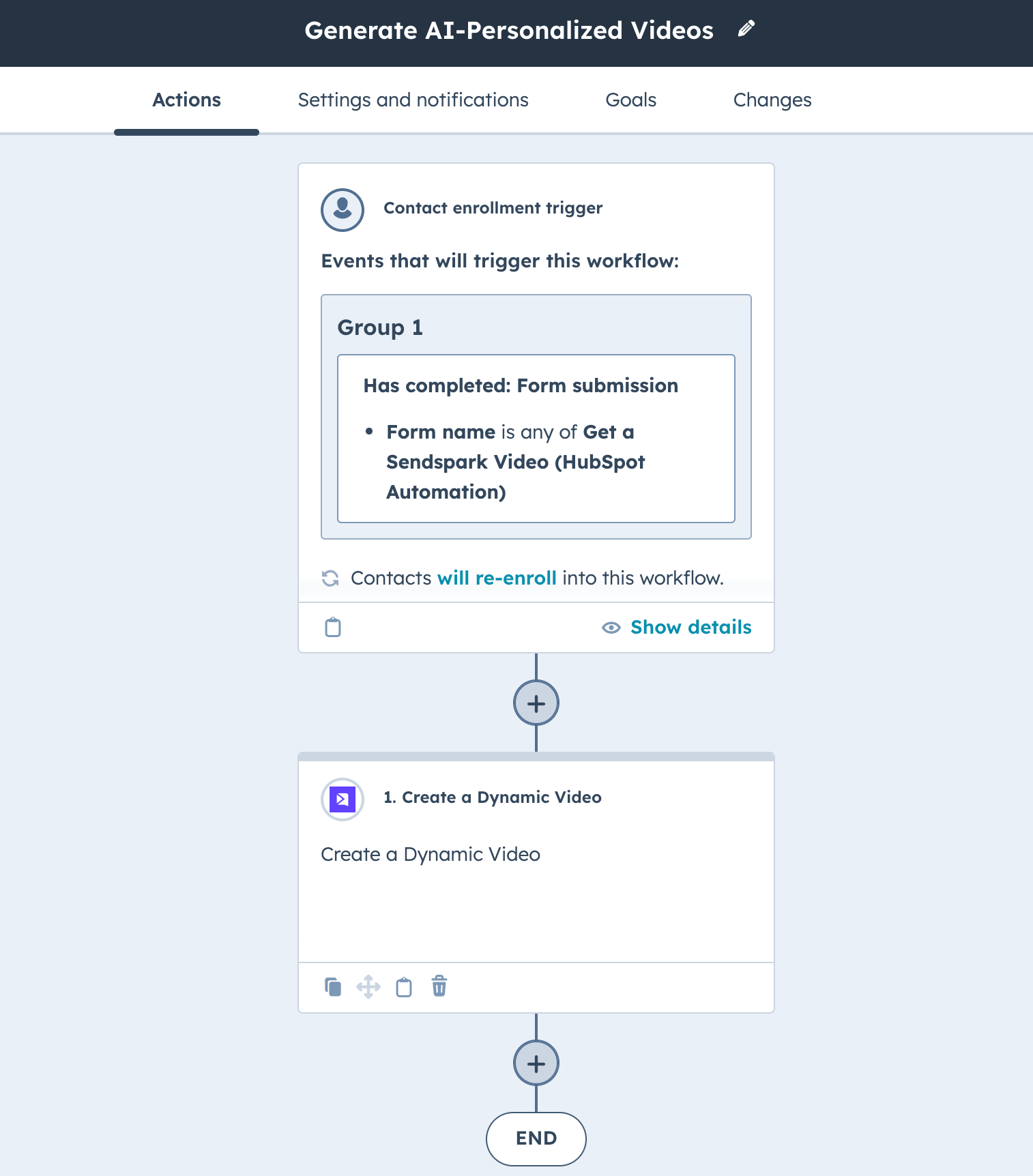
- Your Sendspark Workspace ID: This is your workspace ID. You can easily copy it from your Sendspark API credentials page.

- Dynamic Campaign ID: This is the campaign for the specific Dynamic Video Campaign you want to generate videos for. You can copy it from the URL of your dynamic video campaign builder, between the slashes.
- Contact Name: This is the contact first name that you want to send from HubSpot to Sendspark for the AI video cloning. It will almost always be “First Name”
- Contact Email: This is the email address for your contact that you will send to Sendspark. It will almost always be “Email”
- Contact Company Name: This is the contact company name that you will send to Sendspark. It will almost always be “Company Name”
- Contact Job Title: This is the contact job title that you want to send to Sendspark. It will almost always be “Job Title”
- Contact Website URL: This is the website URL that you want to use in your dynamic videos, to make it look like you are recording over this page. It will often be “Website URL,” but you could use other public URLs if you’d like.
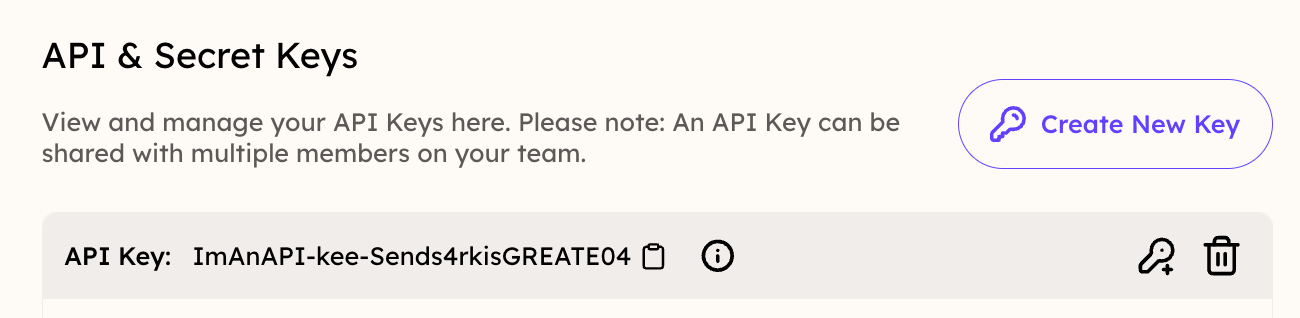
- Your Sendspark API Key: This is your workspace API key. You can copy it from you Sendspark API credentials page. If you don’t see it, you might have to click “Create New Key” to generate an API key.
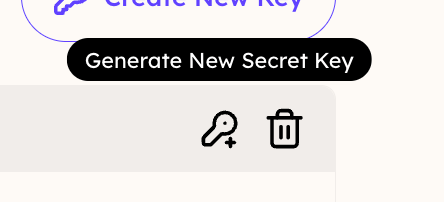
- Your Sendspark API Secret: This is your personal secret key. (All of your team members have different secret keys). You will have to generate a new secret key every time you create a new campaign, copy it to your clipboard immediately.
Part 2: Automatically Send Video in HubSpot Emails
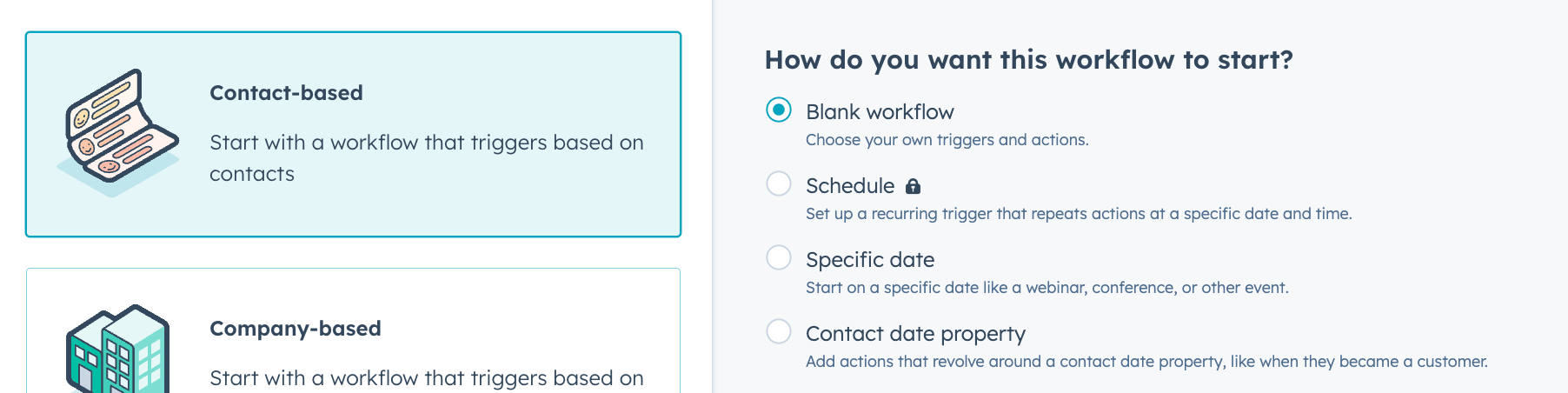
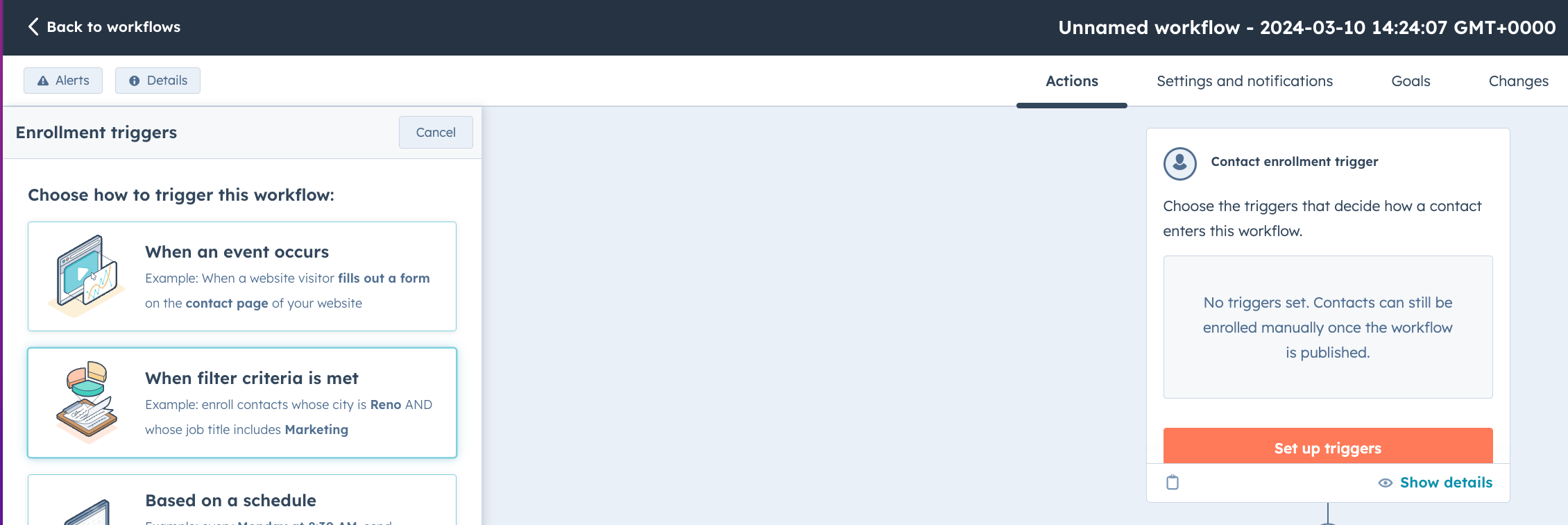
Here, we’ll cover how to automatically send an email once a Dynamic Video has been generated for a contact in HubSpot.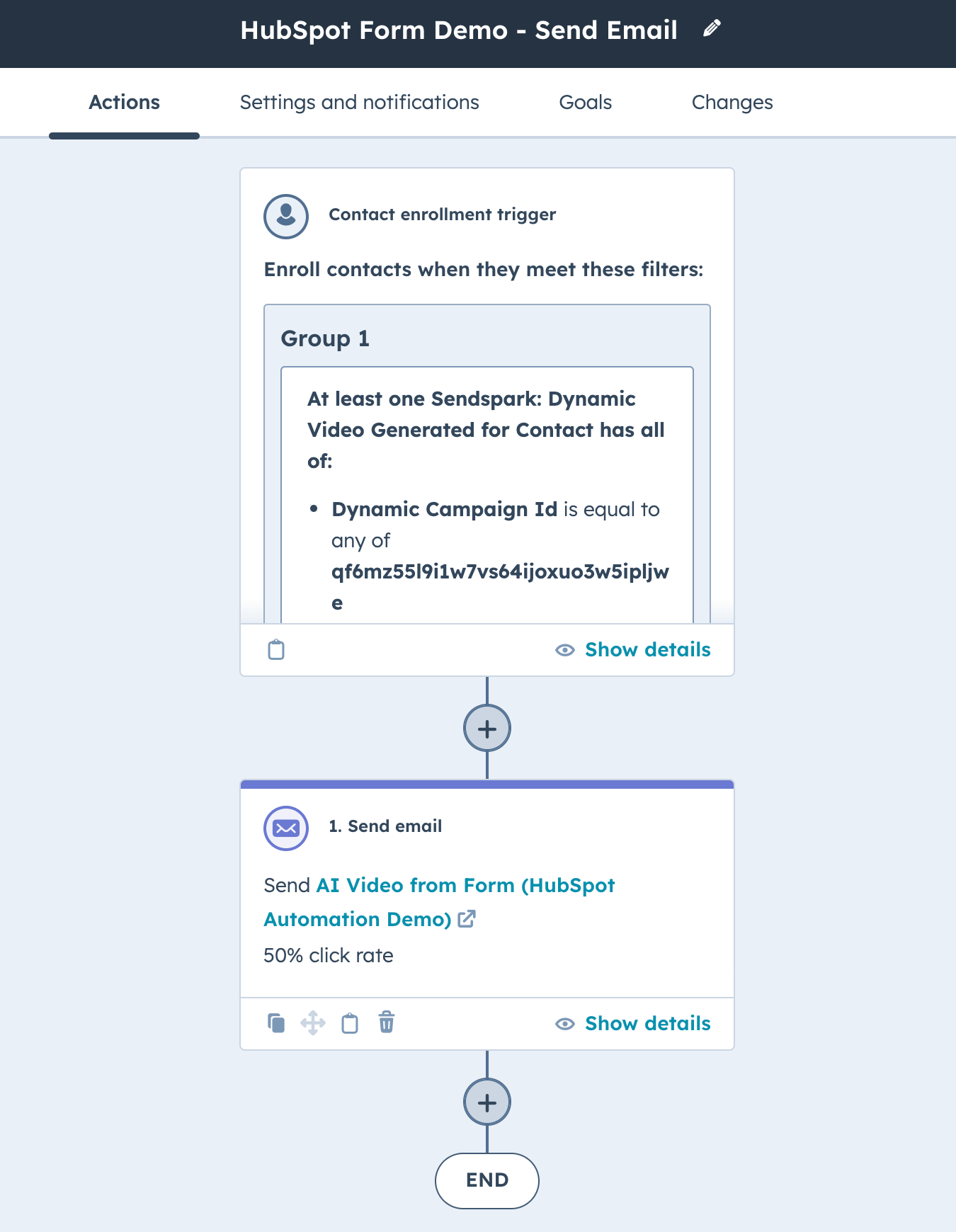
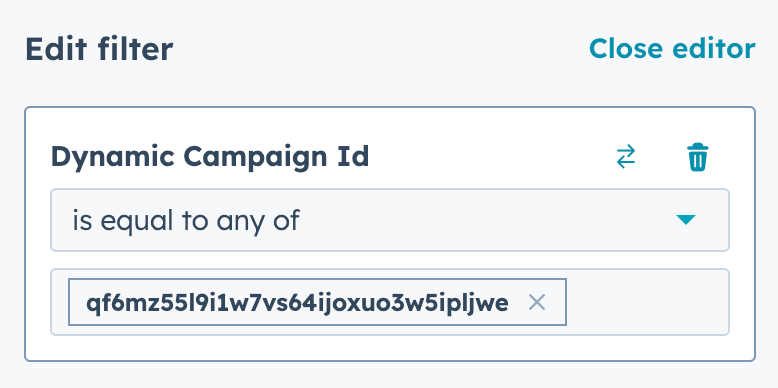
/edit-v2/ and /add, so it is not the last segment of the URL. In sendspark.com/dynamic-videos/edit-v2/**qf6mz…ljwe**/add, the bold part is the ID:

- Scroll to the bottom
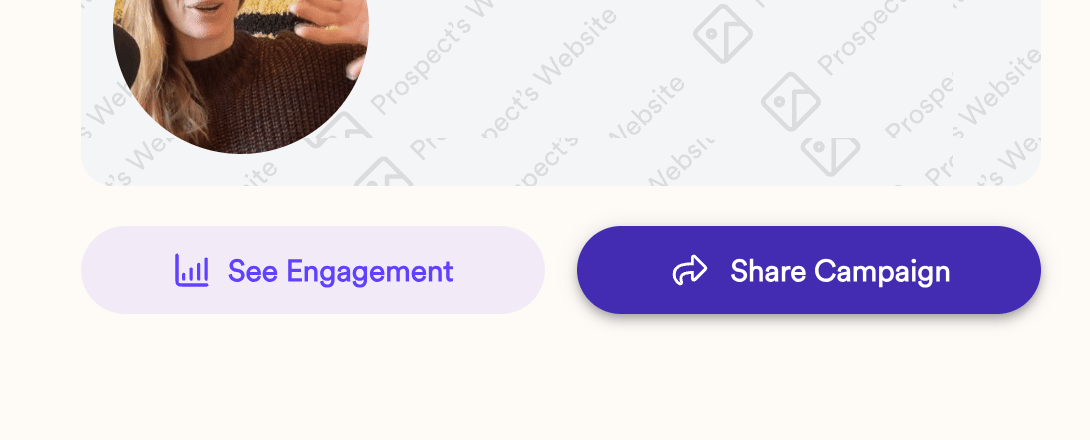
- Click “Share Campaign”
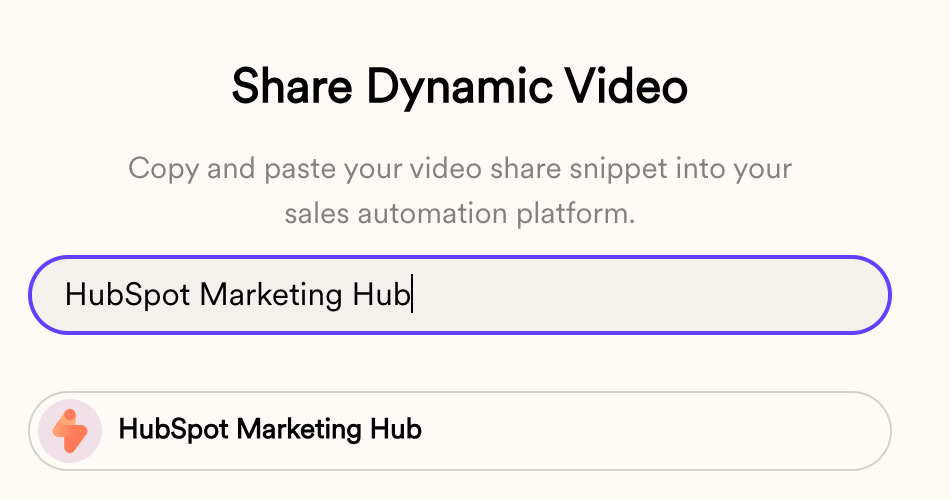
- Type HubSpot Marketing Hub into the search box, then click the result to copy the share snippet to your clipboard
- In your HubSpot email, add an HTML block where you want your video to go
- Paste in your snippet
Frequently asked questions
What HubSpot triggers can generate a dynamic video?
What HubSpot triggers can generate a dynamic video?
Any trigger you set on the workflow. Common examples are new contacts being added, leads filling out a form, prospects scheduling a sales meeting, or any other action tracked in HubSpot. In this guide a form submission is used because it’s easy to test.
Where do I find my Workspace ID, API key, and API secret?
Where do I find my Workspace ID, API key, and API secret?
On your Sendspark API credentials page. If you don’t see an API key, click “Create New Key” to generate one. You’ll generate a new secret key each time you create a new campaign, so copy it to your clipboard immediately.
Where do I find the Dynamic Video Campaign ID?
Where do I find the Dynamic Video Campaign ID?
Look at the URL of your Dynamic Video Campaign builder. The ID sits between
/edit-v2/ and /add, so don’t take the last segment, which is add.What happens when I run out of dynamic video minutes?
What happens when I run out of dynamic video minutes?
At the top of the action form there’s a checkbox, “I authorize to buy additional DVMs if required,” which enables pay-as-you-go pricing. If you leave it unchecked, your automations stop working once you hit your dynamic video minutes and start again the following month.
I don't see Sendspark as a workflow action or enrollment trigger — what's wrong?
I don't see Sendspark as a workflow action or enrollment trigger — what's wrong?
You likely haven’t connected the HubSpot app yet. Connect it in your Sendspark Integration settings or install the Sendspark + HubSpot App, then Sendspark will appear under Connected Apps and as a trigger property.