

Key takeaways
- Sendspark integrated OpenAI to power its AI Video Script Generator.
- You answer a few questions, choosing a use case, script style, product name, description, context, and call-to-action, then click generate.
- The generated script is a starting block you should customize with your own voice, tone, and flavor.
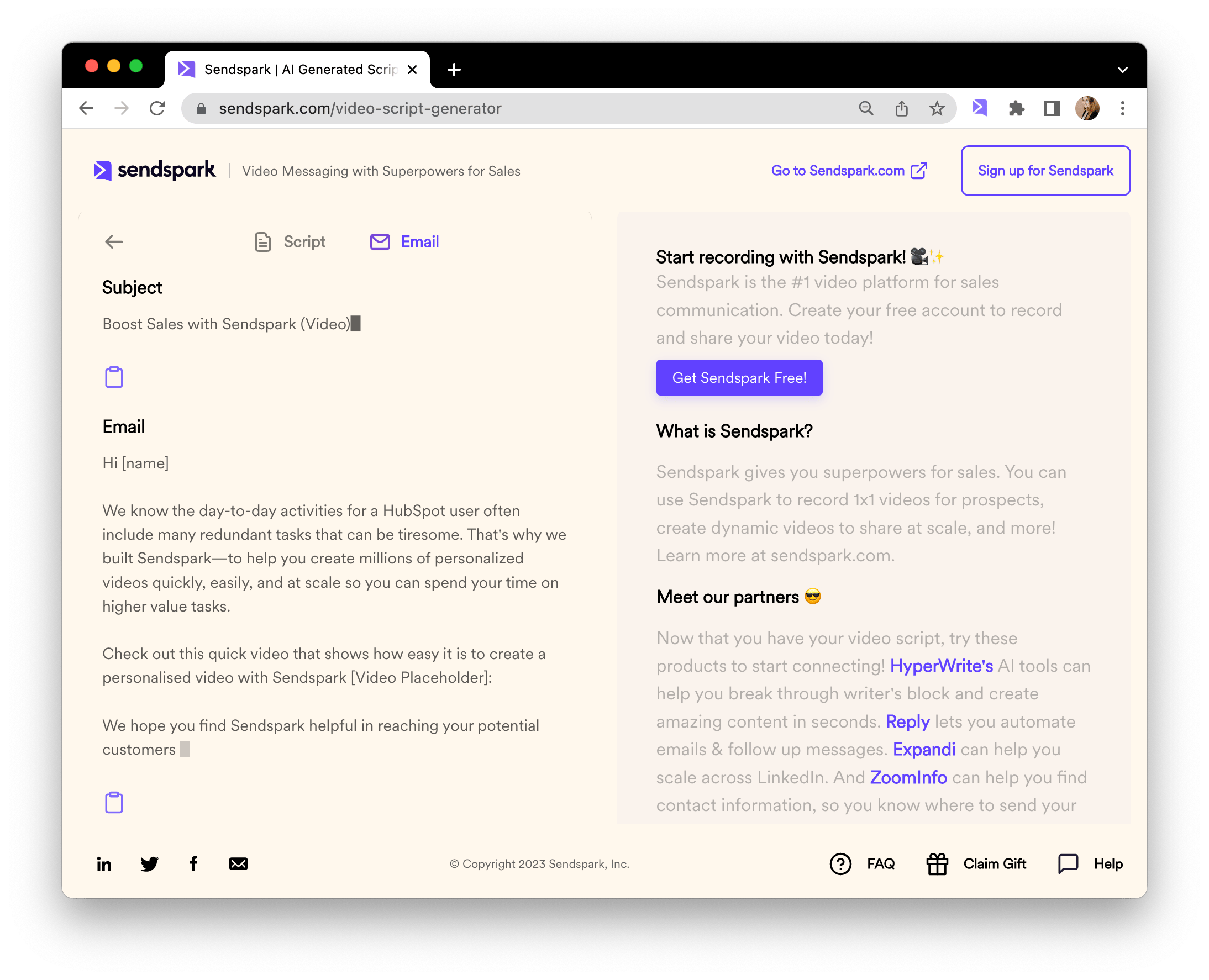
- You can also open the “email” tab to get a complimentary email subject line and email body content for sharing your video.
How to Use Sendspark’s AI Video Script Generator
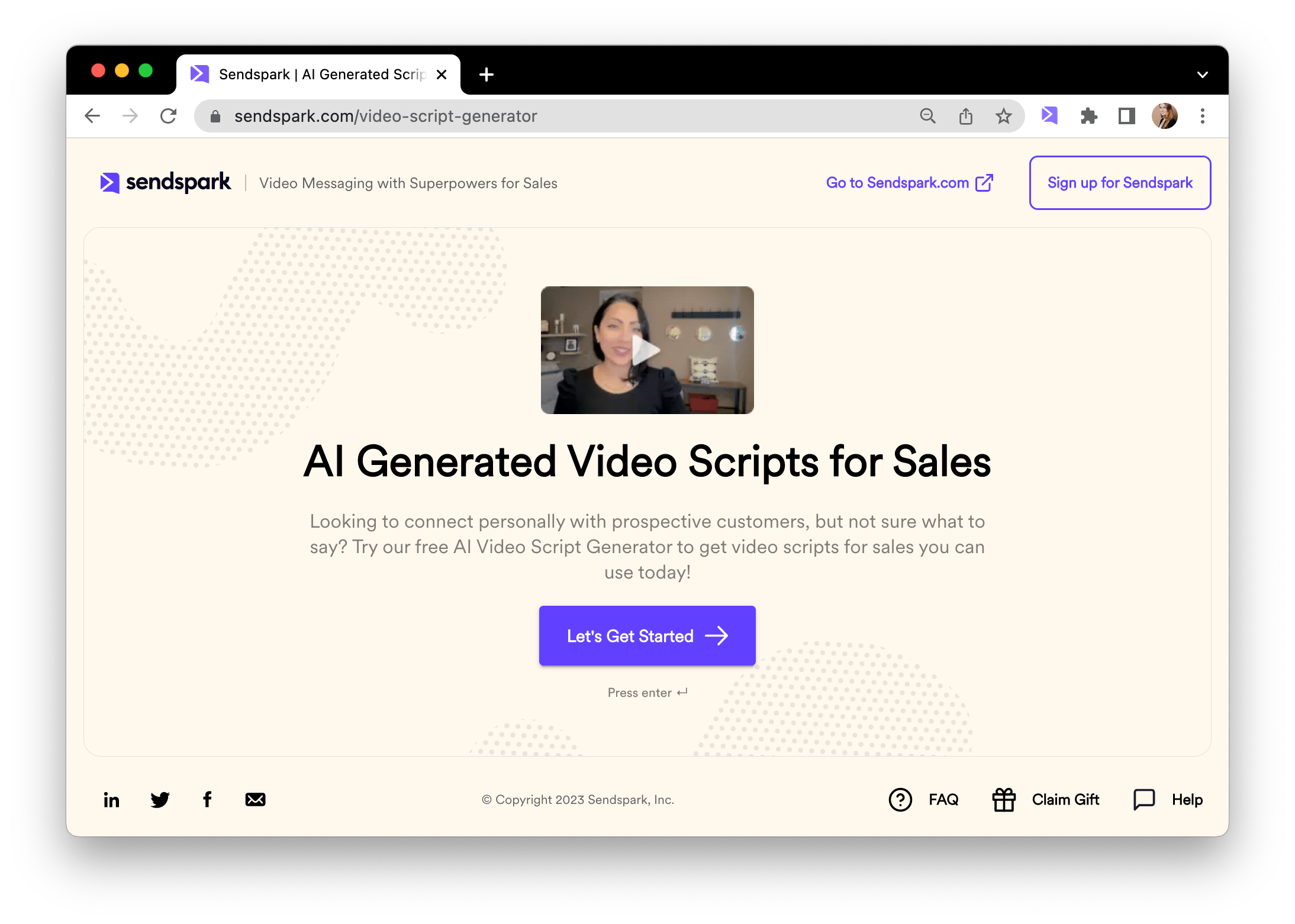
Watch the video here or follow the steps below!- Navigate to Sendspark’s AI Video Script Generator, and click “Let’s Get Started”
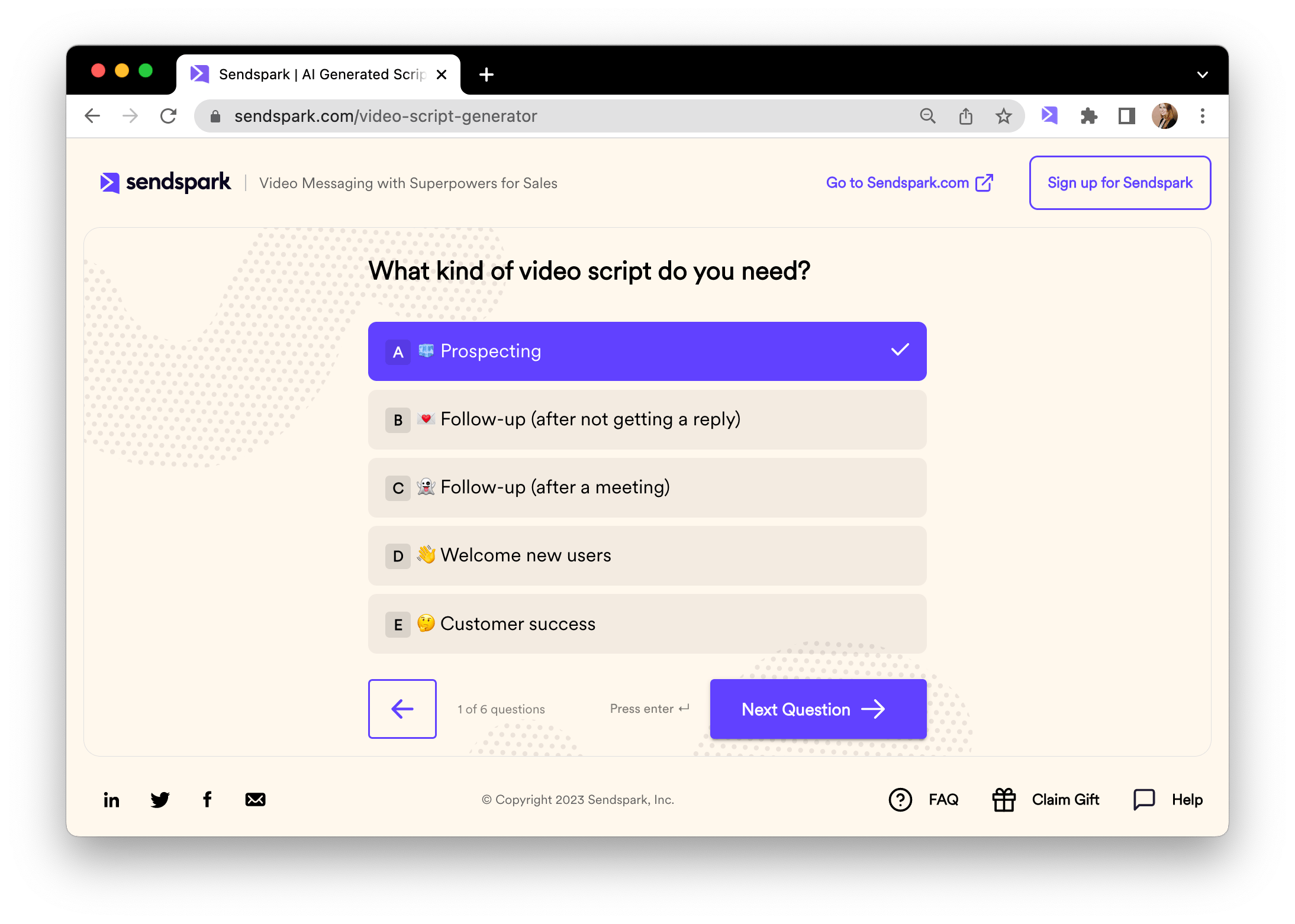
- Select the use case for your video message.
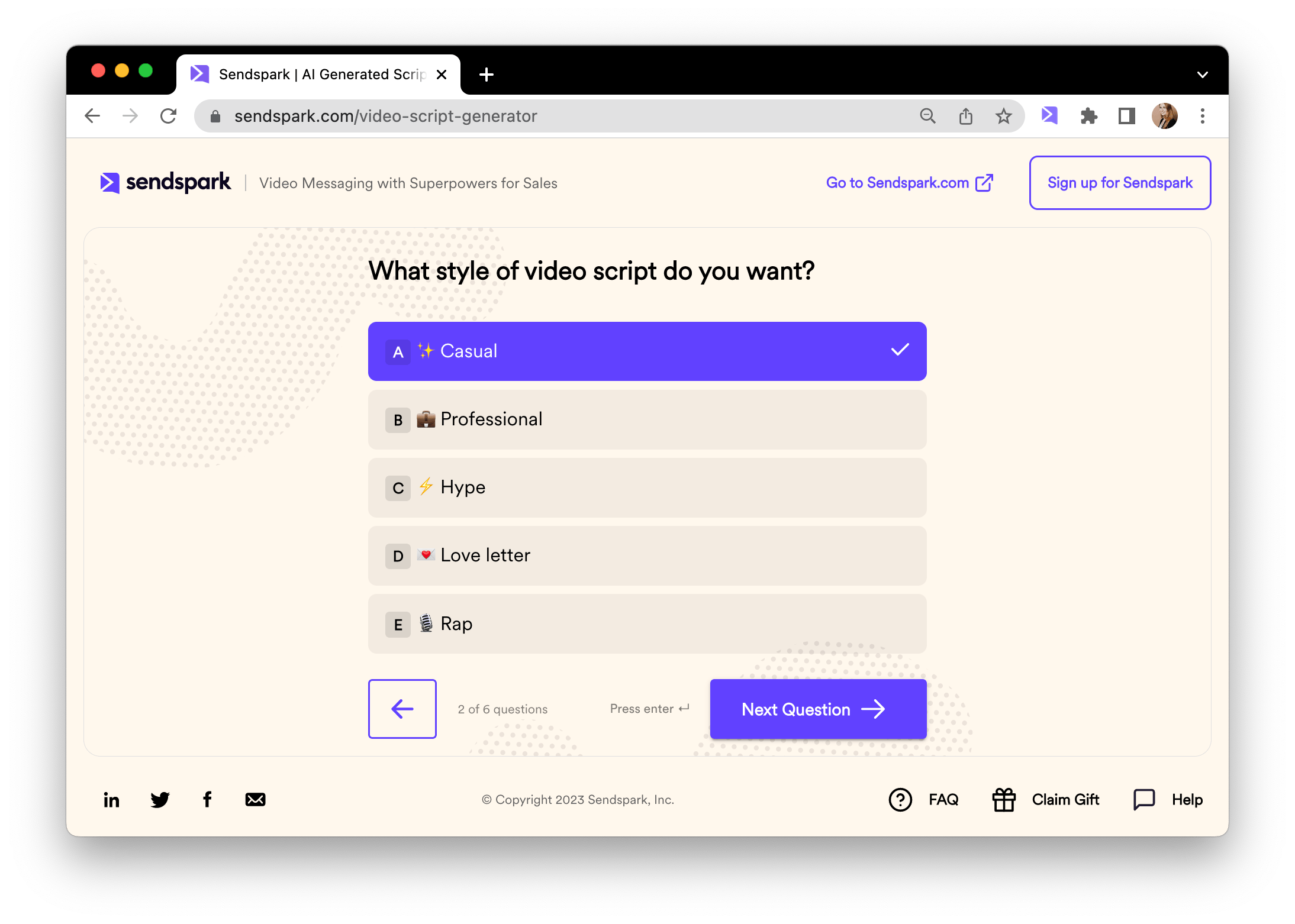
- Choose the style you want for your video script.
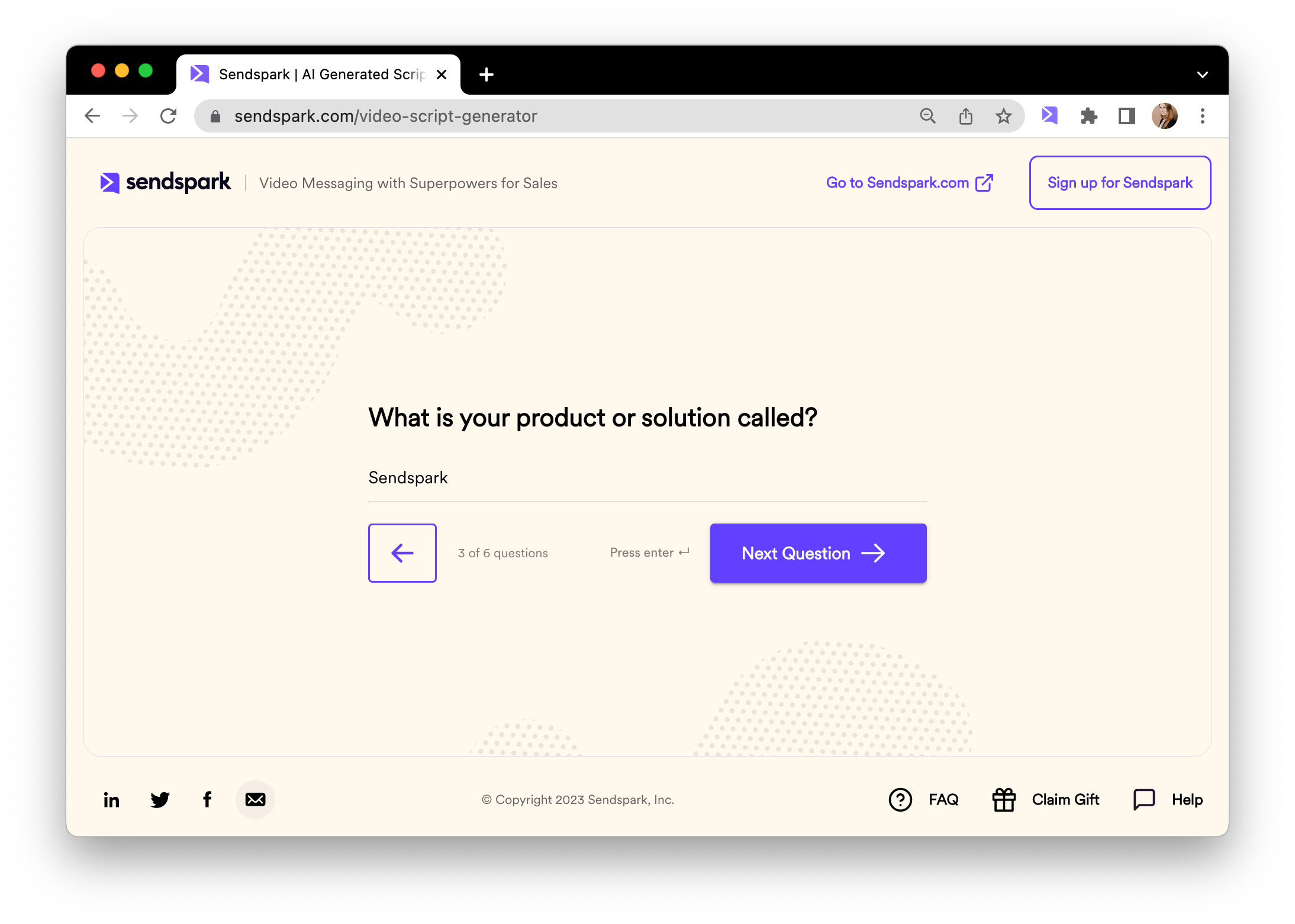
- Add the name of your product
- Add a short description of what your product does, and how it helps people.
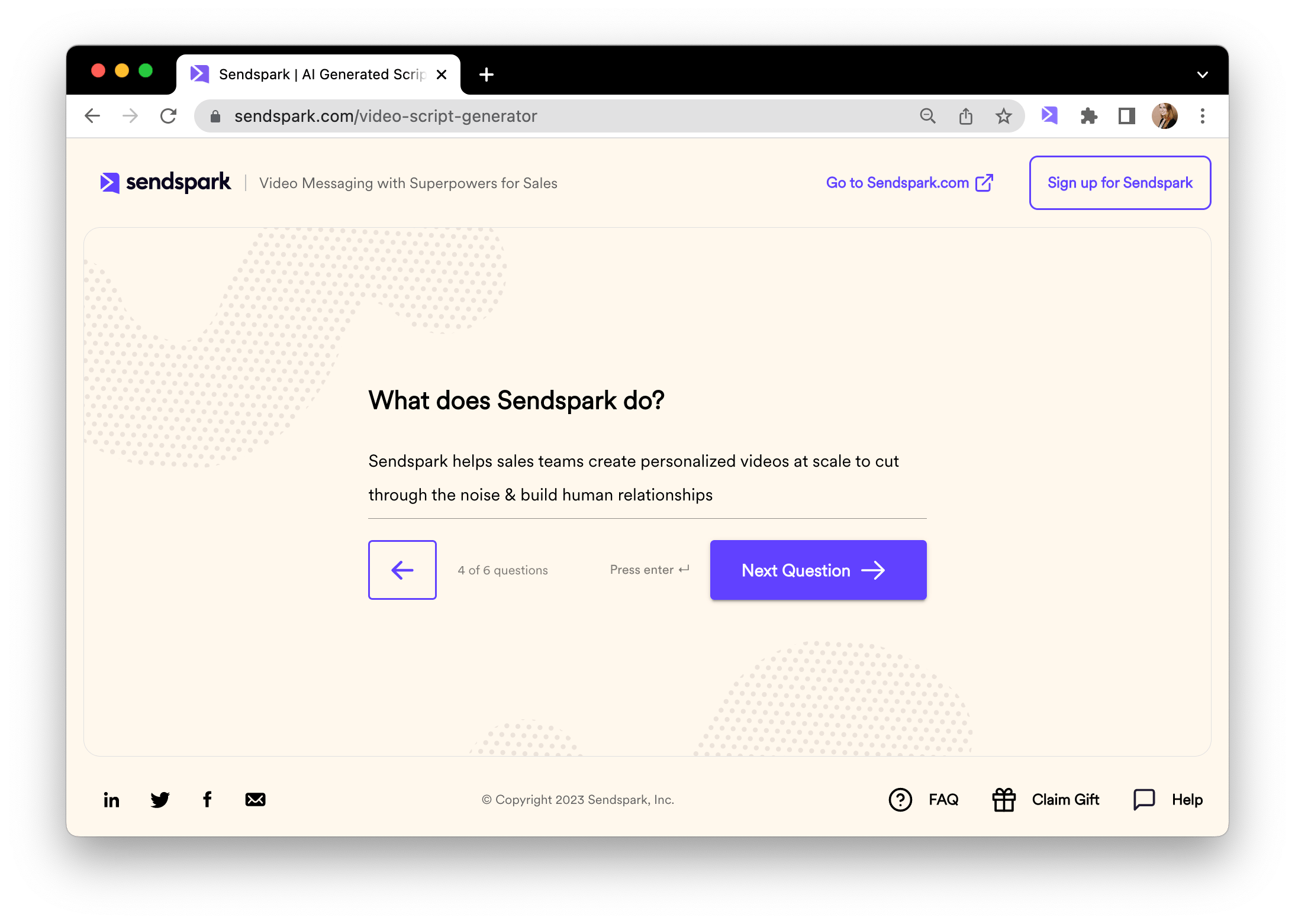
- Add context that can help our AI make this video script more relevant for your intended viewer.
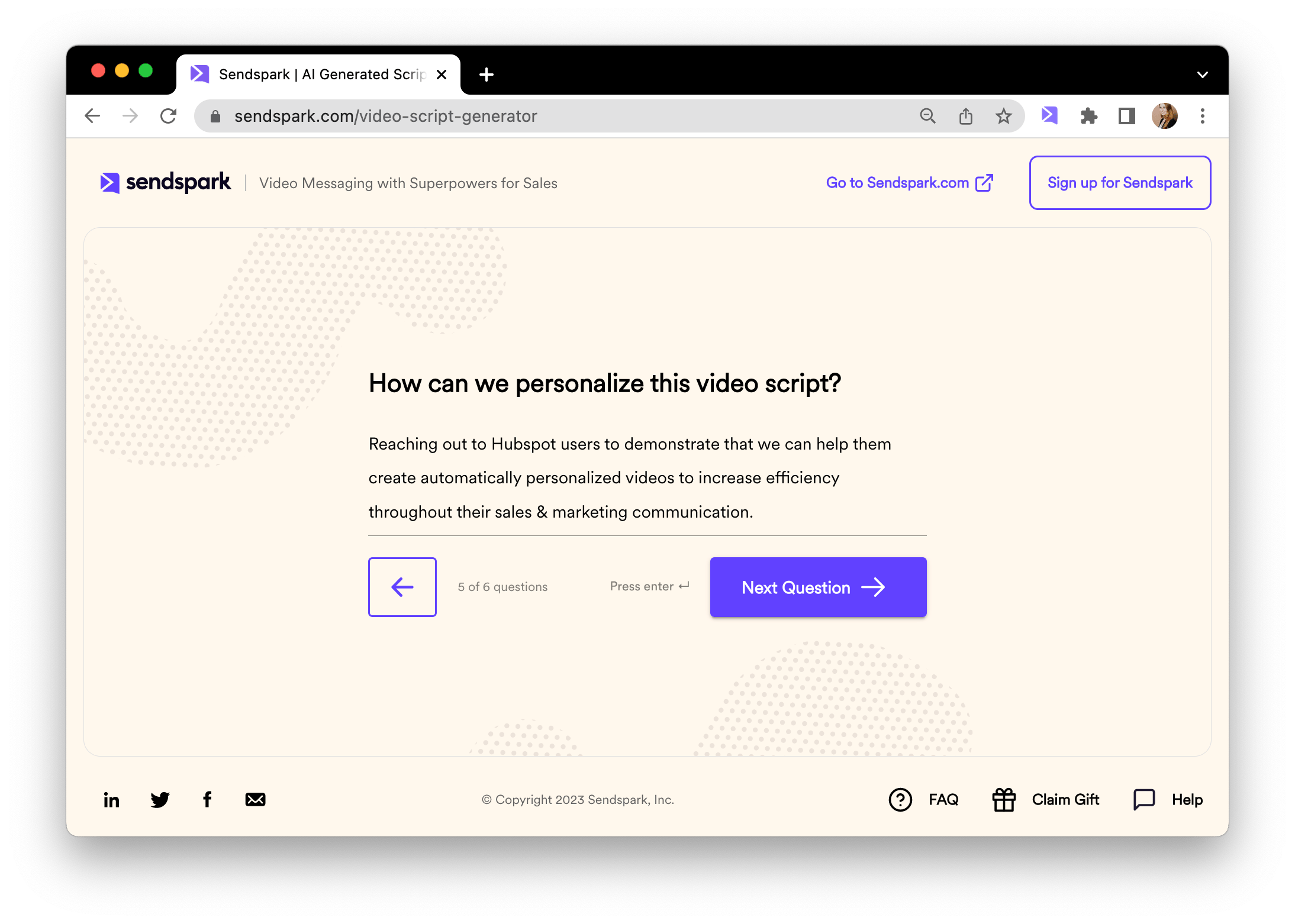
- Add the call-to-action. This is what you want your viewer to do after viewing your video.
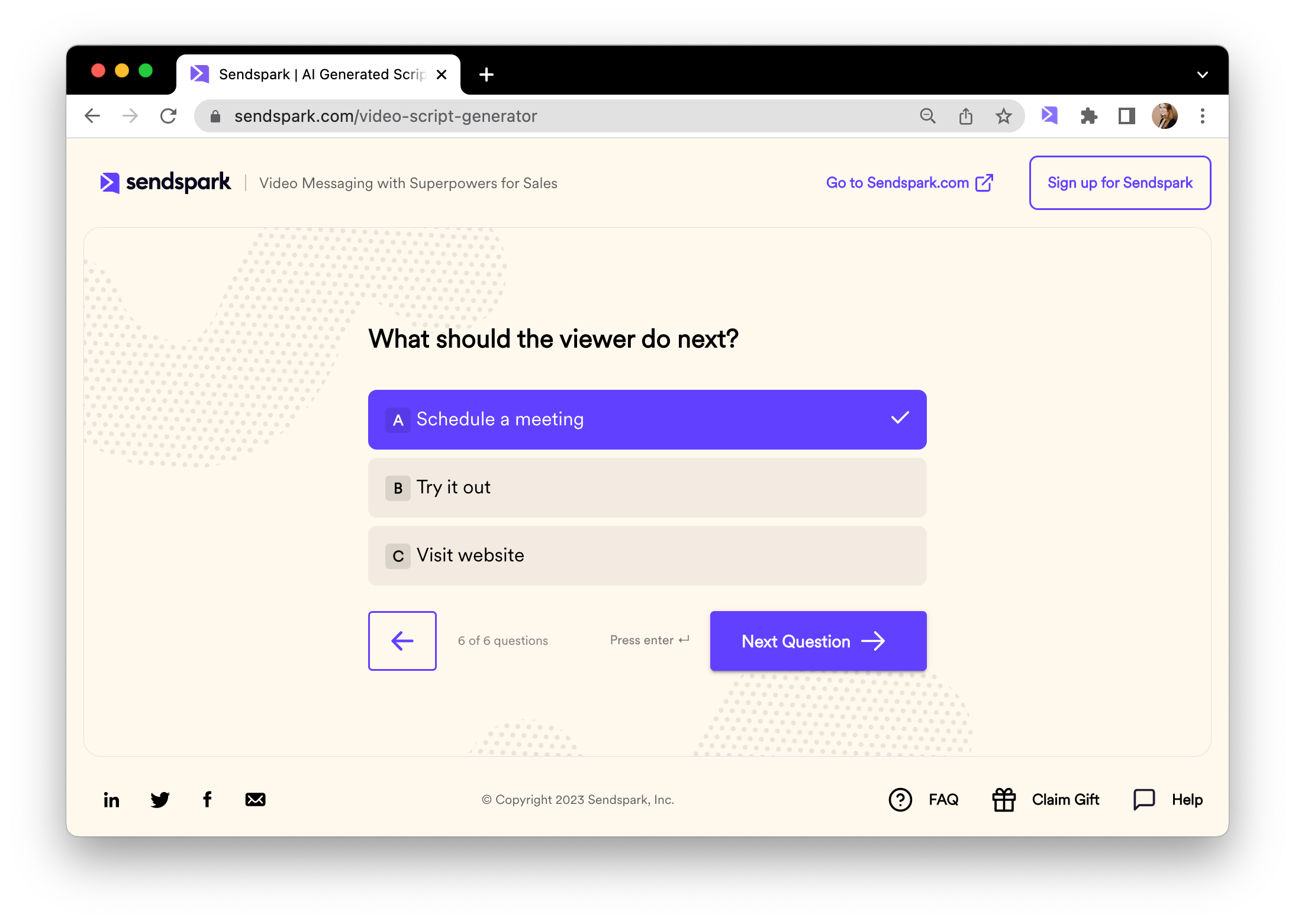
- Generate your video script!
How do I use my video script?
You’ll now see your video script, ready to use! You can add this to your teleprompter to read from when you record your video.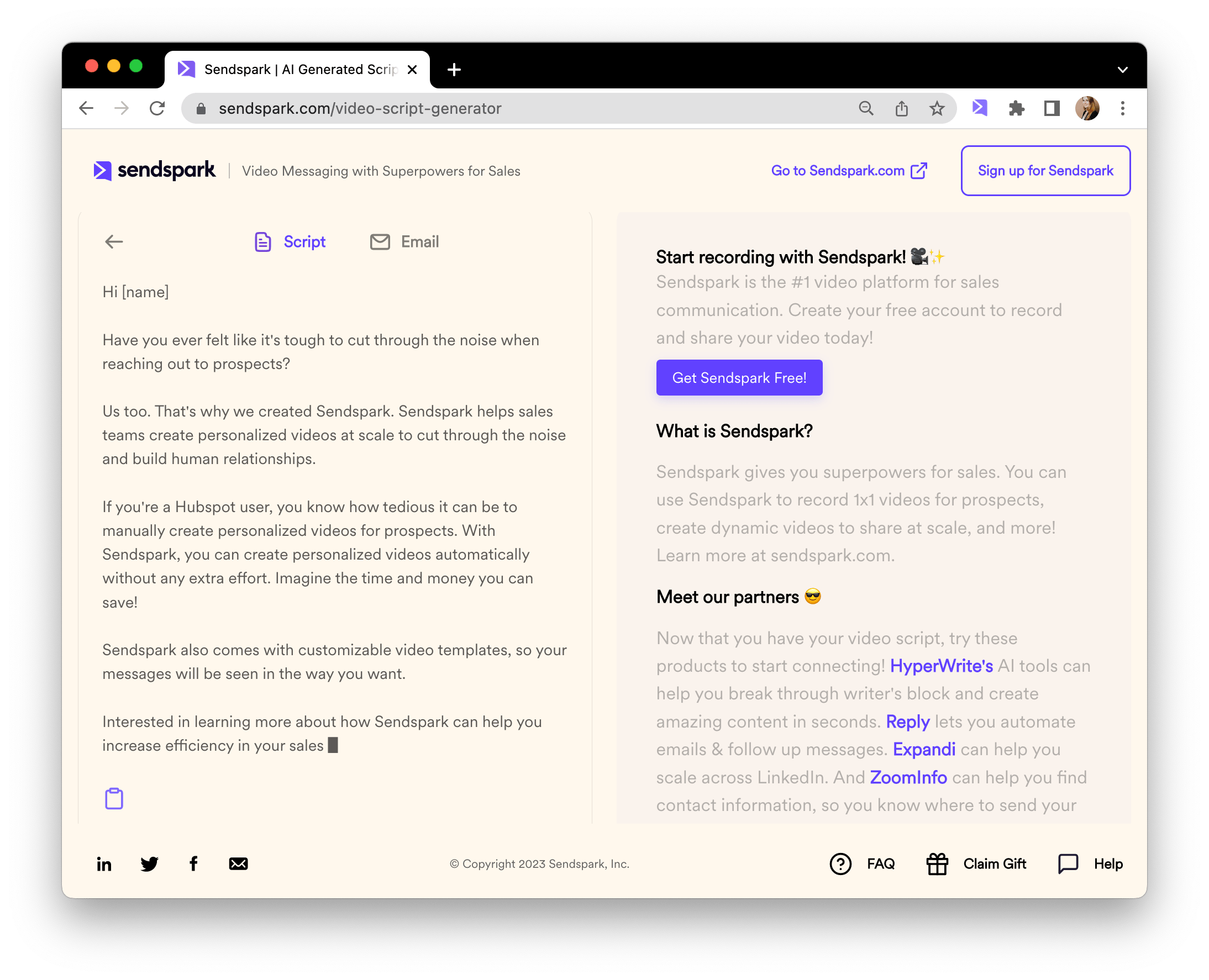
Frequently asked questions
What powers Sendspark's AI Video Script Generator?
What powers Sendspark's AI Video Script Generator?
Sendspark integrated OpenAI to make the AI-powered Video Script Generator.
What information do I provide to generate a script?
What information do I provide to generate a script?
You select a use case and script style, add your product name, a short product description, context for your intended viewer, and a call-to-action, then generate the script.
Is the generated script ready to use exactly as-is?
Is the generated script ready to use exactly as-is?
Think of the video script as a starting block. You’ll want to customize it with your own voice, tone, and flavor.
Where can I use the video script once it's generated?
Where can I use the video script once it's generated?
You can add the script to your teleprompter to read from when you record your video.
Do I get email content along with the script?
Do I get email content along with the script?
Yes. Click into the “email” tab to see a complimentary email subject line and email body content to use when sharing your video.