

Key takeaways
- Turn off name personalization when you want dynamic background videos in bulk but without an AI-spoken name greeting.
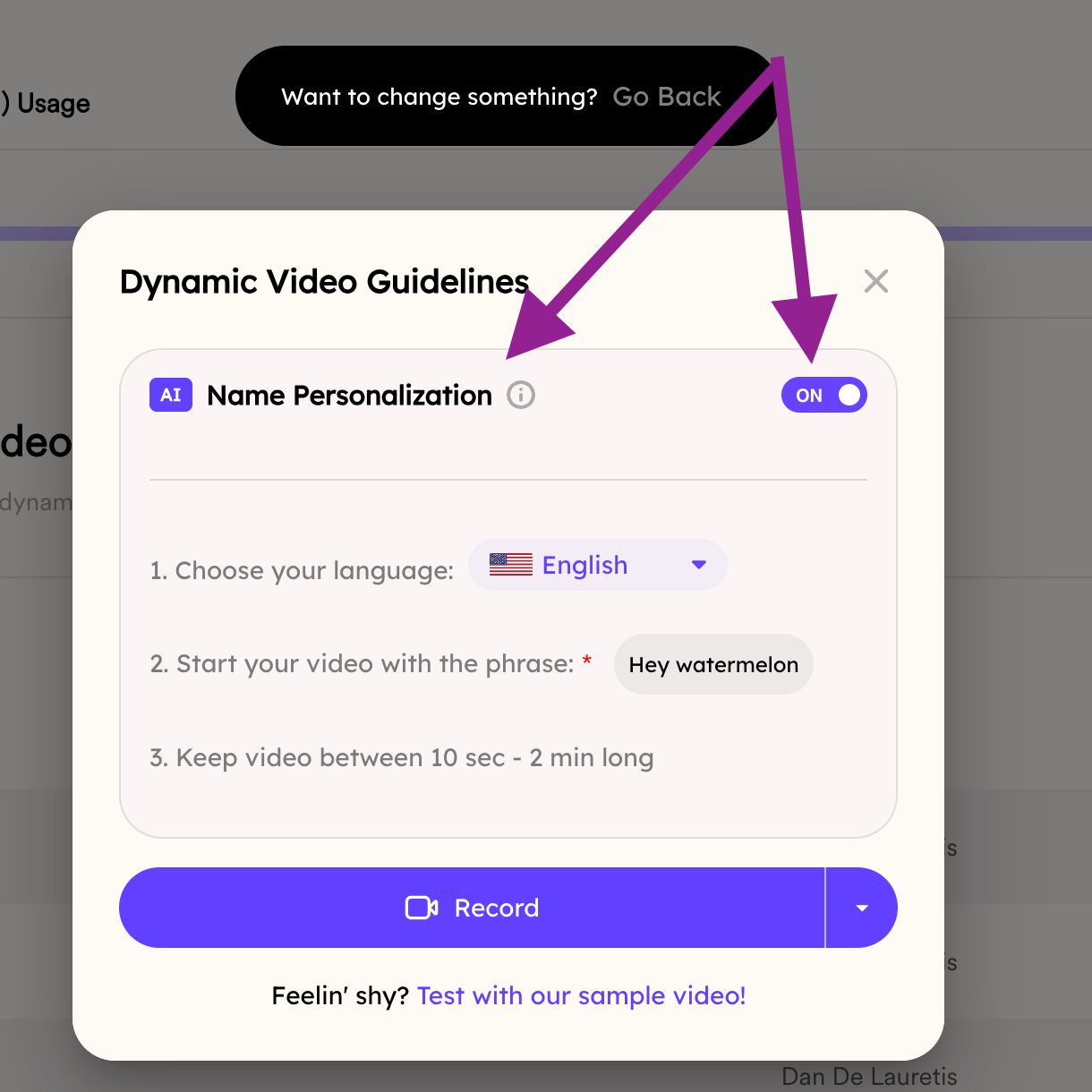
- “Name personalization” and “voice cloning” are the same setting, and it is ON by default.
- Toggle it OFF before selecting your video in the Create Dynamic Video flow.
Frequently asked questions
Is name personalization the same as voice cloning?
Is name personalization the same as voice cloning?
Yes. In the Dynamic Videos flow, “name personalization” is the same thing as voice cloning. See Toggle Voice Cloning On/Off.
Is voice cloning on by default?
Is voice cloning on by default?
Yes, name personalization (voice cloning) is ON by default, so you only need to turn it off if you don’t want an AI-spoken name greeting.
What happens when I turn it off?
What happens when I turn it off?
Your videos still generate with a dynamic background for each viewer, but without the AI voice greeting that says the recipient’s name.