

Key takeaways
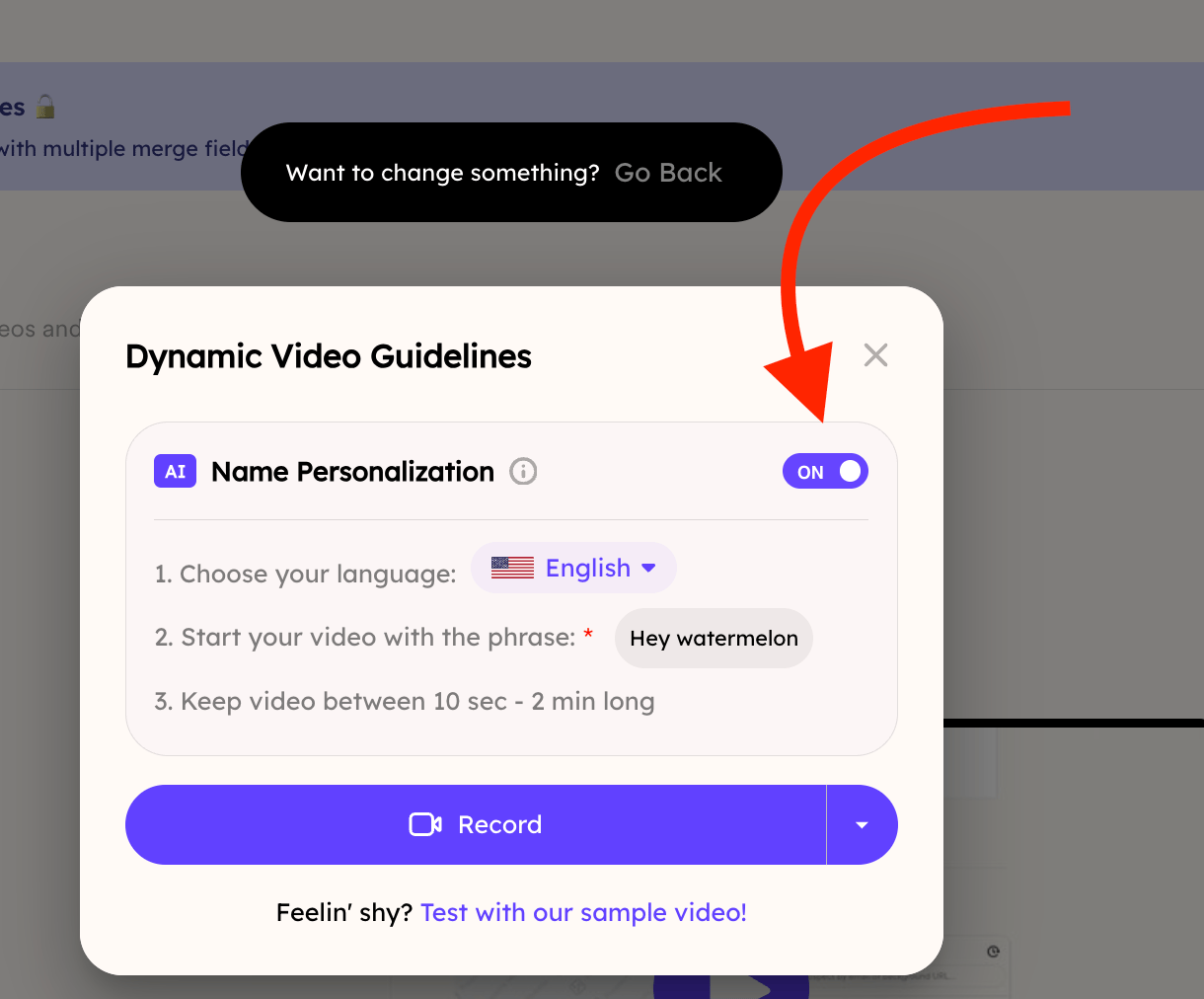
- Voice cloning is the same feature Sendspark labels “Name Personalization” in a Dynamic Video campaign.
- It is ON by default when you create a new Dynamic Video campaign, so you don’t need to do anything to use it.
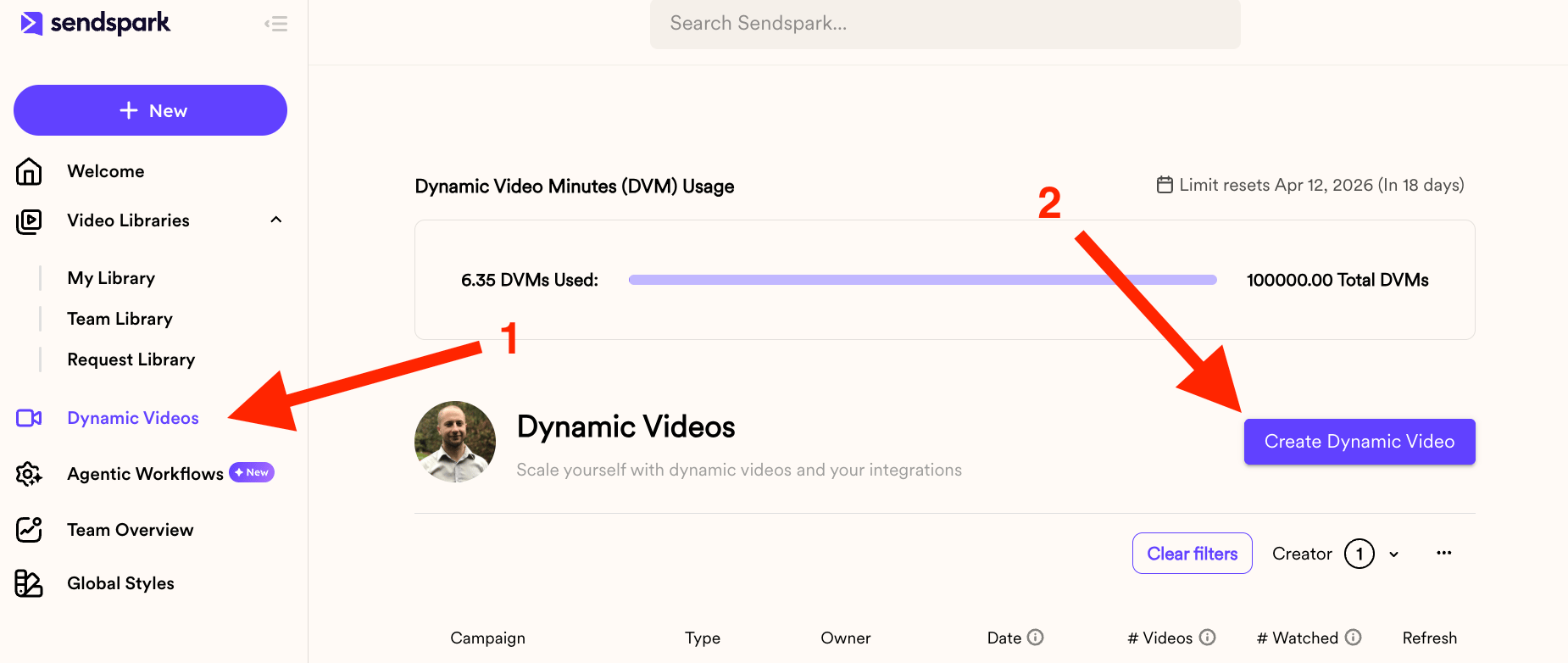
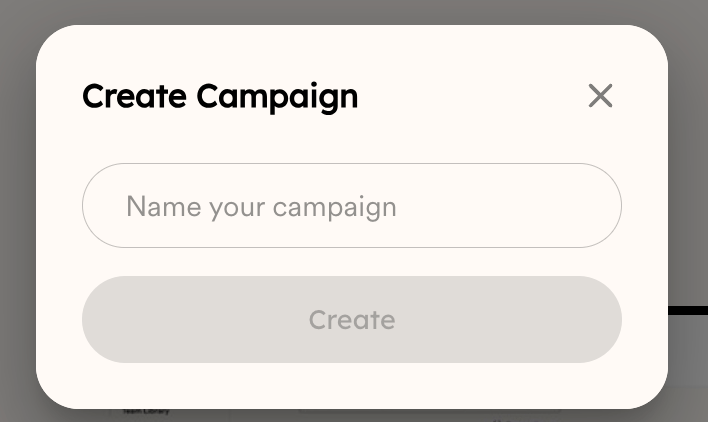
- You reach the setting by going to Dynamic Videos in the left-hand nav and clicking Create Dynamic Video, then naming your campaign.
- Turn it off if you want to generate videos with a dynamic background but no AI voice cloning. See turning voice cloning’s personalization off for the campaign-level version of this.
Frequently asked questions
Is voice cloning the same as Name Personalization?
Is voice cloning the same as Name Personalization?
Yes. In a Dynamic Video campaign, the setting labeled “Name Personalization” is the same thing as voice cloning.
Is voice cloning on or off by default?
Is voice cloning on or off by default?
It is ON by default when you create a Dynamic Video campaign, so nothing else is needed to use it.
Where do I find the voice cloning toggle?
Where do I find the voice cloning toggle?
Go to the Dynamic Videos section on the left-hand nav bar, click Create Dynamic Video, and give your campaign a name. You’ll then see the Name Personalization (voice cloning) option, which you can leave on or turn off.
What happens if I turn voice cloning off?
What happens if I turn voice cloning off?
You can turn it off if you decide to only generate videos with a dynamic background and no AI voice cloning.