

Key takeaways
- Record one video and personalize it with each recipient’s name at scale, in your language.
- Sendspark includes step-by-step guides for German, Spanish, Portuguese, Swedish, French, Dutch, and English.
- Record your intro with the language’s placeholder word (e.g. “Hallo wassermelone,” “Hola Manzana”) and select that language in the campaign.
- No guide for your language? Use the English framework, and let Sendspark know if the results aren’t good so they can add support.
If you do not see a specific guide for your language, please try to use the English framework, and see if the outcome is good. If it’s not good, let us know, and we can add specific support for your language.
How To Make AI Personalized Videos in Your Language
- German
- Spanish
- Portuguese
- Swedish
- French
- Dutch
- English or Another Language
Make AI Personalized Videos in German 🇩🇪
Follow these steps to make AI personalized videos in German:- Record one video of yourself with the Introduction “Hallo wassermelone”
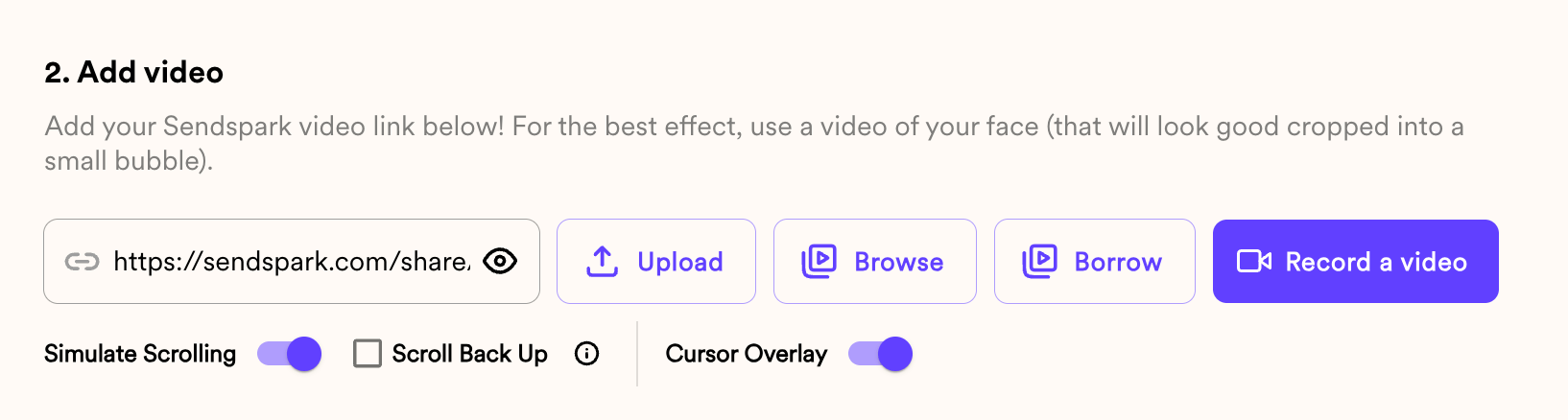
- Add your video to your Sendspark Dynamic Video campaign
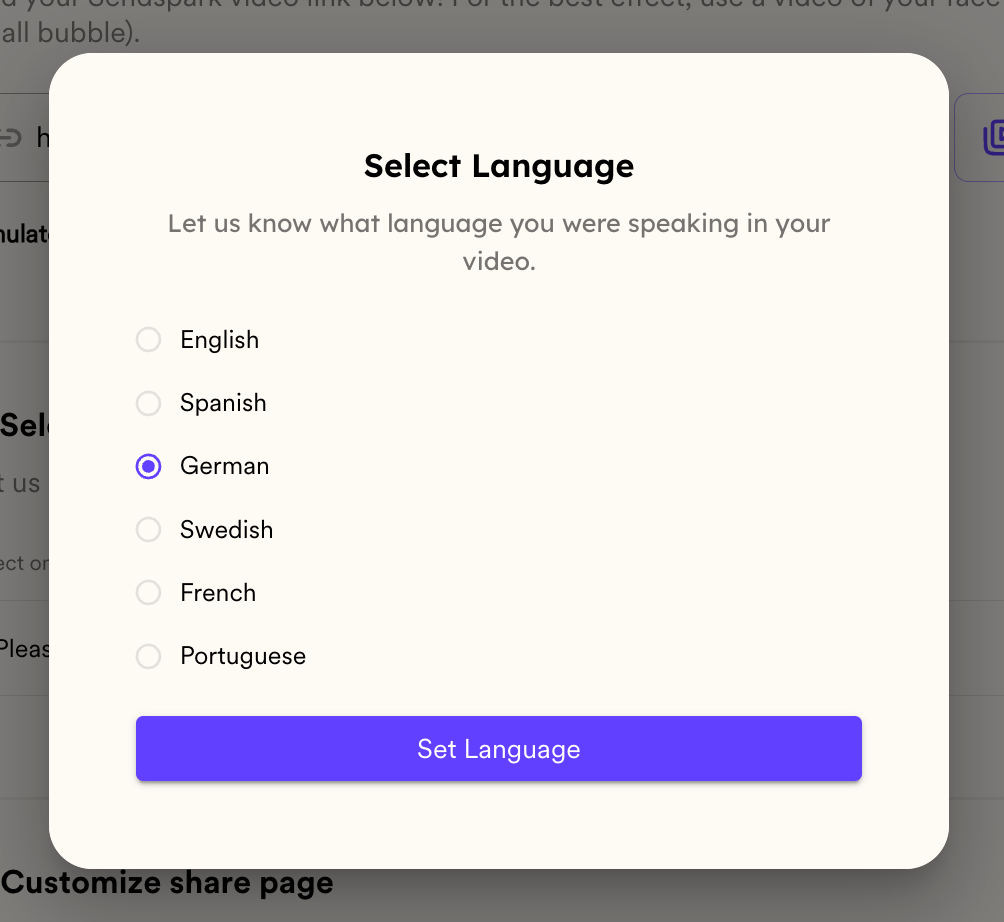
- Select German in the Select Language dialog, then click Set Language to confirm
Make AI Personalized Videos in Spanish 🇪🇸
Follow these steps to make AI personalized videos in Spanish:- Record one video of yourself with the Introduction “Hola Manzana”
- Add your video to your Sendspark Dynamic Video campaign
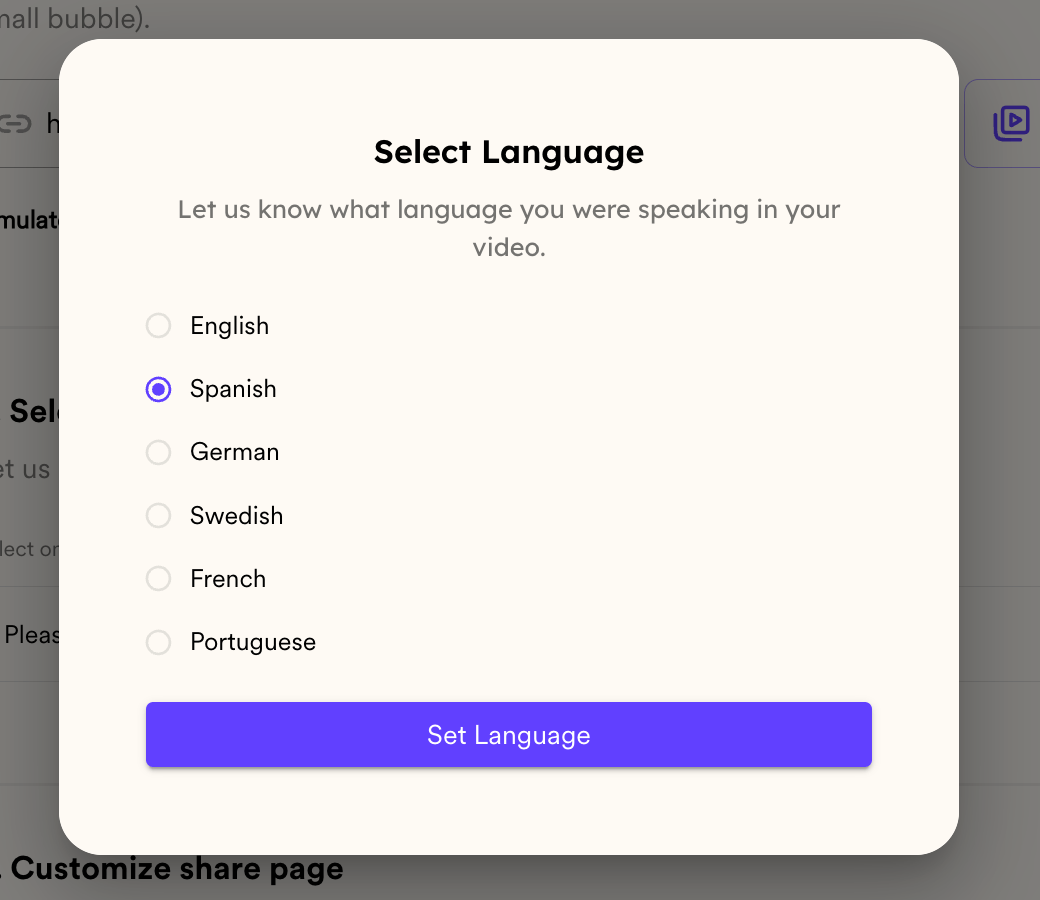
- Select Spanish in the Select Language dialog, then click Set Language to confirm
Make AI Personalized Videos in Portuguese 🇵🇹
Follow these steps to make AI personalized videos in Portuguese:- Record one video of yourself with the Introduction “Olá melancia”
- Add your video to your Sendspark Dynamic Video campaign
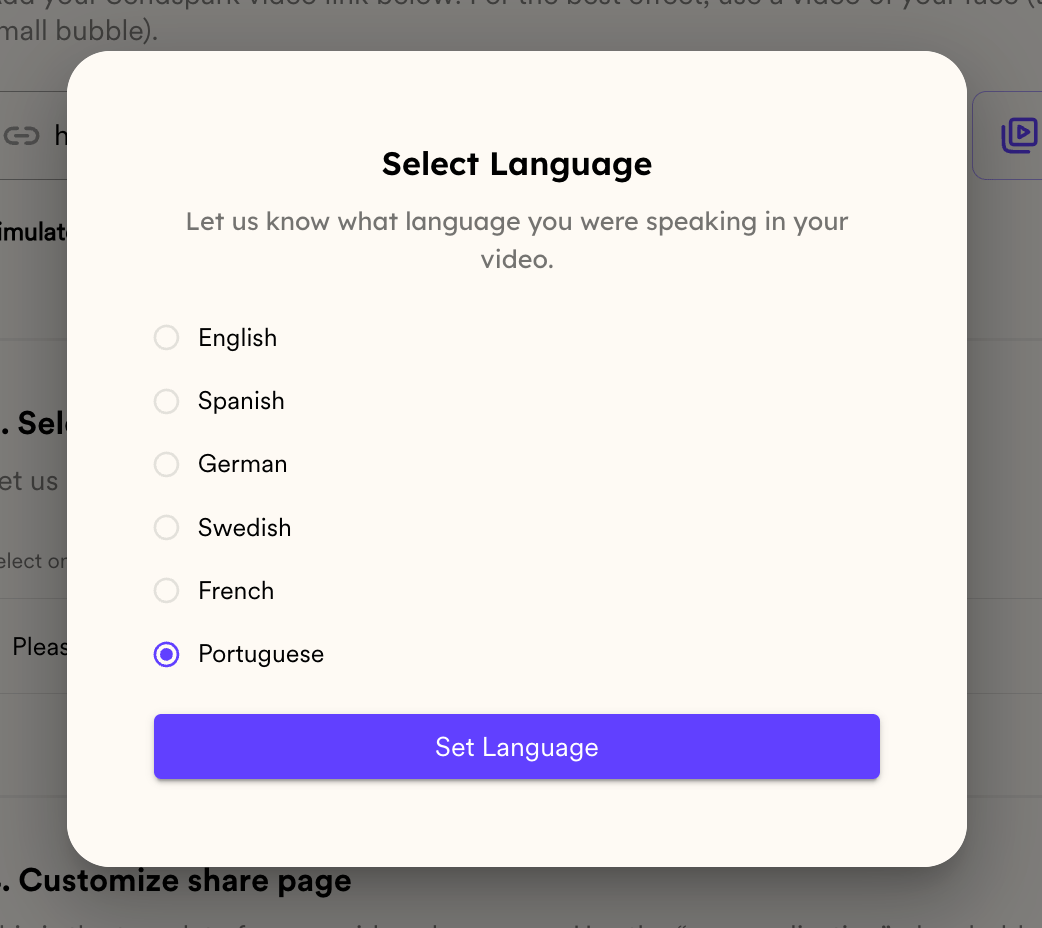
- Select Portuguese in the Select Language dialog, then click Set Language to confirm
Make AI Personalized Videos in Swedish 🇸🇪
Follow these steps to make AI personalized videos in Swedish:- Record one video of yourself with the Introduction “Hej vattenmelon”
- Add your video to your Sendspark Dynamic Video campaign
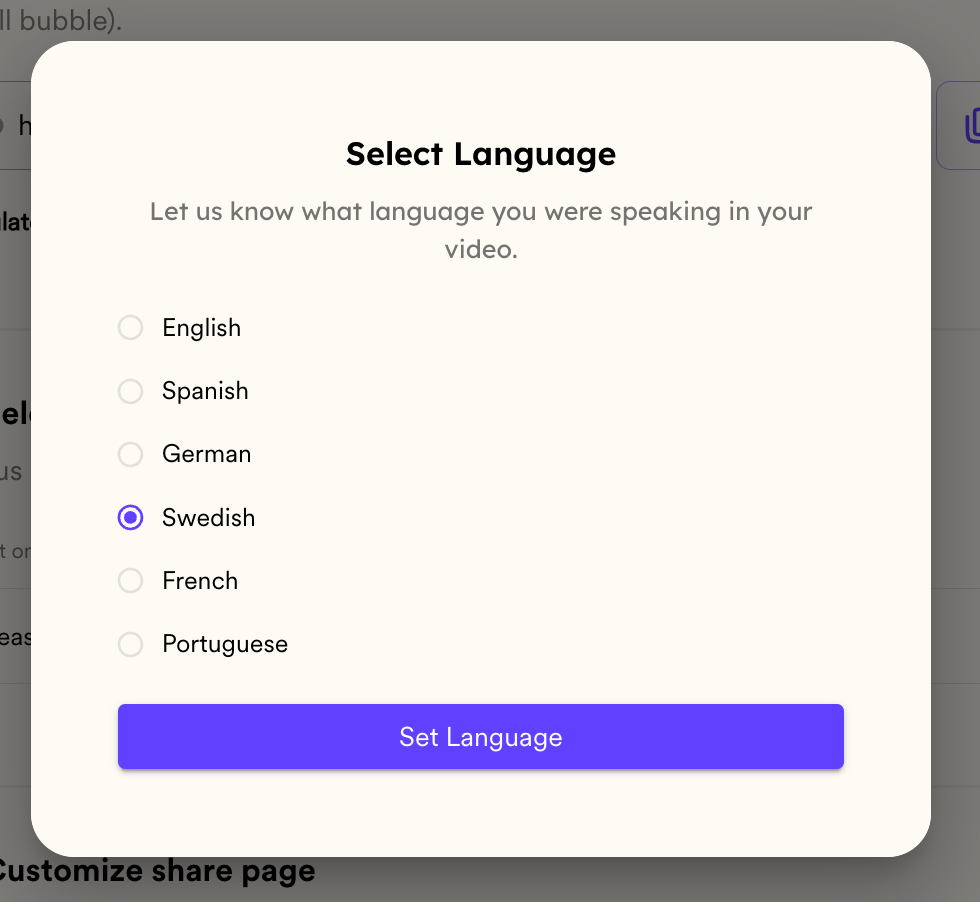
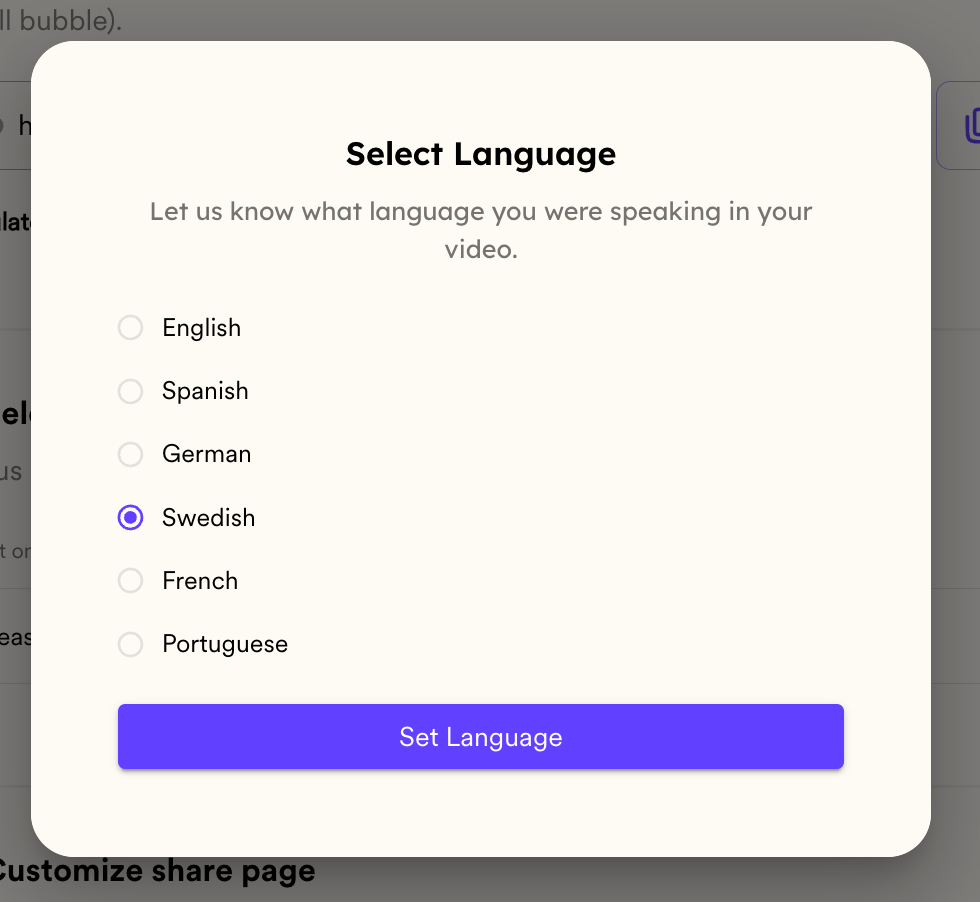
- Select Swedish in the Select Language dialog, then click Set Language to confirm
Make AI Personalized Videos in French 🇫🇷
Follow these steps to make AI personalized videos in French:- Record one video of yourself with the Introduction “Salut pastèque”
- Add your video to your Sendspark Dynamic Video campaign
- Select French in the Select Language dialog, then click Set Language to confirm
Make AI Personalized Videos in Dutch 🇳🇱
Follow these steps to make AI personalized videos in Dutch:- Record one video of yourself with the Introduction “Hoi Watermeloen”
- Add your video to your Sendspark Dynamic Video campaign
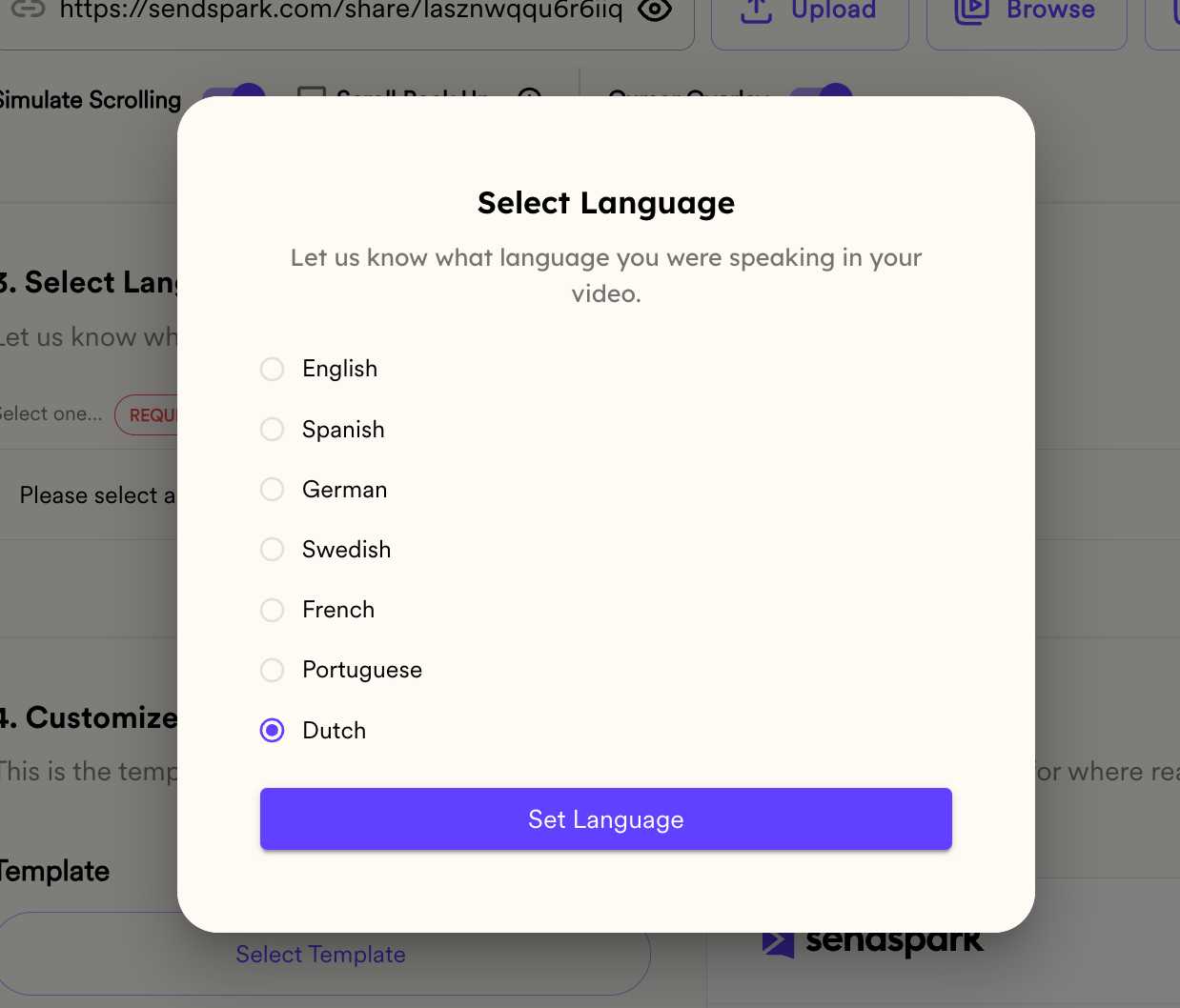
- Select Dutch in the Select Language dialog, then click Set Language to confirm
Make AI Personalized Videos in English or Another Language 🌍
Follow these steps to make AI personalized videos in English:- Record one video of yourself with any greeting + the word “Watermelon” (like “Hey Watermelon”)
- Add your video to your Sendspark Dynamic Video campaign
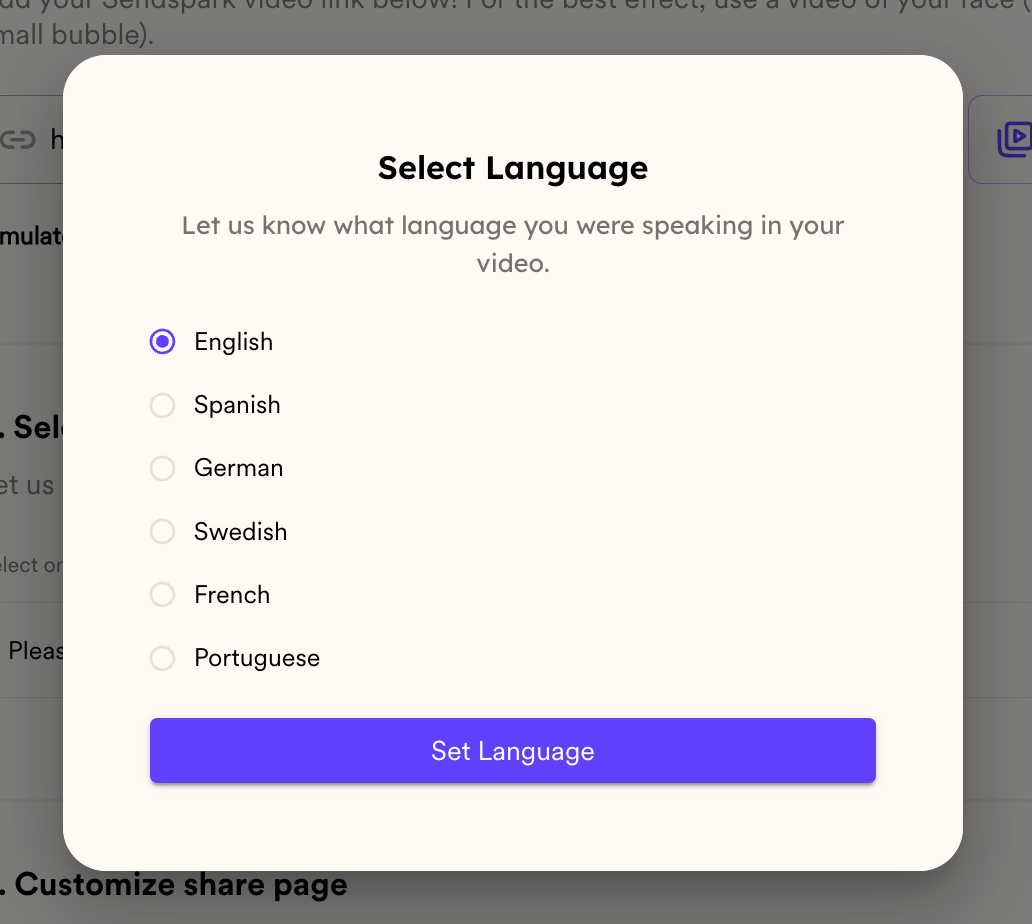
- Select English in the Select Language dialog, then click Set Language to confirm
Frequently asked questions
Which languages does Sendspark provide guides for?
Which languages does Sendspark provide guides for?
Sendspark includes guides for German, Spanish, Portuguese, Swedish, French, Dutch, and English. For any other language you can use the English framework.
What placeholder word do I use in my intro?
What placeholder word do I use in my intro?
Use the language-specific placeholder word. For example: “Hallo wassermelone” (German), “Hola Manzana” (Spanish), “Olá melancia” (Portuguese), “Hej vattenmelon” (Swedish), “Salut pastèque” (French), “Hoi Watermeloen” (Dutch), or “Hey Watermelon” (English).
What if there's no guide for my language?
What if there's no guide for my language?
Try the English framework and see if the outcome is good. If it’s not, let Sendspark know and they can add specific support for your language.
How does the personalization actually work?
How does the personalization actually work?
You record one video that includes the placeholder word, add it to a Sendspark Dynamic Video campaign, and select your language. Sendspark then replaces the placeholder with each recipient’s name at scale.