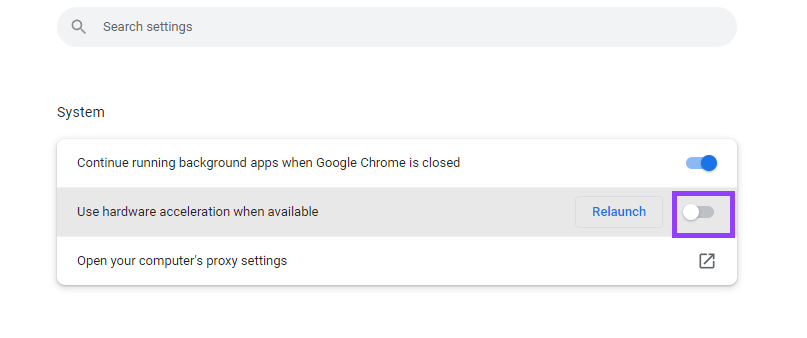
Disable hardware acceleration
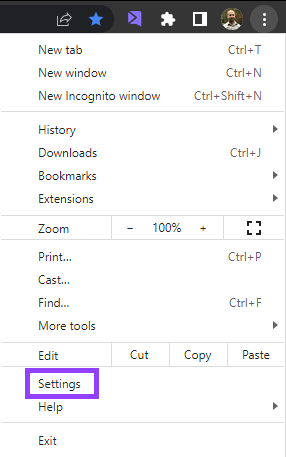
Follow these steps to reach your hardware acceleration option in Chrome- First, open your Chrome settings by clicking on the 3 dots located on the top right-hand side of the browser.
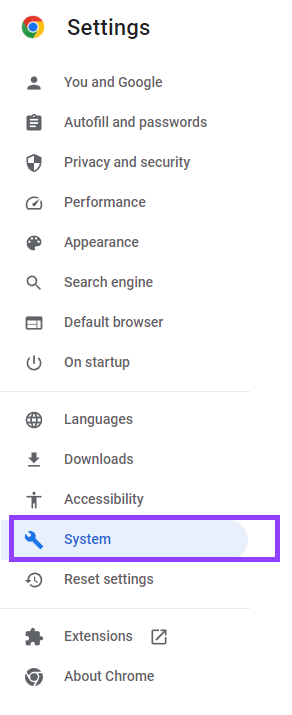
- Inside settings, click on the “System” tab on the left side of the screen. Or, you can navigate directly here by typing chrome://settings/system on the address bar.
- Next, toggle “hardware acceleration”, and click on Re-Launch to restart your browser.