

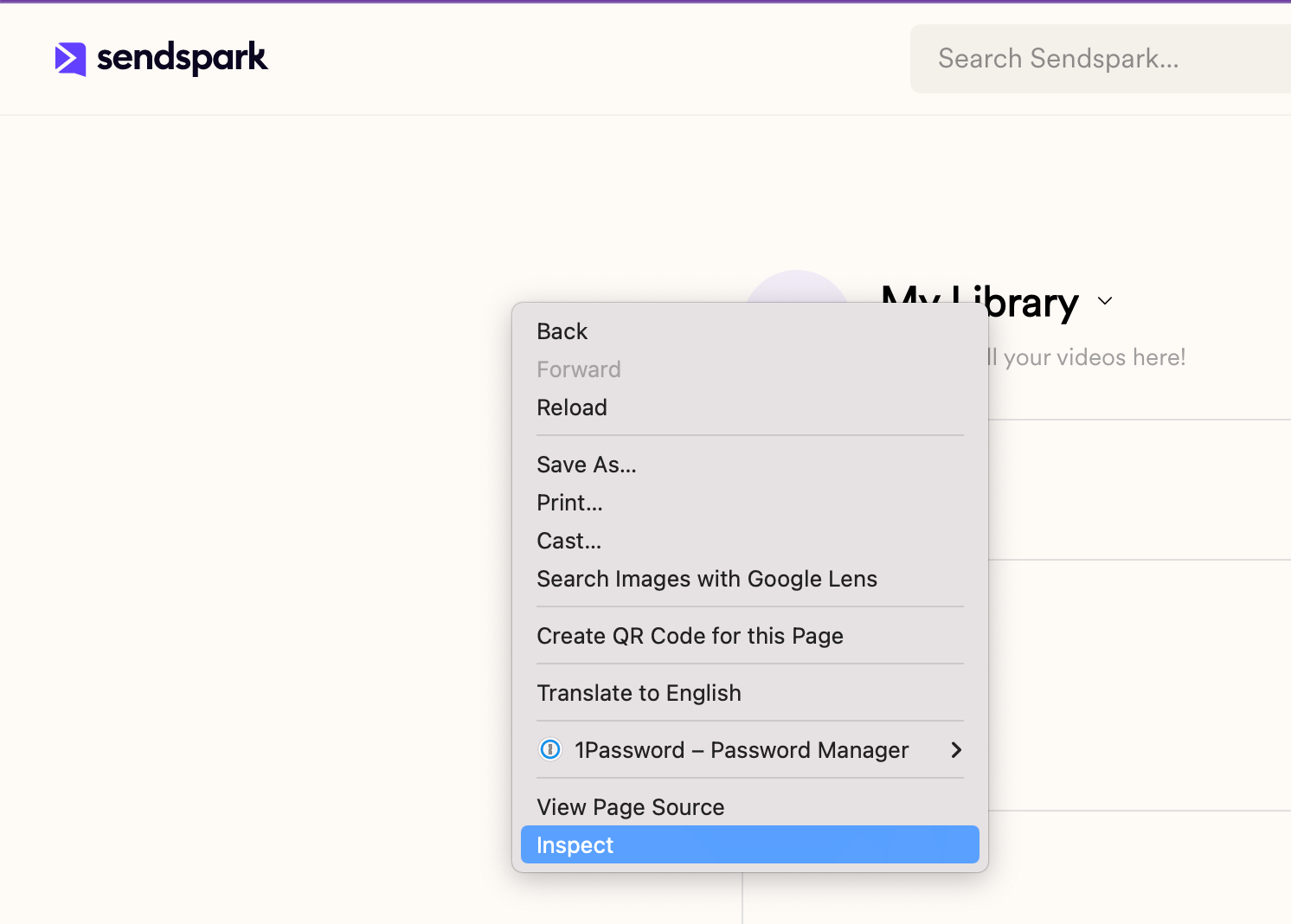
- Right click over the Sendspark page and select Inspect
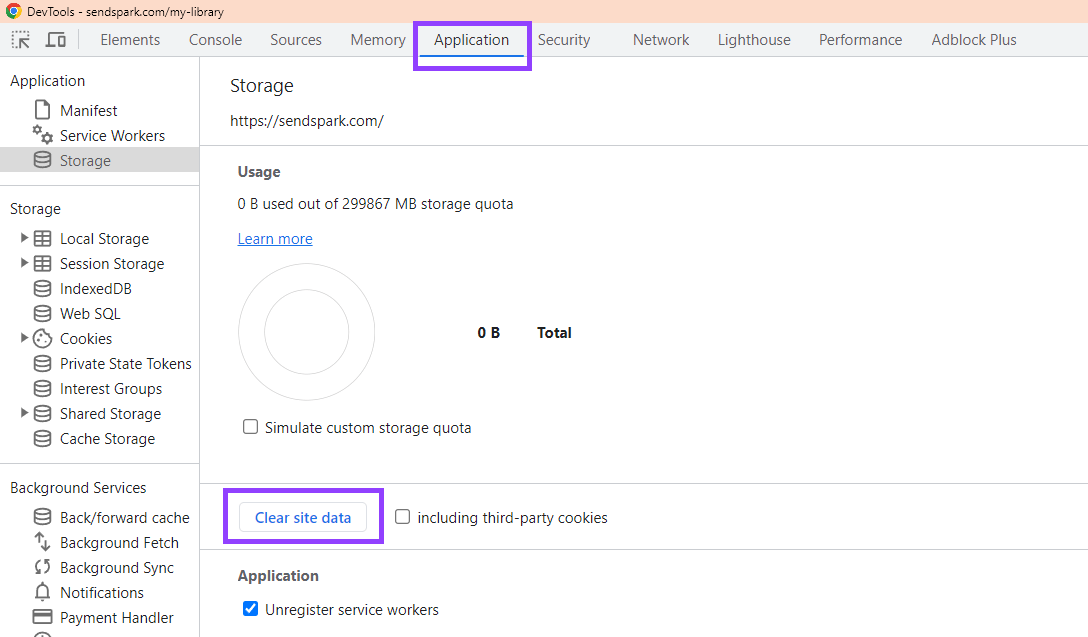
- Go to Application → Storage and click “Clear site data”
- Refresh the pageand log in again.
Learn how to clear site data in Chrome to fix Sendspark issues. Reset your browser storage and resolve loading problems quickly.