

Key takeaways
- Sendspark converts uploaded videos to H.264 so they play on any device (mobile and desktop, Windows, Android, Mac, TV, and others).
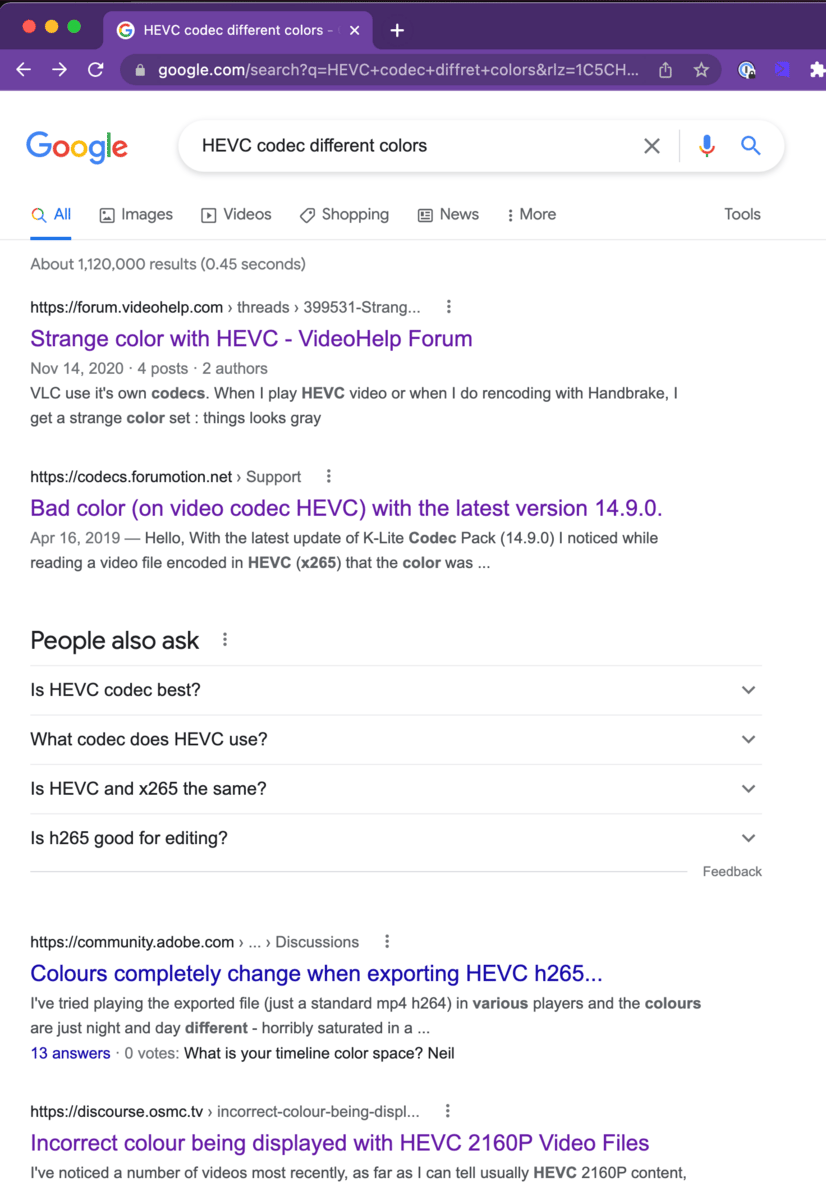
- Color changes happen when the original video used HEVC or another non-standard codec, because that codec is converted to the standard format.
- To prevent washed-out colors, record with the standard H.264 codec from the start.
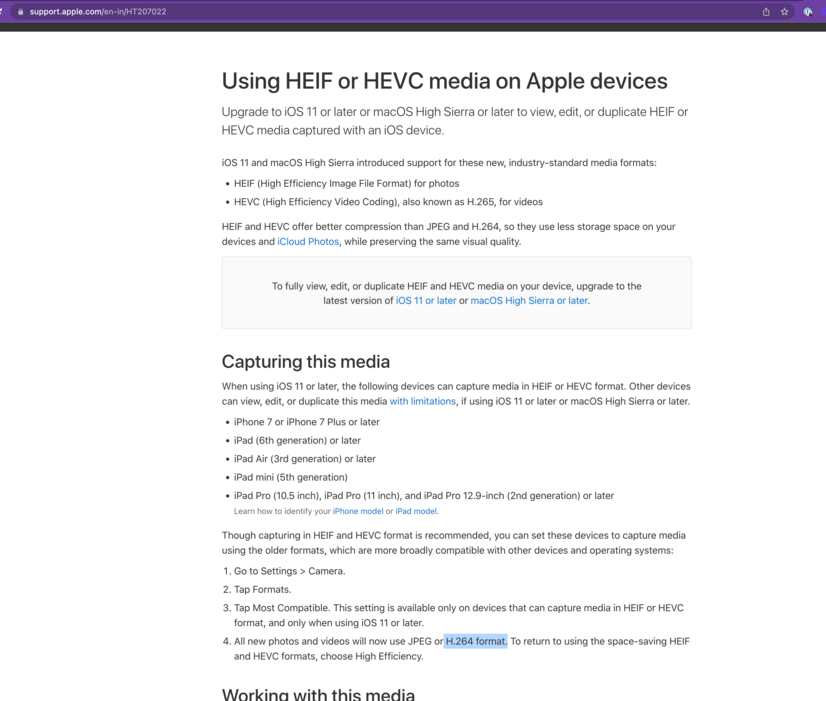
- Change your device’s video capture codec to H.264 before recording (see the screenshot below).
Frequently asked questions
Why do my video colors change after I upload to Sendspark?
Why do my video colors change after I upload to Sendspark?
Sendspark converts your video to the standard H.264 codec so it can play on any device. If your original video used HEVC or another non-standard codec, the conversion can cause color changes.
How do I prevent my video from looking washed out?
How do I prevent my video from looking washed out?
Record your videos with the standard H.264 codec instead of HEVC. Recording in H.264 from the start avoids the color shift that can happen during conversion.
Why does Sendspark convert my video to H.264?
Why does Sendspark convert my video to H.264?
H.264 is a standard format that makes your video playable on any device — mobile and desktop, Windows, Android, Mac, TV, and others.
Where do I change my video capture codec?
Where do I change my video capture codec?
You change it in your recording device or app’s settings before you record. Set the capture codec to H.264 so the video doesn’t need to be converted from a non-standard codec on upload.