

Key takeaways
- Open the video on its share page, either from the preview icon or by pasting the video share URL into your browser.
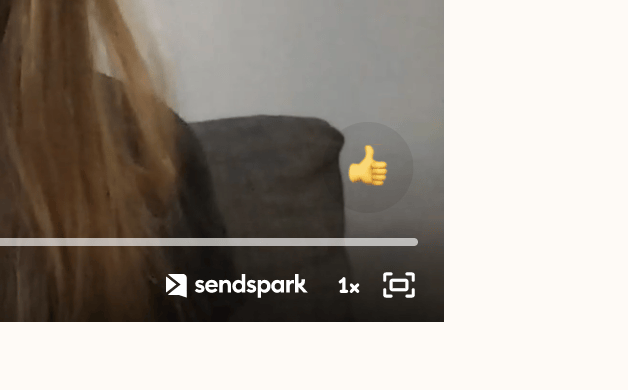
- Start playing the video, then click the fullscreen icon in the bottom right of the player.
- Open your video on a video share page by either clicking on the preview icon or pasting the video share URL into your browser

- Start playing your video
- Click the fullscreen icon on the bottom right of the video player
Frequently asked questions
How do I open a video in fullscreen?
How do I open a video in fullscreen?
Open the video on its share page and start playing it, then click the fullscreen icon in the bottom right of the video player.