

Key takeaways
- Credits are counted as 1 credit per personalized minute; a 60-second video personalized for 50 leads consumes 50 credits.
- Your minutes are a monthly allocation that resets on your billing cycle. You can find your limit bar and credit renewal date on the Billing page. Minutes are separate from how many leads you can upload at once, which is covered in dynamic video campaign limits.
- Generating a campaign also creates a one-time fallback video, so a 1-minute video consumes 2 minutes the first time. The fallback is only created once, no matter how many times you send videos to generate.
- These minutes do not affect regular (non-dynamic) videos, which are unlimited in number and length on any paid subscription. Combined Videos can optimize credit usage by only charging for the personalized intro portion.
Getting Started with Dynamic Videos:
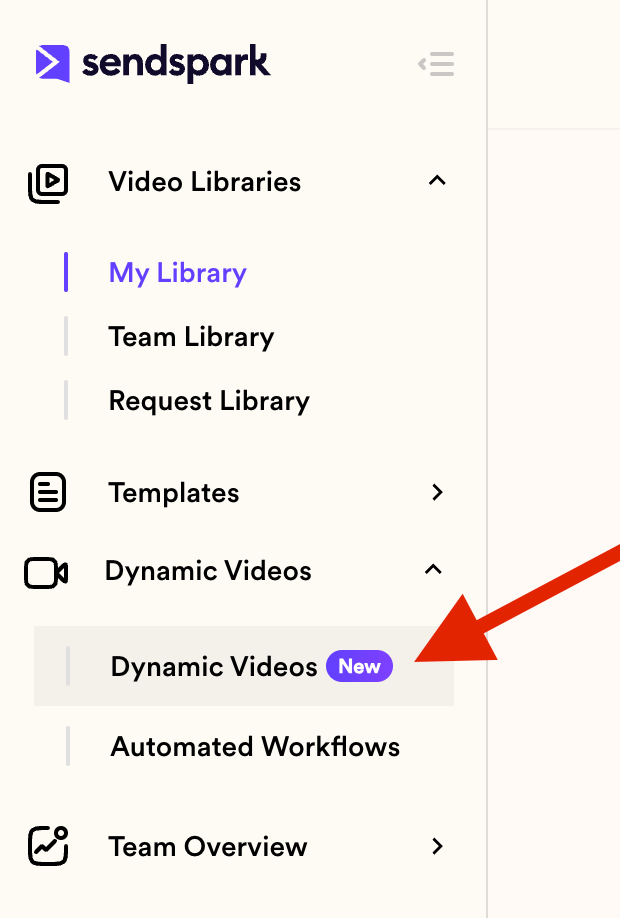
- You will find the Dynamic Videos access button to the left of your account:
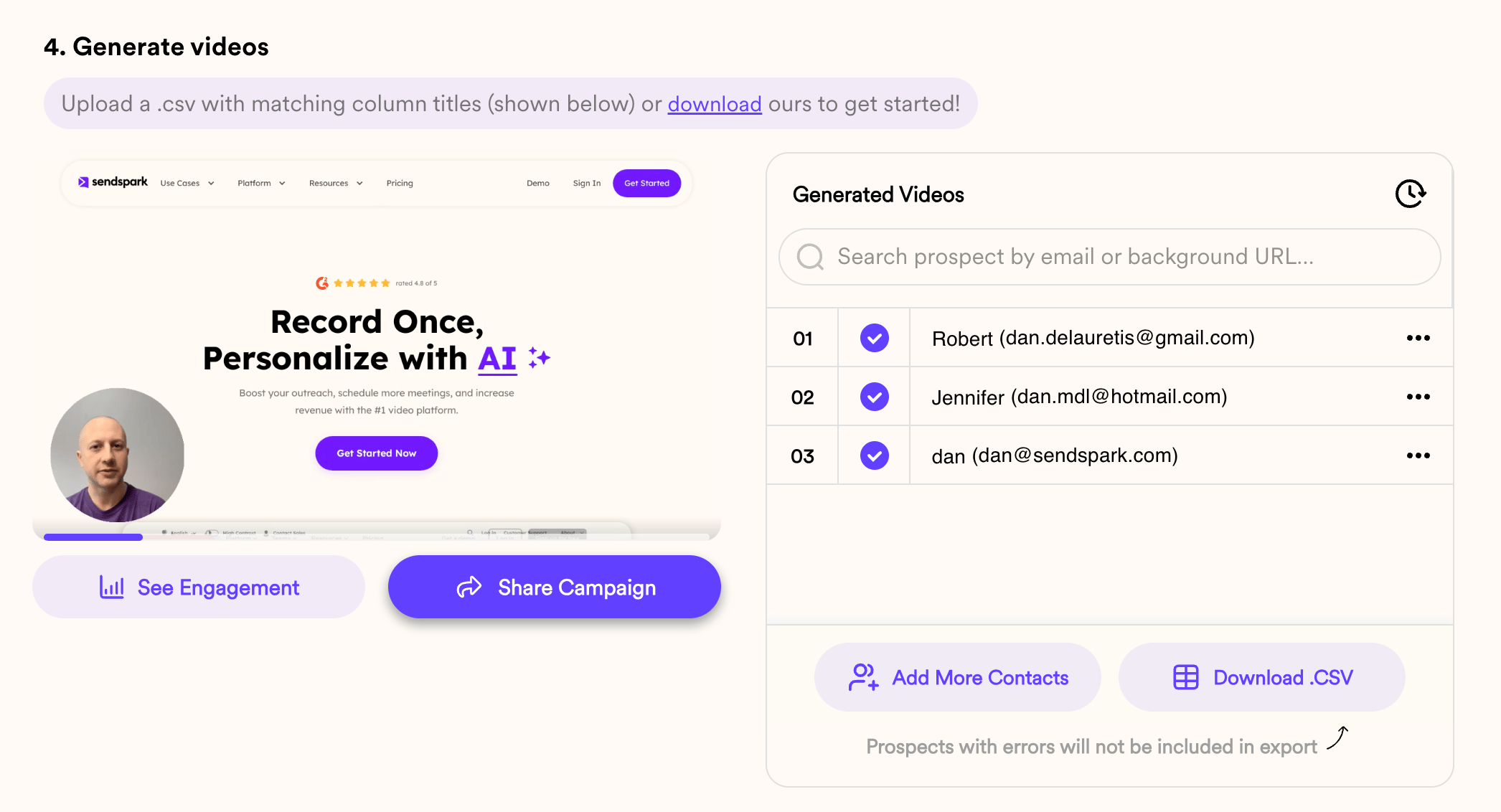
- This is how a list of videos looks like in your DV Campaign
How does it work?
You get a monthly allocation of minutes: (Check our plans Sendspark pricing). Credits reset on a monthly basis, coinciding with your billing cycle. To find your exact renewal date, visit the “Billing” page in your Sendspark account. Example: If you record a 60-second video and personalize it with AI Voice cloning for 50 leads, the total consumption would be 50 credits (1 credit per personalized minute). You can find your limit bar in the billing section: https://sendspark.com/settings/billing. Additionally, you can check your credit renewal date on the same page to plan your usage effectively. Keep in mind that when you create a dynamic video campaign, and you send one video to generate, the system will generate two: your video and a fallback video. That fallback video will only be created once, no matter how many times you send videos to generate. But if you send one and that video is one minute long, the campaign will consume two minutes so that it can produce that fallback video
Frequently asked questions
How are dynamic video credits calculated?
How are dynamic video credits calculated?
Credits are counted at 1 credit per personalized minute. For example, if you record a 60-second video and personalize it with AI voice cloning for 50 leads, the total consumption is 50 credits.
Do dynamic video minutes reset, and where do I check them?
Do dynamic video minutes reset, and where do I check them?
Yes. Credits reset on a monthly basis, coinciding with your billing cycle. You can find your limit bar and your credit renewal date on the Billing page in your Sendspark account.
Why did my campaign use more minutes than I expected?
Why did my campaign use more minutes than I expected?
When you create a dynamic video campaign and send one video to generate, the system generates two videos: your video and a fallback video. So a 1-minute video will consume two minutes to also produce the fallback. That fallback is only created once, no matter how many times you send videos to generate.
Do dynamic video minutes limit my regular videos?
Do dynamic video minutes limit my regular videos?
No. These minutes do not affect the number or length of regular videos you create. You can make as many, for as long as you want, on any paid subscription.
How can I reduce dynamic video credit usage?
How can I reduce dynamic video credit usage?
Use the Combined Videos feature to pair a short personalized intro (for example, 10 seconds) with a longer, non-personalized core video. Only the personalized portion consumes credits, so you can extend your explanation without using more minutes.