

Key takeaways
- Tracking snippets connect Sendspark to your CRM or analytics platform so you can measure video’s impact on your business.
- Supported platforms: Salesforce, HubSpot, Zoho, Meta Pixel (formerly Facebook Pixel), Pipedrive, Salesloft, Google Analytics, Service Bell, and LG&CRM (formerly SharpSpring).
- To connect, go to the Integrations page, click Connect, add your unique ID from the platform, and save — Sendspark fills in the rest of the snippet for you.
- Video page visits then get tracked like any website page view, so you can build reports and dashboards on engagement per lead.
Which Tracking Snippets Can You Use with Sendspark?
Sendspark currently supports tracking snippets from these platforms:- Salesforce
- HubSpot
- Zoho
- Meta Pixel (formerly Facebook Pixel)
- Pipedrive
- Salesloft
- Google Analytics
- Service Bell
- LG&CRM (formerly SharpSpring)
How to Connect Your Tracking Snippet:
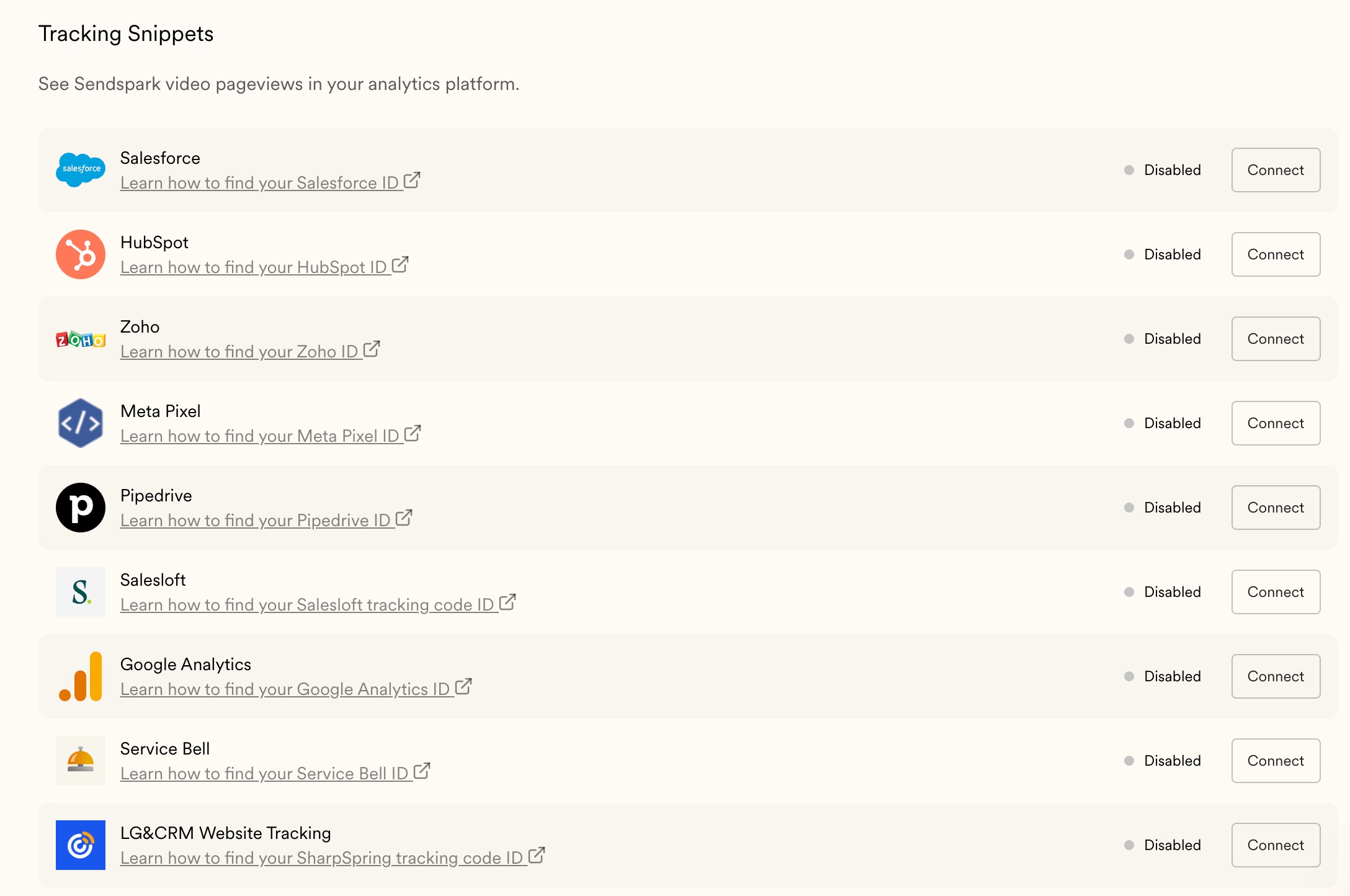
- Navigate to the Sendspark Integrations page
- Click Connect next to the platform you’re looking to connect to.
- Add your unique ID from the platform and click Save
- Behind the scenes, Sendspark fills in the rest of the tracking snippet for you
- With the tracking code enabled, those page visits will get tracked in your CRM or analytics platform like any website page view.
Want to Use Another Tracking Snippet?
Let us know if there is a tracking snippet you’d like to add that you don’t see here already!Frequently asked questions
Which tracking snippets does Sendspark support?
Which tracking snippets does Sendspark support?
Sendspark currently supports tracking snippets from Salesforce, HubSpot, Zoho, Meta Pixel (formerly Facebook Pixel), Pipedrive, Salesloft, Google Analytics, Service Bell, and LG&CRM (formerly SharpSpring).
How do I connect a tracking snippet?
How do I connect a tracking snippet?
Navigate to the Sendspark Integrations page, click Connect next to the platform you want, add your unique ID from that platform, and click Save. Sendspark fills in the rest of the tracking snippet for you.
What do I get from connecting a tracking snippet?
What do I get from connecting a tracking snippet?
With the tracking code enabled, video page visits get tracked in your CRM or analytics platform like any website page view. This lets you track video engagement for individual leads and customers and build reports and dashboards on Sendspark’s overall impact.
Can I request a tracking snippet that isn't listed?
Can I request a tracking snippet that isn't listed?
Yes. If there’s a tracking snippet you’d like to add that you don’t see already, let the Sendspark team know.