> ## Documentation Index
> Fetch the complete documentation index at: https://help.sendspark.com/llms.txt
> Use this file to discover all available pages before exploring further.
# Why Is My Video Washed Out After Uploading It?
> Fix washed out video colors after uploading to Sendspark by switching from HEVC to H.264 codec to prevent color changes.
If your video colors look washed out after uploading, it's because Sendspark converts videos to the standard H.264 codec so they play on any device. Videos originally recorded in HEVC or another non-standard codec can shift color during that conversion. To avoid this, record your videos using the standard H.264 codec.
## Key takeaways
* Sendspark converts uploaded videos to **H.264** so they play on any device (mobile and desktop, Windows, Android, Mac, TV, and others).
* Color changes happen when the original video used **HEVC** or another non-standard codec, because that codec is converted to the standard format.
* To prevent washed-out colors, record with the standard **H.264** codec from the start.
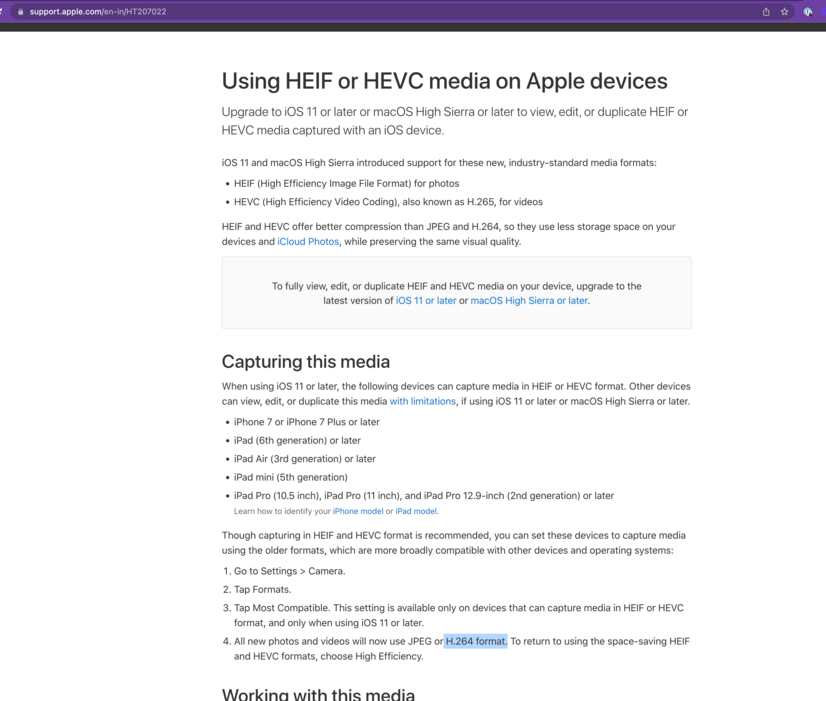
* Change your device's video capture codec to H.264 before recording (see the screenshot below).
If your video colors look different after uploading to Sendspark, this is likely the reason:
Sendspark videos get converted to a standard format (H.264) to make your video playable on any device (Mobile and Desktop, Window, Android, Mac, TV, any others).
If your original video was using HVEC or another non-standard codec, then it is possible to see color changes when videos are converted.
We recommend recording videos with a standard codec (H.264) avoid color changes. Here are instructions to change the video capture codec.\
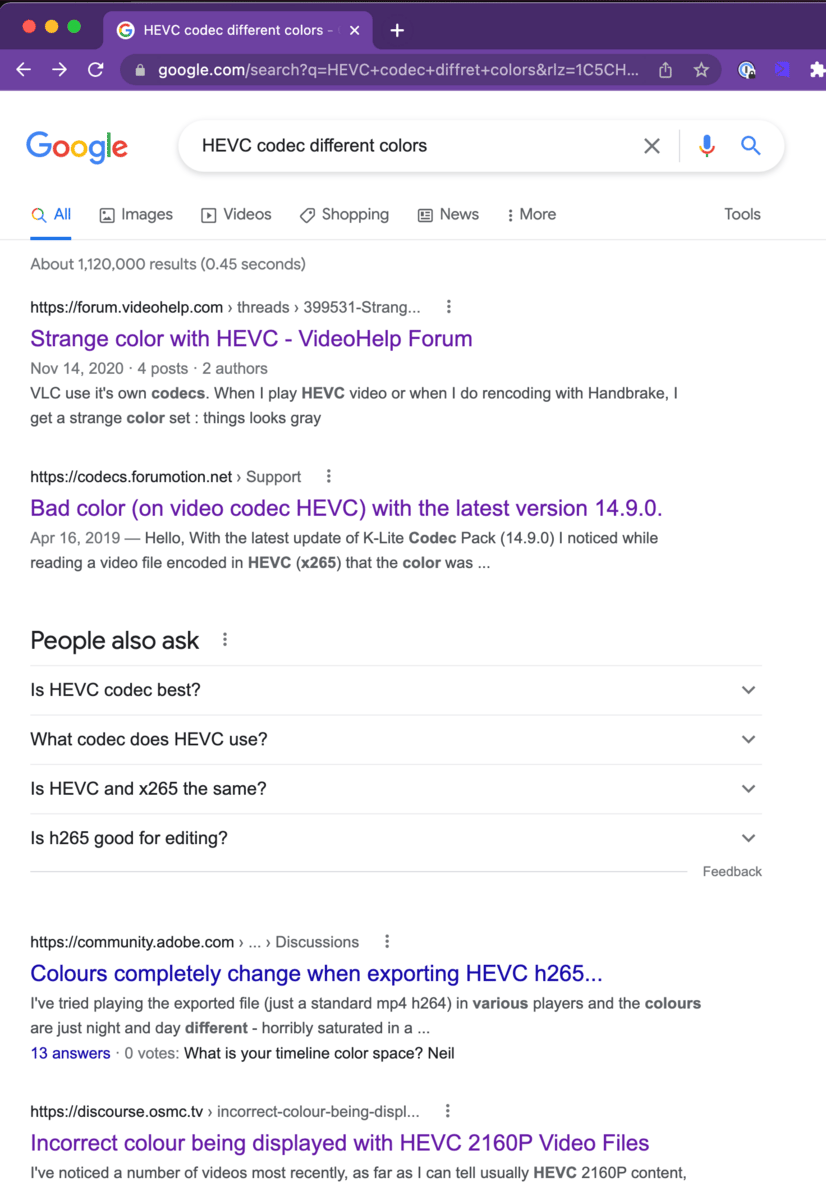
 For more information about HEVC code issues just search in google and you will find a lot of similar issues:
 ## Frequently asked questions
Sendspark converts your video to the standard H.264 codec so it can play on any device. If your original video used HEVC or another non-standard codec, the conversion can cause color changes.
Record your videos with the standard H.264 codec instead of HEVC. Recording in H.264 from the start avoids the color shift that can happen during conversion.
H.264 is a standard format that makes your video playable on any device — mobile and desktop, Windows, Android, Mac, TV, and others.
You change it in your recording device or app's settings before you record. Set the capture codec to H.264 so the video doesn't need to be converted from a non-standard codec on upload.
*Updated July 2026.*
## Frequently asked questions
Sendspark converts your video to the standard H.264 codec so it can play on any device. If your original video used HEVC or another non-standard codec, the conversion can cause color changes.
Record your videos with the standard H.264 codec instead of HEVC. Recording in H.264 from the start avoids the color shift that can happen during conversion.
H.264 is a standard format that makes your video playable on any device — mobile and desktop, Windows, Android, Mac, TV, and others.
You change it in your recording device or app's settings before you record. Set the capture codec to H.264 so the video doesn't need to be converted from a non-standard codec on upload.
*Updated July 2026.*