> ## Documentation Index
> Fetch the complete documentation index at: https://help.sendspark.com/llms.txt
> Use this file to discover all available pages before exploring further.
# Upload a Video to Sendspark
> Learn how to upload existing videos to your Sendspark dashboard using drag & drop or file browser in just a few simple steps.
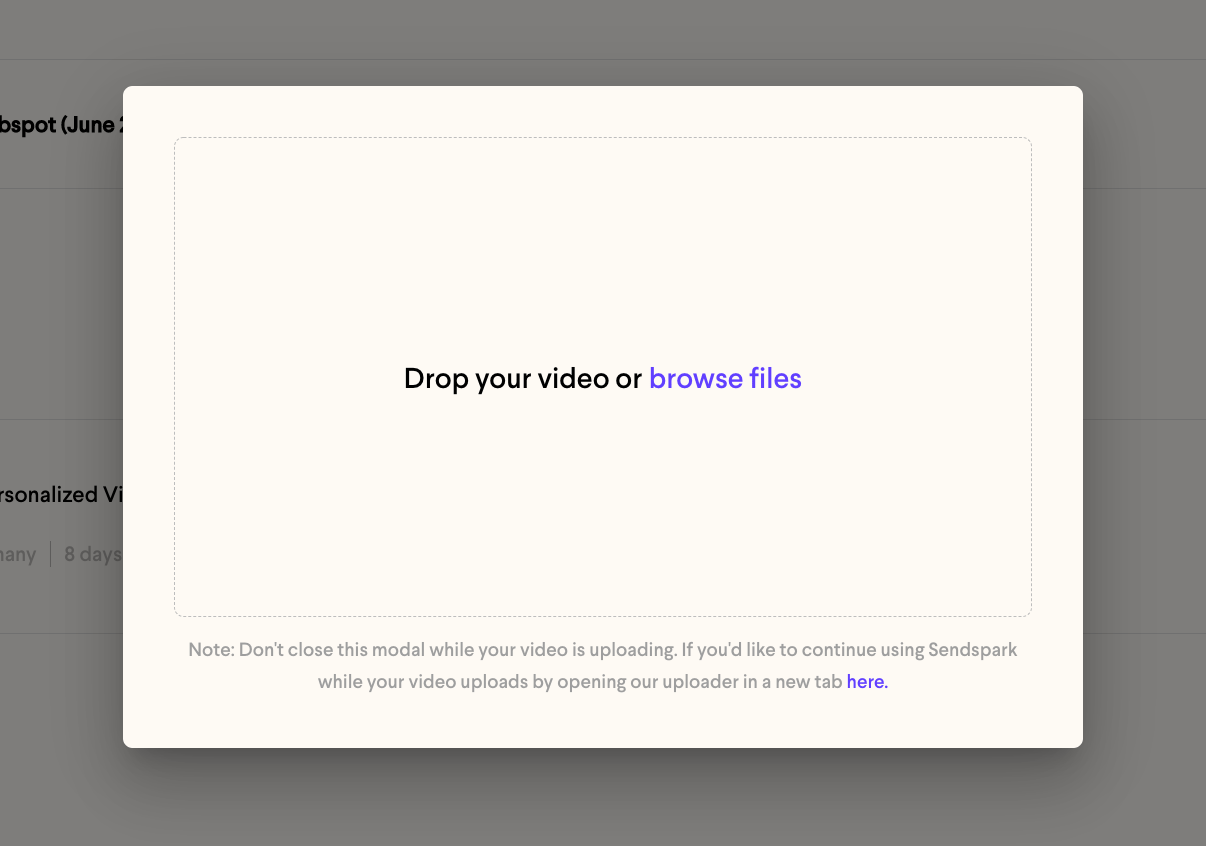
To upload an existing video, go to your Sendspark dashboard, click the **Upload Video** icon, then either drag your file into the drag & drop area or click **browse files** to choose one from your computer. Select the file and it will appear in your library shortly.
## Key takeaways
* Start from your [Sendspark dashboard](https://sendspark.com/my-library) and click the **Upload Video** icon.
* Add your video by drag & drop or by using **browse files** to select it from your computer.
* Sendspark accepts **.mp4** and **.mov** files (see [supported formats](/what-video-formats-can-i-upload-to-sendspark)).
To upload an existing video into Sendspark, follow these steps:
* Go to your [Sendspark dashboard](https://sendspark.com/my-library)
* Click the **Upload Video**icon
 * Either drag a video into the drag & drop area, or click where it says **browse files**to access the files on your computer
 * Select the file you want to upload
* That's it! Just wait patiently and your video should be there soon 😊
## Frequently asked questions
Sendspark supports **.mp4** and **.mov** files. Formats like .avi, .wmv, .flv, .mkv, and .m4v will not upload. See [supported video formats](/what-video-formats-can-i-upload-to-sendspark) for the full list.
Either drag the video into the drag & drop area, or click **browse files** to select it from your computer.
A slow upload is often related to your internet upload speed. See [why is my video uploading slowly](/why-is-my-video-uploading-slowly) for troubleshooting steps.
*Updated July 2026.*
* Select the file you want to upload
* That's it! Just wait patiently and your video should be there soon 😊
## Frequently asked questions
Sendspark supports **.mp4** and **.mov** files. Formats like .avi, .wmv, .flv, .mkv, and .m4v will not upload. See [supported video formats](/what-video-formats-can-i-upload-to-sendspark) for the full list.
Either drag the video into the drag & drop area, or click **browse files** to select it from your computer.
A slow upload is often related to your internet upload speed. See [why is my video uploading slowly](/why-is-my-video-uploading-slowly) for troubleshooting steps.
*Updated July 2026.*