> ## Documentation Index
> Fetch the complete documentation index at: https://help.sendspark.com/llms.txt
> Use this file to discover all available pages before exploring further.
# Text Videos to Clients (SMS)
> Learn how to text videos to clients using Sendspark SMS sharing - copy video links and send for instant preview delivery.
To text a video, click **Share Video** in Sendspark, use **Copy Link** under Share Link, then paste the link into a text message and send. As long as your recipient has your contact info saved, they'll see a video preview they can tap to watch.
## Key takeaways
* Share a video by text in three steps: **Share Video**, **Copy Link**, then paste into your message.
* Recipients see a clickable video preview when they have your contact info saved in their phone.
* The preview renders as a tappable thumbnail in clients like iMessage.
You can easily text videos to clients with Sendspark:
1. Click **Share Video** 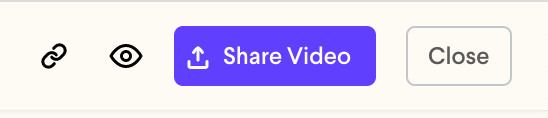 2. Under Share Link, click **Copy Link**
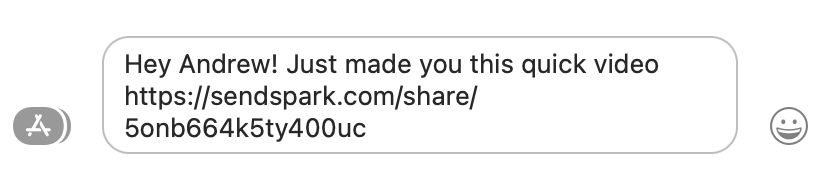
 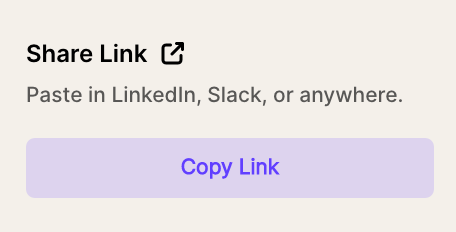 3. **Paste** in your text messages and send!
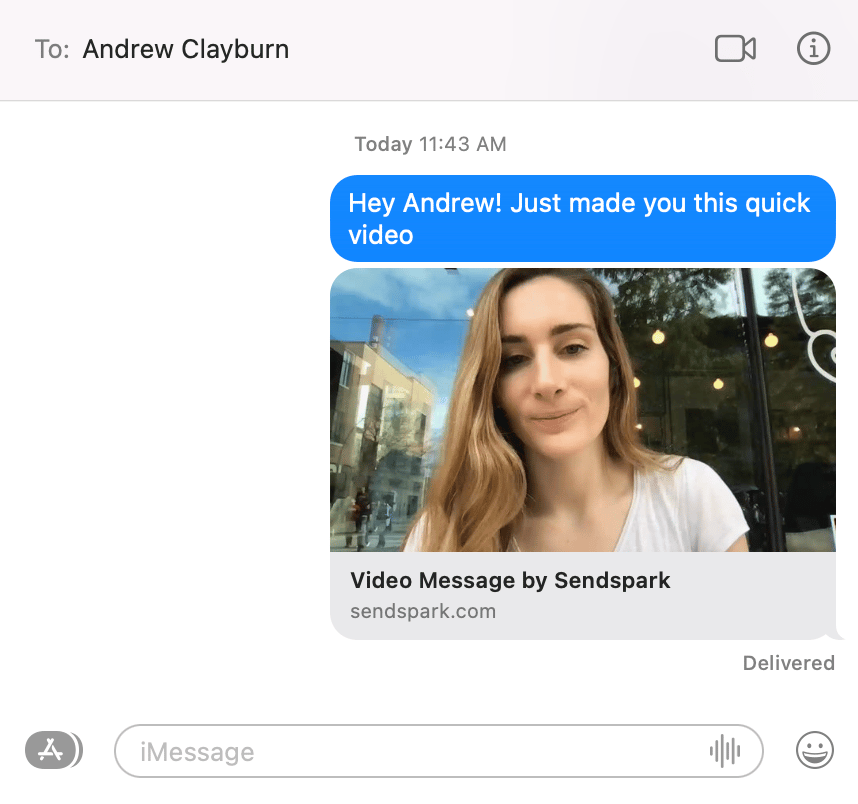
 **As long as your recipient has your contact info saved in their phone**, they'll see a video preview and can click to watch the whole video.
For example, this is how the video message will render in iMessage:
**As long as your recipient has your contact info saved in their phone**, they'll see a video preview and can click to watch the whole video.
For example, this is how the video message will render in iMessage:
 ## Frequently asked questions
Click **Share Video**, then under Share Link click **Copy Link**. Paste the link into your text message and send.
The preview shows as long as your recipient has your contact info saved in their phone. Without your contact saved, they may only see the plain link.
It renders as a video preview the recipient can click to watch the full video.
*Updated July 2026.*
## Frequently asked questions
Click **Share Video**, then under Share Link click **Copy Link**. Paste the link into your text message and send.
The preview shows as long as your recipient has your contact info saved in their phone. Without your contact saved, they may only see the plain link.
It renders as a video preview the recipient can click to watch the full video.
*Updated July 2026.*