> ## Documentation Index
> Fetch the complete documentation index at: https://help.sendspark.com/llms.txt
> Use this file to discover all available pages before exploring further.
# Slack — How to Share Videos
> Learn how to share Sendspark videos in Slack with simple copy-paste steps for seamless team communication and video previews.
To share a Sendspark video in Slack, open your video page and click **Share Video**, then under Share Link click **Copy Link**, and paste the link into Slack. The link automatically unfurls into a video preview that your team members can click to watch.
## Key takeaways
* Share a video in Slack in three steps: click **Share Video**, click **Copy Link** under Share Link, then paste into Slack.
* The pasted link automatically unfurls into a video preview inside Slack.
* Team members can click the preview to watch the video.
Sendspark makes it easy to share video messages in Slack. Follow the steps below to send videos to your team members.
## How to Send Videos in Slack
1. Click **Share Video** from your video page
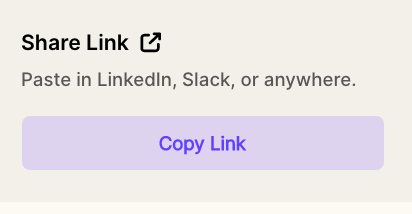
 2. Under Share Link, click **Copy Link**
 **3. Paste** in Slack
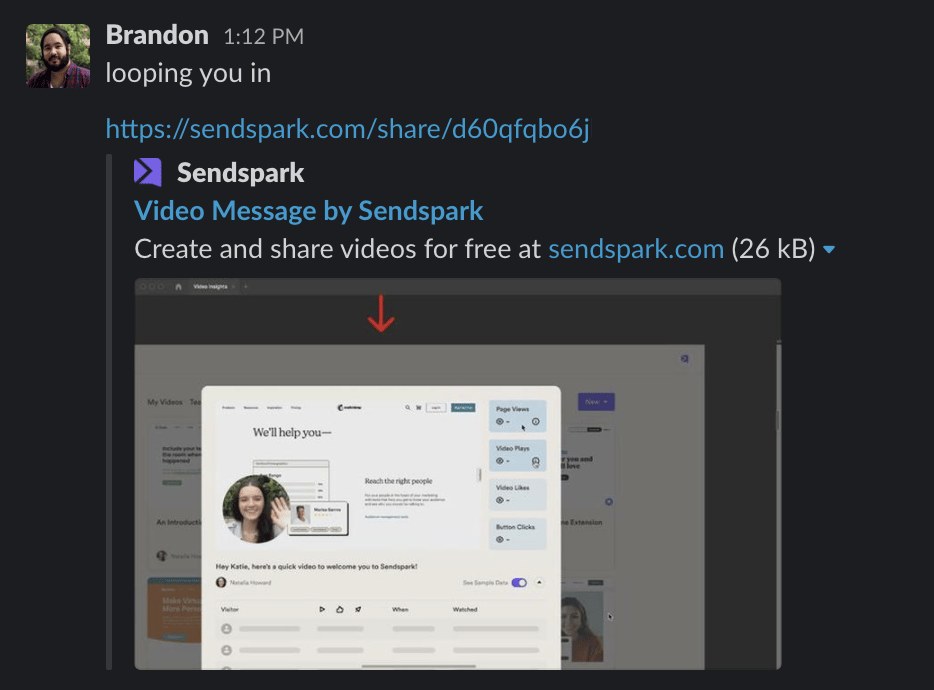 You'll see the video link automatically unfurl into a video preview in Slack. Your team members can click here to watch the video.
***
## Frequently asked questions
Click **Share Video** from your video page, click **Copy Link** under Share Link, then paste the link into Slack.
Yes. The pasted link automatically unfurls into a video preview in Slack.
Your team members can click the video preview in Slack to watch the video.
*Updated July 2026.*
You'll see the video link automatically unfurl into a video preview in Slack. Your team members can click here to watch the video.
***
## Frequently asked questions
Click **Share Video** from your video page, click **Copy Link** under Share Link, then paste the link into Slack.
Yes. The pasted link automatically unfurls into a video preview in Slack.
Your team members can click the video preview in Slack to watch the video.
*Updated July 2026.*