> ## Documentation Index
> Fetch the complete documentation index at: https://help.sendspark.com/llms.txt
> Use this file to discover all available pages before exploring further.
# LinkedIn — How to Share Videos
> Learn how to share Sendspark videos on LinkedIn by copying and pasting links that automatically unfurl with video previews.
To share a Sendspark video on LinkedIn, open the Share modal from your video edit page or dashboard, click Copy Link, then paste the link into your LinkedIn message. LinkedIn automatically unfurls the link into a video preview. If you'd rather record and share without leaving LinkedIn, use the LinkedIn Video Integration.
## Key takeaways
* Launch the Share modal from your video edit page or dashboard and click Copy Link.
* Paste the link into a LinkedIn message and it automatically unfurls into a video preview.
* Sendspark also offers a LinkedIn Video Integration to record and share videos entirely on LinkedIn.
This article shows how to copy & paste videos on LinkedIn from Sendspark.
Please note, we have a [LinkedIn Video Integration](/instant-integration-linkedin) to record and share videos entirely on LinkedIn, without ever leaving the page.
***
## To copy and paste your video in LinkedIn...
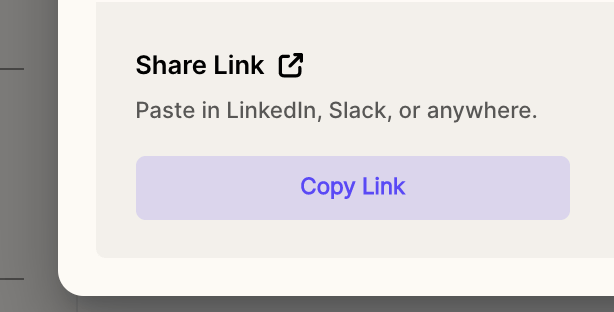
* From your video edit page or [dashboard](https://app.sendspark.com/), launch the **Share modal**
* Click **Copy Link**
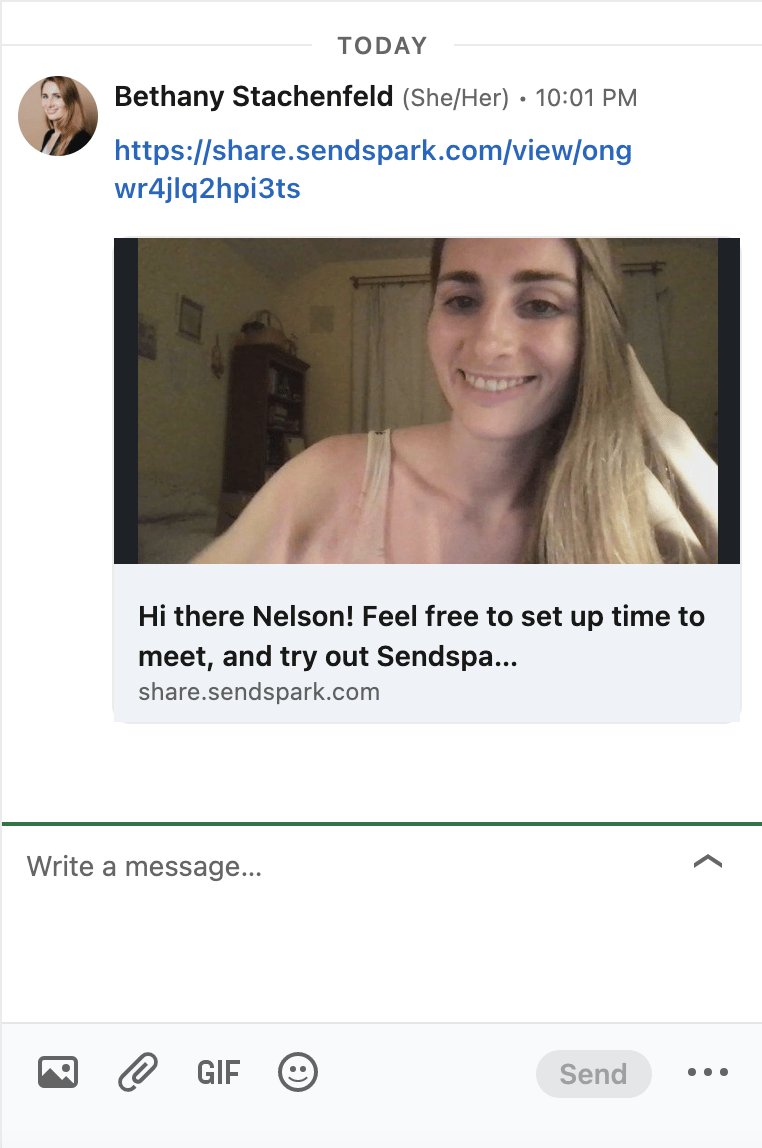
 * **Paste** the link in your LinkedIn message. The link will automatically unfurl to provide a preview of your video.
 ## Frequently asked questions
Launch the Share modal from your video edit page or dashboard, click Copy Link, then paste the link into your LinkedIn message.
Yes. When you paste the link into a LinkedIn message, it automatically unfurls to provide a preview of your video.
Yes. Sendspark has a LinkedIn Video Integration that lets you record and share videos entirely on LinkedIn.
Open the Share modal from your video edit page or dashboard, and you'll find Copy Link there.
*Updated July 2026.*
## Frequently asked questions
Launch the Share modal from your video edit page or dashboard, click Copy Link, then paste the link into your LinkedIn message.
Yes. When you paste the link into a LinkedIn message, it automatically unfurls to provide a preview of your video.
Yes. Sendspark has a LinkedIn Video Integration that lets you record and share videos entirely on LinkedIn.
Open the Share modal from your video edit page or dashboard, and you'll find Copy Link there.
*Updated July 2026.*