> ## Documentation Index
> Fetch the complete documentation index at: https://help.sendspark.com/llms.txt
> Use this file to discover all available pages before exploring further.
# How to Brand Your Recording Toolbar
> Customize your Sendspark recording toolbar with your logo and brand colors. Set up branded recording controls in easy steps.
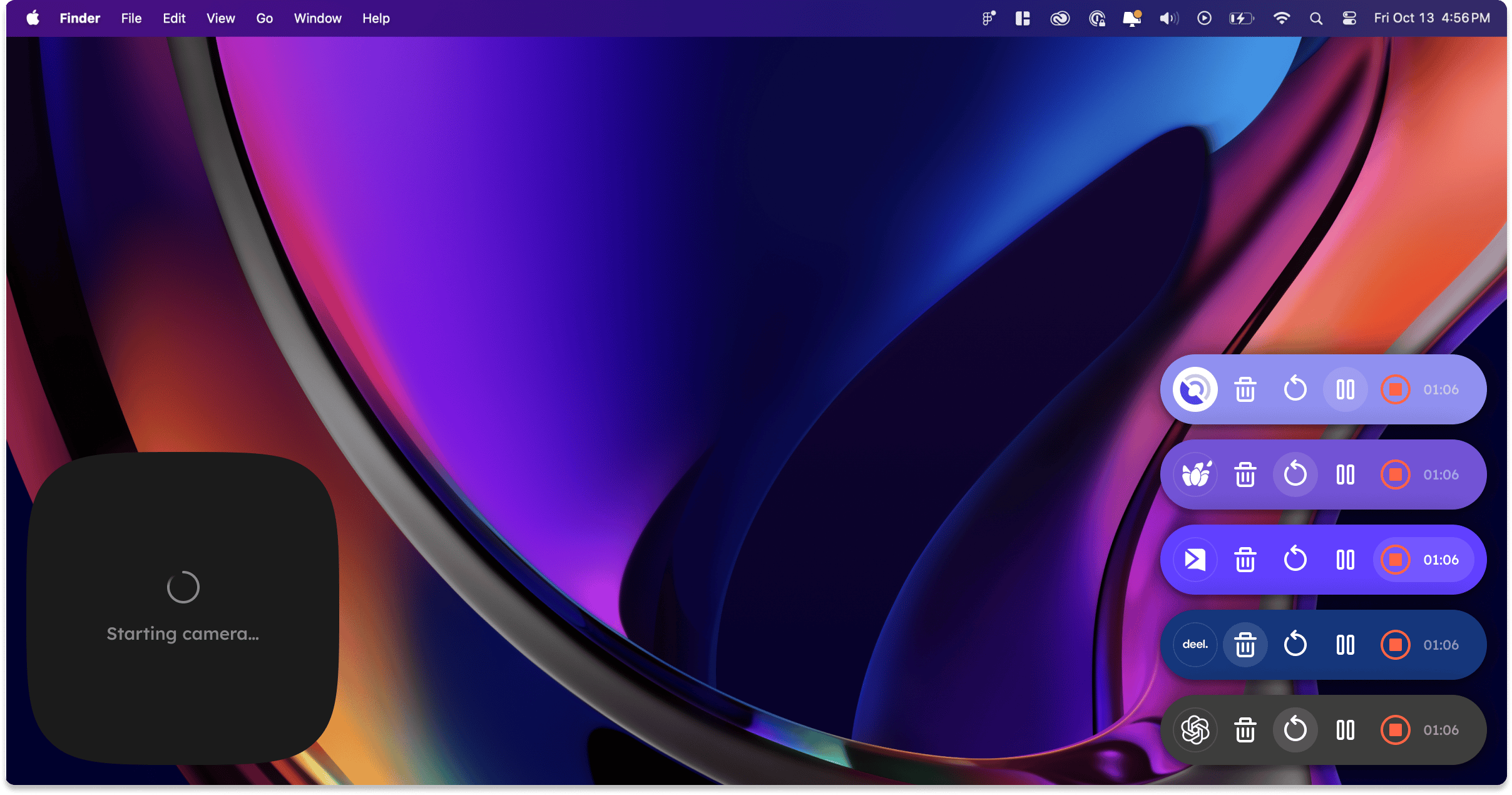
To brand your Sendspark recording toolbar, set your logo and color, then turn on branded controls. The logo comes from your workspace avatar in workspace settings, the color comes from your button color in global styles, and you toggle on "Branded Recording Controls" in the Sendspark desktop app. Note the branded toolbar is currently desktop-app only.
## Key takeaways
* The toolbar logo comes from your **workspace avatar** — set it in [workspace settings](https://sendspark.com/settings/workspace). Use a square icon, since it is cropped into a circle.
* The toolbar's primary color comes from your **button color** in [global styles](/set-global-styles).
* Turn it on by toggling **"Branded Recording Controls"** in the [Sendspark desktop app](/how-to-use-the-sendspark-desktop-application).
* The branded toolbar is currently available **only in the desktop application** — Chrome Extension support is planned.
Sendspark makes it easy to add your logo & primary color to your recording toolbar, so if it shows up in your videos, it's on-brand. ✨
 ## How to Set Your Logo and Color on Recording Toolbar
### 1. Upload Your Logo to Sendspark
The logo comes from your **workspace avatar**. You can set this in your [workspace settings here](https://sendspark.com/settings/workspace).\
## How to Set Your Logo and Color on Recording Toolbar
### 1. Upload Your Logo to Sendspark
The logo comes from your **workspace avatar**. You can set this in your [workspace settings here](https://sendspark.com/settings/workspace).\
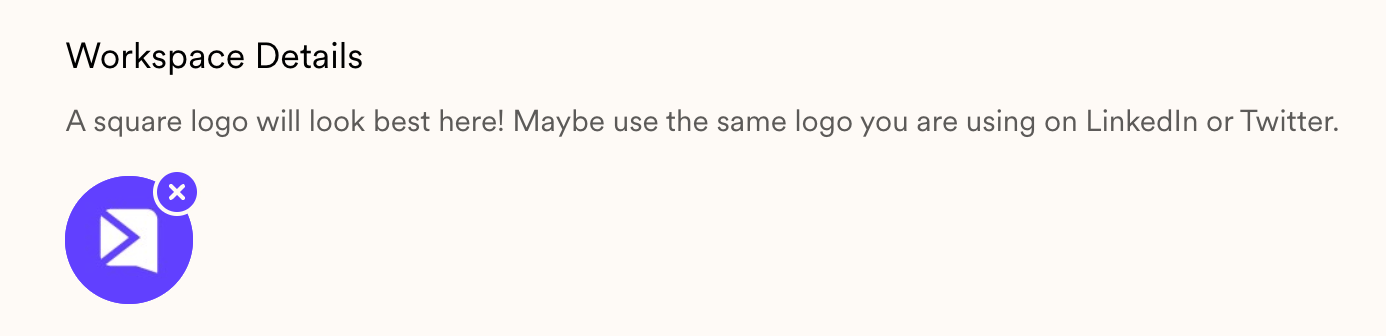 We recommend using a **square icon version** of your logo. Keep in mind this will be cropped down into a circle.
### 2. Set Your Brand Color
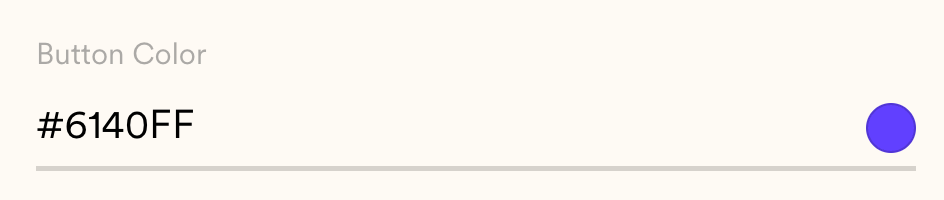
The primary color comes from your button color in your [global styles](/set-global-styles).
We recommend using a **square icon version** of your logo. Keep in mind this will be cropped down into a circle.
### 2. Set Your Brand Color
The primary color comes from your button color in your [global styles](/set-global-styles).
 ### 3. Turn on Branded Toolbar
Toggle on "Branded Recording Controls" in your [Sendspark desktop app](/how-to-use-the-sendspark-desktop-application)
### 3. Turn on Branded Toolbar
Toggle on "Branded Recording Controls" in your [Sendspark desktop app](/how-to-use-the-sendspark-desktop-application)
 **Note:** the branded toolbar is only available in the Sendspark desktop application right now. We will add it to the Chrome Extension soon!
***
## Frequently asked questions
From your workspace avatar, which you set in your [workspace settings](https://sendspark.com/settings/workspace). We recommend a square icon version of your logo, since it will be cropped into a circle.
The primary color comes from your button color in your [global styles](/set-global-styles). Update it there and the recording toolbar picks it up.
Toggle on "Branded Recording Controls" in the [Sendspark desktop app](/how-to-use-the-sendspark-desktop-application).
Not yet. The branded toolbar is only available in the Sendspark desktop application right now, with Chrome Extension support planned.
*Updated July 2026.*
**Note:** the branded toolbar is only available in the Sendspark desktop application right now. We will add it to the Chrome Extension soon!
***
## Frequently asked questions
From your workspace avatar, which you set in your [workspace settings](https://sendspark.com/settings/workspace). We recommend a square icon version of your logo, since it will be cropped into a circle.
The primary color comes from your button color in your [global styles](/set-global-styles). Update it there and the recording toolbar picks it up.
Toggle on "Branded Recording Controls" in the [Sendspark desktop app](/how-to-use-the-sendspark-desktop-application).
Not yet. The branded toolbar is only available in the Sendspark desktop application right now, with Chrome Extension support planned.
*Updated July 2026.*