> ## Documentation Index
> Fetch the complete documentation index at: https://help.sendspark.com/llms.txt
> Use this file to discover all available pages before exploring further.
# Facebook Messenger — How to Share Videos
> Learn how to share Sendspark videos in Facebook Messenger by copying your video link and pasting it into any chat conversation.
Follow these steps to share Sendspark videos in Facebook Messenger:
* Record or upload your video
* Click **Share Video**
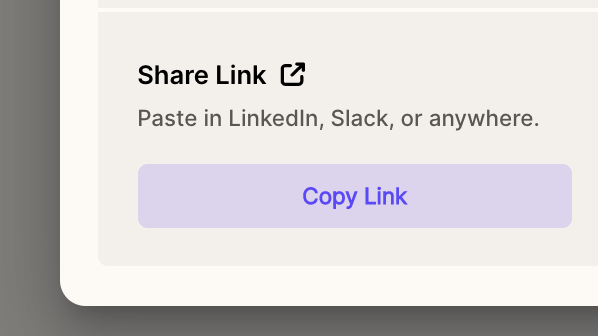
* Under **Share Link**, click **Copy Link**
 * Paste this link into your Facebook Messenger chat
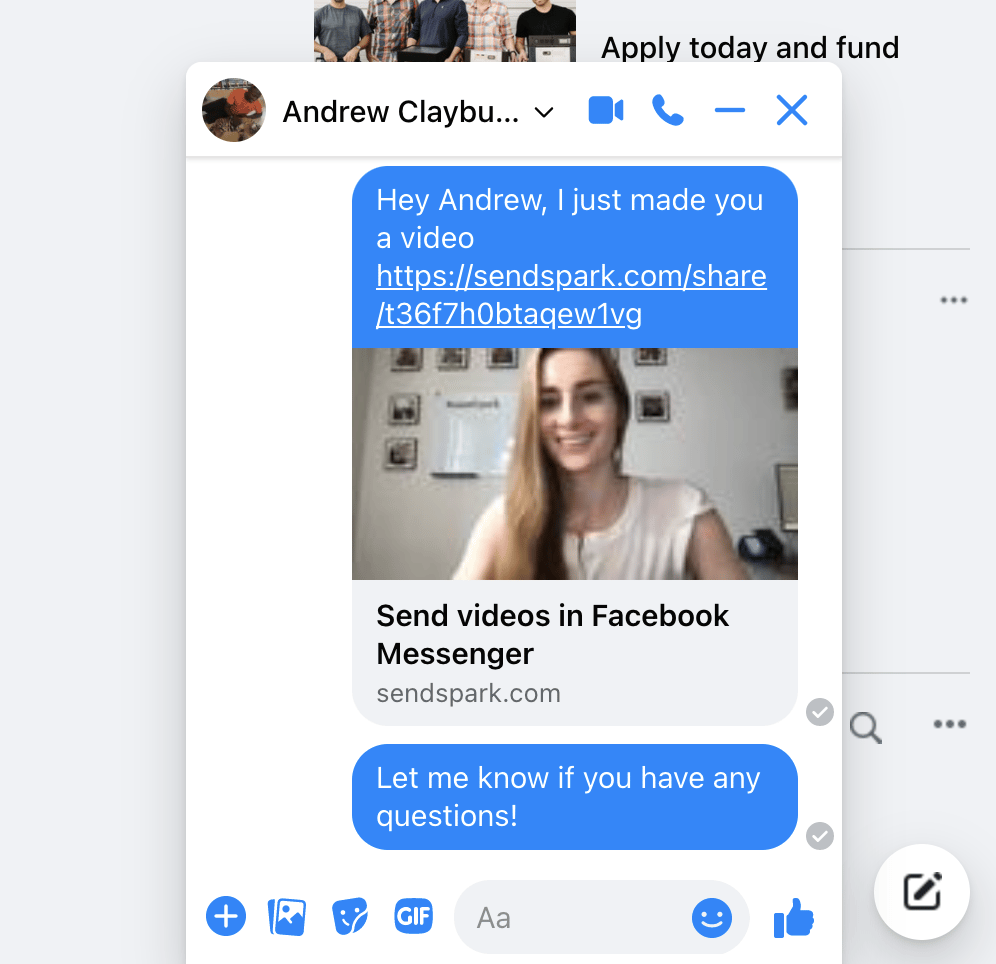
* Once the link is sent, you will see a preview of your video unfurl, and recipients can click to play your video. Note that the preview won't display until it is sent through the chat.
* Paste this link into your Facebook Messenger chat
* Once the link is sent, you will see a preview of your video unfurl, and recipients can click to play your video. Note that the preview won't display until it is sent through the chat.