> ## Documentation Index
> Fetch the complete documentation index at: https://help.sendspark.com/llms.txt
> Use this file to discover all available pages before exploring further.
# Constant Contact — Send Video Emails as Image Links
> Send video emails in Constant Contact using image previews linking to your Sendspark video. Insert animated GIF thumbnails so subscribers click to watch.
To send a video email in Constant Contact, use an image preview that links to your full video. In Sendspark, download your video's thumbnail (GIF) and copy the share link. Then in Constant Contact, drag in an image block, replace the default image with your Sendspark thumbnail, and link that image to your Sendspark share link so recipients click to watch.
## Key takeaways
* The most reliable way to share video in email is an image preview: recipients see it in their inbox and click "play" to watch the full video in their browser.
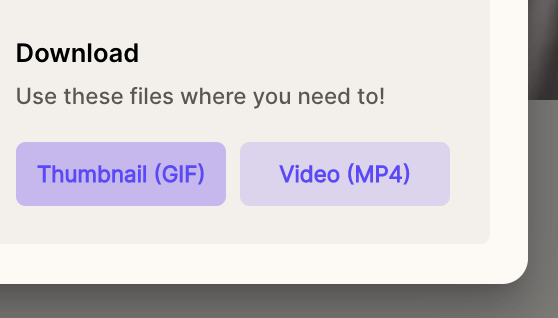
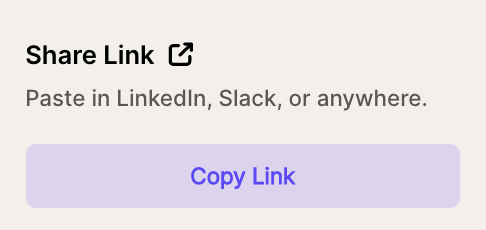
* In Sendspark, click Share, download the Thumbnail (GIF), and copy the Share Link.
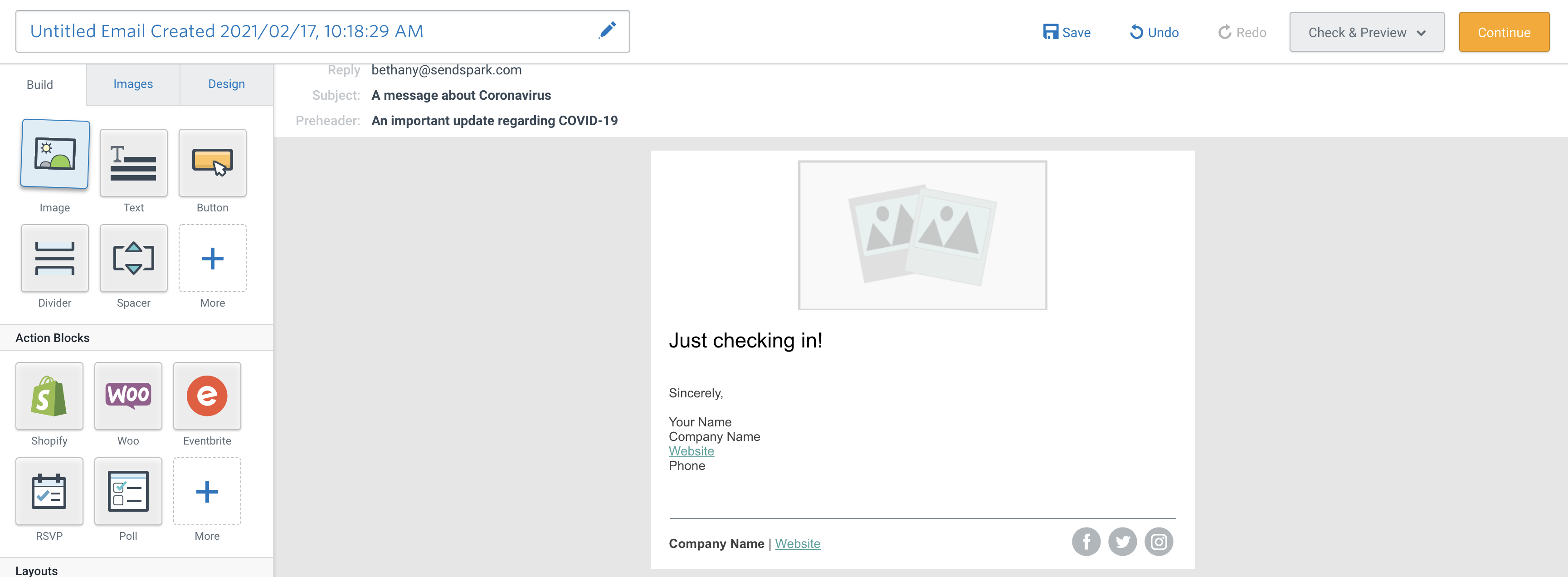
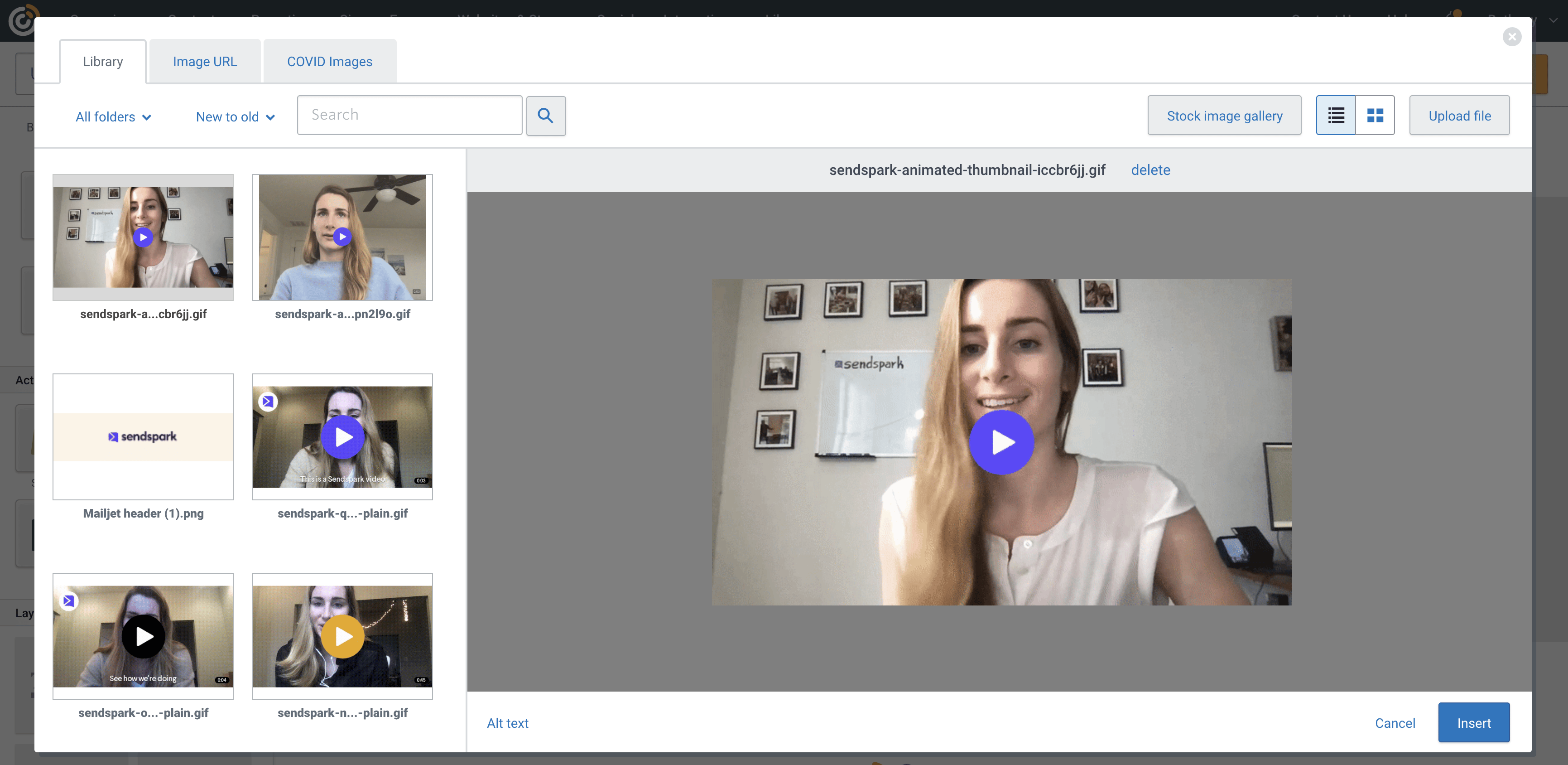
* In Constant Contact, drag an image block into your email, replace the default image with your Sendspark thumbnail (GIF), and link the image to your Sendspark share link.
* For cold campaigns, prioritize deliverability over aesthetics; evidence suggests plain-text emails can improve initial delivery metrics, so A/B test thumbnails vs. plain text.
One of the most reliable ways of sharing videos in email is to use an image preview. Recipients can see the preview in their inbox, and then click "play" to watch the full video in their browser.
Sendspark thumbnails create dynamic, engaging emails that not only capture attention but also maintain good deliverability, provided they are optimized correctly.
You can easily send Sendspark videos in Constant Contact by following these steps:
* Record or upload your video in [Sendspark](https://sendspark.com/my-videos)
* Click **Share**
* Download the **Thumbnail (GIF)** of your video
 * Copy the **Share Link** to your clipboard
 * Navigate to your **email draft** in Constant Contact
* Drag an **image block** into your email
* Navigate to your **email draft** in Constant Contact
* Drag an **image block** into your email
 * **Replace** the default image with your **Sendspark** **thumbnail (gif)**
 * **Link** the image to your **Sendspark** **share link**
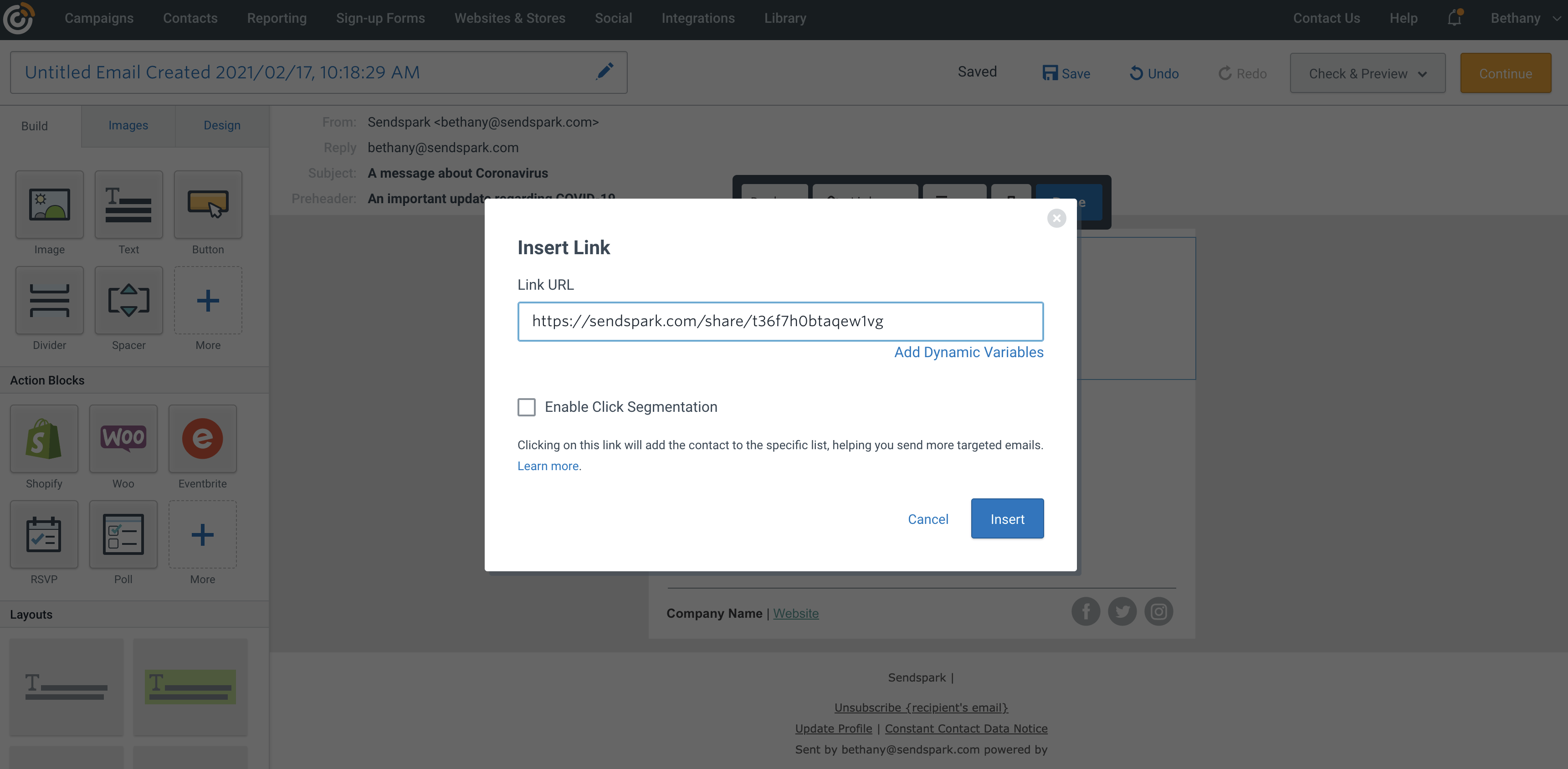 * That's it! You can now send this video email 🥳
## Best Practices
* **A/B Testing**: Experiment with plain text vs. video thumbnails to assess their impact on delivery rates and engagement. Evidence suggests plain text emails can improve initial delivery metrics.
* **Campaign Type Optimization**: For cold campaigns, prioritize simplicity and deliverability over aesthetic enhancements like thumbnails.
* **Deliverability Considerations**: Use video thumbnails only when their added value outweighs potential email delivery issues.
## Frequently asked questions
You send an image preview rather than an embedded video. Recipients see the preview thumbnail in their inbox and click "play" to watch the full video in their browser.
After recording or uploading your video in Sendspark, click Share, download the Thumbnail (GIF) of your video, and copy the Share Link to your clipboard.
In your Constant Contact email draft, drag an image block into the email, replace the default image with your Sendspark thumbnail (GIF), and link that image to your Sendspark share link.
For cold campaigns, prioritize simplicity and deliverability over aesthetic enhancements like thumbnails. A/B test plain text vs. video thumbnails to assess the impact on delivery rates and engagement, and use thumbnails only when their added value outweighs potential delivery issues.
*Updated July 2026.*
* That's it! You can now send this video email 🥳
## Best Practices
* **A/B Testing**: Experiment with plain text vs. video thumbnails to assess their impact on delivery rates and engagement. Evidence suggests plain text emails can improve initial delivery metrics.
* **Campaign Type Optimization**: For cold campaigns, prioritize simplicity and deliverability over aesthetic enhancements like thumbnails.
* **Deliverability Considerations**: Use video thumbnails only when their added value outweighs potential email delivery issues.
## Frequently asked questions
You send an image preview rather than an embedded video. Recipients see the preview thumbnail in their inbox and click "play" to watch the full video in their browser.
After recording or uploading your video in Sendspark, click Share, download the Thumbnail (GIF) of your video, and copy the Share Link to your clipboard.
In your Constant Contact email draft, drag an image block into the email, replace the default image with your Sendspark thumbnail (GIF), and link that image to your Sendspark share link.
For cold campaigns, prioritize simplicity and deliverability over aesthetic enhancements like thumbnails. A/B test plain text vs. video thumbnails to assess the impact on delivery rates and engagement, and use thumbnails only when their added value outweighs potential delivery issues.
*Updated July 2026.*